The LitExtension Connector is a small access gateway that securely connects your Magento store with our migration system. It allows us to read and transfer the selected data without modifying the database of your Source Store. Each Connector is protected by a unique Security Token linked to your LitExtension account.
You can download it directly during the store setup:
- Select Magento as your Source or Target Cart.
- Enter your Magento store URL.
- Select Manual Setup as the connection method.
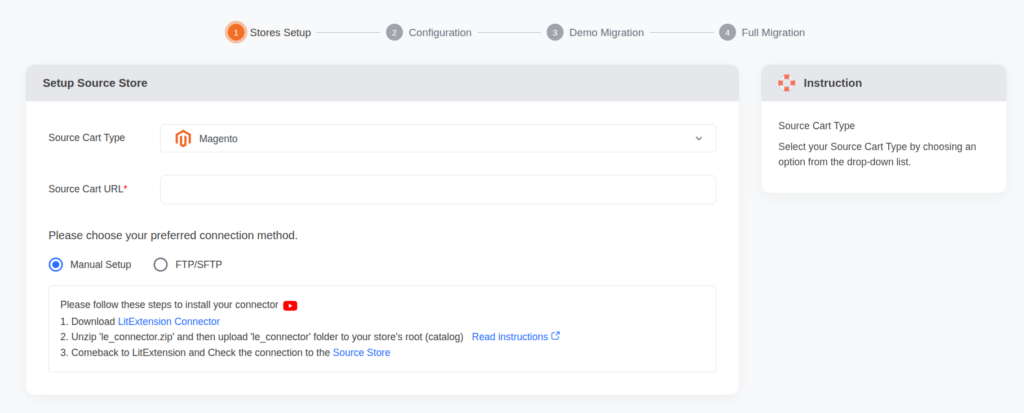
- Click LitExtension Connector to download the
le_connector.zipfile. - Extract the ZIP file and upload the entire
le_connectorfolder to your Magento store’s web-accessible root directory. Depending on the server configuration, this may be the Magento root folder or itspubdirectory. - Return to the LitExtension setup page and check the store connection.
If “Connector Installed” appears, the Connector is in the correct location. Please keep the folder on your server during the migration and remove it after the project is completed.
In case you have any other questions, please email us at [email protected].
