You can find a BigCommerce Product ID directly from the product’s edit-page URL:
- In your BigCommerce control panel, go to Products.
- Click the product name to open its edit page.
- Check the URL in your browser. The number after
/products/edit/is the Product ID.
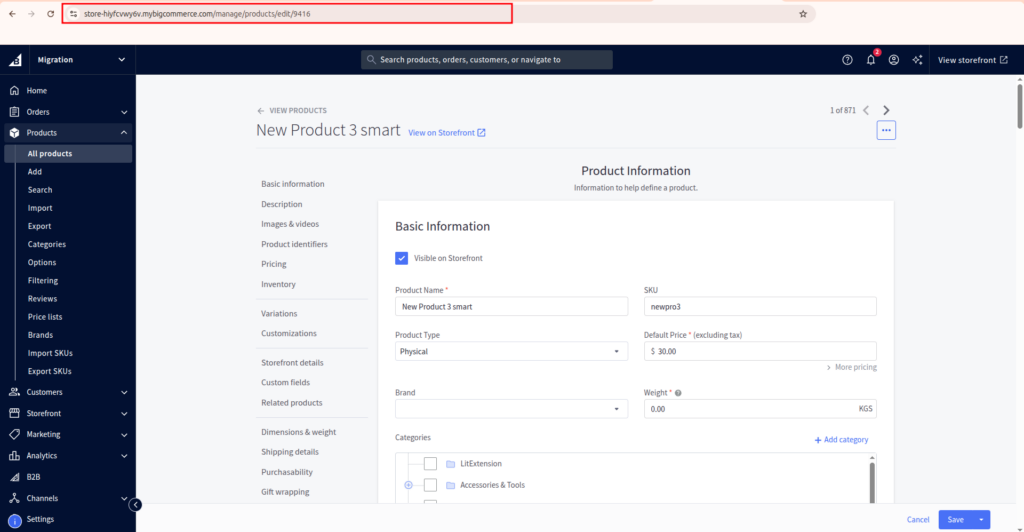
For example:
https://store.example.com/manage/products/edit/115
In this URL, 115 is the Product ID. If you need IDs for multiple products, export your catalog and check the Product ID column in the CSV file.
In case you have any other questions, please email us at [email protected].
