Setting the correct permissions on your root folder ensures LitExtension’s Connector can be installed and run properly, since incorrect permissions can block the migration process from reading or writing the files it needs. Here’s how to set them:
Via an FTP client (such as FileZilla)
- Connect to your server using your FTP credentials.
- Locate your root folder (commonly public_html or similar).
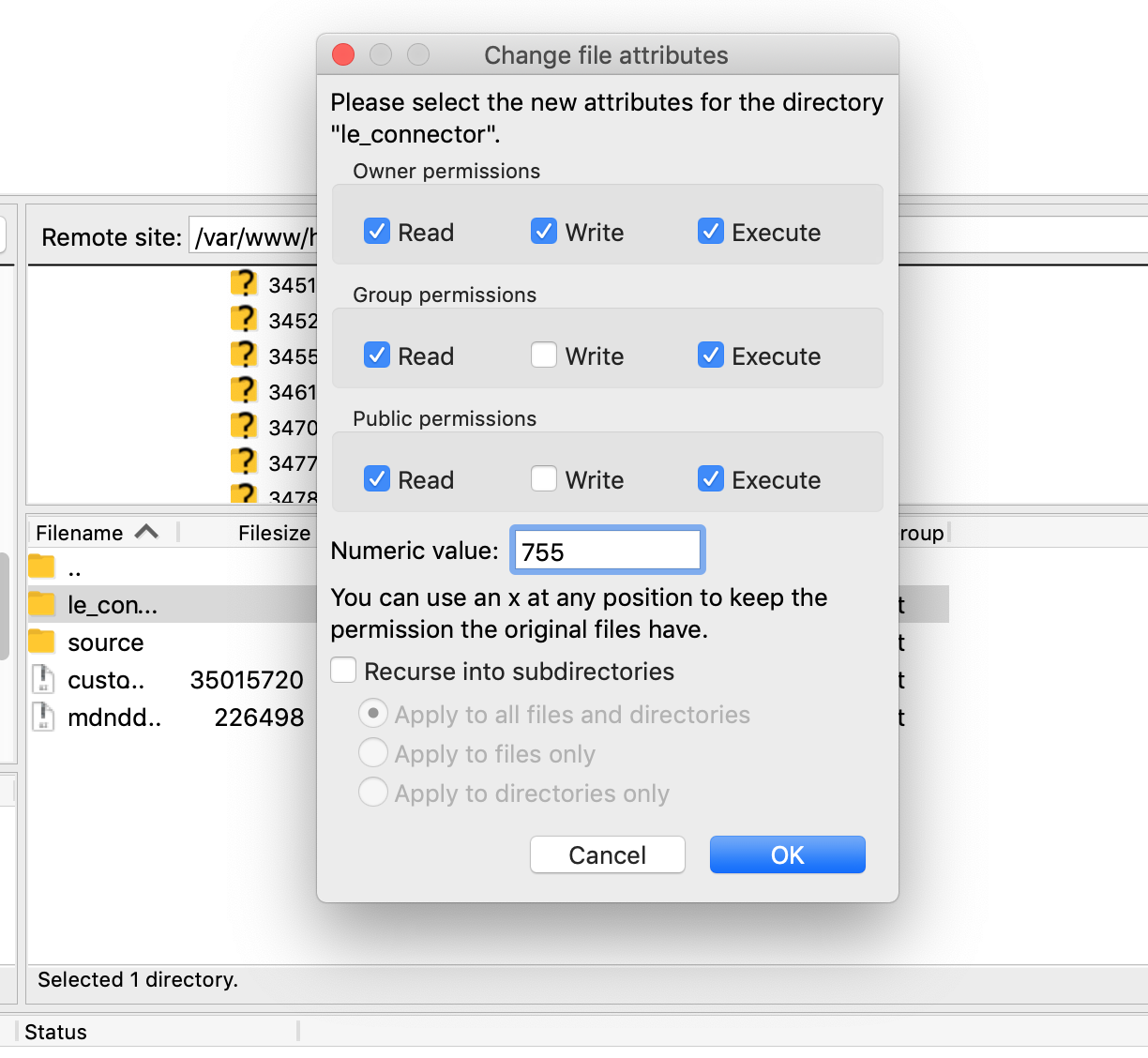
- Right-click the folder and select File Permissions (or File Attributes, depending on your client).
- Set the permission value to 755 for folders and 644 for files. This allows the owner full read/write/execute access while keeping things secure for other users.
- If needed, check the option to apply the change recursively to all subfolders and files, then confirm.
Via cPanel File Manager
- Log in to cPanel and open File Manager.
- Navigate to your root folder, right-click it, and select Change Permissions (or Permissions).
- Set the value to 755, then save. Repeat for individual files if needed, using 644.
If you have other questions or inquiries, please contact our Support Agents via live chat or email us at [email protected].
