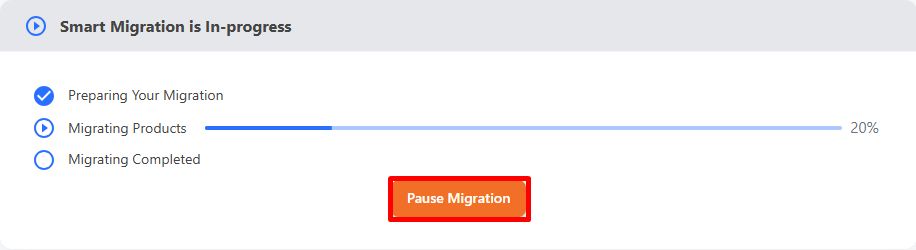
Since your data transfers entirely in the background, you can pause it anytime without any disruption to your live store. Simply click the Pause Migration button on your migration dashboard to put your migration on hold.
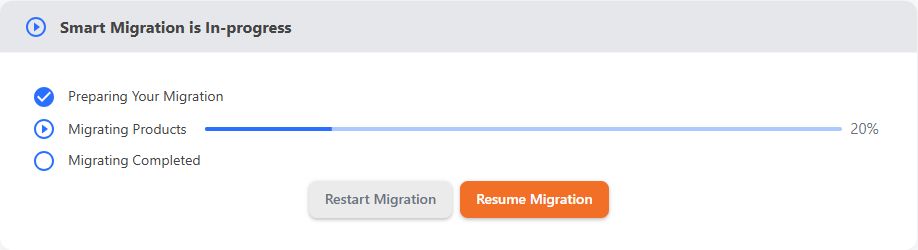
When you’re ready to continue, you have two options:
- Click Resume Migration to pick up right from where you left off. LitExtension will continue from the previous checkpoint rather than starting over.
- Click Restart Migration if you’d prefer to run the entire migration process again from the beginning.
If you have other questions or inquiries, please contact our Support Agents via live chat or email us at [email protected].
