Wix is one of the most popular website builders thanks to its beginner-friendly editor and all-in-one approach. However, as your business grows, you may find yourself needing more advanced ecommerce features, greater customization, or better scalability. That's why many merchants start exploring Wix alternatives that better match their long-term business goals.
In this article, we'll compare the best alternatives to Wix, break down their pricing, pros and cons, and ideal use cases:
Platform | Best for | Starting price | Free plan | Ecommerce |
Shopify | Growing businesses | $5/mo | ❌ | |
Squarespace | Design-focused brands | $25/mo | ❌ | |
BigCommerce | Scaling eCommerce | $39/mo | ❌ | |
Weebly | Beginners on a budget | Free | ✅ | |
WordPress | Full customization | Varies | N/A | |
WooCommerce | Flexible eCommerce | Free | N/A | |
Square Online | Omnichannel retailers | Free | ✅ | |
Webnode | Multilingual websites | $14.50/mo | ✅ | |
PrestaShop | Customizable online stores | Free | N/A | |
Jimdo | AI-assisted website creation | Free | ✅ | |
Hostinger Website Builder | AI-assisted websites | $2.99/mo* | ❌ | |
GoDaddy | Simple business websites | $16.99/mo | ❌ | |
IONOS Website Builder | Small business websites | $6/mo* | ❌ | |
Duda | Agencies & professionals | $25/mo | 14-day trial |
Without further ado, let’s get started!
1. Shopify: Best for businesses of all sizes
Shopify is one of the top solutions to be an alternative to Wix. This website builder is currently the home for nearly 7 million online stores globally, making it a front-runner in the hosted eCommerce solution market.

Shopify pricing
Shopify follows a subscription-based pricing model, making it easy to predict your monthly costs. The platform currently offers 5 plans when you pay monthly:
- Starter: $5/month;
- Basic: $39/month;
- Grow: $105/month;
- Advanced: $399/month;
- Shopify Plus: Custom pricing, starting from $2,300/month
*If paid annually, you can enjoy 25% off for all paid plans (except for Starter and Plus).
Keep in mind that your total Shopify cost may be higher than the subscription fee alone. Depending on your business needs, you may also pay for premium themes, third-party apps, custom domains, or transaction fees if you choose a payment gateway other than Shopify Payments. In practice, the total annual cost for a Shopify store can range from around $500 to $5,000+ for small to mid-sized businesses, and significantly higher for enterprise setups.
Shopify pros
Let's now look at why Shopify is often considered one of the best Wix alternatives. Based on our experience working with thousands of merchants, these are the strengths that stand out the most.
- A larger ecosystem: With 1,000+ themes and over 16,000 apps, finding the right functionality for your store is rarely a challenge.
- Strong built-in eCommerce features: Essential tools like inventory management, sales tax, discounts, and Shop Pay are available out of the box, reducing the need for additional apps.
- Excellent multichannel selling: Products, inventory, and orders can be managed across multiple sales channels from a single dashboard. Tools like LitCommerce can further simplify syncing listings and managing orders across marketplaces, making day-to-day operations much more efficient.
- Leading AI capabilities: Early investment in tools like Shopify Magic and Sidekick helps merchants generate content, automate repetitive tasks, and get answers faster.
Shopify cons
Though Shopify comes with many robust features, it still has some limitations we want to reveal to you:
- There are additional transaction fees for some payment methods unless you’re using Shopify Payments (powered by Shopify).
- Shopify is restricted to an SEO URL structure for optimization.
- Your monthly operation costs may add up with additional apps/plugins.
The Verdict
Between Shopify vs Wix, Shopify is still a leading eCommerce platform that offers faster speeds and robust commerce functionalities as compared to Wix. However, the tradeoff may lie in additional payment processing fees and higher costs for advanced customizations.
2. Squarespace: Best for artists & creatives
Squarespace is a close competitor to Wix. Currently, over 7 million online stores are hosted on Squarespace, making it the 3rd most popular hosted solution on the entire Internet.

Squarespace pricing
Squarespace offers four pricing plans, with 30% discounts available if you choose annual billing:
- Basic: $25/month
- Core: $36/month
- Plus: $56/month
- Advanced: $139/month
Squarespace is a mid-range website builder, with annual costs typically ranging from $250 to $700 for most small businesses. While it's more affordable than Shopify at the entry level, higher-tier plans with advanced eCommerce features can narrow the price difference.
Squarespace pros
Based on our experience, Squarespace is a great Wix alternative for businesses that prioritize design and simplicity. Here are the areas where it stands out:
- High-quality templates: Rather than offering hundreds of templates, Squarespace focuses on a smaller collection of professionally designed layouts that look polished with minimal customization.
- A structured editing experience: Its section-based editor keeps pages aligned and responsive by default, making it much harder to accidentally create inconsistent layouts than with Wix's free-form editor.
- Comprehensive built-in tools: Blogging, SEO, analytics, email marketing, and basic ecommerce features are included, so you can do more without relying on third-party apps.
Squarespace cons
Actually, there’s no perfect eCommerce platform. Squarespace itself also has some remarkable downsides you should consider.
- Squarespace doesn’t offer a diverse collection of extensions, with only 41 options.
- Users cannot change templates in version 7.1 and are stuck with the overall layout and color scheme of the original template chosen.
- The pre-defined sections and arrangements of elements on pages can feel restrictive.
The Verdict
So, in summary, though the interface simplifies basic site creation, we think Squarespace is still complex and requires effort and technical skills to utilize effectively.
The battle of Wix vs Squarespace is a tight competition; both platforms offer quite similar features to customers. Therefore, Squarespace is clearly one of the top choices to consider.
3. BigCommerce: Best for Mid-large and B2B Stores
BigCommerce is not the website builder with the most users on the entire Internet, with nearly 40,000 live websites. Nevertheless, it has proven itself to be a worthy competitor to the alternative Wix.

BigCommerce pricing
Here are all the BigCommerce pricing plans you may want to consider:
- Standard Plan: $39/month
- Plus Plan: $105/month
- Pro Plan: $399/month
- Enterprise Plan: You may need to contact BigCommerce to get custom pricing.
This platform has quite a generous BigCommerce has a 15-day free trial. After that, if you opt for the annual payment, you can also save 25% on any paid plan (except Enterprise).
While it shares similar pricing tiers, BigCommerce lacks a “starter” plan for link-in-bio businesses. Additionally, the offerings between Shopify and BigCommerce vary significantly.
BigCommerce pros
If your business is growing beyond the basics, BigCommerce offers a much more eCommerce-focused foundation than Wix. Here are the strengths that make it a compelling choice for scaling online stores:
- Built for eCommerce growth: Product management, inventory, analytics, and other advanced commerce features are designed to support businesses with larger catalogs and higher sales volumes.
- Feature-rich out of the box: SEO tools, coupon management, abandoned cart recovery, reporting, and multichannel selling are built in, reducing the need for additional apps.
- Cost-effective payment processing: BigCommerce supports more than 20 embedded payment providers without additional platform fees.
- Advanced B2B and multichannel selling: Selling across marketplaces, social channels, multiple storefronts, or even running a B2B business is much easier thanks to dedicated built-in capabilities.
BigCommerce cons
Definitely, this platform has some remarkable downsides you should consider:
- BigCommerce may be more complex for non-tech users, while Wix has a simpler drag-and-drop interface.
- It requires paid themes for deeper customization, unlike Wix's large free themes library.
The Verdict
When comparing Wix vs BigCommerce, I'd recommend Wix for beginners and smaller stores looking for simplicity. If you're planning to scale and need more advanced ecommerce capabilities, BigCommerce is the stronger choice.
If you feel BigCommerce is the right solution for your website and want to migrate from Wix to BigCommerce, then LitExtension is the best destination for you.
Let Our Experts Handle Your Store Migration!
With the All-in-One Migration Service, our experts take care of everything, ensuring a seamless and stress-free migration.
BOOK FREE CONSULTATION
4. Weebly: Best for Budget-Conscious Stores
Wix and Weebly are quite similar. Both platforms are extremely easy to use and friendly to eCommerce beginners and non-coders.
However, Weebly seems to be not as successful as Wix in attracting users, since this solution only ranks 6th of the total hosted solution usage distribution on the entire internet.

Weebly pricing
Here are all the plans from Weebly:
- Free: It’s completely free!
- Personal: $13/month;
- Professional: $15/month;
- Performance: $32/month.
With yearly costs typically ranging from $0 to $400 depending on your plan and additional services. We think it offers excellent value for simple websites and small stores, though growing businesses may eventually need a more scalable platform like Shopify or BigCommerce.
Weebly pros
From our experience working with Weebly, it really shines for users who want a simple, low-cost way to build a website without dealing with a steep learning curve or complex setup:
- Beginner-friendly website builder: The drag-and-drop editor is simple to learn and less overwhelming than Wix, making it a great choice for first-time website owners.
- Budget-friendly plans: A free plan is available, and unlike many competitors, you can start selling products without upgrading immediately. Paid plans are also among the most affordable in this category.
- Seamless Square integration: Since Weebly is part of the Square ecosystem, it's a practical option for small businesses that want to combine online sales with in-person payments.
- Everything you need to get started: Blogging, contact forms, basic SEO tools, and an app center are all included, covering the essentials without adding unnecessary complexity.
Weebly cons
But you may see that Weebly is rather a “simple” eCommerce platform. Here are some disadvantages I found in Weebly:
- Weebly has limited advanced features for scaling, like order management, fulfillment, and other robust eCommerce tools.
Though it’s simple to use, it has limited drag-and-drop customization. - Actually, there’s no personal restore option. If you made changes to the Weebly website, you cannot go back to the previous version.
- Unlike Wix, it doesn't offer an ADI (Artificial Design Intelligence) option. This difference is reasonable since Weebly caters to users seeking basic website customization.
The Verdict
Weebly may not be the most feature-rich website builder, but that's exactly what makes it appealing. It focuses on the essentials, keeps costs low, and makes it easy to launch a website or small online store with minimal effort.
For beginners and budget-conscious users, it's still one of the most practical Wix alternatives available. You can check out our detailed Wix vs Weebly comparison for the details.
5. WordPress: Best for Full Customization
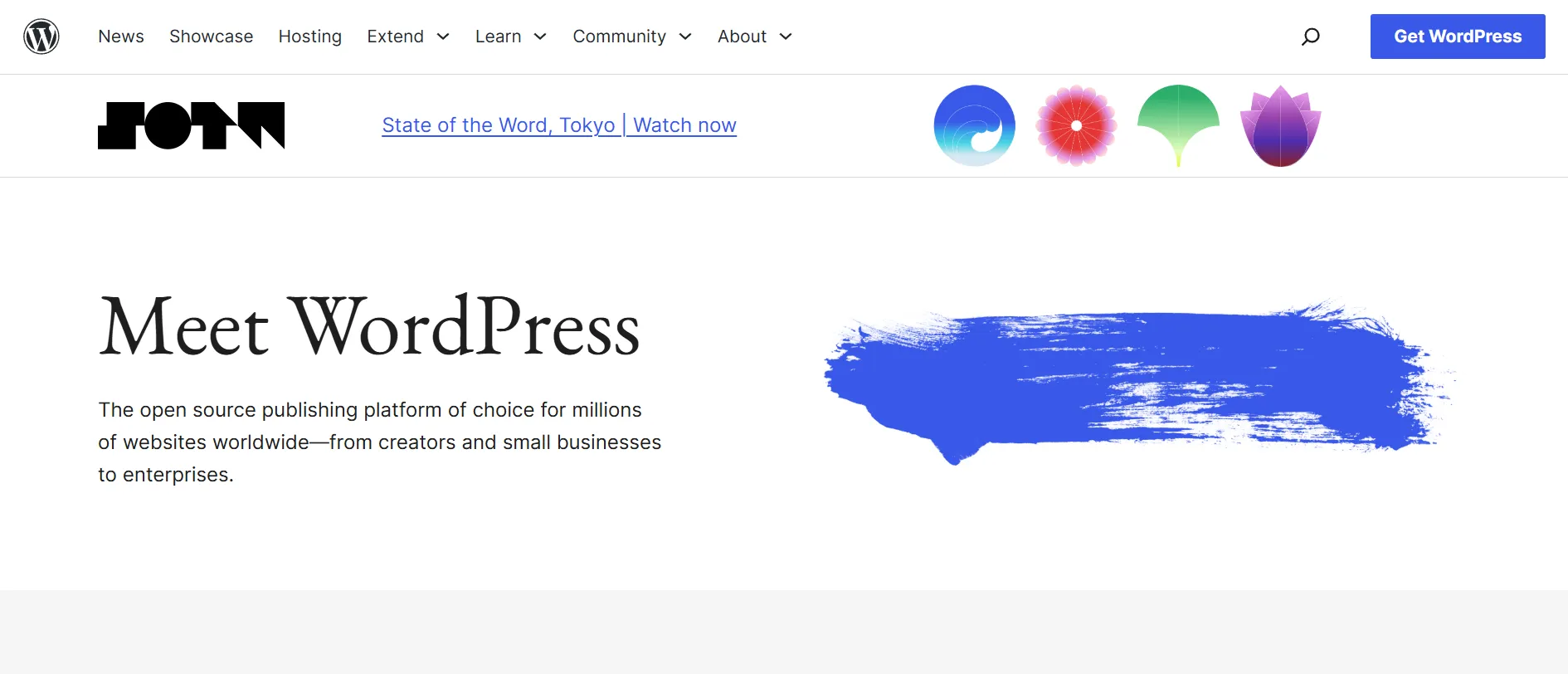
Unlike Wix, WordPress is an open-source solution. WordPress is a dominant platform in the market, with over 37 million users worldwide.
WordPress pricing
WordPress is completely free to download. However, you may encounter some of the following costs (these are just estimated):
- Domain name: $12/year.
- Hosting: from $2.95/month.
- Pre-made themes: $0 – $200 (one-off charge).
- Plugins: $0 – $1,000 (ongoing or one-off charge).
- Security: from $50 (ongoing or one-off charge).
- Developer fees: $0 – $1,000 (one-off cost).
One thing we've learned from working with WordPress merchants is that the platform can be as affordable or as expensive as you make it. A simple website can be launched on a relatively small budget while larger eCommerce stores often invest in premium themes, plugins, hosting, and custom development to unlock more advanced functionality. Thus, the total annual cost you can expect is $100–$2,000+/year.
WordPress pros
WordPress isn't the easiest platform to learn, but that's exactly where its biggest advantage lies. Instead of working within a fixed ecosystem, you have the freedom to build your website exactly the way you want.
- Full control over your website: WordPress lets you customize your site's design, functionality, hosting, and code without being locked into a single platform.
- A massive ecosystem: Thousands of themes and plugins are available for SEO, memberships, online courses, eCommerce, performance optimization, and virtually any other functionality you can think of.
- Better long-term value: Although there are additional costs for hosting and plugins, WordPress can become more cost-effective than Wix as your website grows, since you only pay for the features and services you actually need.
WordPress cons
With its open-source nature, WordPress may bring along many challenges for the user:
- WordPress has a steeper learning curve than website builders like Wix, requiring more time to set up and customize.
- You'll be responsible for hosting, security, updates, backups, and plugin compatibility throughout your website's lifecycle.
- With thousands of plugins available, finding the right solution can be time-consuming, particularly for beginners.
The Verdict
Looking beyond the feature lists, Wix vs WordPress is really a trade-off between convenience and independence. If you see your website as a long-term asset rather than just an online presence.
6. WooCommerce: Best for Flexible Ecommerce
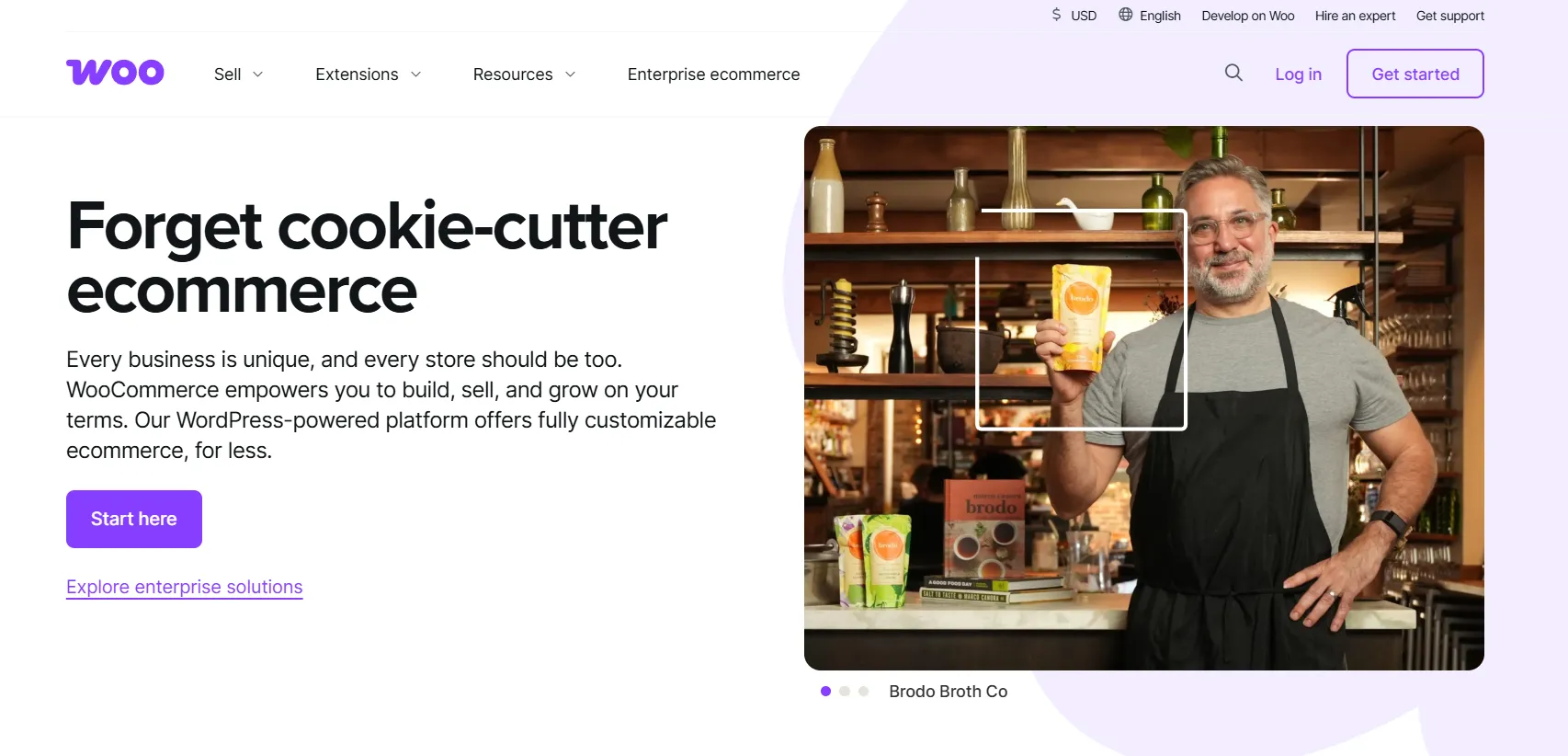
Originally launched as a WordPress plugin, WooCommerce now powers more than 6 million live ecommerce websites worldwide. Its flexibility and large ecosystem have made it a popular choice for businesses looking to build and grow an online store beyond the limitations of traditional website builders.
WooCommerce pricing
WooCommerce doesn't charge a monthly subscription fee. The plugin itself is completely free to download, but the total cost of running your store depends on the hosting, extensions, and services you choose.
- WooCommerce plugin: Free
- Hosting: $5-350/month
- Domain: $10-20/year
- SSL certificate: Free-$200/year
- Premium themes: $20-100/year
- Extensions & plugins: $29-299+/year each
- Developer (optional): $1,000-20,000+
WooCommerce pros
If there's one thing WooCommerce excels at, it's giving merchants the freedom to build an online store their own way. Here are the areas where we think it has the biggest advantage over Wix:
- Unlimited store customization: You can tailor everything from product types and checkout flows to integrations and customer experiences without being limited by the platform.
- Complete ownership: Since WooCommerce runs on self-hosted WordPress, you own your store, data, and source code, giving you full control over your business.
- Powerful content and eCommerce combination: WooCommerce works seamlessly with WordPress, making it easy to combine content marketing, blogging, and online selling on a single platform.
- No platform transaction fees: WooCommerce doesn't charge additional transaction fees, helping you keep more of your revenue as your business grows.
WooCommerce cons
That level of flexibility also means you'll take on more responsibility for running and maintaining your store.
- Building a fully optimized WooCommerce store often requires more technical knowledge than using an all-in-one platform like Wix.
- You'll need to manage your own hosting, security, backups, updates, and overall website performance.
The Verdict
We can tell that WooCommerce doesn’t try to simplify eCommerce – it does the opposite. It gives you the freedom to build exactly the store you want, even if that means taking on more responsibility along the way. For businesses that see eCommerce as a long-term investment rather than just another website feature, WooCommerce is a name that's hard to overlook.
7. Square Online: Best for Omnichannel Retailers
Square Online is popular for those who need a quick and affordable way to sell online without much technical expertise. It allows businesses to easily build an online store for selling products, services, tickets, memberships, subscriptions, and more.

Square pricing
This platform has a free plan that's enough to turn your simple website into an online business. What's charged is 2.9% + 30¢ per transaction. Here are 2 paid plans of Square Online:
- Plus: $29/month;
- Premium: $79/month.
Square Online stands out for its tight integration with Square’s broader ecosystem, especially for businesses that sell both online and in person. This unified setup helps streamline inventory management, payments, and reporting across channels without needing extra tools.
Another point to consider is scalability. While the free plan is great for getting started, growing businesses may eventually need to upgrade to access more advanced eCommerce features and lower transaction fees.
Square pros
What makes Square Online stand out isn't the website builder itself, but how well it connects every part of your business. Here are the features we think add the most value:
- Unified online and in-store selling: Products, inventory, and orders stay in sync across your website and physical store, reducing manual work.
- Built-in marketing tools: Email marketing, social selling, and basic promotional features are included to help you reach customers without relying on additional apps.
- Powerful payment and POS system: Square Online integrates seamlessly with Square POS and supports popular payment methods like Apple Pay and PayPal.
- Modern website themes: A growing collection of professionally designed themes makes it easier to build a polished online presence with minimal effort.
Square cons
No platform is perfect, and Square Online is no exception. Here are a few trade-offs to consider:
- Square Online gives you less control over your website's design and technical settings than more customizable platforms like Wix or WordPress.
- Product image management can feel restrictive for stores that rely heavily on large, high-resolution visuals.
The Verdict
Overall, though, the benefits of Square Online far outweigh the cons in the view of small businesses. For low-effort online selling, we would absolutely recommend this platform to you.
8. Webnode: Best for Multilingual Websites
Powering over 160,000 websites globally, Webnode is a beginner-friendly website builder known for its simplicity and built-in multilingual capabilities. It offers an accessible way for individuals and small businesses to launch professional websites without technical expertise.

Webnode pricing
Webnode keeps its pricing straightforward with 3 paid plans. This is the monthly pricing, you can save up to 35% when paid annually:
- Mini: $14.50/month
- Standard: $24.90/month
- Profi: $37.90/month
One thing to keep in mind is that Webnode focuses on simplicity rather than advanced eCommerce capabilities. As your business grows, you may eventually need a more feature-rich platform if you require extensive customization or complex selling tools, with total yearly costs typically falling between $180 and $600 depending on your plan, domain, and any additional services you choose.
Webnode pros
After working with the platform, here are the strengths we think are worth considering:
- Built-in multilingual websites: Creating and managing multiple language versions is straightforward, making Webnode a strong choice for businesses targeting international audiences.
- Affordable pricing: Competitive plans and a free tier make Webnode an attractive option for small businesses, freelancers, and personal websites.
- AI-powered website builder: The built-in AI website builder helps generate layouts, content, and images, making it even faster to launch a new website.
Webnode cons
That simplicity comes with a few compromises, especially if you're planning to build a feature-rich website or online store.
- Webnode doesn't have an app marketplace, so adding extra functionality often requires custom code or third-party integrations.
- Its eCommerce features are fairly basic, making it less suitable for businesses that need advanced product management, tax settings, shipping options, or large product catalogs.
The Verdict
If we had to choose between Wix vs Webnode, we'd probably recommend Webnode to anyone who values simplicity over endless customization. It doesn't try to be the most feature-packed platform, and that's actually what we like about it.
9. PrestaShop: Best for Customizable Online Stores
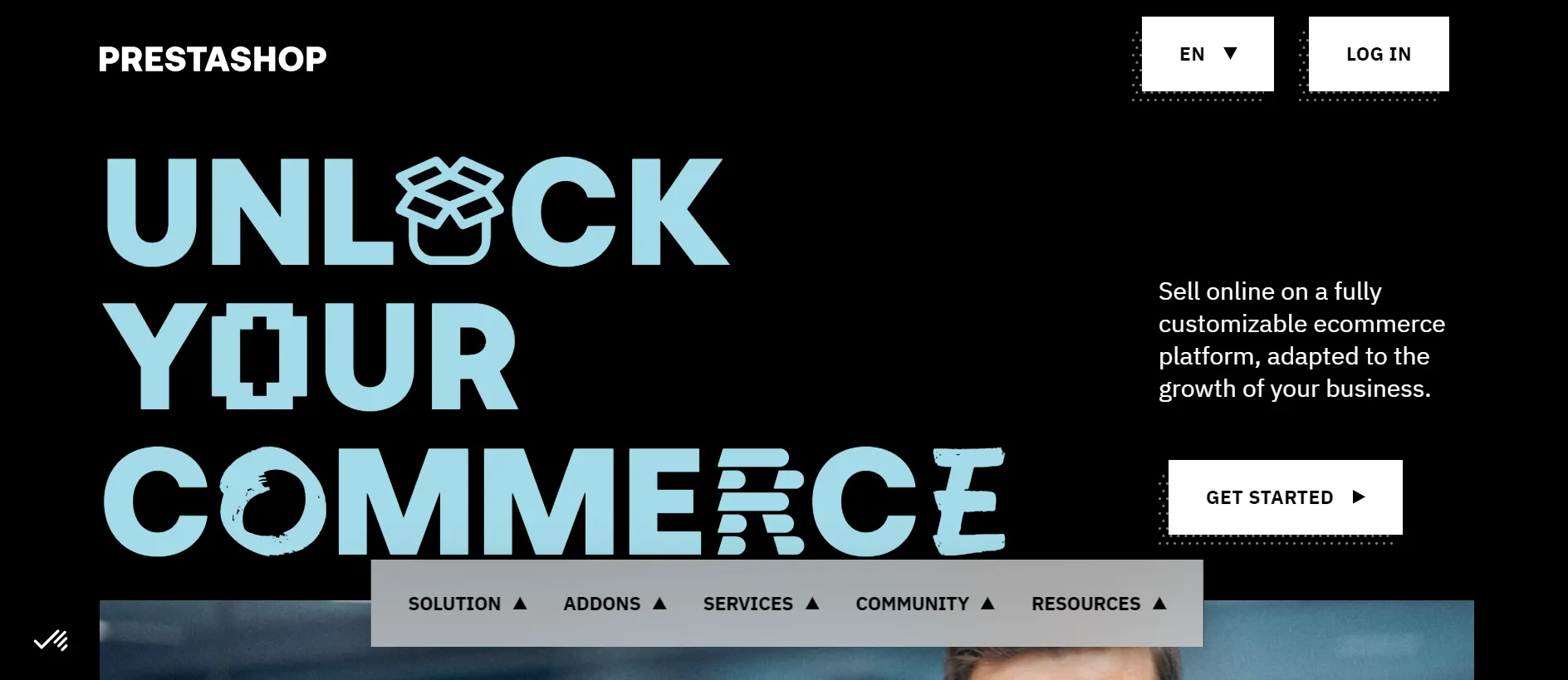
PrestaShop is an open-source eCommerce platform used by over 170,000 online stores globally. It allows merchants to build stunning stores and products online.
PrestaShop pricing
Like WordPress, PrestaShop is free to download. However, you'll need to budget for hosting, themes, modules, and ongoing maintenance to build and run your store.
- Hosting: 4$ – $14 per month;
- Developer: $50 to $80 per hour;
- Add-ons & modules: $35 to ~$6000.
Compared to Wix, PrestaShop gives you much more control over how you invest in your store. Instead of paying for an all-in-one subscription, you can choose your own hosting, modules, and development services based on your business needs. As your store becomes more complex, costs can vary significantly depending on the modules and customizations you require. In most cases, total yearly expenses range from $150 to $3,000+.
PrestaShop pros
PrestaShop is designed for merchants who want complete control over their online store. Here are the advantages that stand out the most:
- Built for eCommerce: Every core feature is designed around selling online, from catalog management and promotions to order processing and customer management.
- SEO-friendly architecture: Clean URLs, XML sitemaps, and advanced SEO settings provide a solid foundation for improving your store's search visibility.
- Large module ecosystem: Thousands of modules are available to extend your store with additional payment methods, shipping options, marketing tools, and business integrations.
PrestaShop cons
That flexibility comes with additional responsibility, especially if you don't have technical experience.
- Managing updates, hosting, security, and module compatibility requires ongoing maintenance.
- Setting up and customizing a PrestaShop store can be challenging for beginners without HTML, CSS, or PHP knowledge.
- Technical support isn't as straightforward as hosted platforms, and professional assistance may involve additional costs.
The Verdict
For the final words, we would say PrestaShop's flexibility comes with an initial high barrier to entry that some merchants may not have the capacity to handle. But if you’re a techie, we would highly recommend you migrate from Wix to PrestaShop for better store customization.
10. Jimdo: Best for AI-Powered Website Creation
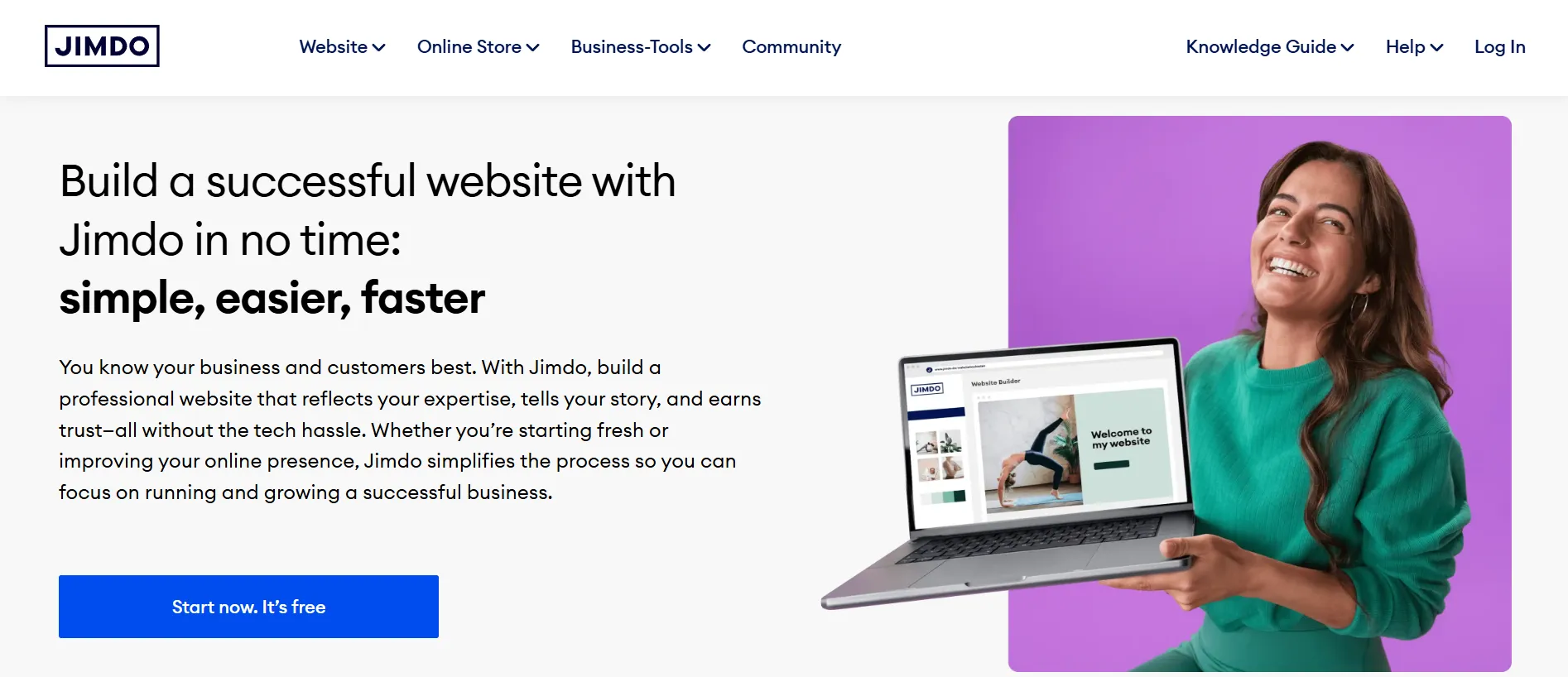
Jimdo is a website builder designed to help individuals and small businesses create professional websites with minimal effort. With its AI-powered website creation and intuitive editor, it's become a popular Wix alternative for users who want to get online quickly without technical expertise.
Jimdo pricing
Jimdo offers separate plans for standard websites and online stores, allowing you to choose a package that best fits your needs.
Compared to many Wix alternatives, Jimdo offers competitive pricing for both websites and online stores. We also like that it separates website and eCommerce plans, so you're only paying for the features you actually need. For most users, total yearly costs typically range from $0 to $600, depending on your plan, domain, and any additional services.
Jimdo pros
If speed and simplicity are what you're looking for, Jimdo delivers a surprisingly straightforward experience. Here are the features that stand out the most:
- AI-powered website builder: Jimdo can automatically generate a website, including layouts and content suggestions, helping beginners get online much faster.
- Separate website and eCommerce plans: Dedicated pricing for websites and online stores means you're only paying for the features you actually need.
- Affordable entry point: The free plan and reasonably priced subscriptions make Jimdo accessible for freelancers and small businesses.
Jimdo cons
Jimdo is designed for simplicity, so it may not be the best fit for businesses with more advanced requirements.
- Design customization is more limited than on platforms like Wix or WordPress.
- Ecommerce features are relatively basic compared to dedicated platforms such as Shopify or BigCommerce.
- The platform offers fewer integrations and third-party extensions than many other solutions.
The Verdict
Jimdo is a great option if your goal is to launch a professional-looking website with as little effort as possible. If you're comparing Wix vs Jimdo, Jimdo stands out for its AI-assisted setup and beginner-friendly experience.
11. Hostinger Website Builder: Best for AI-Assisted Websites
Hostinger Website Builder is an AI-driven website builder designed for users who want to launch a professional website quickly without technical expertise. Alongside its intuitive editor, the platform includes a growing suite of AI tools to help with website creation, content generation, and branding.

Hosting pricing
Currently, Hostinger Website Builder offers two paid plans, with introductory prices available for long-term subscriptions:
- Premium Website Builder: From $2.99/month
- Business Website Builder: From $3.99/month
*Promotional pricing applies to a 48-month subscription. The full subscription amount is charged upfront, and renewal rates are higher after the initial term.
The Premium plan focuses on helping you create and manage a standard website, while the Business plan builds on that by adding eCommerce features for selling products online, without extra transaction fees. In practice, what you pay over a year can vary, but most users will spend somewhere between $36 and $250+.
Hostinger pros
For such a low starting price, Hostinger Website Builder delivers a surprisingly complete website-building experience. Here are the areas where we think it offers the best value:
- Excellent value for money: Hosting, SSL, AI tools, and a free domain are included in the price.
- Comprehensive AI toolkit: Beyond AI website generation, Hostinger also offers AI Writer, AI Logo Maker, AI Image Generator, and AI Heatmap to speed up website creation and optimization.
- Built-in multilingual and SEO tools: Language support, SEO settings, and AI-generated meta titles and descriptions help improve your website's visibility with minimal effort.
Hostinger cons
Those affordable plans do come with a few compromises, especially if you have more advanced requirements.
- There isn't a permanent free plan, so you'll need a paid subscription to publish your website.
- Ecommerce features are suitable for small stores but lack advanced capabilities for larger or more complex businesses.
- Since Hostinger Website Builder is a proprietary platform, migrating your website elsewhere may require rebuilding it from scratch.
The Verdict
After looking at Wix vs Hostinger Website Builder, I'd say Hostinger delivers more than you'd expect for the price. It’s not the most advanced builder, but for freelancers, startups, and small businesses seeking simplicity and affordability, it’s an easy Wix alternative to recommend.
12. GoDaddy Website Builder: Best for Basic Startup Websites
Originally launched as a domain registrar, GoDaddy has grown into one of the world's largest providers of online business services. Its Website Builder is designed to help users create websites without coding while complementing the company's existing hosting and domain solutions.
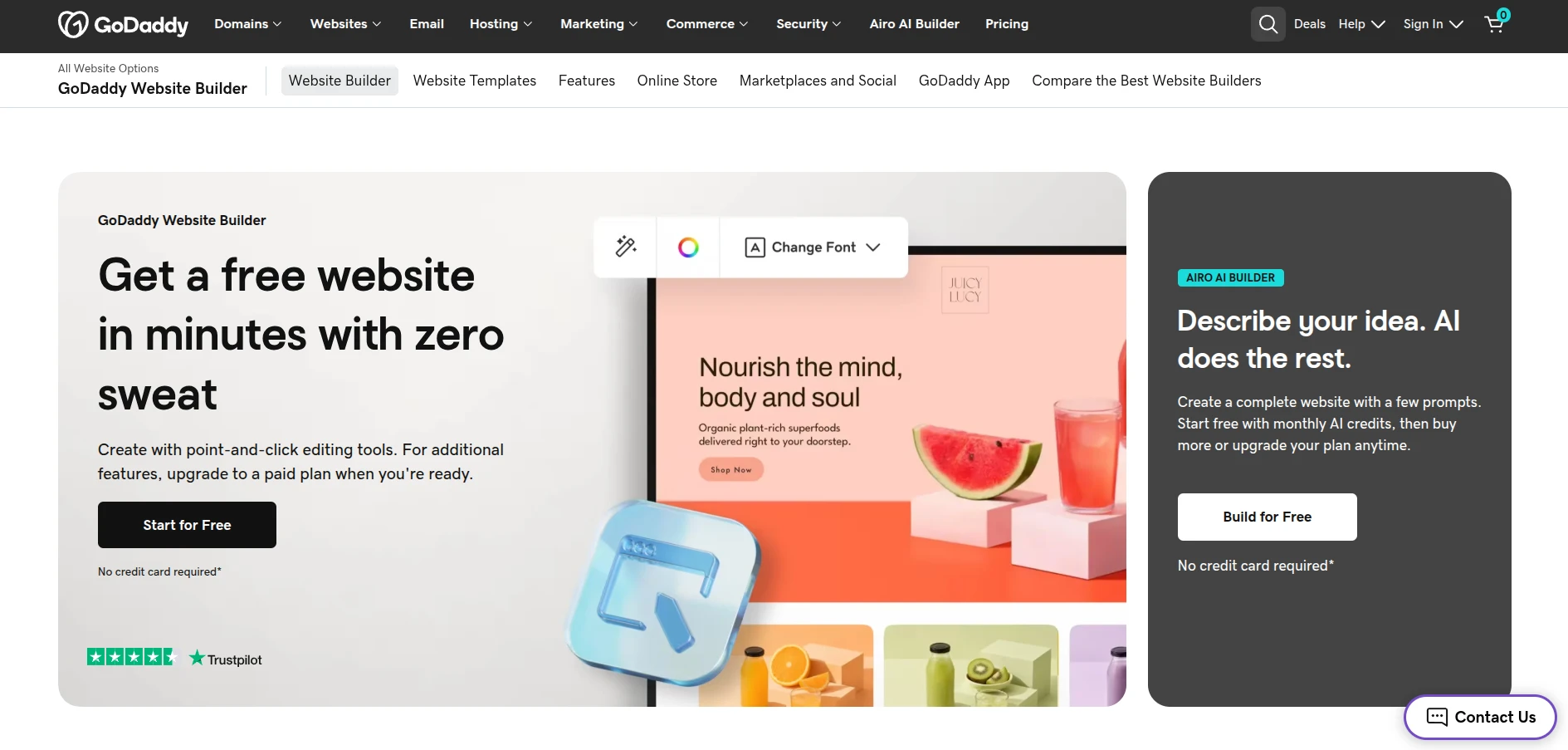
GoDaddy pricing
Currently, there are 4 pricing tiers for GoDaddy Website Builder:
- Basic: $16.99 /month
- Premium: $29.99 /month
- Commerce: $34.99 /month
Rather than competing on price alone, GoDaddy focuses on keeping its plans straightforward. The biggest pricing decision is simply whether you need eCommerce features – if so, the Commerce plan is the one to choose.
In practice, most users can expect to spend around $200–500 per year, depending on their subscription and any additional services.
GoDaddy pros
GoDaddy focuses on making website creation as straightforward as possible. Here are the features that make it a strong Wix alternative for beginners and small businesses:
- Affordable starting plans: Entry-level pricing is competitive, making GoDaddy an accessible option for users who only need a simple website.
- Convenient all-in-one platform: Domain registration, hosting, SSL, and website management are all handled under one account, reducing the need to work with multiple providers.
- AI-assisted website creation: Built-in AI tools and ready-made templates help you create a professional-looking website in just a few steps.
GoDaddy cons
In this section, I will talk about some potential disadvantages of GoDaddy Website Builder compared to Wix.
- While GoDaddy templates look polished, they have fewer options for custom fonts, colors, etc, Wix's deep theme editor.
- This platform has fewer designer-made templates that may not cover niche niches.
We wouldn't call GoDaddy the most powerful website builder on this list, but we can absolutely see why it's one of the best Wix alternatives. It removes a lot of the friction that comes with getting a website online, which is exactly what many freelancers and small business owners are looking for.
So, for beginners wanting deep design customization or a more fully-featured building experience, Wix could be a better starting point between Wix vs GoDaddy.
13. IONOS Website Builder: Best for Business Websites
IONOS is one of Europe's leading web hosting providers, serving over 8 million customers worldwide. The platform offers a no-code website builder that combines AI-assisted website creation with essential business tools, making it a practical Wix alternative for getting online quickly.

IONOS pricing
IONOS separates its pricing into two categories:
- Easy Website Builder for standard websites
- Online Store Builder for eCommerce businesses.
This makes it easier to choose a plan based on whether you simply need a website or plan to sell products online. There are 3 paid plans, all of which include a free domain for the first year, a professional email address, SSL, and marketing tools.
- Starter: $6/month
- Plus: $1/month
- Pro: $17-34/month
*Promotional pricing applies to a 12-month subscription. Renewal rates are higher after the initial term.
At first glance, IONOS appears to be one of the cheapest alternatives to Wix, especially given its heavily discounted introductory offers. The catch is that these prices only apply during the first subscription period, so it's worth checking the renewal cost before making a long-term decision.
Based on its current pricing, you can expect to spend around $72–250+ per year, depending on your plan, renewal rates, and any additional services.
IONOS pros
Among website builders with a hosting background, we appreciate IONOS for taking a more business-first approach. Instead of focusing solely on website creation, it combines website building with essential tools like professional email, appointment booking, and business management features.
- Great value for new users: Introductory plans are highly competitive and include essentials like a domain, SSL, hosting, and a professional email address.
- Useful built-in business tools: SEO settings, appointment booking, multilingual support, and basic eCommerce features are available without relying on additional apps.
- Well-suited for small business websites: If your goal is to launch a professional website quickly, IONOS offers all the essentials without unnecessary complexity.
IONOS cons
That convenience also comes with a few compromises, especially if you expect your website to become more advanced over time.
- Design customization is more limited than on Wix, with fewer creative controls and template options.
- The app ecosystem is relatively small, making it harder to extend your website with third-party integrations.
- Performance may become a concern for larger or high-traffic websites as your business grows.
The Verdict
The more we explored IONOS, the more we noticed how tightly everything is bundled together. It’s not trying to outdo Wix in design flexibility, but rather to simplify the entire setup and maintenance process, which we think makes it especially appealing for users who want fewer moving parts to manage.
14. Duda: Best for Client Website Management
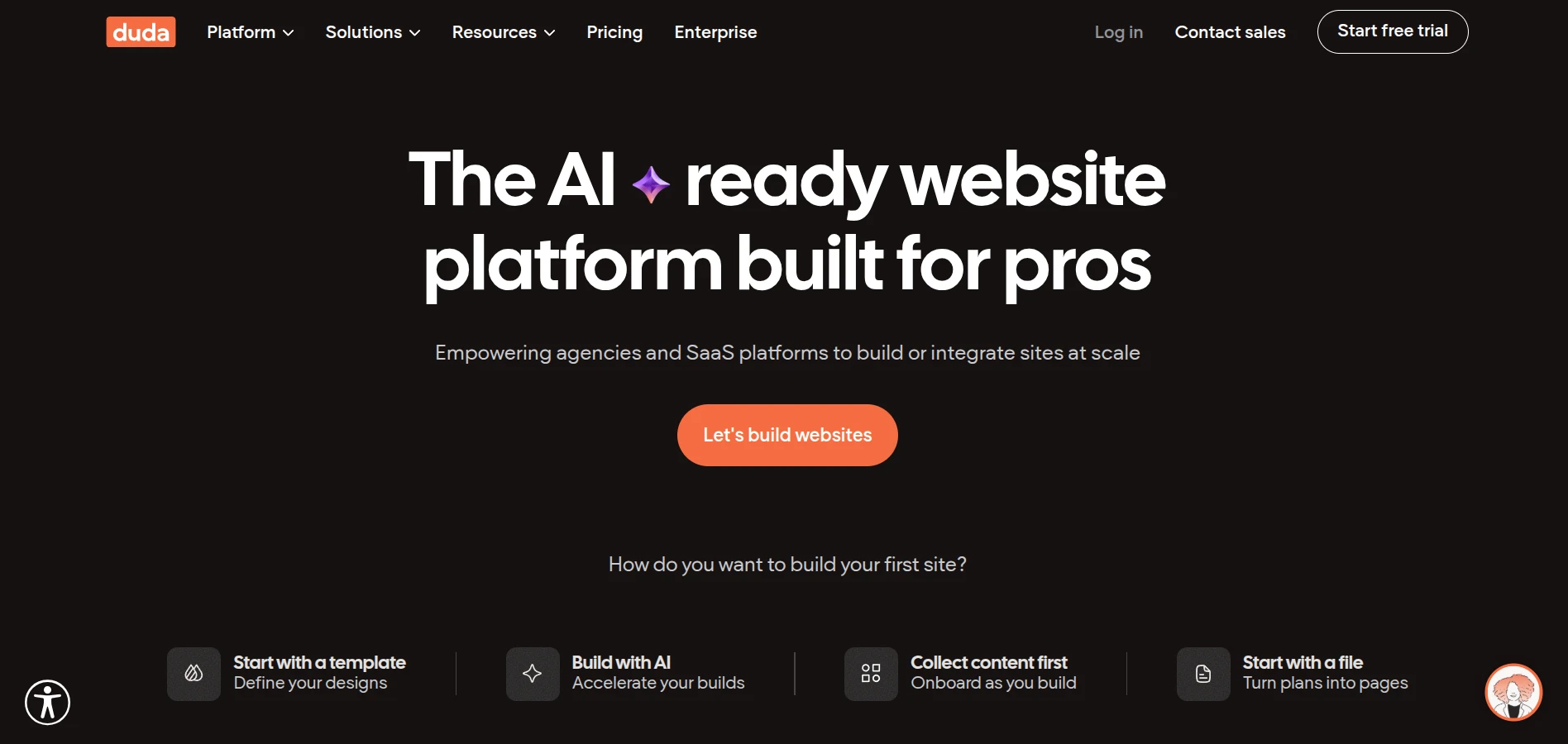
Duda is an AI-ready website platform launched in 2010 for agencies, freelancers, and other web professionals. It combines website creation with tools for managing multiple client projects, making it a strong Wix alternative for businesses that build websites at scale rather than for occasional personal use.
Duda pricing
Duda offers 5 pricing plans, catering to everyone from individual website owners to agencies managing multiple client projects:
- Basic: $25/month
- Team: $39/month
- Agency: $69/month
- White Label: $199/month
- Custom: Custom pricing
As you can see, Duda isn't the cheapest website builder on this list, but the pricing reflects its target audience. If you're managing client projects or running an agency, the higher-tier plans can offer much better value than paying separately for collaboration, client management, and white-label tools.
In general, you can expect to spend between $300 and $2,500+ per year, depending on the plan you choose and how many websites you manage.
Duda pros
It's easy to see why so many web professionals choose Duda. Many of its strongest features are designed to save time rather than reinvent website building.
- Flexible yet structured editing: The editor offers plenty of customization while keeping layouts responsive and consistent across devices.
- Strong SEO and performance: Fast AWS-powered hosting, built-in schema markup, XML sitemaps, and SEO settings provide a solid foundation for search visibility.
- Agency-friendly collaboration: White-label options, client management, team collaboration, and multi-site management make Duda stand out for freelancers and agencies.
- AI-powered workflow: Duda's AI tools help generate layouts, content, and design elements, allowing professionals to build websites more efficiently.
Duda cons
For some users, the trade-offs won't matter at all. For others, they could become deciding factors.
- The third-party app marketplace is much smaller than Wix's, limiting your integration options.
- Ecommerce capabilities are suitable for small and medium-sized businesses but fall short of dedicated eCommerce platforms like Shopify or BigCommerce.
The Verdict
Duda gave us the impression of a platform that knows exactly who it's built for. It won't be the right fit for everyone, but if creating and managing websites is part of your day-to-day work, the extra investment quickly starts to make sense.
How to Migrate from Wix to Your New Platform (Without Losing Data)
After exploring the best Wix alternatives, the final step is moving your existing store safely to your new platform. A successful migration isn't just about transferring products and customers – it's about preserving your SEO, minimizing downtime, and ensuring your new store is ready to launch without disruptions.
With LitExtension's All-in-One Migration Service, our specialists handle the entire migration process for you – from planning and data preparation to post-migration support – so you can stay focused on running your business.

Step 1. Discuss your migration plan
Every migration starts with a one-on-one consultation to understand your business goals and migration requirements. During this stage, we'll review the data you want to transfer, including products, customers, orders, categories, SEO URLs, and any custom requirements unique to your store.
Once the migration scope is confirmed, we'll finalize the Service Level Agreement (SLA) and begin preparing your migration project.
Step 2. Prepare and validate your data
In this step, our migration specialists carefully prepare both your source and target stores to ensure everything transfers accurately.
This includes:
- Mapping your data between the two platforms.
- Backing up your existing store.
- Cleaning and organizing your data where necessary.
- Configuring 301 redirects to preserve SEO performance.
- Installing any required plugins or extensions on the target store.
- Fine-tuning migration settings based on your requirements.
To ensure everything meets your expectations, we'll also perform unlimited free demo migrations, giving you the opportunity to review the results and request adjustments before the full migration begins.
Step 3. Perform the full Wix migration
Once everything has been reviewed and approved, we'll complete the full migration while your current store remains operational. Throughout the process, your dedicated Personal Assistant will keep you updated and respond to any questions within 24 hours.
Our support continues long after the migration is complete. Every All-in-One Migration Service includes:
- Free & Unlimited Recent Migration to transfer newly created data.
- Free & Unlimited Smart Update to synchronize any changes made during the migration.
- 2 Free Re-migrations if you need to rerun the migration.
Finally, we'll perform a comprehensive post-migration review and provide up to 60 days of technical support to ensure everything works as expected on your new platform.
Whether you're migrating to Shopify, WooCommerce, WordPress, or any of the other Wix alternatives covered in this guide, LitExtension helps you complete the transition with minimal downtime and without the technical complexity.
Store Migration Made Easy With LitExtension!
LitExtension offers great migration solutions that help you transfer your data from the current eCommerce platform to a new one accurately, painlessly with utmost security.
MIGRATE WITH LITEXTENSION NOW!Wix Alternatives: FAQs
What is the best Wix alternative for eCommerce?
The best Wix alternative depends on the size and goals of your business. Here are some top options:
- Shopify: Ideal if you're looking for an all-in-one eCommerce platform with powerful built-in selling features, a large app ecosystem, and excellent scalability.
- WooCommerce / PrestaShop: Great open-source solutions if you want full control over your store and customization flexibility.
- BigCommerce: A strong choice for growing businesses that need advanced eCommerce features without relying heavily on third-party apps.
Is Shopify better than Wix for online stores?
For most eCommerce businesses, yes. Shopify offers more advanced inventory management, checkout optimization, multichannel selling, payment options, and scalability, making it a better long-term solution for businesses planning to grow.
Can I migrate from Wix to another platform without losing my data?
Yes. You can migrate products, customers, orders, and other important store data from Wix to platforms like Shopify, WooCommerce, BigCommerce, and more. Using our professional migration service such as LitExtension also helps preserve your data integrity while minimizing downtime throughout the migration process.
Will switching from Wix affect my SEO rankings?
Not necessarily. If your migration is planned properly, you can minimize the impact on your SEO. We recommend preserving your URL structure whenever possible, setting up 301 redirects, transferring metadata, and monitoring your website after the migration. These steps help search engines understand the changes and maintain your existing rankings.
Which Wix alternative is cheapest?
If affordability is your main priority, Hostinger Website Builder, Webnode, and Weebly are among the most budget-friendly Wix alternatives. WordPress and WooCommerce can also be inexpensive to start, but their long-term costs depend on your hosting, themes, plugins, and any custom development you require.
Final Words
We hope this list of Wix alternatives has helped you narrow down the options and find a platform that truly fits your business. Whether you're looking for better eCommerce capabilities, greater flexibility, or a more affordable solution, there's an alternative to match every stage of your growth.
Once you've decided on your next platform, the next step is making sure your migration goes smoothly. If you'd rather avoid the technical complexity, LitExtension's All-in-One Migration Service can help you transfer your products, customers, orders, and other store data accurately with minimal downtime.
For more eCommerce insights, be sure to explore our other blog posts and join the community group to help you choose and grow on the right platform.