A Shopify AI website builder can generate a store design, create individual pages, write content, or even prepare a dropshipping catalog. Yet these tools serve different purposes. Some prioritize speed, while others offer deeper design control, marketing features, or store management support.
To help you choose, we compared 12 options based on their AI capabilities, Shopify integration, ease of use, customization, and pricing. Here is a quick overview before we explore each tool in detail:
| Shopify AI website builder | Best for | Pricing | Our rating |
| Shopify AI Store Builder | Generating a new store design from a short prompt | Free; Shopify plan required | 4.5/5 |
| BuildYourStore.ai | Launching a beginner dropshipping store | Free; Shopify plan required | 4.0/5 |
| CreateMyStore.ai | Combining store creation with marketing tools | Free; Vitals from $29.99/month | 4.3/5 |
| AutoDS AI Store Builder | Building and automating a dropshipping store | $26.90–$66.90/month | 4.4/5 |
| Storebuild.ai | Testing a standard dropshipping niche | Free; Shopify plan required | 3.8/5 |
| Shopify Magic | Creating themes, content, images, and custom blocks | Included with Shopify | 4.3/5 |
| Shopify Sidekick | Managing and improving an existing store with AI | Included with Shopify | 4.4/5 |
| Shogun Page Builder | Managing branded pages across multiple stores | Free–$499/month | 4.2/5 |
| GemPages Page Builder | Converting visual references into editable layouts | Free–$199/month | 4.6/5 |
| PageFly Page Builder | Combining flexible page design with CRO tools | Free–$299/month | 4.7/5 |
| Instant.so | Moving Figma-based designs into Shopify | From $39/month | 4.5/5 |
| PagePilot | Generating product pages from existing product links | $39–$99/month | 4.5/5 |
Combined with Shopify’s built-in commerce tools, AI website builders can speed up everything from initial design to content creation. You can explore the platform’s capabilities in our complete guide to Shopify features.
Ready to learn how to design a Shopify website with these tools? Let’s get started!
12 Best Shopify AI Website Builders For Brands To Choose
After scouring the market for months in search of the highest-quality Shopify AI website builder, we’ve narrowed it down to five standout options. They all bring unique offers to the table, so let’s break each down to see which one works best for your current needs:
1. Shopify AI Store Builder
Best for:
Beginners who want to generate a functional starting point for a new Shopify store without installing another app or designing every section manually.
Pricing: Free
Shopify AI Store Builder is Shopify’s native generative design tool. You simply describe your business in a short prompt, such as “minimalist skincare products for sensitive skin,” and the builder generates personalized store designs with relevant layouts, text, and images. You can generate new options until you find a direction that fits your brand, then continue customizing the selected design in Shopify’s theme editor.
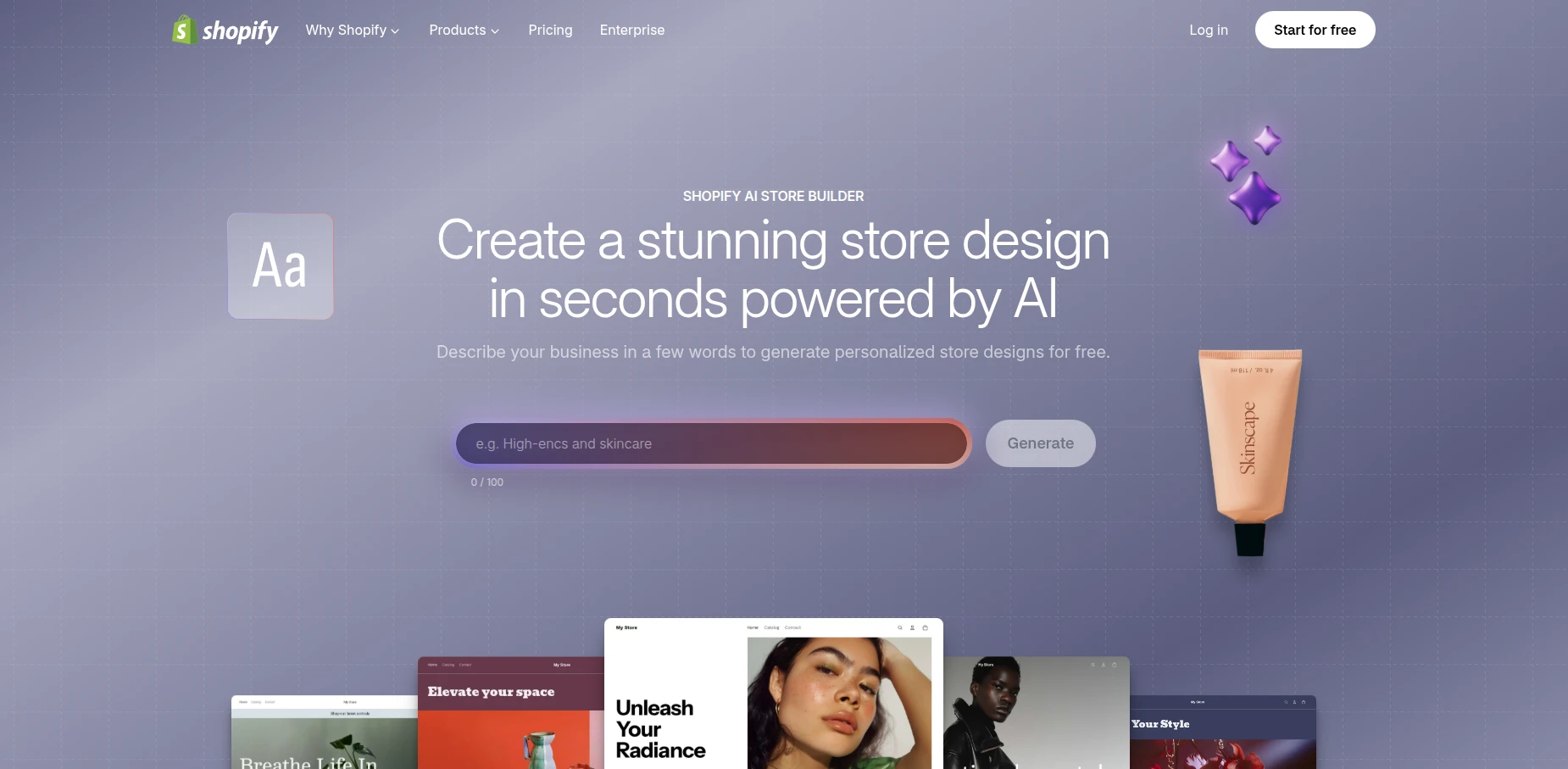
Still, Shopify AI Store Builder only provides a starting point. Even after the initial storefront is generated, you will still need to add products to Shopify, configure payments and shipping, organize navigation, and test the complete customer journey.
| Pros | Cons |
|
|
2. BuildYourStore.ai
Best for:
Beginners who want a ready-made Shopify dropshipping store with products already included.
Pricing: Free
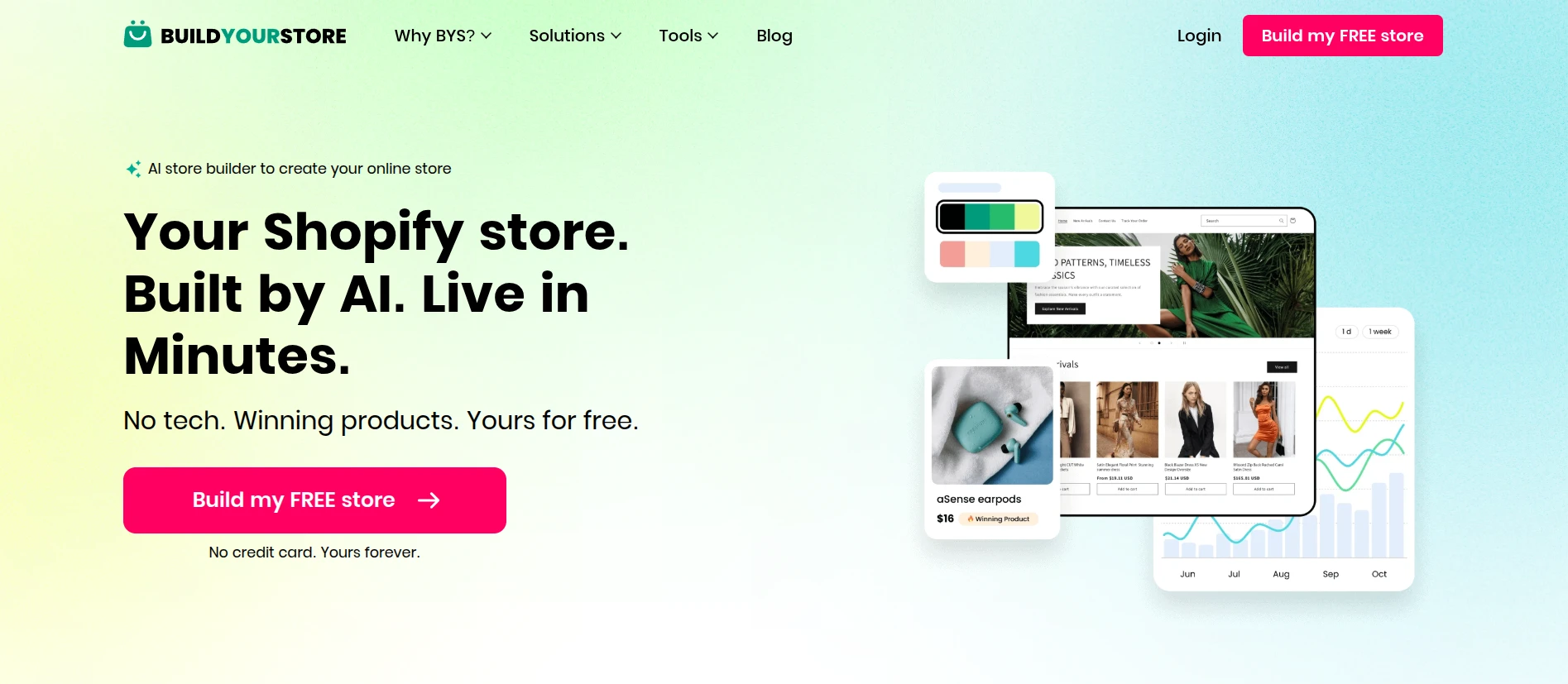
BuildYourStore.ai is a niche-based Shopify AI website builder. Instead of describing your business through an open-ended prompt, you select an available category, such as fashion, pets, electronics, home and garden, or sports. The platform uses that selection to generate the store and provides the login details once it is ready. From there, you can access Shopify Admin and continue editing the storefront before launch.
| Pros | Cons |
|
|
3. CreateMyStore.ai
Best for:
New dropshippers who want a ready-made store with built-in tools for conversion and marketing.
Pricing:
- Store builder: Free
- Vitals: 7-day free trial, then $29.99/month + usage fees
Unlike builders that stop after generating a theme and product pages, CreateMyStore.ai extends into the marketing stage through its integration with Vitals. This all-in-one Shopify app provides tools for store design and conversion optimization. After selecting a niche and visual style, you receive a store with branding elements, product content, reviews, and suggested products.
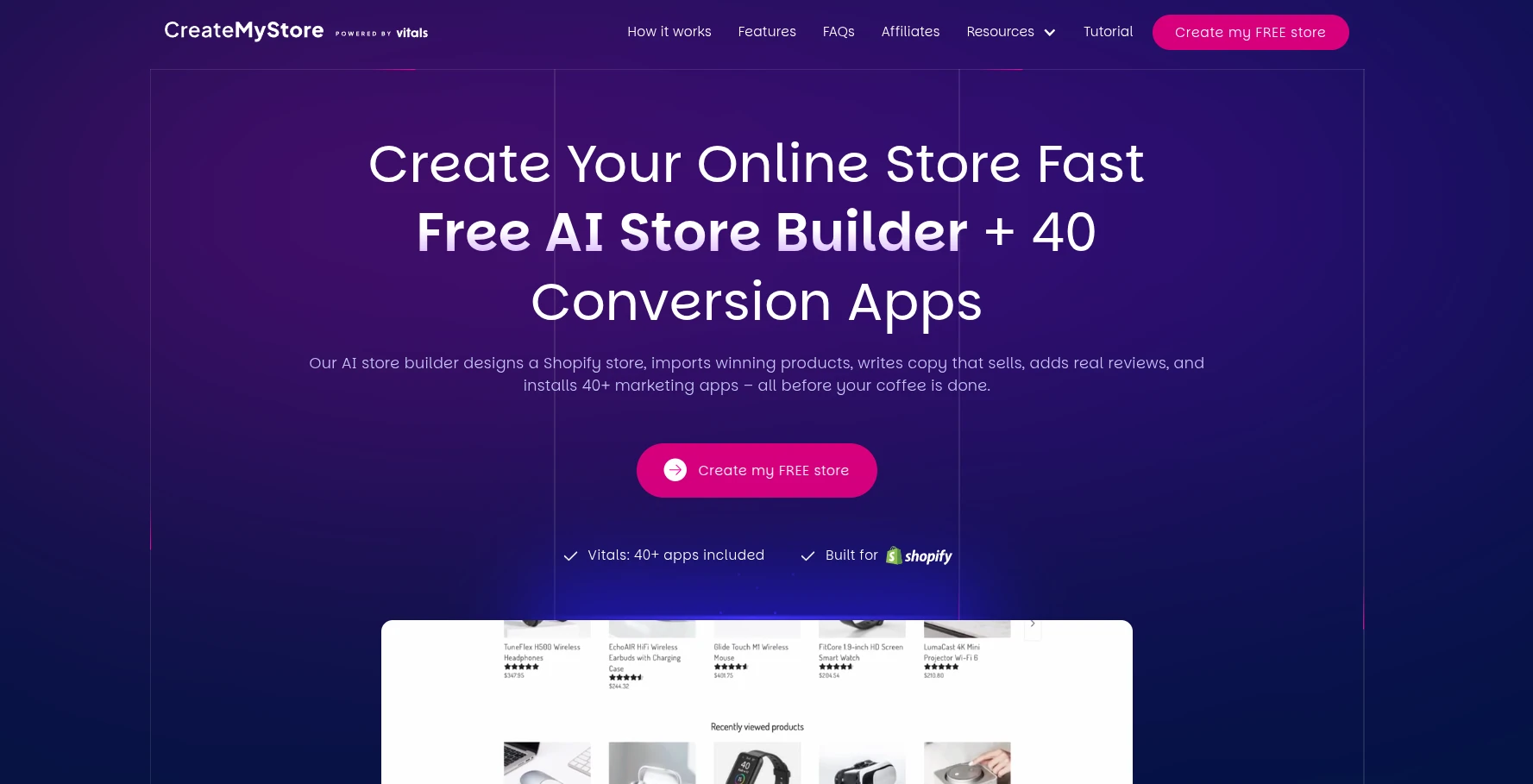
From our perspective, this makes CreateMyStore.ai one of the more complete options for beginners who want to manage design and conversion from one place. The tradeoff is that the free builder introduces you to a paid ecosystem. After the trial, keeping these tools requires a Vitals subscription, with possible usage-based fees as your attributed revenue grows.
| Pros | Cons |
|
|
4. AutoDS AI Store Builder
Best for:
Dropshippers who want to build a Shopify store and automate its daily operations through the same platform.
Pricing: $19.90–$69.90/month; 3-day trial for $0.99; Shopify plan required.
For those looking beyond website design, AutoDS offers a more operations-focused solution. Its AI Store Builder generates a Shopify store around your selected niche, complete with 10 products, a customizable theme, optimized product pages, and a free .store domain.
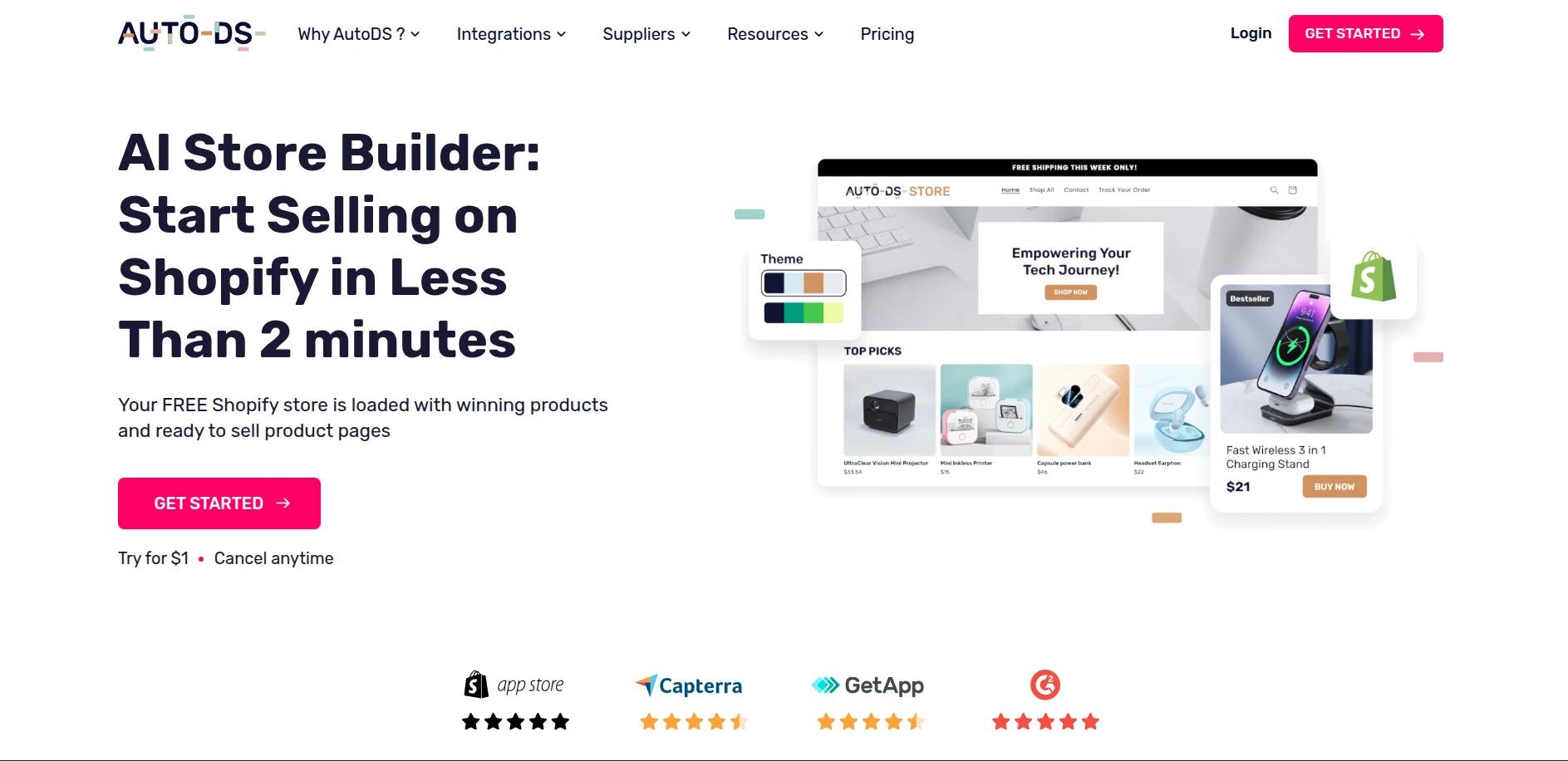
What separates AutoDS from standard AI website builders is what happens after the store is created. The same platform supports product research and importing, supplier sourcing, inventory monitoring, price updates, and order fulfillment. Therefore, you can use one system to build the storefront and manage much of the dropshipping workflow.
| Pros | Cons |
|
|
5. Storebuild.ai
Best for:
Beginners who want to test a conventional dropshipping niche with a prebuilt Shopify store.
Pricing: Free
Starting with a blank Shopify theme can be difficult when you have neither products nor design experience. Storebuild.ai removes that initial barrier by generating a store around one of its available niches, such as clothing, pets, technology, home, or sports. The finished setup includes a customizable theme and 10 products selected from its supplier network.
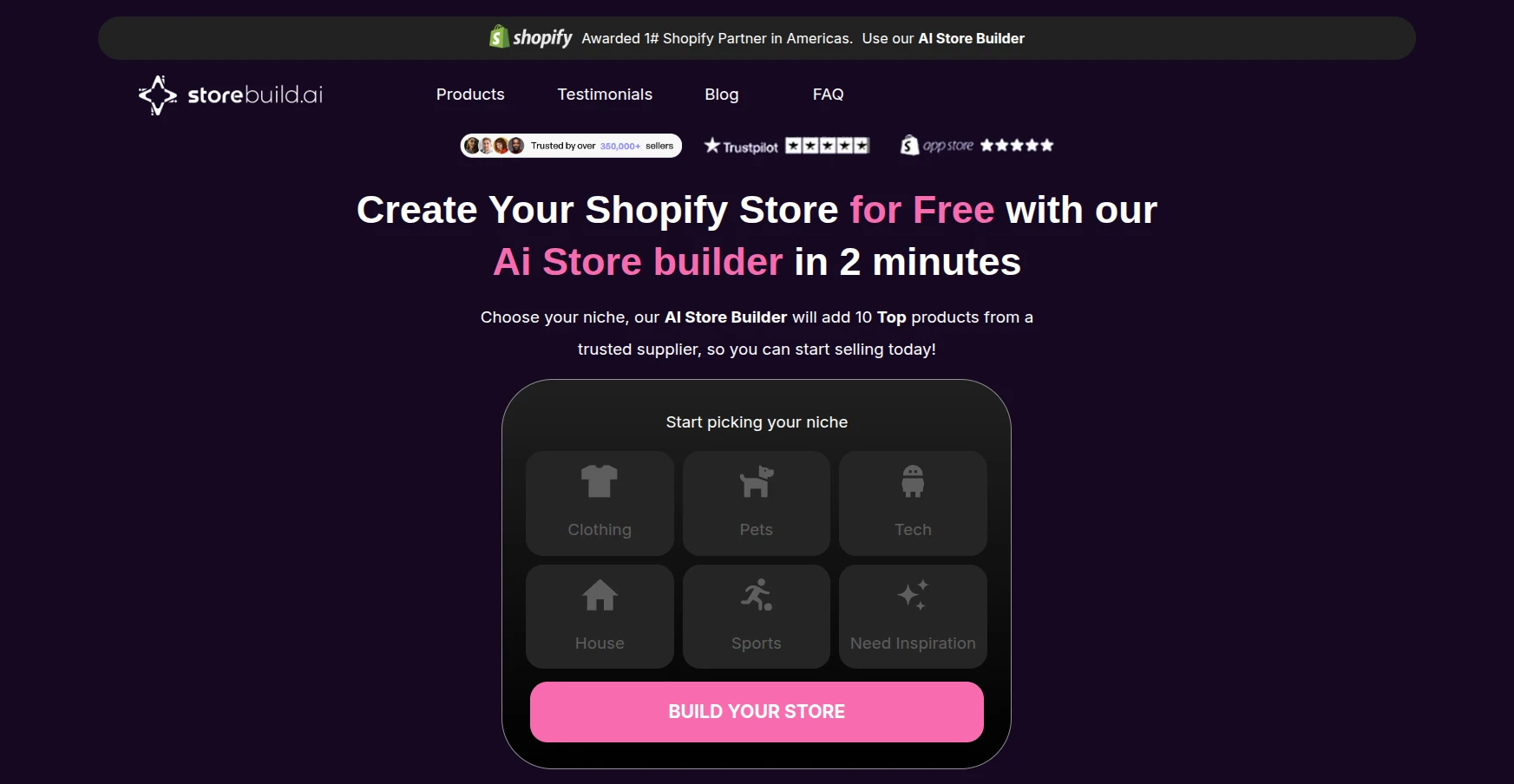
Storebuild.ai also connects the generated store to product sourcing, logistics, and order fulfillment support. This gives it a broader role than AI builders focused only on visual design. Its standout appeal is accessibility: you can create the initial store without paying a builder fee or providing credit card details.
| Pros | Cons |
|
|
6. Shopify Magic
Best for:
Shopify users who want built-in AI support for creating and improving storefront content without installing extra apps.
Pricing: Free on all Shopify plans
Rather than operating as a standalone website builder, Shopify Magic is an AI suite embedded across Shopify. Its website-building functions appear within the Themes page, theme editor, media editor, product pages, and other areas of Shopify Admin. This allows you to generate or improve individual parts of the storefront while working in the usual Shopify interface.
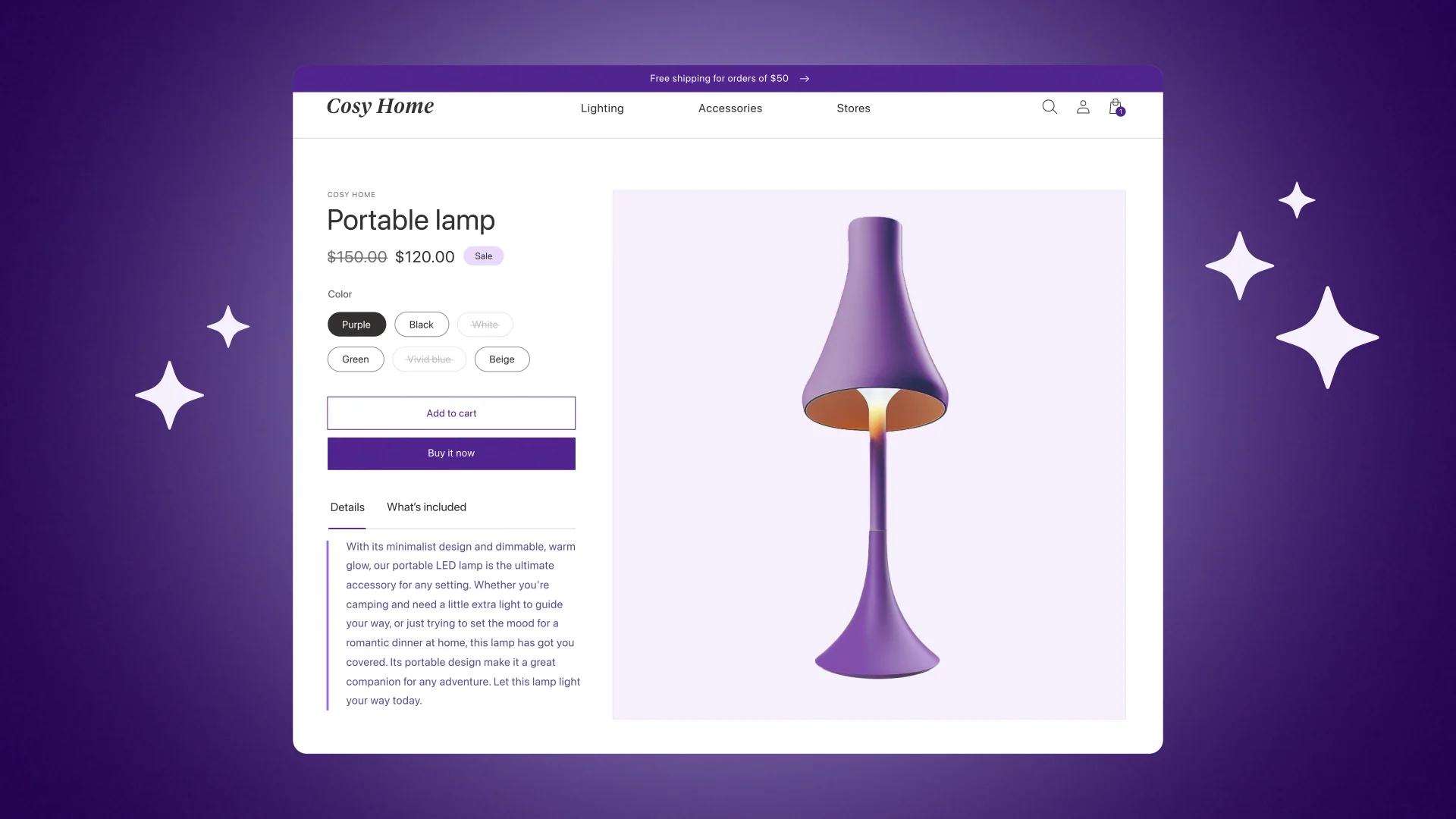
Its native integration is the biggest advantage over third-party builders. There is no separate installation, subscription, or workflow to manage. From our perspective, Shopify Magic works best for speeding up content and design tasks on an existing store. It is less suitable if you expect one prompt to produce a complete, launch-ready website.
| Pros | Cons |
|
|
7. Shopify Sidekick
Best for:
Shopify users who want conversational assistance with store design, management, and decision-making.
Pricing: Free on all Shopify plans
For a more interactive approach, Shopify offers Sidekick, an AI commerce assistant that works inside Shopify Admin. You communicate with it through natural-language prompts, while Sidekick uses your store’s data and context to provide relevant answers or prepare actions for your review.
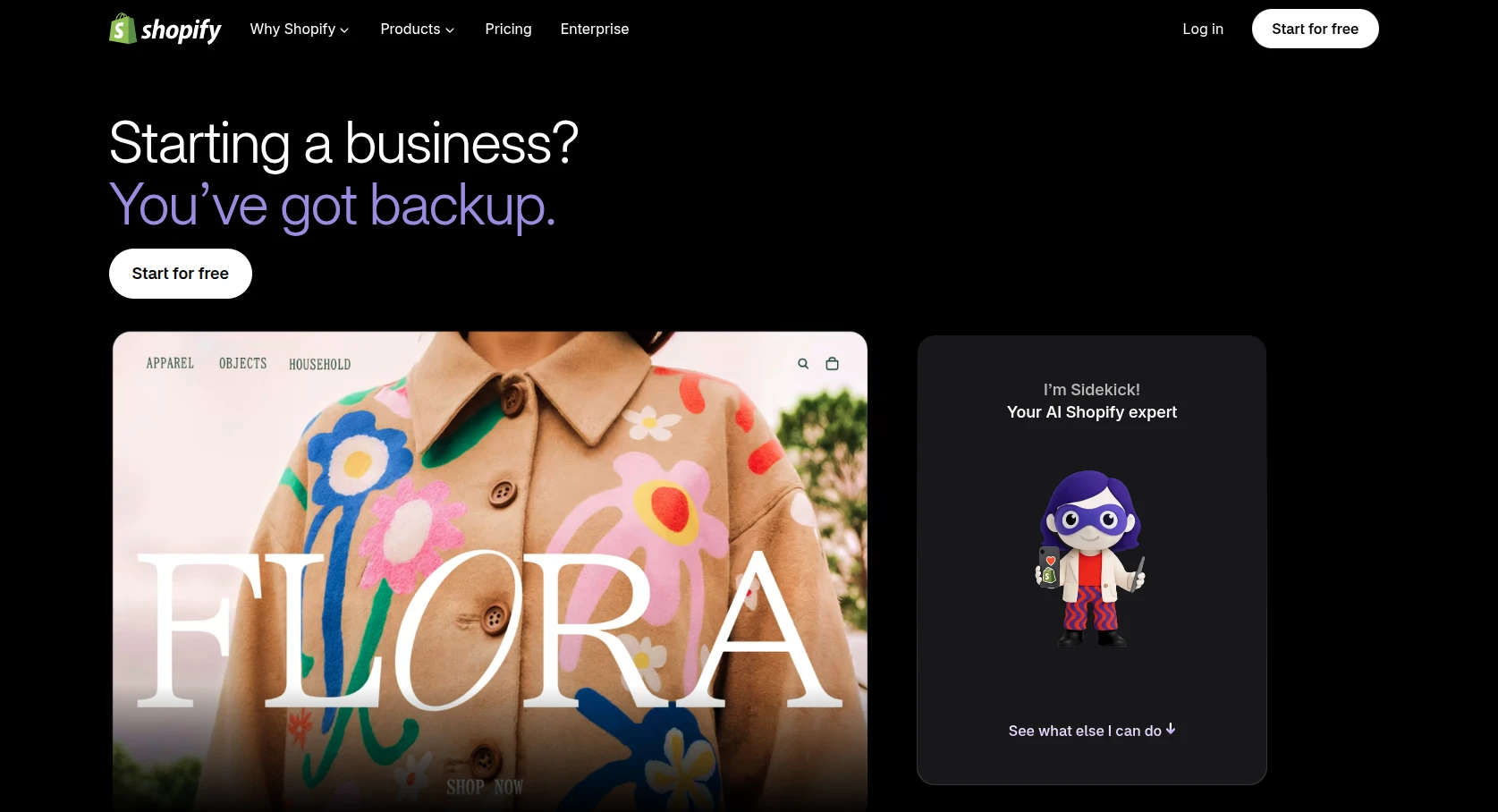
This contextual access is its main USP. Generic AI tools can suggest what to do, but Sidekick can analyze the actual store, complete supported tasks, and recommend next steps. It can also continue longer tasks in the background and surface proactive recommendations through Sidekick Pulse.
Sidekick is especially useful after the storefront has been generated. It helps you refine the design, manage store data, and solve operational tasks, but it does not follow the conventional template-based workflow of a dedicated Shopify AI website builder.
| Pros | Cons |
|
|
With native AI tools like Shopify Magic and Sidekick, Shopify makes it easier to build, manage, and grow your online store from one platform. If these capabilities have convinced you to move to Shopify, LitExtension can help transfer your existing store data accurately and securely.
Shopify Migration Made Easy With LitExtension!
LitExtension offers great migration solutions that help you transfer your data from the current eCommerce platform to Shopify accurately, painlessly with utmost security.

8. Shogun Page Builder
Best for:
Established Shopify brands and marketing teams that need structured control across multiple page types.
Pricing:
- Free plan: Draft pages only
- Paid plans: $39–$499/month
- Trial: 10 days
For brands that have moved beyond automatic store generation, Shogun provides a more controlled visual editing environment. It supports Shopify product, collection, home, landing, and blog pages, allowing teams to build from templates or arrange individual elements themselves.
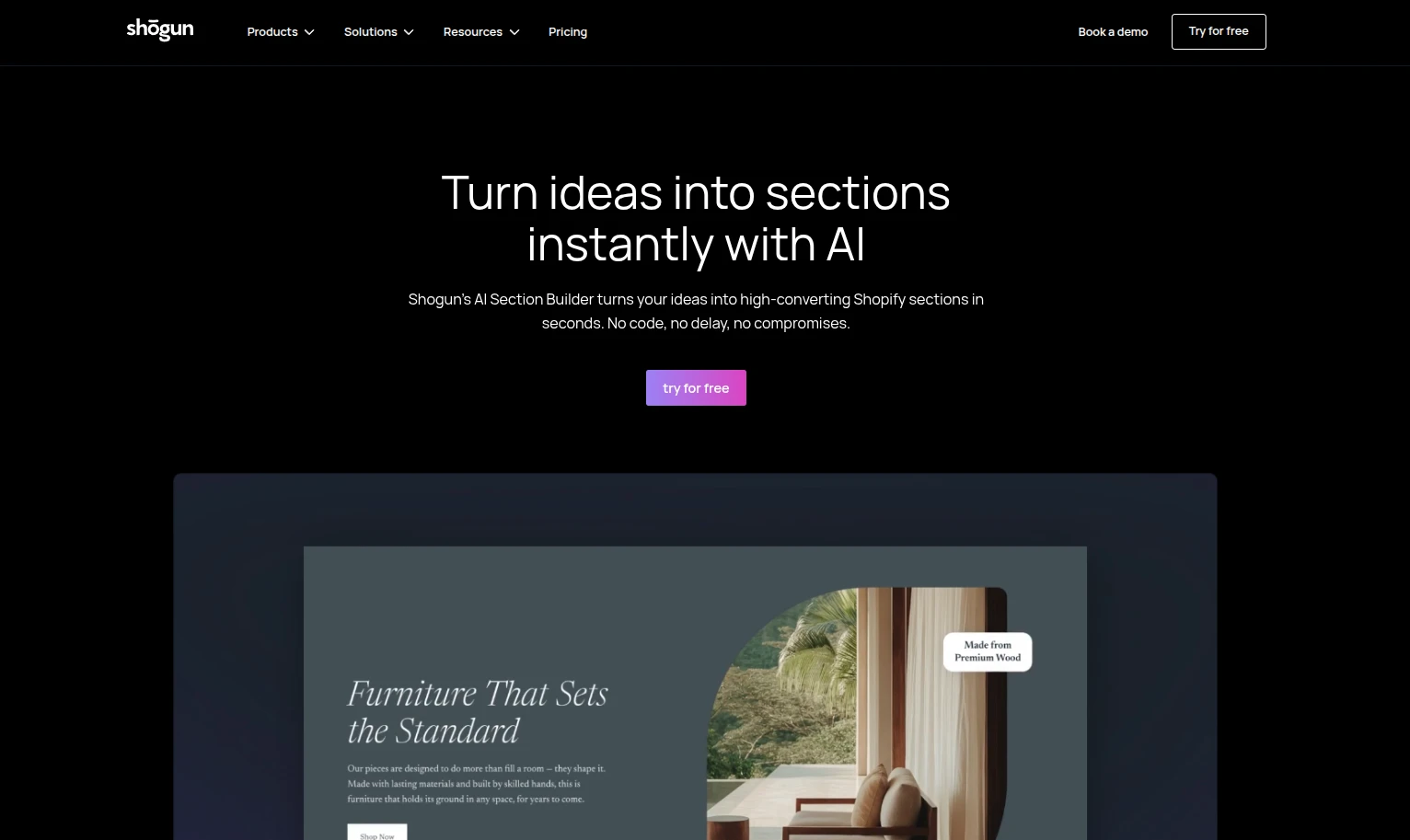
Its USP lies in content management rather than AI generation. Reusable sections, global updates, scheduling, and cross-store syncing make it suitable for teams managing large amounts of branded content. In our view, Shogun offers greater consistency and scalability than beginner-focused builders, but its AI capabilities are less central than those of GemPages or PageFly.
| Pros | Cons |
|
|
9. GemPages Page Builder
Best for:
Shopify users who want to recreate visual references and build conversion-focused pages with AI.
Pricing:
- Free plan: 1 published page or section
- Paid plans: $29–$199/month
If you already have a design reference in mind, GemPages offers a more visual route to page creation. Its Image-to-Layout feature converts an image or webpage reference into an editable Shopify layout, which you can refine through the drag-and-drop editor.
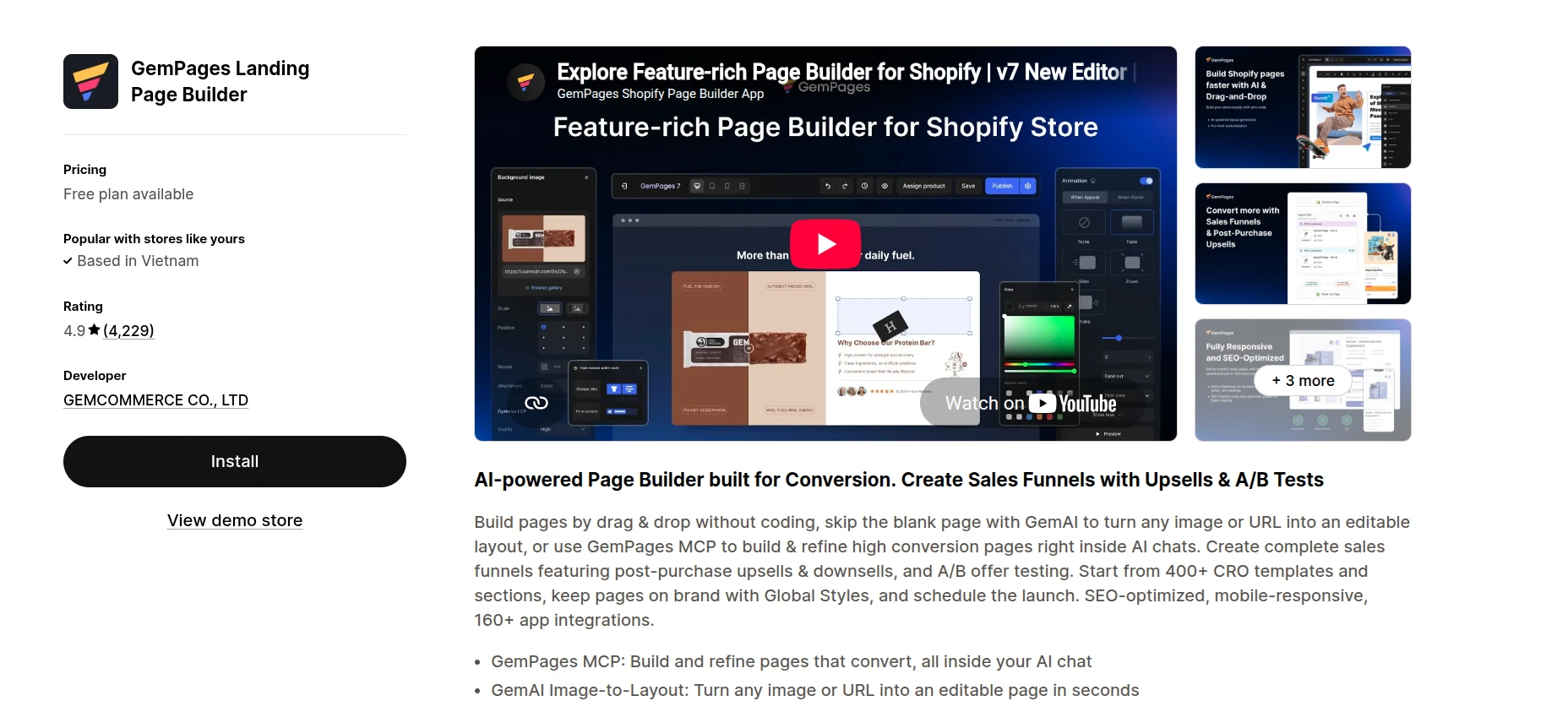
This approach is GemPages’ clearest advantage over conventional template builders. Instead of adapting your idea to a fixed template, you can use AI to reproduce its structure and continue editing each element. We find it particularly useful for quickly developing campaign pages, although complex generated layouts may still require manual adjustments.
| Pros | Cons |
|
|
10. PageFly AI Page Builder
Best for:
Shopify stores that need a broad template library and built-in tools for testing page performance.
Pricing:
- Free plan: 1 published page or section
- Paid plans: $24–$299/month
- AI allowance: 10–1,600 credits/month
PageFly takes a broader approach than builders focused mainly on AI generation. Alongside creating pages and sections with AI, you can refine the results through its drag-and-drop editor and apply them across most Shopify page types.
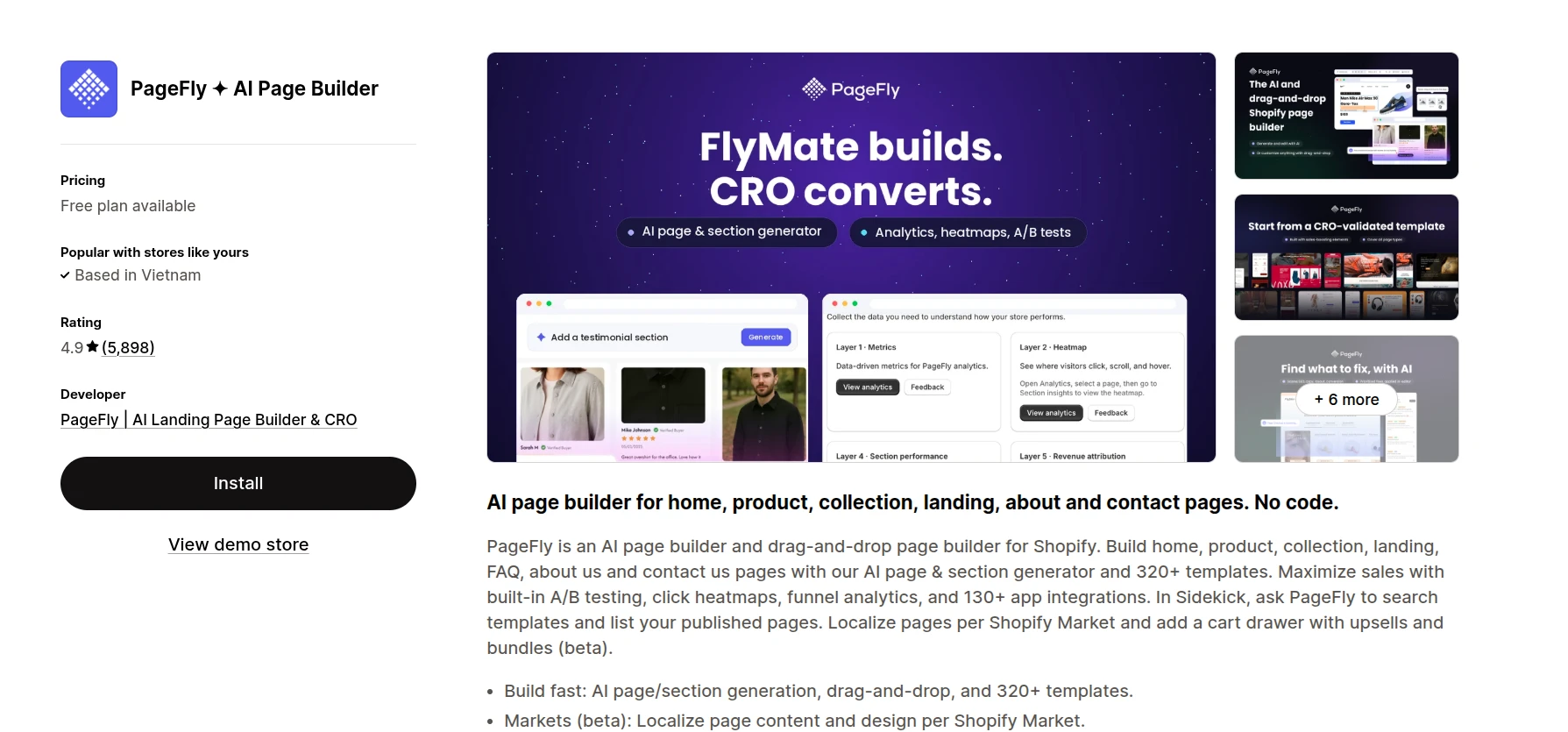
The real strength appears after a page goes live. A/B testing, heatmaps, AI audits, and funnel analysis help reveal where visitors click or leave. With over 320 templates and 200 app integrations, PageFly is one of the most versatile options on this list. The tradeoff is a busier interface and a steeper learning curve for beginners.
| Pros | Cons |
|
|
11. Instant.so
Best for:
Design-led Shopify brands and agencies that want to move quickly between Figma, AI, and Shopify.
Pricing:
- Free plan: Development stores only
- Paid plans: $39–$249/month
- Trial: 7 days
Design teams often need more freedom than standard Shopify theme sections provide. Instant.so addresses this with a visual canvas that supports landing pages, product templates, theme sections, headers, footers, and other storefront components.
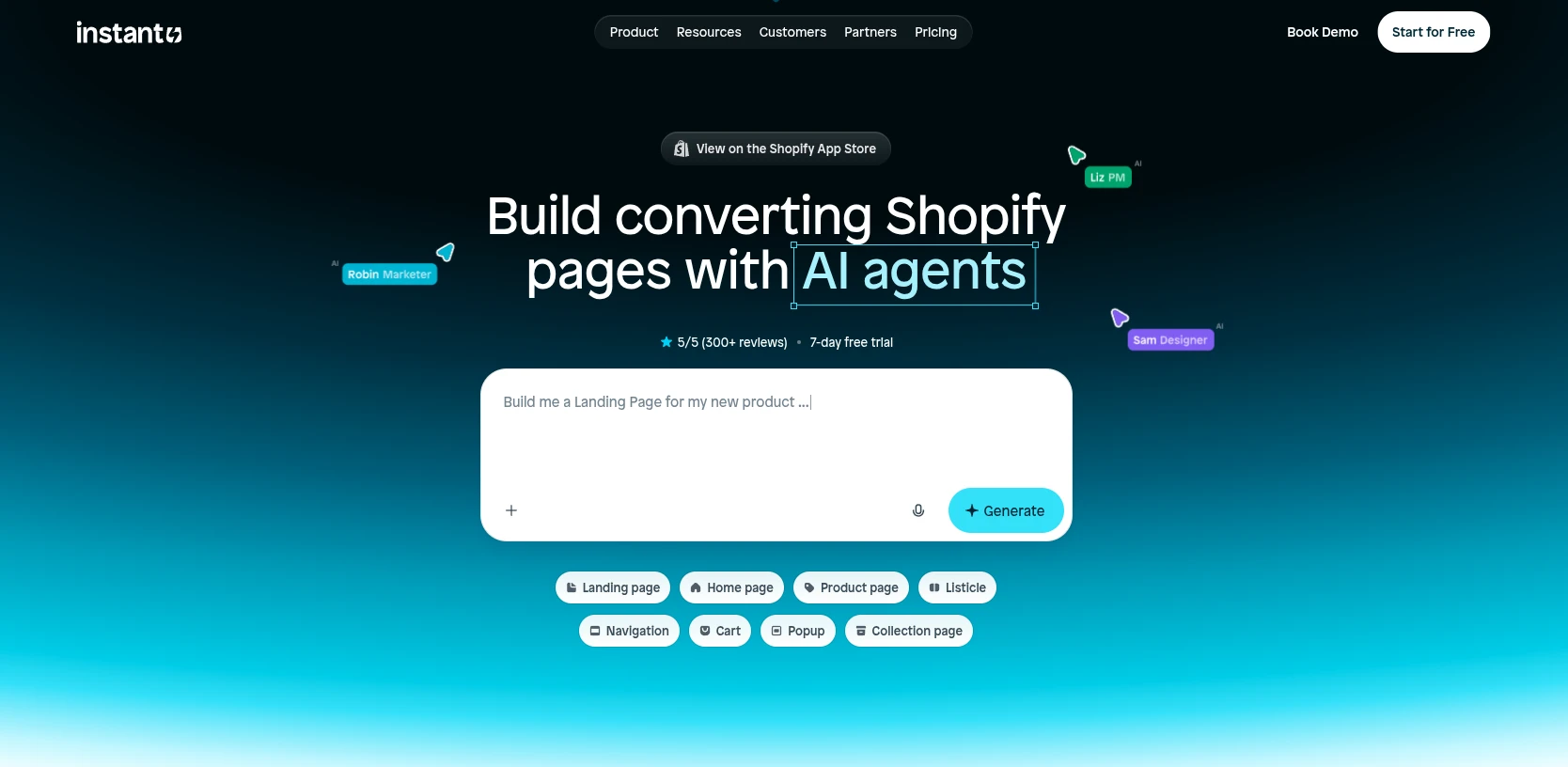
Its close connection with Figma is the key differentiator. Teams can bring existing design work into a Shopify-focused workflow instead of rebuilding everything through a traditional theme editor. Combined with AI generation and reusable components, this makes Instant.so especially appealing for design-heavy brands. We find it more flexible than template-first builders, though the publishing limits on lower plans may restrict larger projects.
| Pros | Cons |
|
|
12. PagePilot
Best for:
Dropshippers and product-testing teams that need to generate many branded product pages quickly.
Pricing:
- AI store generation: Free
- Paid plans: $39–$99/month
Unlike general-purpose page builders, PagePilot concentrates on turning product links into publishable Shopify pages. You can paste a URL from AliExpress, Amazon, Etsy, TikTok Shop, or another Shopify store, choose a template, and let the AI prepare the page for further editing.
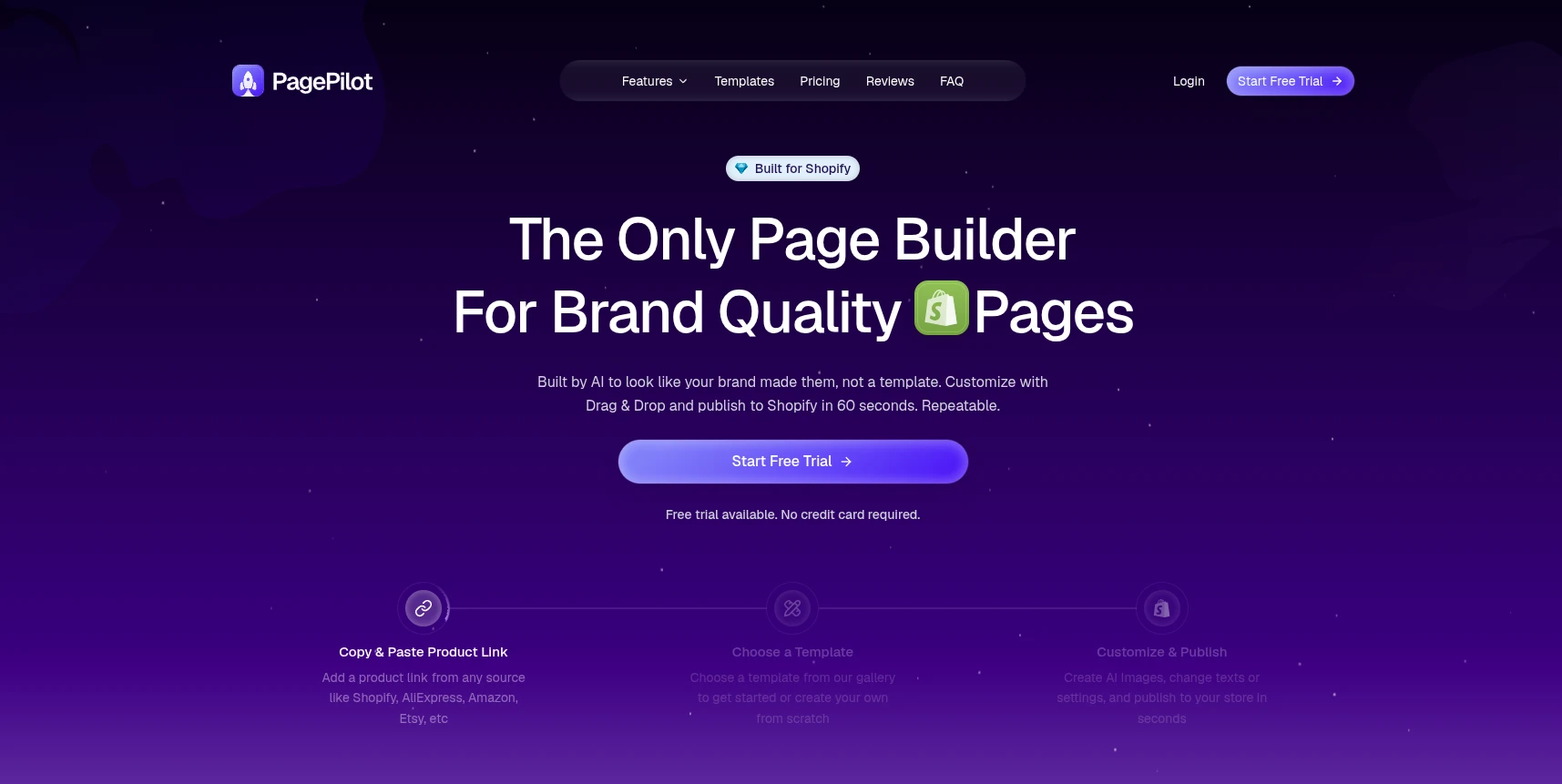
Its USP is the combination of product extraction and brand matching. PagePilot generates copy and visuals from the source product while adapting the page to the existing storefront. This makes it faster for testing products across different stores or markets than manually transferring information into a standard page builder. In our view, it is highly efficient for product-page production, but too specialized for broader website design needs.
| Pros | Cons |
|
|
These Shopify AI website builders can simplify your storefront setup, but you still need to get your existing store data onto Shopify first. For that step, LitExtension experts can migrate your products, customers, orders, and other essential data accurately, giving you a solid foundation to build and customize your new store.
How We Evaluated These Tools
To keep our comparison consistent, we evaluated each Shopify AI website builder using five weighted criteria:
- AI capabilities and output quality (25%): The range and quality of AI-generated designs, layouts, copy, images, and other storefront elements.
- Shopify integration (25%): How smoothly the builder works with Shopify themes, products, store data, third-party apps, and existing workflows.
- Ease of use (20%): The learning curve, setup process, editor usability, and technical knowledge required.
- Design flexibility and customization (15%): The level of control available for adjusting layouts, branding, mobile display, and custom elements.
- Pricing and value (15%): Free plans, trial periods, monthly costs, usage limits, and the features included at each pricing level.
These criteria help us look beyond AI claims and assess how useful each tool is in practice. The final recommendations consider both the quality of the generated storefront and the effort, flexibility, and cost involved in turning it into a functional Shopify store.
Extra Tips When Choosing A Shopify AI Website Builder
We’re confident our suggestions above have given you a clear idea of how to create a website on Shopify with ease using AI builders! But if you really want to take things to the next level, here are a few extra tips to keep you on track:
- Ensure app compatibility: Not all website builders get along with third-party apps you have installed for your store beforehand (e.g., marketing, product reviews, or shipping). Hence, before committing, you should scour reviews or forums to spot any red flags with integrations.
- Mobile optimization matters: Some builders tend to shrink your desktop design to fit on the phone, which can leave you with awkward, unappealing layouts. To avoid such disasters, remember to choose a builder that gives you full control over how your site looks on mobile.
- Don’t skimp on customer support: No matter how great an AI store builder looks on paper, things are bound to go wrong at some point. When they do, you definitely need top-notch customer support! Check if they offer live chat or even phone support so you can get quick answers when you need them most.
- Plan for growth: You might start small, but your business won’t stay that way forever! Think long-term when choosing a builder; make sure it has the flexibility to grow with you without forcing a complete redesign or migration down the line.
Once your storefront is ready, the next step is to improve Shopify SEO and apply the right strategies to increase Shopify sales.
Shopify AI Website Builder: FAQs
How to build Shopify store with AI?
You can use Shopify AI Store Builder to generate a store design from a short business description. After choosing a generated design, customize the theme, add products, review the AI content, configure payments and shipping, and test the storefront before publishing.
Is there a free Shopify AI website builder?
Yes. Shopify AI Store Builder generates store designs for free, while Shopify Magic and Sidekick are included with Shopify plans. Third-party options such as GemPages and PageFly also offer limited free plans. You still need a paid Shopify subscription to operate a live store.
How much does it cost to build a Shopify website?
Shopify plans start at $29 per month when billed annually. Third-party AI builders can cost from $0 to $499 per month, depending on page limits, AI credits, analytics, and team features. You may also pay for a domain, premium theme, apps, or professional design services.
How long does it take to build a Shopify store with AI?
AI can generate the initial design within minutes, but completing products, navigation, payments, policies, and testing may take several hours or days. Our Shopify launch checklist covers the remaining tasks before publishing.
Can AI build a complete Shopify store, or just individual pages?
Both options are available. Shopify AI Store Builder and tools such as BuildYourStore.ai can generate an initial store, while GemPages, PageFly, Instant.so, and PagePilot focus more on individual pages or sections. In either case, you should review and complete the store settings manually before launch.
Final Words
With the right Shopify AI website builder, you can generate an initial store, create individual pages, or optimize an existing storefront faster. The best choice depends on how much design control, automation, and ongoing support you need.
If you are planning to move your business to Shopify, LitExtension can handle the migration for you. With over 15 years of experience and 200,000+ customers worldwide, our experts help transfer your store data accurately while reducing manual work and disruption. This leaves you free to focus on building and growing your new Shopify store.