You can import AliExpress reviews to Shopify for free using the Judge.me AliExpress Review Importer. Select the Shopify product, paste the URL of the corresponding AliExpress product, choose your review filters, and start the import. To display the imported reviews on your product page, install the Judge.me Product Reviews app and add its Review Widget to your Shopify theme.
Here’s how to import reviews from AliExpress to Shopify in five simple steps:
- Step 1. Install Judge.me Ali Reviews Importer
- Step 2. Find the matching product on AliExpress
- Step 3. Import reviews from AliExpress to Shopify
- Step 4. Check the import results
- Step 5. Display the reviews on your storefront
You will also learn how to check product matches, troubleshoot missing reviews, compare importer apps, and present imported feedback accurately to US shoppers.
How to Import Reviews from AliExpress to Shopify with Judge.me
You can import AliExpress reviews to Shopify for free using the Judge.me Ali Reviews Importer. The app supports unlimited imports and lets you filter reviews by language, country, word count, and whether they include photos.
Judge.me uses two separate apps for this process. Judge.me Ali Reviews Importer transfers reviews from AliExpress to the corresponding Shopify product, while Judge.me Product Reviews displays them on your storefront. Both apps offer the features required for this tutorial at no cost.
Step 1. Install Judge.me Ali Reviews Importer
Install Judge.me Ali Reviews Importer from the Shopify App Store. Click Install, select your Shopify store, and approve the requested permissions. Once the installation is complete, open the importer from your Shopify admin.
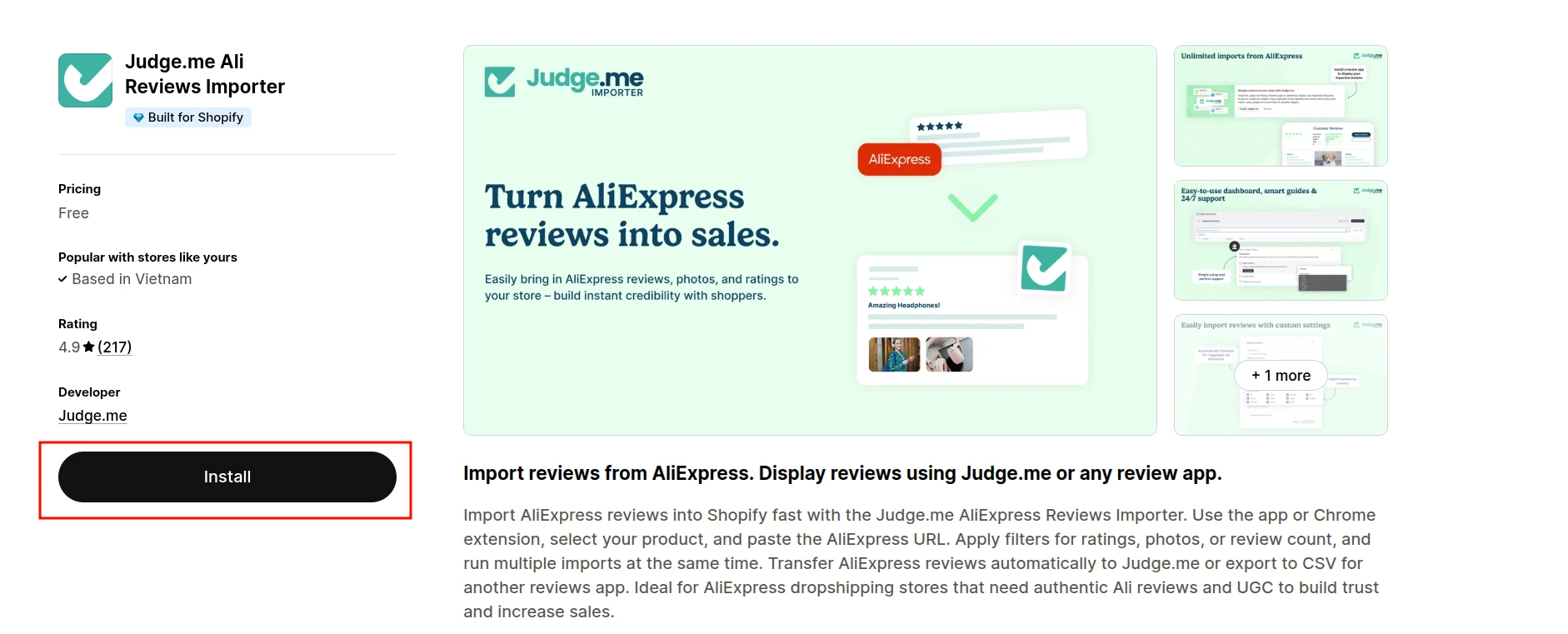
You can also install Judge.me Product Reviews at this stage so the imported reviews can be displayed on your storefront later.
Step 2. Find the matching product on AliExpress
Open AliExpress and find the product whose reviews you want to import. The listing must already have customer reviews. Confirm that its model, materials, specifications, and relevant variants match the Shopify product before using it as the review source.
Once you have found the correct product:
- Copy the full URL from your browser’s address bar.
- Make sure the URL opens a specific AliExpress product page and ends in .html.
- Do not use a category, collection, pop-up, shortened, or external redirect link.
Step 3. Import reviews from AliExpress to Shopify
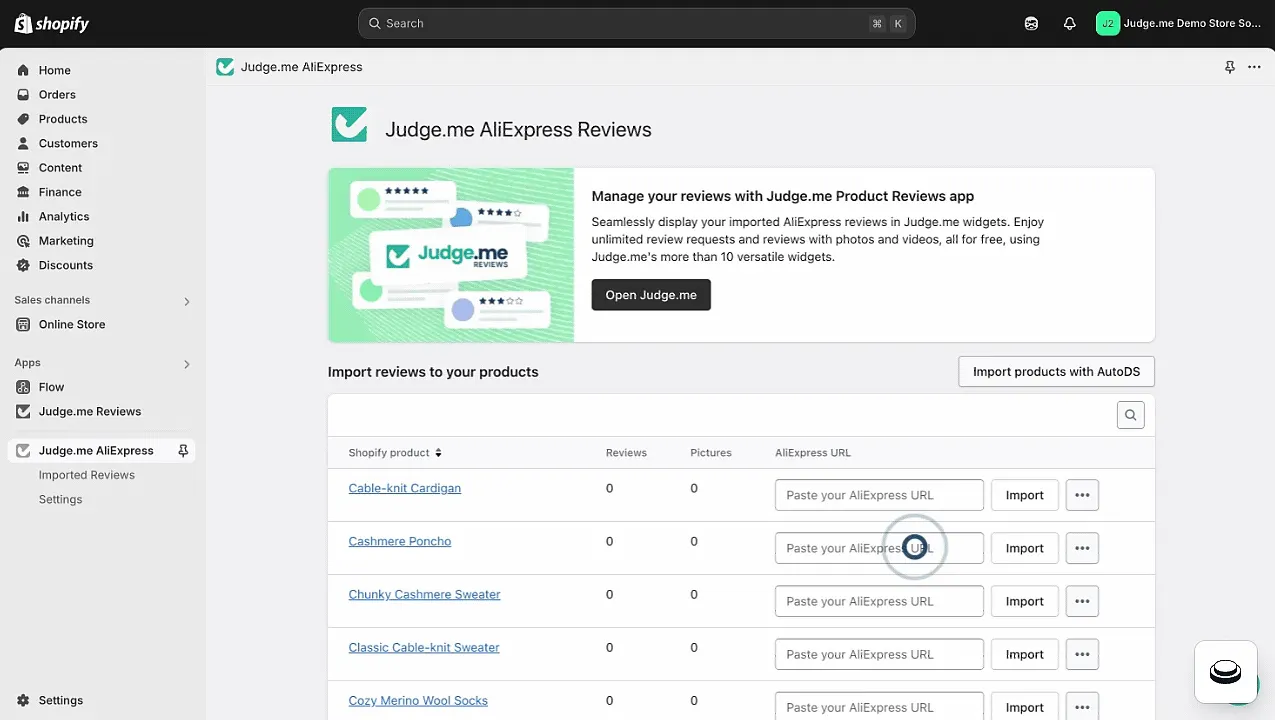
Open Judge.me Ali Reviews Importer and find the Shopify product that should receive the reviews. Paste the corresponding AliExpress product URL into the AliExpress URL field and click Import.
Review the following settings before starting the import:
| Setting | What it does | Our recommendation |
|---|---|---|
| Translate to | Translates the reviews into one of 13 supported languages using AliExpress. You can also select “Do not translate” to retain the original language. | Select your store’s primary language, then review a sample for translation errors |
| Number of reviews to import | Sets the number of reviews to import. The default is 15, and the maximum is 500 per import. | Start with a smaller batch so you can verify the product match and review quality |
| Email when import completed | Sends an email notification when the import finishes. | Enable it for larger imports or when you do not plan to keep the app open |
For more control, click Show advanced settings and configure these optional filters:
| Setting | What it does | Our recommendation |
|---|---|---|
| Country filters | Imports reviews from all available countries or only selected markets. | Select countries relevant to your target market without making the filter too restrictive |
| Minimum review word count | Sets the minimum number of words a review must contain. If you enter 0, Judge.me can import the rating and use the Shopify product title as the review body. | Set a minimum above 0 if you only want reviews containing written feedback |
| Reviews must have pictures | Imports only reviews that include images. | Enable it only when the AliExpress listing has enough photo reviews |
| Save settings as default import setting | Applies the same filters to future imports. | Enable it after confirming that the settings produce suitable results |
Once the settings are ready, click Import reviews. Judge.me will process the import in the background.
If Auto-import weekly is available, you can enable it to import new reviews from the same AliExpress product automatically each week. You can edit or disable the schedule later from Auto-import settings.
Judge.me is also testing bulk import with auto-match for Early User Program participants. If Import reviews in bulk appears in your account, you can select up to 500 Shopify products, review Judge.me’s suggested AliExpress matches, and import reviews for multiple products in one process.
Step 4. Check the import results
To monitor the import:
- Open the Judge.me Ali Reviews Importer admin.
- Scroll down to the Import logs section.
- Confirm that the log shows the import process has started.
- Refresh the page after a few minutes to view the final result.
A successful log shows how many reviews were imported. If Judge.me reports that no reviews were found, confirm that the URL opens a reviewed AliExpress product. Then loosen the country, minimum word count, or photo requirements one at a time and try again.
Review a sample of the imported feedback, including both positive and critical comments, to detect incorrect product matches, irrelevant variants, or translation errors. If you enabled Email when import completed, Judge.me will also notify you when the process finishes.
Step 5. Display the reviews on your storefront
Judge.me Ali Reviews Importer transfers the reviews but does not display them on your storefront by itself. To publish them, install the Judge.me Product Reviews app and add its Review Widget to your product template.
For a Shopify Online Store 2.0 theme:
- Install Judge.me Product Reviews if it is not already connected to your store.
- In Shopify admin, go to Online Store > Themes and click Edit theme.
- Open App embeds, enable the Judge.me app embed, and click Save.
- Open the template selector and choose Products > Default product.
- Click Add section, open the Apps tab, and select Review Widget.
- Position the widget where you want it to appear and click Save.
See Judge.me’s guide to adding the Review Widget to a Shopify product page if the app block does not appear in your theme.
The imported reviews should automatically appear in Judge.me Product Reviews and on the corresponding Shopify product page. Open the live page and confirm that the review text, images, ratings, and product association are correct.
AliExpress reviews are not marked as verified by Judge.me because they cannot be matched to qualifying orders from your Shopify store. Clearly distinguish them from reviews submitted by your own verified Shopify customers.
How to Import AliExpress Reviews to Shopify Without Installing an App
You can display AliExpress reviews on Shopify without installing an app from the Shopify App Store. The two practical options are embedding a hosted review widget or adding selected reviews manually with Shopify custom data.
However, neither method imports reviews into a native Shopify review system. The reviews will not automatically include features such as verified-buyer labels, moderation tools, review requests, filtering, or structured review data.
Option 1. Embed a hosted AliExpress review widget
Some third-party widget providers can retrieve reviews from an AliExpress product page and generate an embed code for your website. You can then place that code on the corresponding Shopify product page.
- Create an account with a widget provider that supports AliExpress reviews.
- Paste the URL or product ID of the AliExpress listing whose reviews you want to display.
- Choose the reviews, layout, colors, and other display settings.
- Publish the widget and copy its embed code.
- In Shopify admin, go to Online Store > Themes and click Customize.
- Open the relevant product template and add a Custom Liquid section.
- Paste the widget code into the section and click Save.
Important: A section added to a shared product template normally appears on every product using that template. If each Shopify product needs a different AliExpress review source, you may need separate product templates, a dynamic configuration supported by the widget provider, or custom Liquid development.
- Pros: Quick to set up, no Shopify app installation, and some providers offer a limited free plan.
- Cons: The reviews and widget remain dependent on an external service. Free plans may include branding, usage limits, or fewer customization options. Third-party scripts can also affect page performance, and each product may require a separate widget or source configuration.
A hosted widget might display ratings and review cards, but it does not necessarily add valid product review schema to your Shopify page. Check the rendered structured data separately if review rich results are important.
Option 2. Add selected reviews manually with Shopify metafields
For a small catalog, you can place selected AliExpress reviews in a product metafield and display them through your Shopify theme. This method uses Shopify’s built-in custom data feature and does not add code from an external widget provider.
- In Shopify admin, go to Settings > Custom data > Products.
- Click Add definition, enter a name such as “AliExpress review excerpts,” and select Rich text as the content type.
- Open a product in Shopify admin, scroll to its metafields, and enter the reviews you want to display.
- Go to Online Store > Themes and click Customize.
- Open the product template and add a section or block that supports a rich-text dynamic source.
- Click the dynamic source icon, connect the section or block to the product metafield, and save the template.
The available sections and dynamic sources depend on your Shopify theme. If the metafield does not appear as an option, try a compatible text or collapsible-row block, check the theme documentation, or add the metafield through Liquid code.
A Rich text metafield stores the reviews as one formatted content block rather than as separate review records. It does not provide individual star ratings, reviewer profiles, dates, sorting, filtering, verified-review labels, or automatic updates.
Rich text metafields also do not function as an image gallery. To display review photos, you will need separate File metafields, images uploaded to Shopify Files, and a compatible theme section or custom Liquid code.
- Pros: Uses Shopify’s built-in custom data, adds no external widget script, and gives you direct control over the displayed content.
- Cons: Every review must be entered and updated manually. New AliExpress reviews will not sync automatically, and additional development is required for star ratings, review images, structured data, or a complete review interface.
This approach is manageable when you only need to show a few review excerpts. For a larger catalog or ongoing review imports, a dedicated AliExpress review importer is more practical.
Whichever method you choose, clearly identify the reviews as feedback from buyers of the corresponding product on AliExpress. Do not present them as verified purchases from your Shopify store.
When LitExtension Is the Best Option for a Shopify Migration
If your Shopify products are already set up and you only need to import reviews from a few AliExpress listings, a review importer app may be sufficient. Manual methods can also work for a very small catalog.
However, LitExtension All-in-One Migration Service is the better option when reviews are part of a complete Shopify migration, especially if you have a large catalog, limited time, or complex relationships between reviews, products, and variants.
Instead of installing and configuring review apps, creating widgets, editing metafields, or mapping products manually, you can have LitExtension handle the entire process. This gives you several practical advantages:
- Save time: LitExtension experts assess the source data, prepare the migration, map supported review fields to the correct Shopify products, and complete the transfer for you.
- No technical work: You do not need to edit theme code, create metafields, paste embed scripts, format import files, or troubleshoot failed imports.
- Expert data mapping: The team reviews product relationships and available review details, such as content, ratings, images, dates, and customer information, before recommending the appropriate migration approach.
- QA and QC checks: After the migration, LitExtension checks the transferred data and verifies that supported reviews are associated with the intended Shopify products.
- One coordinated migration: Reviews can be handled alongside supported store data such as products, customers, orders, categories, and other business records instead of being managed as a separate manual project.
This is particularly useful when review handles, product identifiers, variants, or data structures differ between the source store and Shopify. LitExtension manages the mapping and validation, reducing the risk of reviews appearing under the wrong products or being missed during the migration.
AliExpress product pages are not complete eCommerce stores, so the available migration approach depends on how their review data can be accessed and matched to your Shopify catalog. LitExtension will first assess the available content and product relationships, then confirm which review fields can be transferred.
If you only need to add AliExpress reviews to several existing Shopify products, a dedicated importer app remains the more direct option. If you are moving an entire store and want to save time, avoid technical work, and have the results checked by migration experts, LitExtension All-in-One Migration Service is the stronger choice.
Need help transferring reviews alongside the rest of your store data? Let LitExtension handle the assessment, mapping, migration, and post-migration checks for you.
Let Our Experts Handle Your Shopify Migration!
With the All-in-One Migration Service, our experts take care of everything, ensuring a seamless and stress-free migration.

5 Best Apps for Importing AliExpress Reviews to Shopify Store
Since Shopify does not offer a built-in AliExpress review importer, you need a third-party app to complete the process. Some apps focus solely on importing reviews, while others also provide review widgets or support multiple marketplaces.
When comparing your options, consider how many reviews you can import and publish, which display features are included, and whether the free plan meets your needs. Testing the app with one matching product first can also help you avoid issues before importing an entire catalog.
Here are 5 of the best apps to consider and what sets each one apart.
1. Judge.me Ali Reviews Importer
Best for: Merchants who want a free, focused solution for importing AliExpress reviews.
Pricing:
- Judge.me AliExpress Reviews Importer: Free
- Judge.me Product Reviews: Forever Free ($0) | Awesome ($15/month)
Judge.me Ali Reviews Importer offers free AliExpress imports and filters for rating, country, word count, photos, and translation. It has a separate display app. Bulk auto-match is available to early-program participants; check eligibility before relying on it for a large catalog.
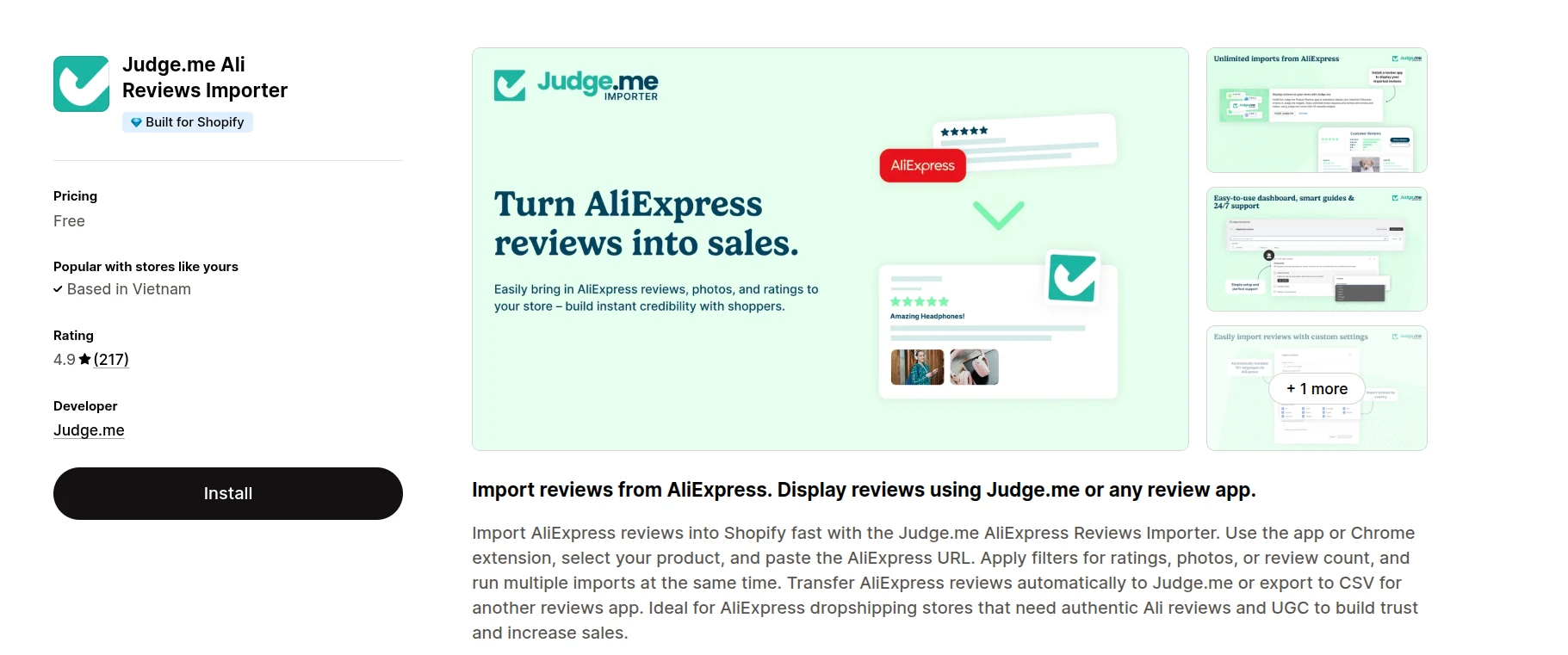
You can enable weekly auto-import for specific products. When using auto-match, check every suggested AliExpress listing against the Shopify item; title similarity alone does not prove the products are identical.
| Pros | Cons |
|---|---|
|
|
2. Ali Reviews: AI Product Review
Best for: Dropshipping merchants who want an all-in-one importer and review-management app.
Pricing: Free plan available; paid plans start at $14.95/month
Ali Reviews is an all-in-one review app built for dropshipping stores. It lets you import, manage, and display reviews from AliExpress and other marketplaces without using separate tools. The Free plan supports unlimited AliExpress imports but limits each product to 10 published reviews, while paid plans provide higher publishing limits and more advanced customization.
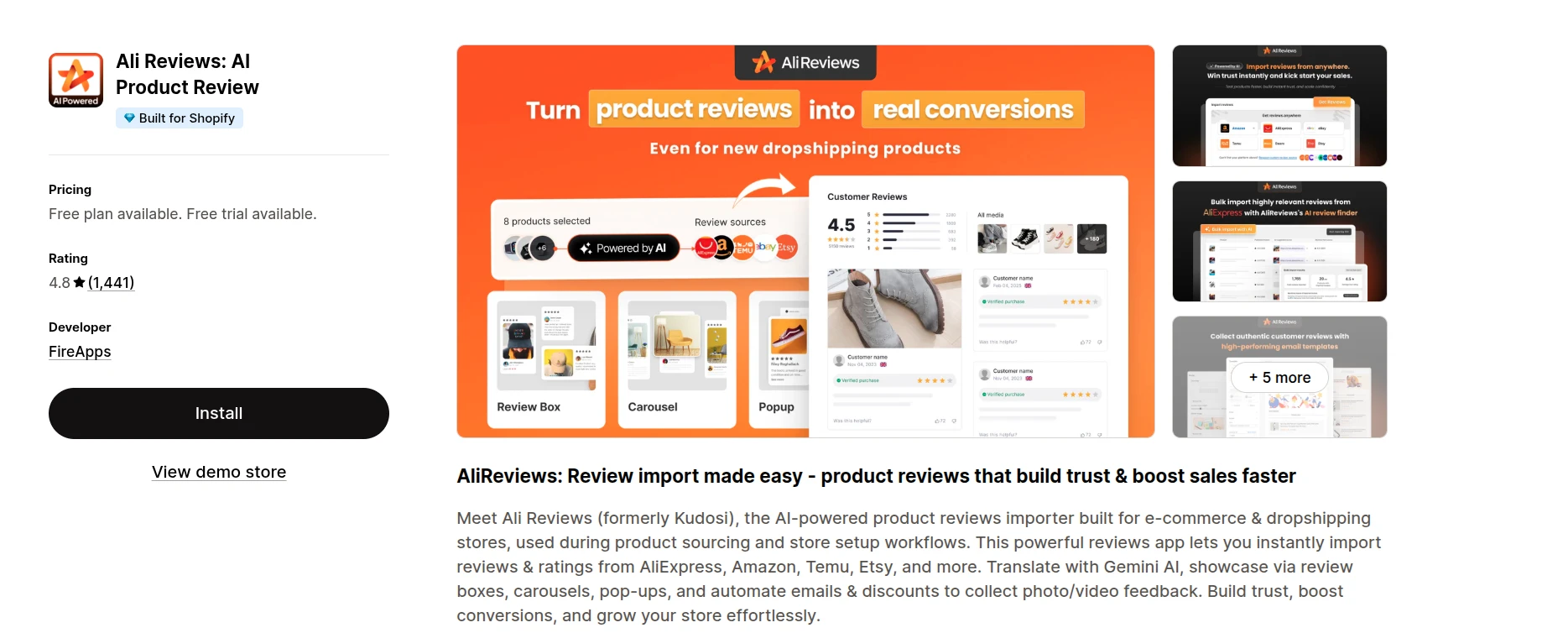
Compare the number of reviews the app imports with the number its plan allows you to publish per product. Check the current plan for widgets, translation, and marketplace-source limits before upgrading.
| Pros | Cons |
|---|---|
|
|
3. Opinew Product Reviews App
Best for: Growing stores that need ongoing review automation and integrations with their dropshipping or marketing tools.
Pricing: Free plan available; paid plans start at $19/month
Opinew combines AliExpress and eBay review imports with on-site widgets and requests for new customer reviews. Its free Shopify App Store plan currently lists 100 imports from eBay and AliExpress, so check the limit if you have a large catalog.
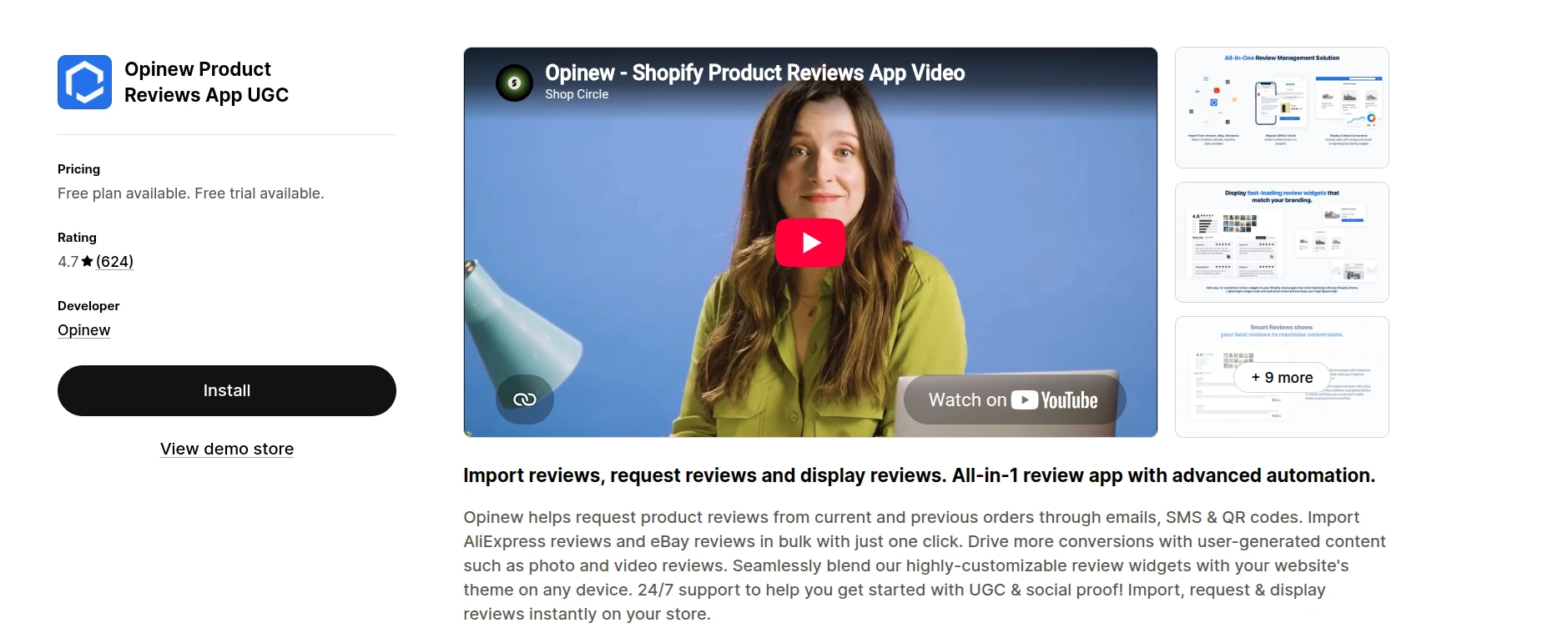
Email and SMS requests can help collect feedback from your own buyers after launch. Imported AliExpress reviews should remain clearly identified as external feedback; do not attach a verified-purchase label that implies an order with your store.
| Pros | Cons |
|---|---|
|
|
4. Trustoo Ali Reviews Importer
Best for: Merchants who need a free importer for AliExpress and other product-sourcing channels.
Pricing: Free
Trustoo Ali Reviews Importer is a free tool for importing reviews from AliExpress, Shopee, DSers, and Etsy. Its one-click workflow and support for several sources make it especially useful for merchants who do not rely exclusively on AliExpress.
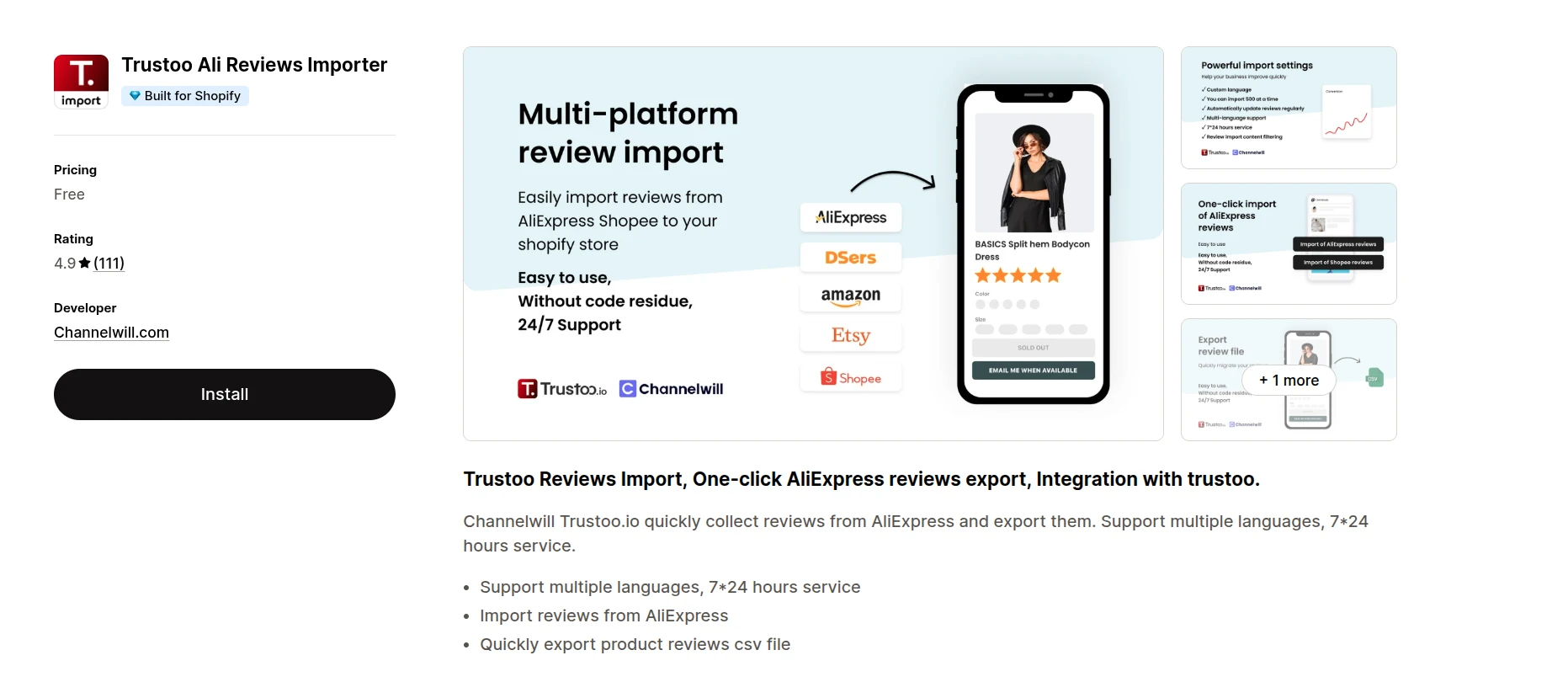
The app can bring over multilingual reviews and allows you to export the imported data as a CSV file. This gives you more flexibility if you want to store, edit, or transfer the reviews to a compatible review-display app later.
Trustoo focuses on importing and exporting reviews. Confirm which display app and CSV format you will use before importing, and inspect the published result for accurate source attribution.
| Pros | Cons |
|---|---|
|
|
5. Loox Product Reviews App
Best for: Fashion, beauty, home, and lifestyle stores that rely heavily on visual reviews.
Pricing: Free plan available (up to 500 orders); paid plans start at $49.99/month
Loox is best known for its visually polished photo and video review widgets, which is why it’s become a favorite among fashion, beauty, and home-goods brands that rely heavily on customer photos to sell products. If you want to find an easy-to-use app when learning how to import reviews from AliExpress to Shopify, Loox is a reasonable option to bring your existing AliExpress feedback along for the ride rather than starting from zero.
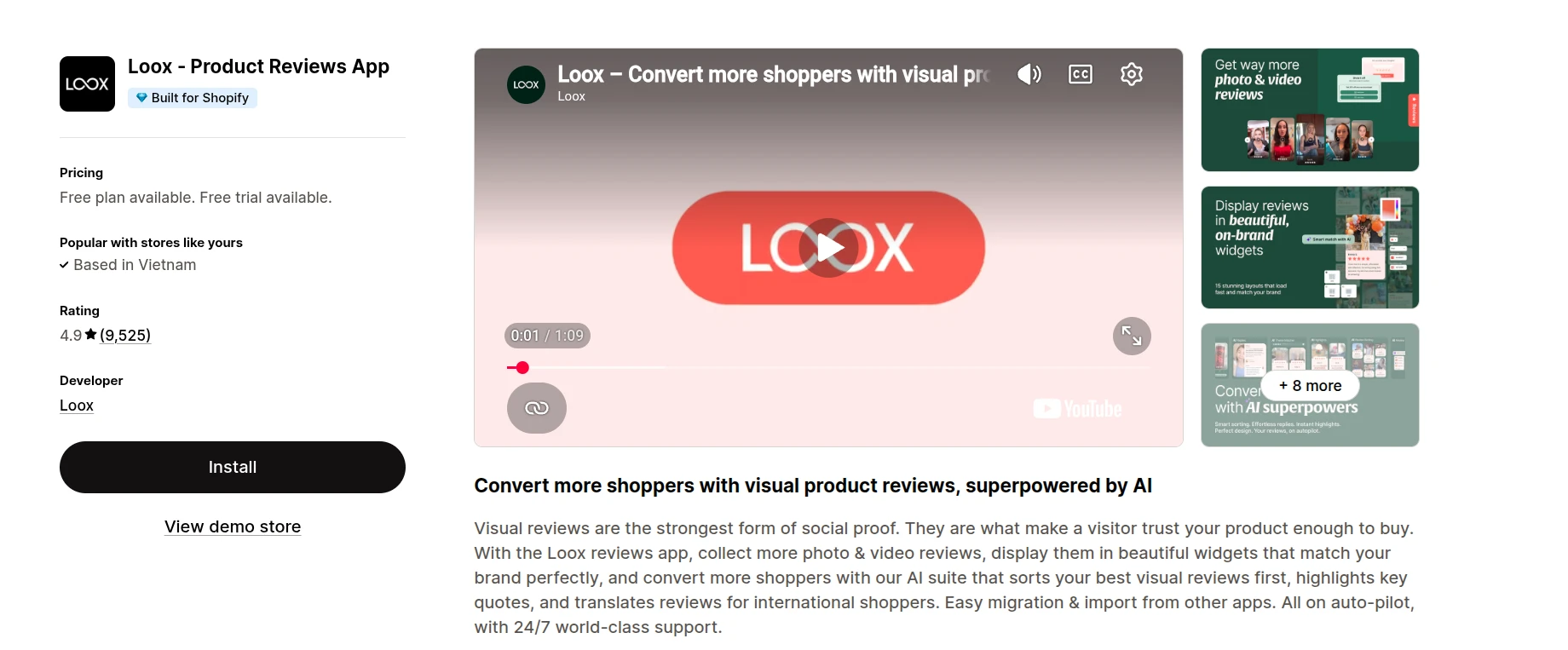
Loox documents an AliExpress import flow using its “Import to Loox” bookmarklet, followed by a review preview. Check its current plan for the widgets and import capacity you need rather than assuming every display feature is free.
| Pros | Cons |
|---|---|
|
|
How to Import Reviews from AliExpress to Shopify: FAQs
How do I import reviews from AliExpress to Shopify?
Install Judge.me Ali Reviews Importer, select the matching Shopify product, paste the full AliExpress product URL, configure the language and review filters, and start the import. Then install Judge.me Product Reviews and add its Review Widget to the product template so the imported ratings, review text, and photos appear on your storefront.
Can I import AliExpress reviews to Shopify for free?
Yes. Judge.me Ali Reviews Importer is free and supports unlimited AliExpress review imports. The default is 15 reviews, with a maximum of 500 reviews in each import. Judge.me Product Reviews also has a free plan that includes the Review Widget required to display them.
Can I bulk import AliExpress reviews or sync new reviews automatically?
Yes, if these features are available in your Judge.me account. Bulk import with auto-match lets eligible users select up to 500 Shopify products, review the suggested AliExpress matches, and import reviews for multiple products together. You can also enable weekly auto-import for matched products so Judge.me regularly retrieves newly available reviews.
Can I import AliExpress photo reviews and translate them?
Yes. Judge.me can import reviews with ratings, text, and available customer images. You can require reviews to include pictures and translate the text into one of 13 supported languages through AliExpress. Check a sample after importing because automatic translations and product variants might not always match your Shopify listing accurately.
Are imported AliExpress reviews marked as verified purchases?
No. Judge.me does not mark AliExpress imports as verified because it cannot match them to qualifying orders placed through your Shopify store. They remain reviews from buyers on the source marketplace, so do not present them as verified purchases from your own store.
Can I import reviews from AliExpress to Shopify without a review app?
Yes, but the available methods are limited. You can embed a hosted AliExpress review widget or add selected review excerpts manually with Shopify metafields. A hosted widget depends on an external service, while metafields require manual updates. Neither provides the complete review management, filtering, verification, or automatic syncing available in a dedicated review app.
Why are my AliExpress reviews not importing or appearing on Shopify?
First, make sure the AliExpress URL opens a specific reviewed product and ends in .html. If the import finds no reviews, loosen the country, minimum word count, or photo-only filters and try again. If the import succeeds but nothing appears on your storefront, install Judge.me Product Reviews, enable its app embed, add the Review Widget to the correct product template, and confirm that you imported the reviews to the intended Shopify product.
If review photos are missing, verify that the source reviews contain images and that the original files are still available. AliExpress access restrictions in some regions can also prevent imported images from loading locally.
Can I delete AliExpress reviews after importing them?
Yes. In Judge.me Ali Reviews Importer, open Reviews to delete individual imported reviews or select all AliExpress reviews associated with a product and remove them together. You can also manage and delete imported reviews from the Judge.me Product Reviews app.
Is it legal to import AliExpress reviews to Shopify?
There is no universal yes-or-no answer. The reviews must come from people who genuinely experienced the same product, and their content, source, and verification status must not be misrepresented. You should also consider the review author’s rights, AliExpress terms, customer photo usage, and the laws of every market where you sell.
For US merchants, the FTC Consumer Reviews and Testimonials Rule prohibits fake, false, and otherwise deceptive consumer reviews. Clearly identify imported feedback as originating from AliExpress and do not imply that the reviewers purchased from your Shopify store. Seek legal advice for your specific use case.
When should I use LitExtension instead of an AliExpress review importer?
Use a review importer when you only need to add AliExpress reviews to products that already exist on Shopify. LitExtension is the better option when supported reviews are part of a complete store migration and you want experts to handle data assessment, product mapping, migration, and QA/QC. This saves time, avoids manual technical work, and helps reduce incorrect review-to-product associations.
Because AliExpress product pages are not complete ecommerce stores, LitExtension must first assess how the review data can be accessed and matched to your Shopify catalog.
Final Words
The fastest free way on how to import reviews from AliExpress to Shopify is Judge.me’s importer paired with Judge.me Product Reviews. Match the exact product, filter for helpful photo reviews, label the source clearly, and keep an honest mix of ratings. Then start collecting reviews from your own customers as orders come in.
If you are also migrating an eCommerce store, LitExtension can evaluate your source data and product mapping. Our experts will confirm the supported review fields and data requirements before including marketplace reviews in your Shopify migration.