If you’ve decided to build an eCommerce web store using Wix, you shouldn’t miss out on Wix apps to fuel your store’s growth. But with over 500 apps on the Wix App Market, you might be wondering which are the best Wix apps to go with.
Don’t worry! We have compiled 40+ of the best Wix apps you need to launch, customize your store, and skyrocket your conversions, etc. Accordingly, we have divided them into the following categories:
- Sales & conversion;
- Marketing & SEO;
- Reviews & testimonials;
- Analytics & tracking;
- Live chat & support;
- Shipping & logistics;
- Social;
- Dropshipping & POD;
- Store design;
- Forms & payments;
- Bookings & services.
Let’s get started!
How We Selected the Best Wix Apps for You
Before jumping into the list, we want to be clear about how the best Wix apps were selected. Our goal was not to include every popular option, but to focus on apps that solve real problems for Wix store owners. Here’s how we narrowed it down.
- Ratings and review volume: Strong ratings matter more when backed by a meaningful number of reviews.
- Negative reviews: We checked recurring complaints around billing, setup, bugs, and missing features.
- Pricing clarity: We looked at what each free or paid plan actually includes.
- Wix compatibility: We prioritized apps that work smoothly within the Wix ecosystem.
- Real value: Every app had to solve a clear problem, whether that means saving time, improving sales, or making store management easier.
With such a diverse app marketplace, it’s easy to see why more businesses are moving to Wix. Our Wix migration service helps you transfer your store data to Wix smoothly, whether you’re migrating from Shopify, WooCommerce, Magento, or other platforms.
Wix Migration Made Easy With LitExtension!
LitExtension offers great migration solutions that help you transfer your data from the current eCommerce platform to a new one accurately, painlessly with utmost security.

Best Wix Apps for Sales & Conversion
1. Wix Stores
Rating: ⭐4.1 (4400+ reviews)
Pricing: Free
Most Wix users will see Wix Stores as the default app when they choose the eCommerce path during setup. From there, it becomes the central hub for managing your online store – from products and inventory to checkout, payments, shipping, and orders.
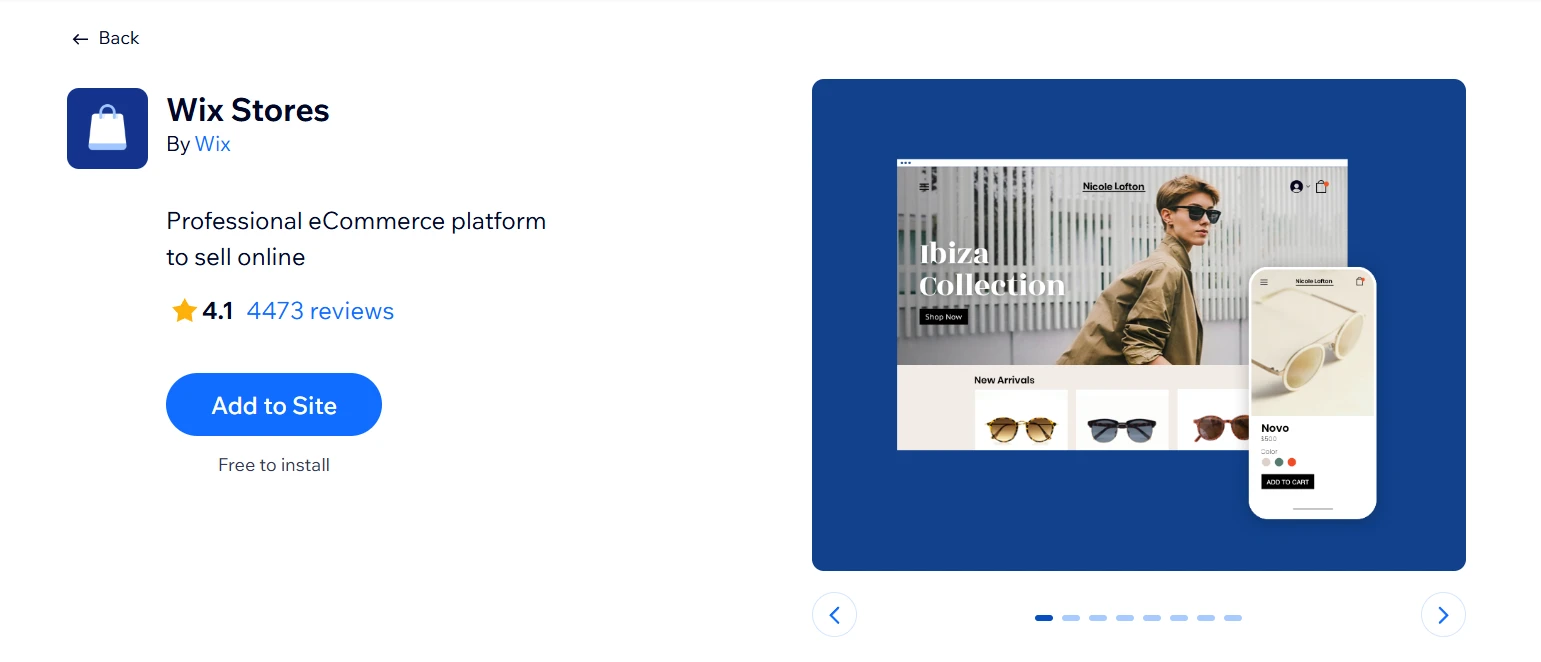
For beginners, this makes the setup process much less confusing. Instead of choosing multiple apps for basic store management, you already have one built-in solution to handle the essentials before adding more advanced Wix apps later.
Highlight features:
- Multi-channel selling via Amazon, eBay, and Google Shopping
- Subscriptions, digital products, and gift cards supported
- Built-in abandoned cart recovery and discount tools
- Multiple payment options including PayPal and Apple Pay
Best for: Beginners who want to start selling on Wix without spending time piecing together multiple eCommerce apps
2. Carti Abandoned Cart Recovery
Rating: ⭐4.7 (220+ reviews)
Pricing: Paid plans from $2.99/month
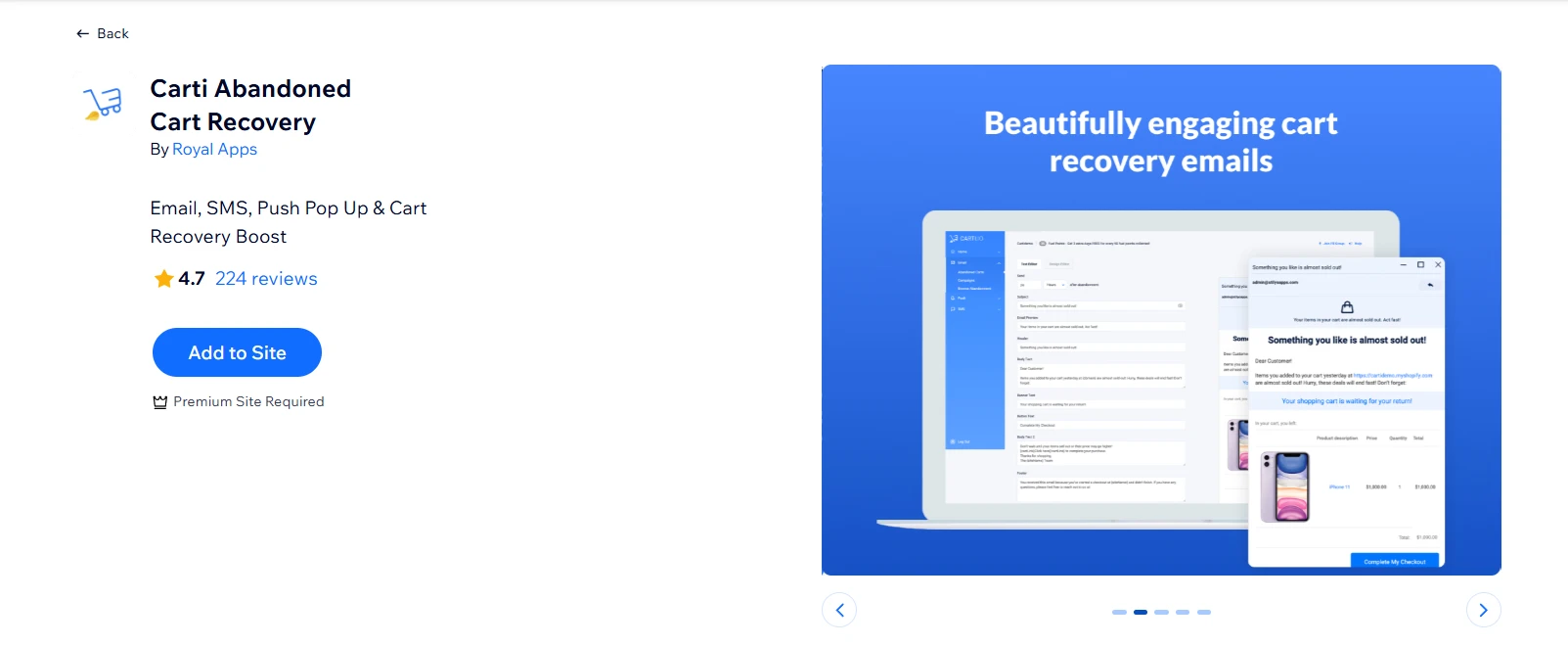
Carti focuses on one thing that directly impacts revenue: bringing shoppers back before they disappear. What we like most is how beginner-friendly the setup is, with no complex flows to configure, just activate and let the recovery campaigns run in the background.
Highlight features:
- Multichannel recovery: email, SMS, Facebook Messenger, web push
- Prebuilt automation flows with automatic coupons and discount drips
- Blast campaigns with personalization tags and timezone scheduling
- Order receipts and fulfillment notifications included
Best for: Smaller to mid‑size online stores that want “set‑and‑forget” abandoned cart automation across multiple channels
3. Upsell & Cross Sell By Appsell
Rating: ⭐4.7 (280+ reviews)
Pricing: 3-day free trial | Paid plans from $14.95/month
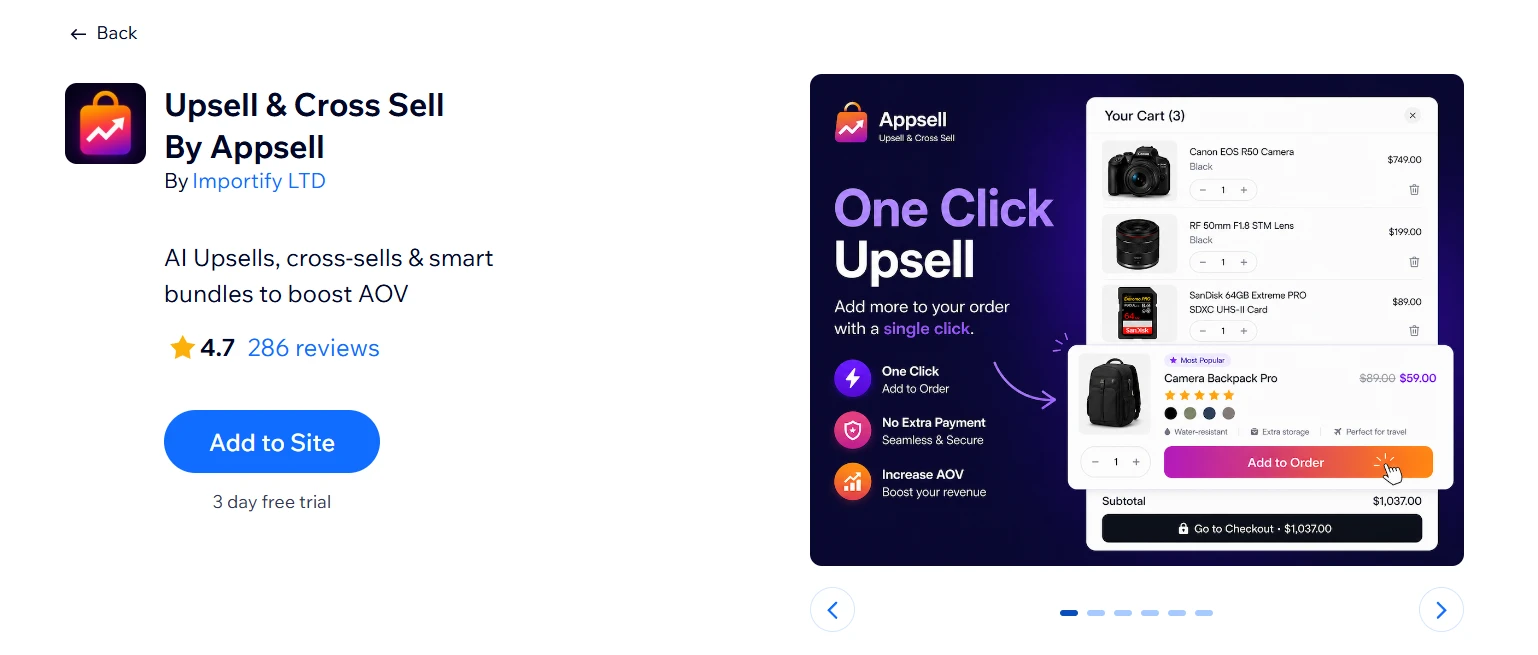
The moment a customer decides to buy is the best moment to suggest something related, and Appsell places those offers at exactly the right touchpoints without requiring you to rebuild layouts or set up complex funnels. Useful across most product categories: anything with natural add-ons or items that are frequently paired.
Highlight features:
- Pre- and post-purchase upsell funnels on product, cart, checkout, and thank-you pages
- One-click add-to-cart for recommended and bundled products
- Frequently Bought Together widgets (Amazon-style)
- Volume bundle discounts and quantity-based pricing
- Integrates with Editorify to add reviews and videos inside upsell widgets
Best for: Wix stores with complementary products, bundles, accessories, or frequently paired items
4. Wix Loyalty Program
Rating: ⭐4.0 (330+ reviews)
Pricing: Free
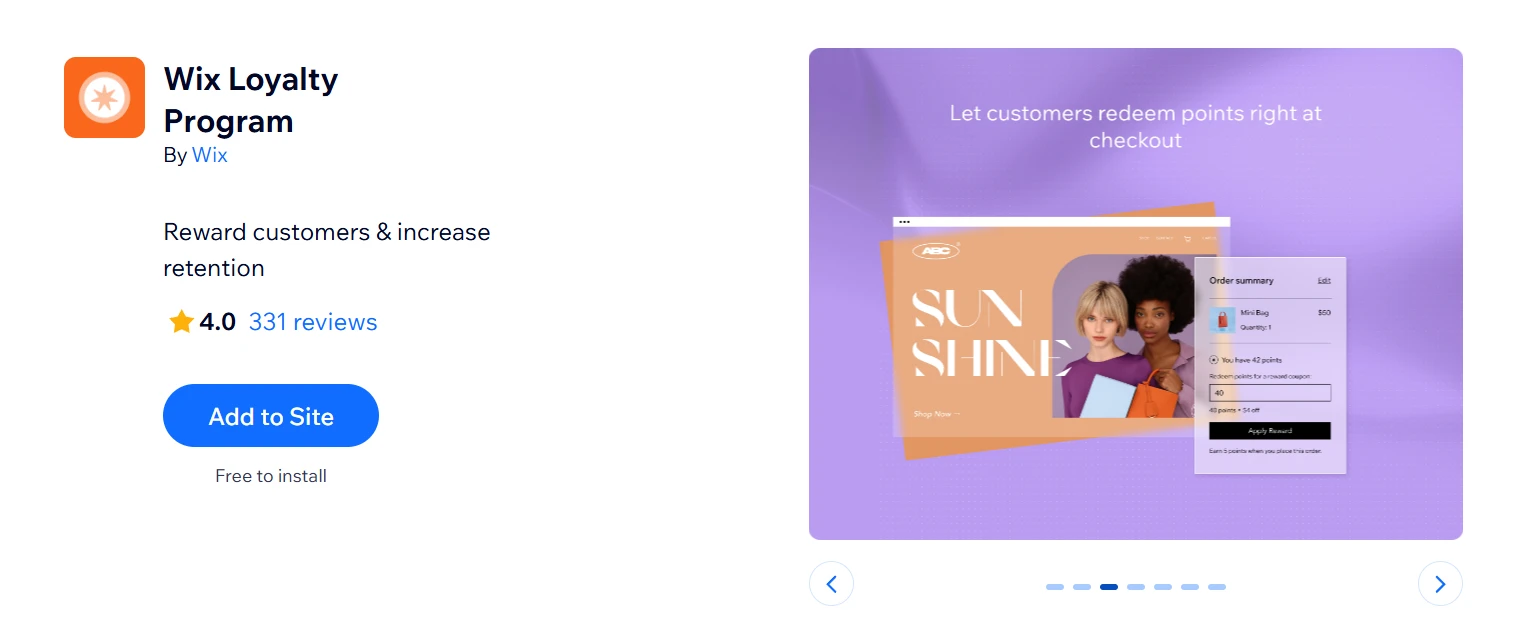
Most loyalty tools come loaded with CRM features you won’t touch for months. Wix Loyalty Program skips all of those points for purchases, sign-ups, and brand actions, redeemable at checkout, live inside your dashboard in one sitting. For stores just hitting their first steady orders, that simplicity is actually the right call.
Highlight features:
- Points for purchases, bookings, and other custom actions
- Redeemable as discounts, gifts, or perks at checkout
- Members-only promotions and automatic email notifications
- Member portal for shoppers to track and redeem points
- Admin tools to adjust balances and view loyalty analytics
Best for: Wix stores that want a simple built-in loyalty system to encourage repeat purchases
5. Wix Referral Program
Rating: ⭐3.5 (260+ reviews)
Pricing: Free
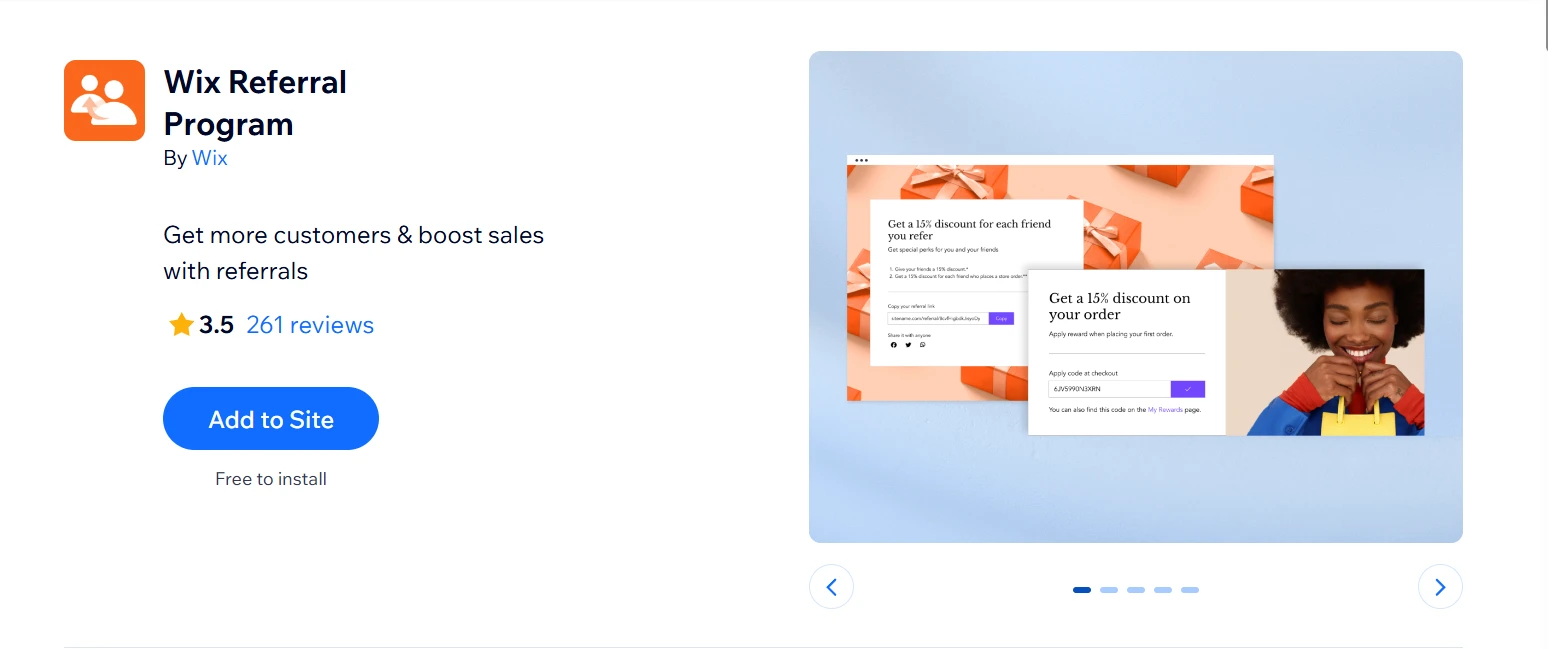
Referral only works when customers already trust your product enough to put their name behind it. That’s why the Wix Referral Program makes more sense as a second or third loyalty tool, but not the first. What keeps it native is the flow: customers share personal links and refer friends without ever leaving a Wix-hosted experience, which removes the friction of third-party redirects.
Highlight features:
- Reward both referrers and friends with discounts, free shipping, or loyalty points
- Automated emails to promote the program and remind customers of unused rewards
- Performance dashboard tracking referrals, conversions, and top advocates
- Built-in fraud prevention: only logged-in customers can earn rewards
Best for: Brands with satisfied customers who want to grow through recommendations rather than relying only on paid ads
6. Poptin Popups
Rating: ⭐4.9 (1200+ reviews)
Pricing: Free | Paid plans from $11.95/month
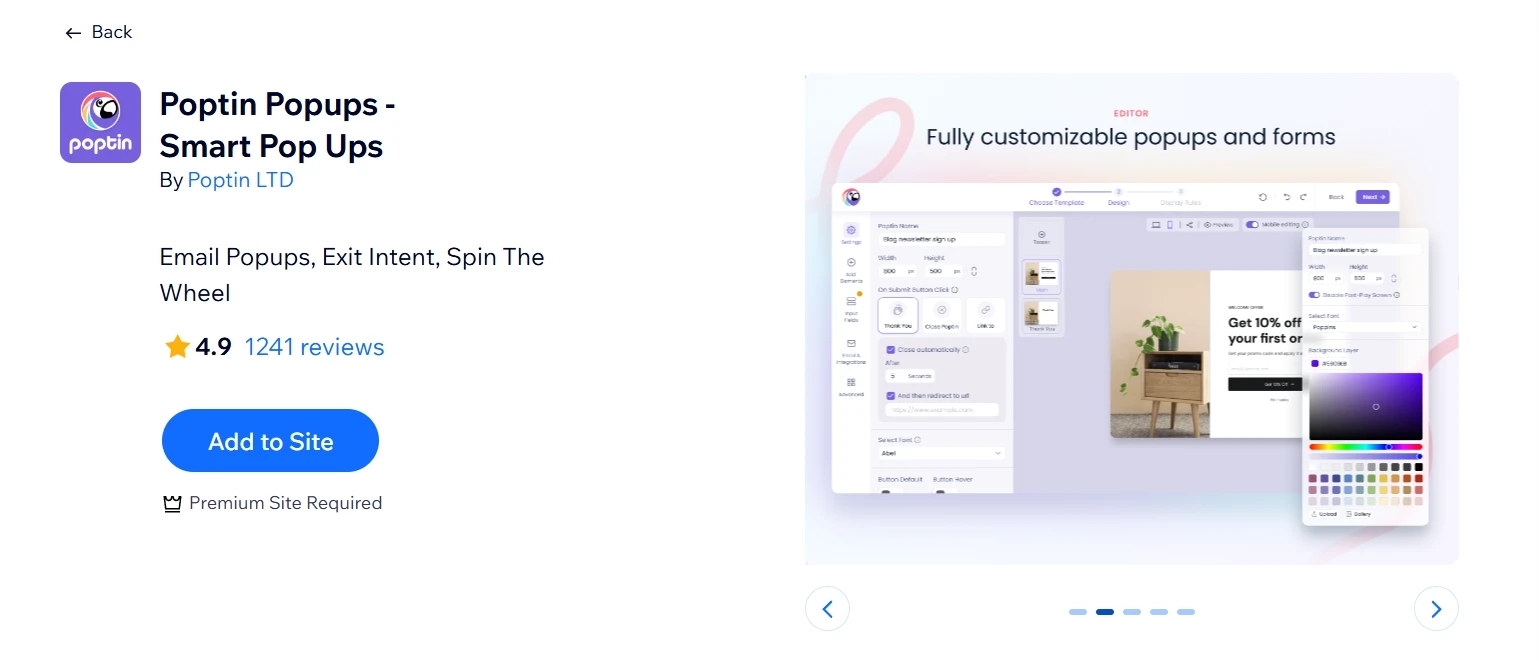
The biggest mistake store owners make with pop-ups is treating them as a broadcast tool. Poptin fixes that with targeting logic most pop-up apps get wrong: showing a discount to a first-time visitor browsing for 30 seconds is a different conversation from retargeting someone who already dismissed that offer twice. Leads flow directly into Omnisend or Mailchimp without manual exports.
Highlight features:
- Exit-intent detection triggered by cursor movement or scroll behavior
- Advanced display rules by page, device, visitor type, and session behavior
- A/B testing for popup design and messaging
- 70+ email and CRM integrations, including direct push to Wix Contacts
- Multiple formats: discount popups, hello bars, mobile popups, countdown timers
Best for: Stores with steady traffic who want to convert more existing visitors without increasing ad spend.
Best Wix Apps for Marketing & SEO
7. Omnisend Email Marketing & SMS
Rating: ⭐3.7 (140+ reviews)
Pricing: Free | Paid plans from $10/month
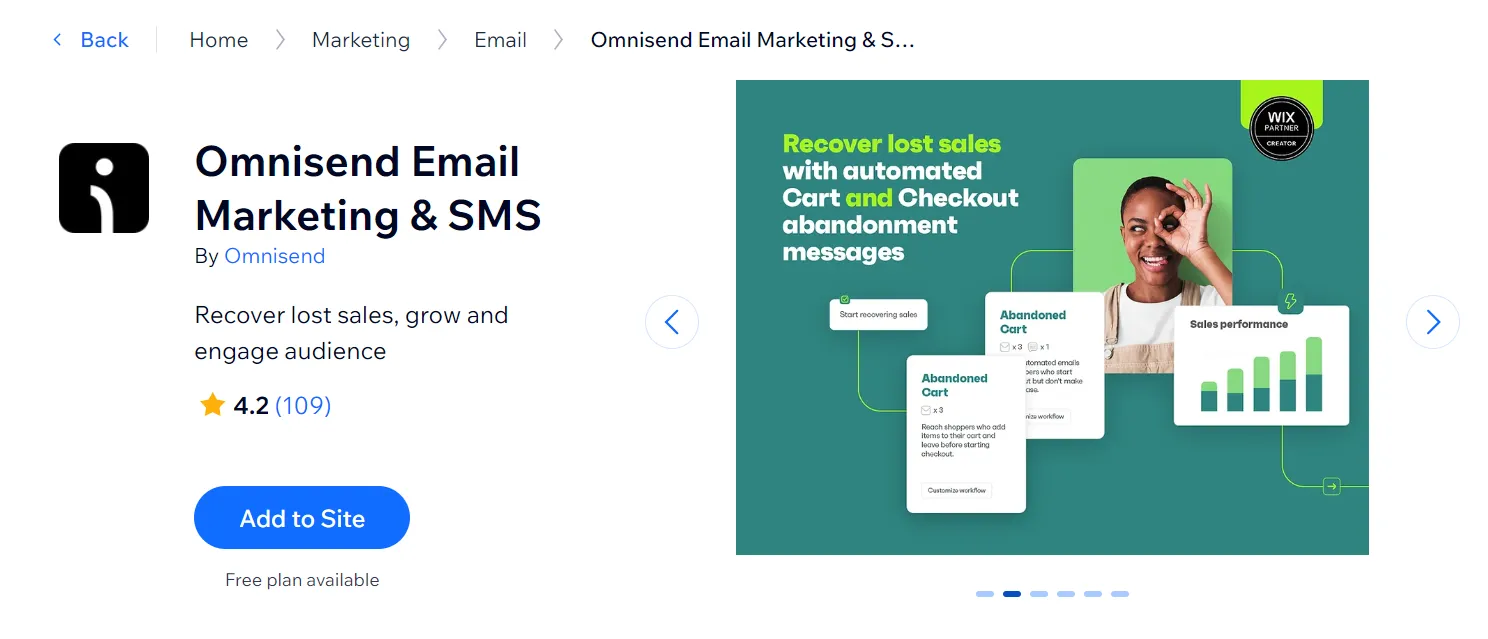
Email is still one of the highest-ROI channels for eCommerce but only if the targeting is right. Omnisend‘s strength is segmentation: instead of blasting the same message to your entire list, you can split by purchase history, behavior, or lifecycle stage and let automation handle the follow-up from there.
Highlight features:
- 20+ pre-built automation flows: cart recovery, welcome series, cross-sell, and more
- 250+ email templates with send-time optimization
- Advanced segmentation by behavior, purchase history, and lifecycle stage
- Signup forms and popups to grow email and SMS lists with consent
Best for: Growing Wix stores that need automated email and SMS campaigns for abandoned carts, promotions, and repeat purchases
8. WhatsApp Marketing
Rating: ⭐4.8 (680+ reviews)
Pricing: Free | Paid plans from $19.90/month
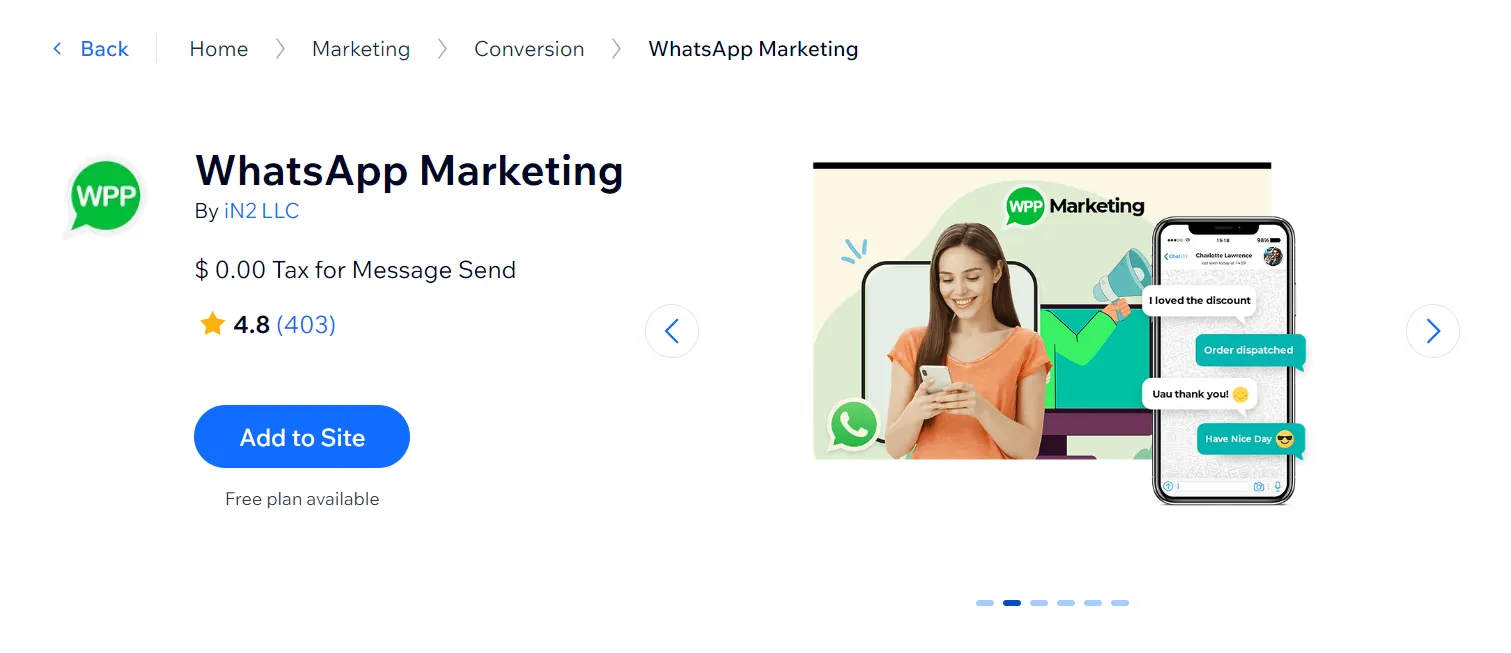
WhatsApp has higher open rates than email and this app puts that to use for Wix stores without requiring a separate CRM setup. The core value is timing: scheduled automation lets you trigger personalized campaigns at specific dates and times, so the right message reaches the right customer at the right moment rather than landing in a crowded inbox.
Highlight features:
- Send automatic delivery tracking code for efficient flow.
- Recover abandoned carts with exclusive coupons.
- Send pre-written messages triggered by specific actions.
- Create targeted messages based on customer behavior or preferences.
- Ensure reliable and secure communication through WhatsApp’s official API.
- Streamline order processing with automated notifications and updates.
Best for: Service-based businesses and small online stores that want to turn WhatsApp chats into faster customer support and sales follow-ups
9. Rabbit SEO Traffic Booster
Rating: ⭐4.9 (2000+ reviews)
Pricing: Free | Paid plans from $17.50/month
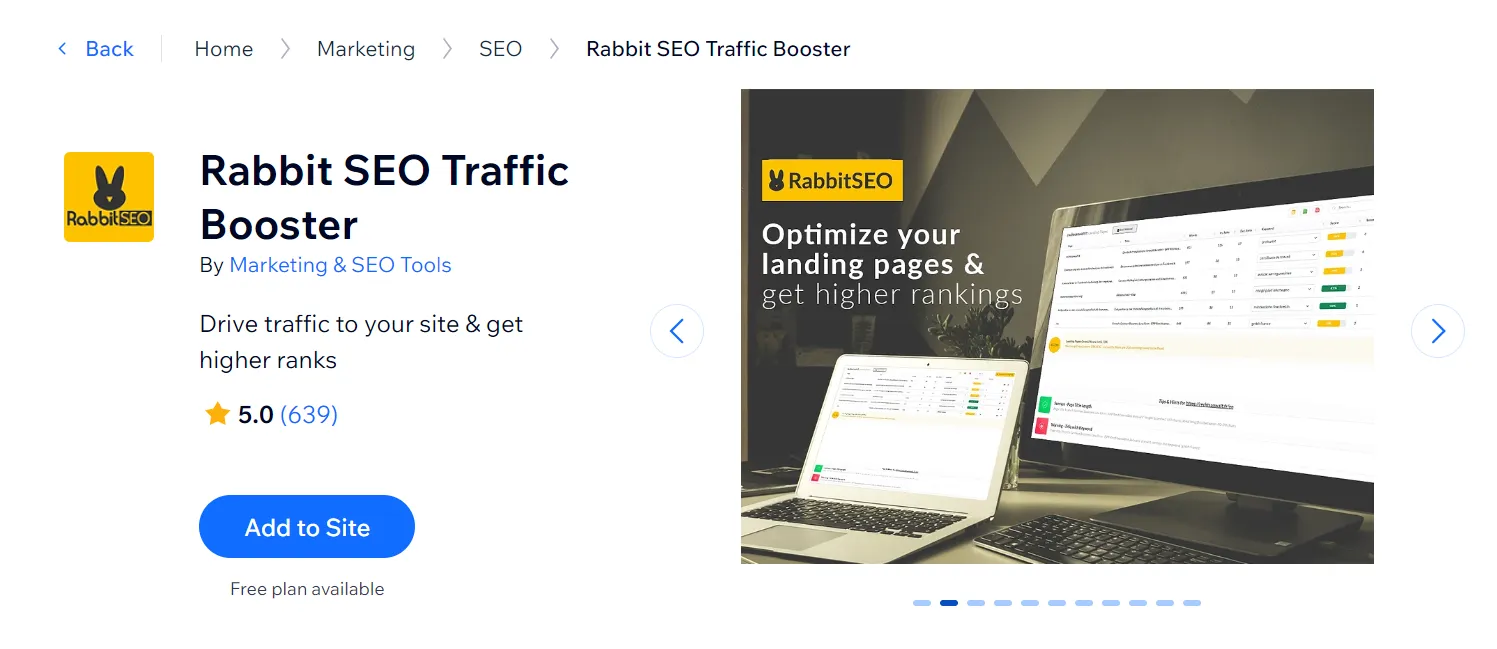
Most SEO tools assume you already know what to fix. Rabbit SEO works the other way: it scans your site, surfaces issues, and tells you exactly what to do next, from on-page fixes to keyword targets to backlink opportunities. For store owners without an SEO background, that guided approach removes a lot of guesswork.
Highlight features:
- Build new backlinks for your website with their link-building services.
- Incorporate highly recommended keywords into your site.
- Send daily emails about your rankings and changes.
- Track the backlinks and keywords used by your competitors.
Best for: Small and mid‑size site owners who want a guided, all‑in‑one SEO helper
10. Site Booster Pro
Rating: ⭐4.9 (760+ reviews)
Pricing: Free | Paid plans from $16.50/month
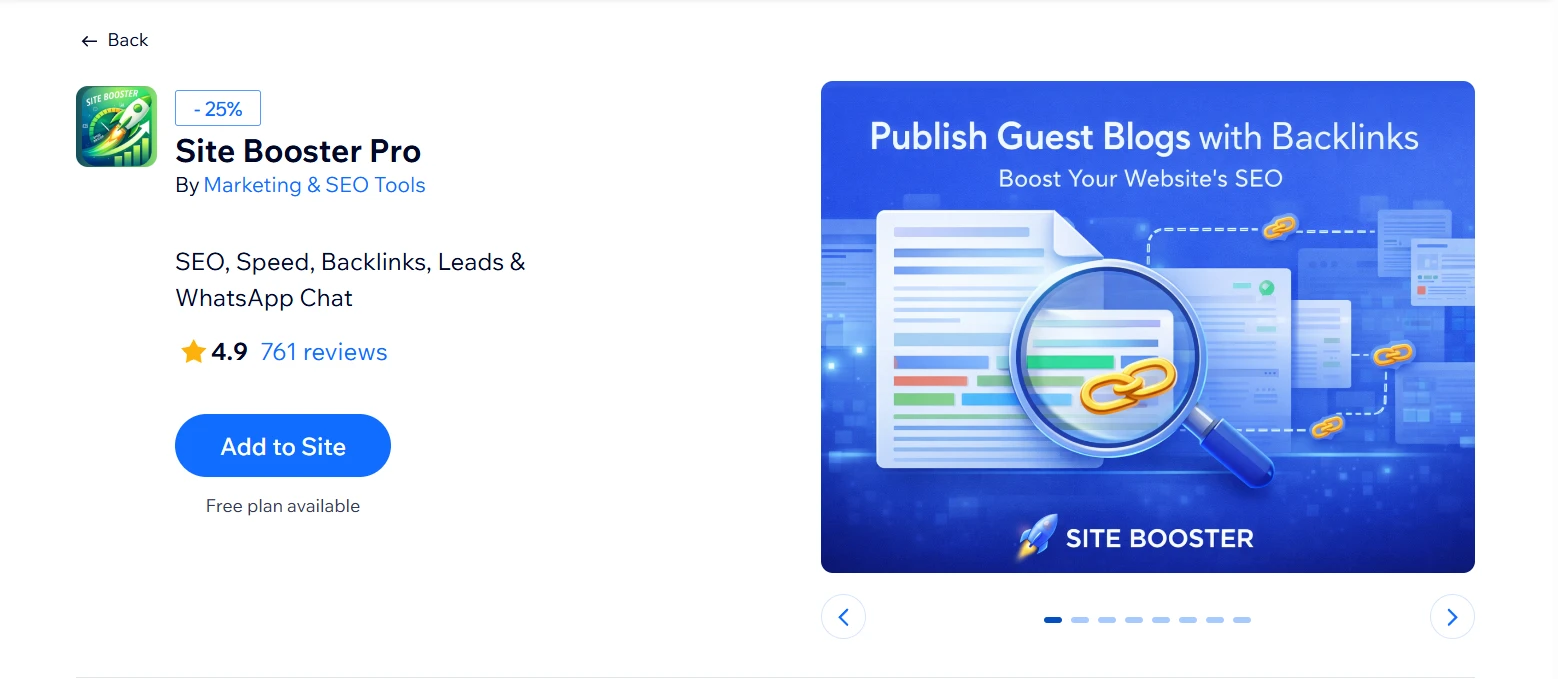
From the same developer as Rabbit SEO, Site Booster Pro is the broader version, it adds page speed optimization, lead capture popups, WhatsApp chat, and article publishing on high-authority blogs alongside the core SEO tools. The tradeoff is focus: if backlinks and keyword rankings are your only priority, Rabbit SEO is still the sharper tool. Site Booster Pro earns its place when you want SEO, speed, and lead generation without running three separate apps.
Highlight features:
- SEO tools with keyword insights and site intelligence.
- Content outreach: publish articles on high‑authority blogs to earn backlinks.
- Performance optimization to improve loading speed and Google PageSpeed score.
- Built‑in chat, popups, and WhatsApp widgets to capture leads and increase conversions.
Best for: Wix store owners who want SEO, speed, and lead generation handled in one app
Best Wix Apps for Reviews & Testimonials
11. Fera Reviews
Rating: ⭐4.8 (3900+ reviews)
Pricing: Free | Paid plans from $9/month
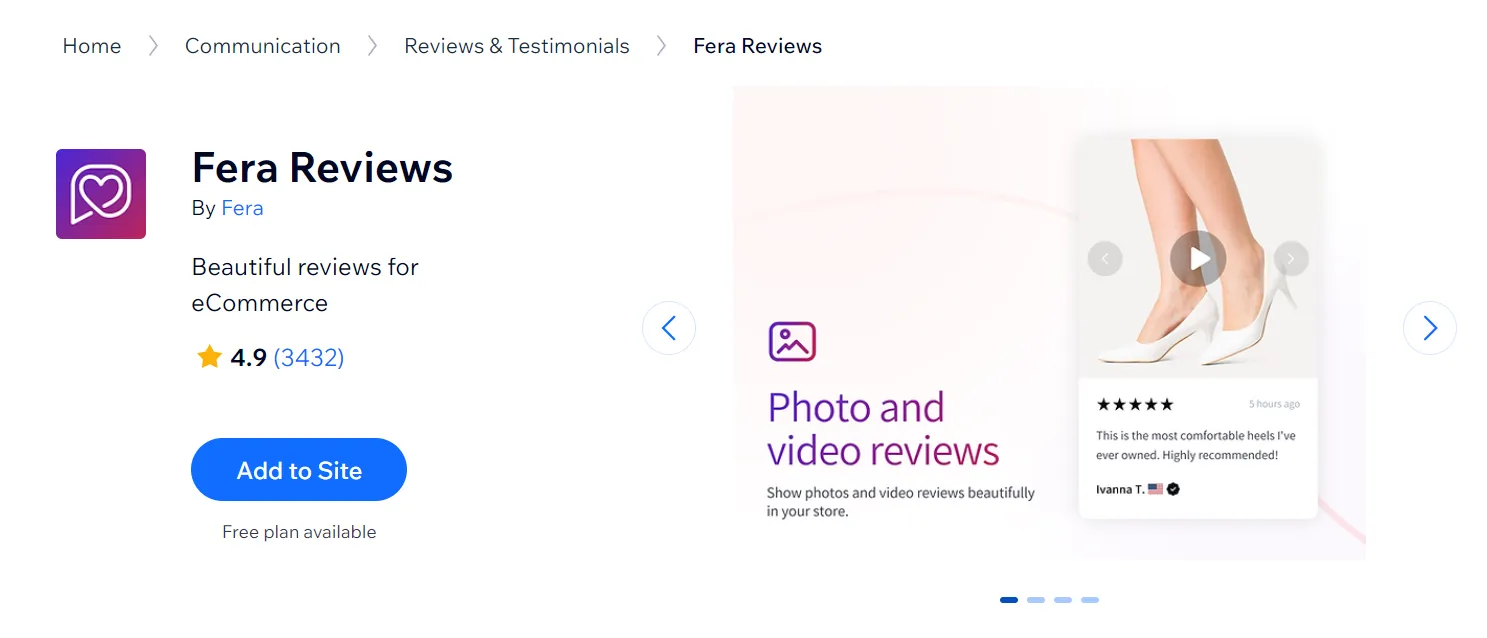
Reviews only work if they look credible and show up where buyers are looking. Fera handles both verified-buyer badges and moderation tools to keep the display trustworthy, while SEO rich snippets push star ratings into Google Search and Shopping results. The Smile.io integration is a practical touch: you can reward reviewers with loyalty points instead of one-off discounts, which keeps the incentive loop running without eroding margins.
Highlight features:
- Verified-buyer badges, review approval, editing, and import tools
- Automatic post-purchase review request emails with custom timing
- SEO rich snippets for star ratings in Google Search and Shopping
- Dedicated “All Reviews” page for social proof at scale
- Integrates with Smile.io to reward reviewers with loyalty points
Best for: Wix merchants who want visually polished, automation‑driven product reviews with photos/videos and Google‑visible ratings
12. Editorify ‑ Product Reviews
Rating: ⭐4.8 (330+ reviews)
Pricing: Free (Premium site required) | Paid plans from $9.95/month
Given that customers trust user-generated content (UGC) 2.4 times more than branded content, Editorify ‑ Product Reviews is an app you must install if you take the idea of selling on Wix seriously. This incredible Wix reviews app enables you to collect, customize, and showcase customer reviews on your Wix store.
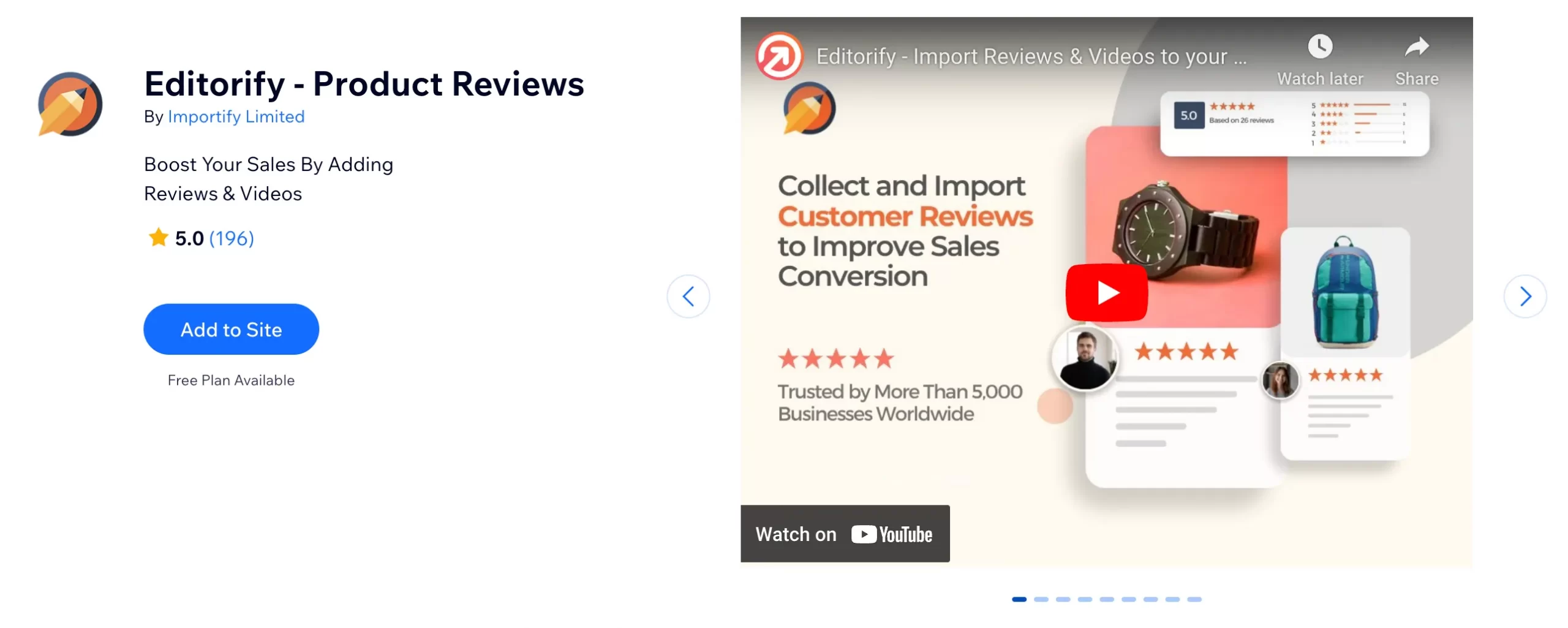
You have complete control over the appearance of reviews, ensuring they align with your store’s aesthetic. Additionally, you can filter reviews based on ratings or keywords to maintain a positive product image.
Highlight features:
- Import product reviews with images and videos from top marketplaces like AliExpress, Alibaba, Etsy, Dhgate, Taobao, 1688, etc.
- Filter reviews by rate and keyword to show on your pages. For instance, only showcase reviews that are 4 stars above, or exclude reviews that contain “bad”, “awful”, etc.
- Display rating on Google search results, improving your click-through rate.
- Showcase your store’s average rating.
Best for: Dropshipping and marketplace‑style stores that want to quickly import social proof (reviews, photos, videos) from supplier sites
13. Google Reviews PRO
Rating: ⭐4.8 (3200+ reviews)
Pricing: Free | Paid plans from $16.50/month
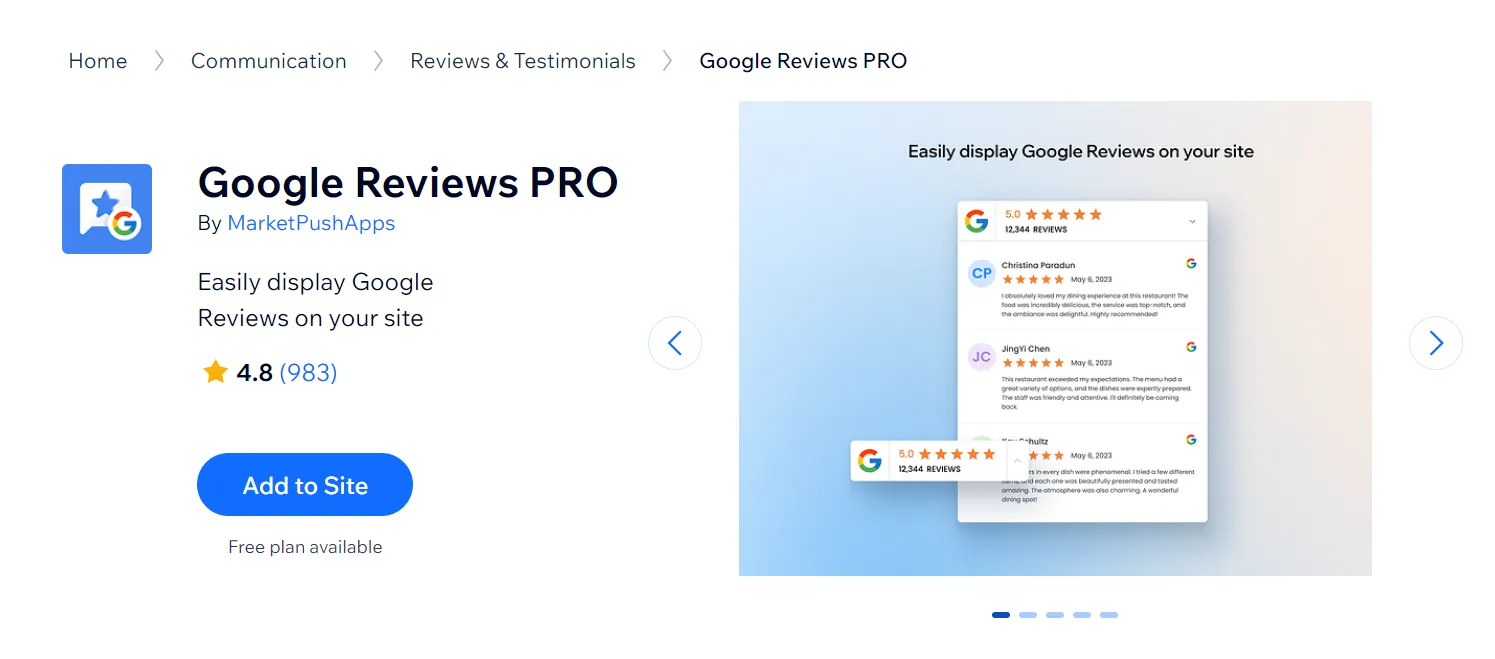
Google reviews carry more weight with first-time visitors than on-site testimonials as they’re harder to fake and most shoppers already trust them. Google Reviews PRO pulls your Google Business Profile reviews directly onto your Wix site and keeps them synced automatically, so the widget stays current without manual updates. Review filtering lets you surface only the ratings worth showing.
Highlight features:
- Shows live Google Business Profile reviews on your Wix site with reviewer name, photo, rating, and text.
- Automatically syncs new Google reviews so the widget stays up to date.
- Review filtering to show only selected ratings or reviews (for example, hide low‑star reviews).
- Design customization so colors, fonts, and spacing match your site branding
Best for: Wix businesses that want a simple, no‑code way to show live Google Business Profile reviews on their site to boost trust and conversions
Best Wix Apps for Analytics & Tracking
14. TWIPLA (Visitor Analytics)
Rating: ⭐4.5 (1600+ reviews)
Pricing: Free | Paid plans from $2.99/month
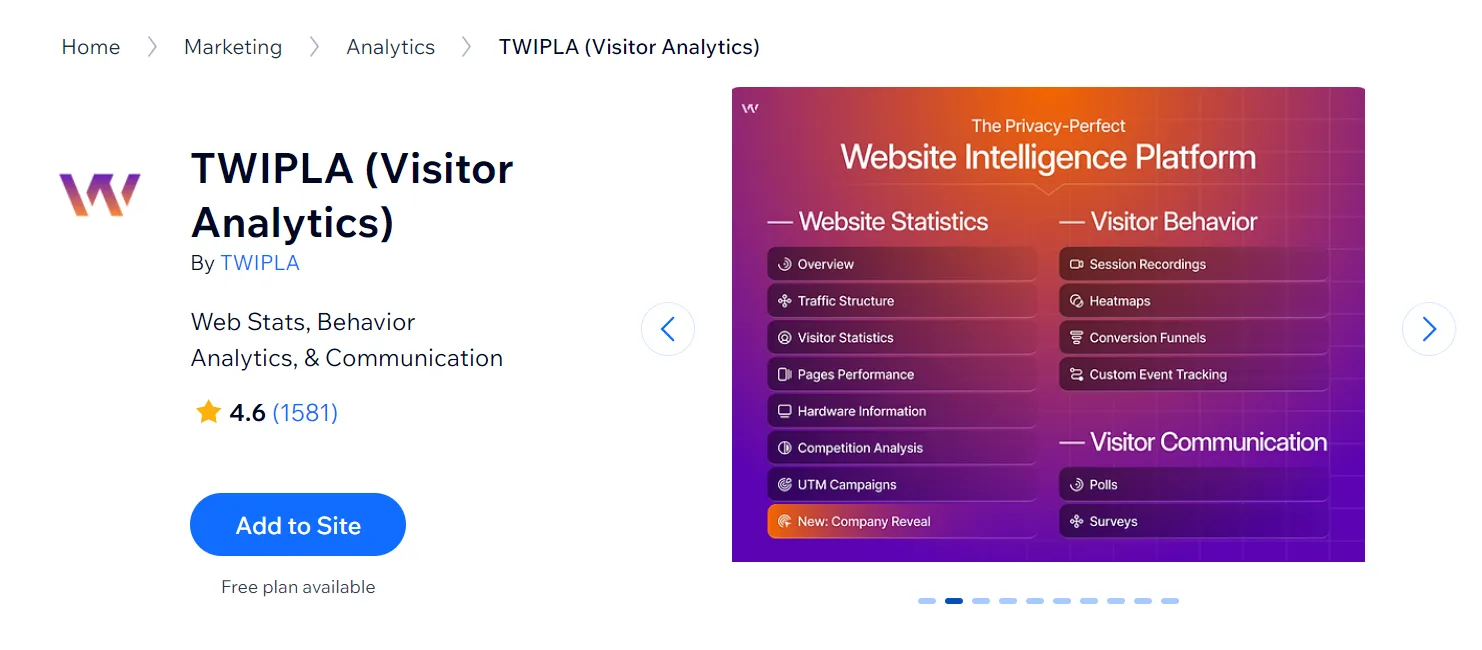
We all know that Google Analytics is good, but it doesn’t show you the real big picture and deep enough data to improve your site. Fortunately, TWIPLA (Vistor Analytics) provides comprehensive insights into customer behaviors. This is thanks to the app’s advanced visitor analytics features, such as heatmaps, event tracking, video of visitors’ sessions on your website, etc.
Highlight features:
- In-depth web visitor analytics stats like session, time-on-site, bounce rate, competitive analysis, etc.
- Video of visitors’ sessions on your Wix site (e.g.: where your visitors scroll, click and pause, etc.).
- Heatmap analytics that gives helpful insights into your visitor’s on-site behaviors.
- The ability to track your customer’s data without cookies. This ensures compliance with GDPR (General Data Protection) & CCPA (California Consumer Privacy Act).
Best for: Site owners who want deeper, privacy‑friendly behavior analytics than Wix’s basic stats
15. WEB-STAT
Rating: ⭐4.5 (450+ reviews)
Pricing: Free | Paid plans from $2.95/month
Despite not being as popular as Visitor Analytics, WEB-STAT is one of the best value plugins for Wix you should definitely consider. Apart from basic site analytics features like Google Analytics, WEB-STAT provides tons of advanced, in-depth insights into how your website is performing. One impressive feature is the ability to see how visitors interact with your Wix site in real time.
Highlight features:
- See how visitors interact with your website in real time.
- Gain in-depth analytics about visitors’ path through your website and the amount of time they spend on each page.
- Get alerts any time your site has a new visitor, conversions, etc.
- Display a visitor counter on your website to build trust.
- Receive website analytics reports via email.
Best for: Small to mid‑size Wix sites that need live visitor view, easy‑to‑read reports, and detailed logs of recent visits
16. QuickBooks Connector
Rating: ⭐4.5 (450+ reviews)
Pricing: Paid plans from $37.50/month (first 3 months)
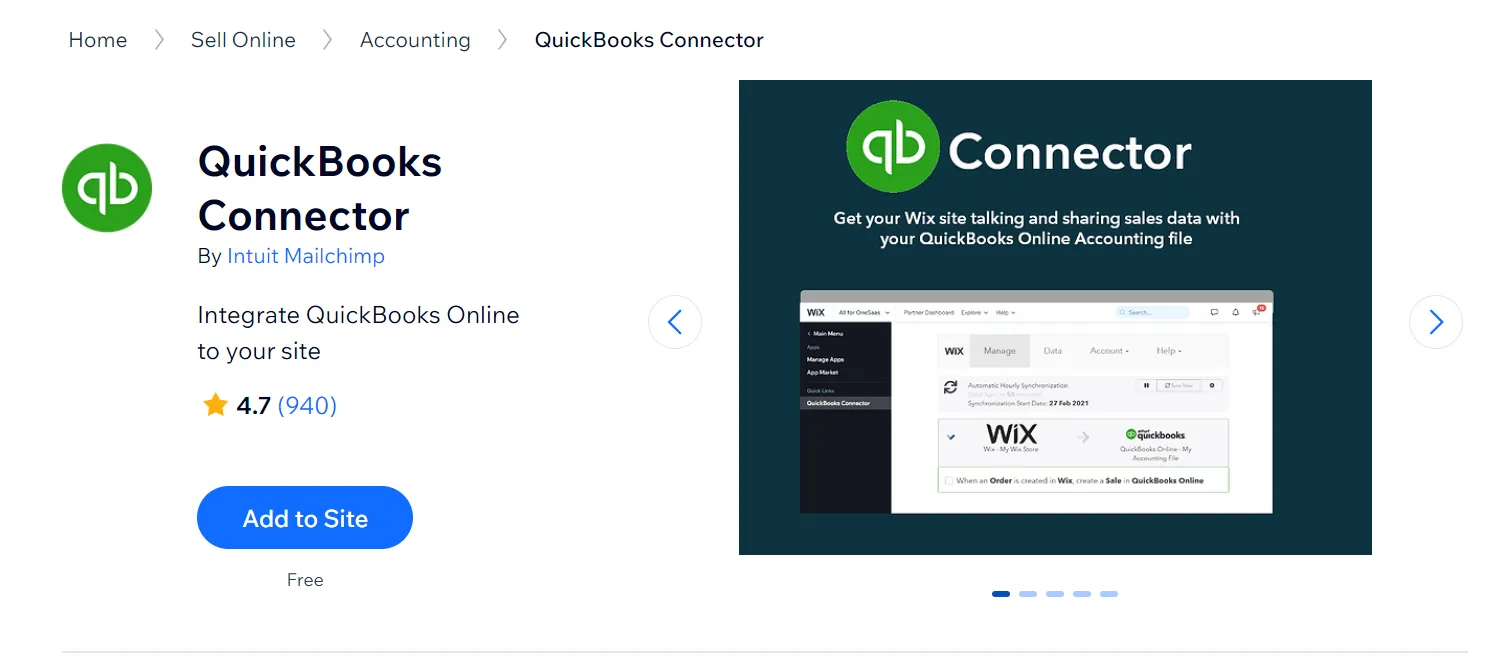
If your eCommerce website is on growth, tracking and updating your costs, expenses, taxes, and profits using spreadsheets might swallow a lot of your time, and also, manual tracking is prone to human error. That’s why you need QuickBooks Connector – one of the best apps for Wix stores to track your sales data with the least effort and high accuracy. The app lets you sync your Wix store’s data with your QuickBooks Online Account.
Highlight features:
- Real-time sync with QuickBooks Online Account to auto-update your data from the Wix store.
- The ability to retrieve orders from Wix Stores, Wix Bookings, Wix Discounts, etc. or by payment status.
- Easy tax code mapping from Wix Store to QuickBooks account.
- Match Wix items to QuickBooks items by SKU or product name.
Best for: Businesses that want to automatically sync their Wix sales into QuickBooks instead of doing manual bookkeeping.
Best Wix Apps for Live Chat & Support
17. Chatway AI Live Chat, WhatsApp
Rating: ⭐5.0 (300+ reviews)
Pricing: Free (Premium site required) | Paid plans from $29/month
Most store owners fall into one of two camps: they want a human in the chat, or they want a bot to handle things while they sleep. Chatway bridges that gap practically. The AI chatbot handles common questions around the clock, while human agents can take over when things get more complex.
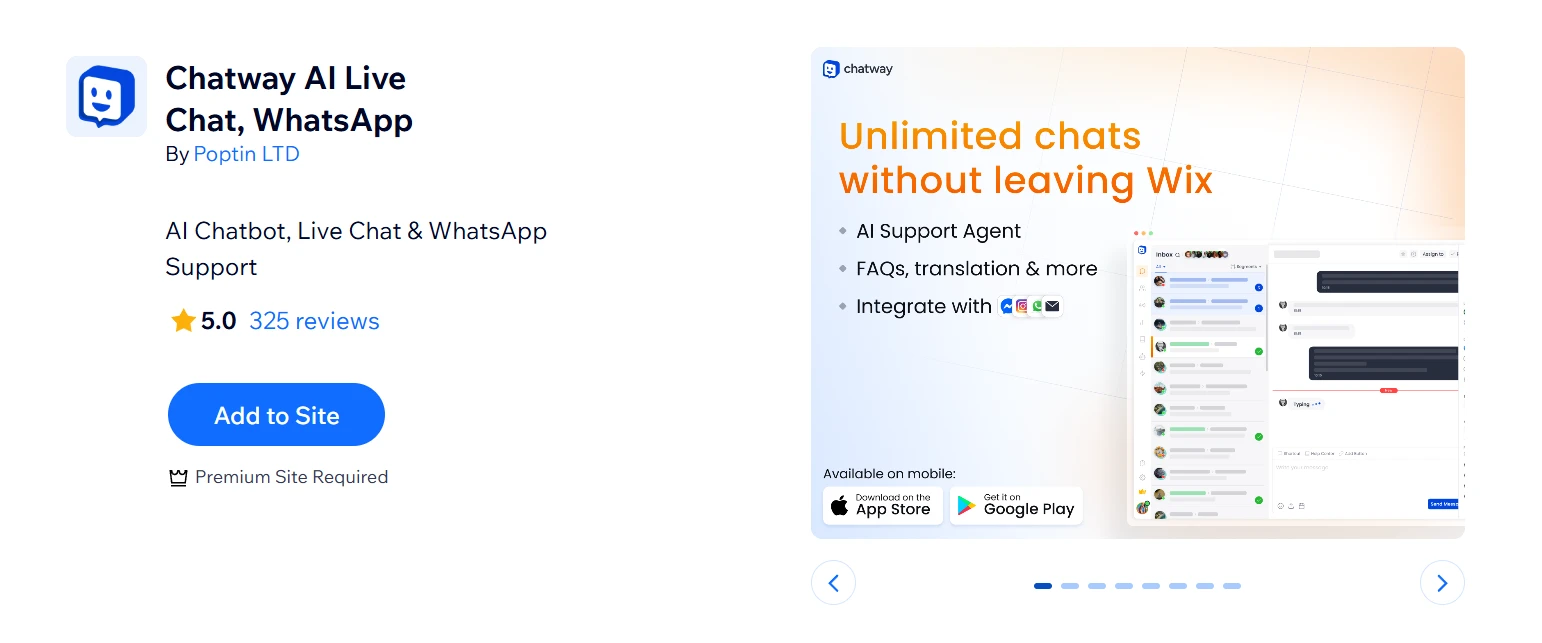
Beyond live chat, it pulls in WhatsApp Business, Facebook Messenger, Instagram DMs, and email into a unified conversation view. For teams managing multiple contact channels, that consolidation alone saves meaningful time.
Highlight features:
- Unified inbox connecting live chat, WhatsApp, Messenger, Instagram, and email
- Team features including multiple agents, roles, private internal notes, canned responses and FAQs
- Live visitor view that shows who is on your site, what pages they are viewing and lets you start chats proactively
- iOS and Android mobile apps for managing chats on the go
Best for: Wix stores and service businesses that handle a mix of routine and complex inquiries and want AI and human support running from a single dashboard
18. Chaty: WhatsApp & Chat Buttons
Rating: ⭐5.0 (1500+ reviews)
Pricing: Free | Paid plans from $15/month
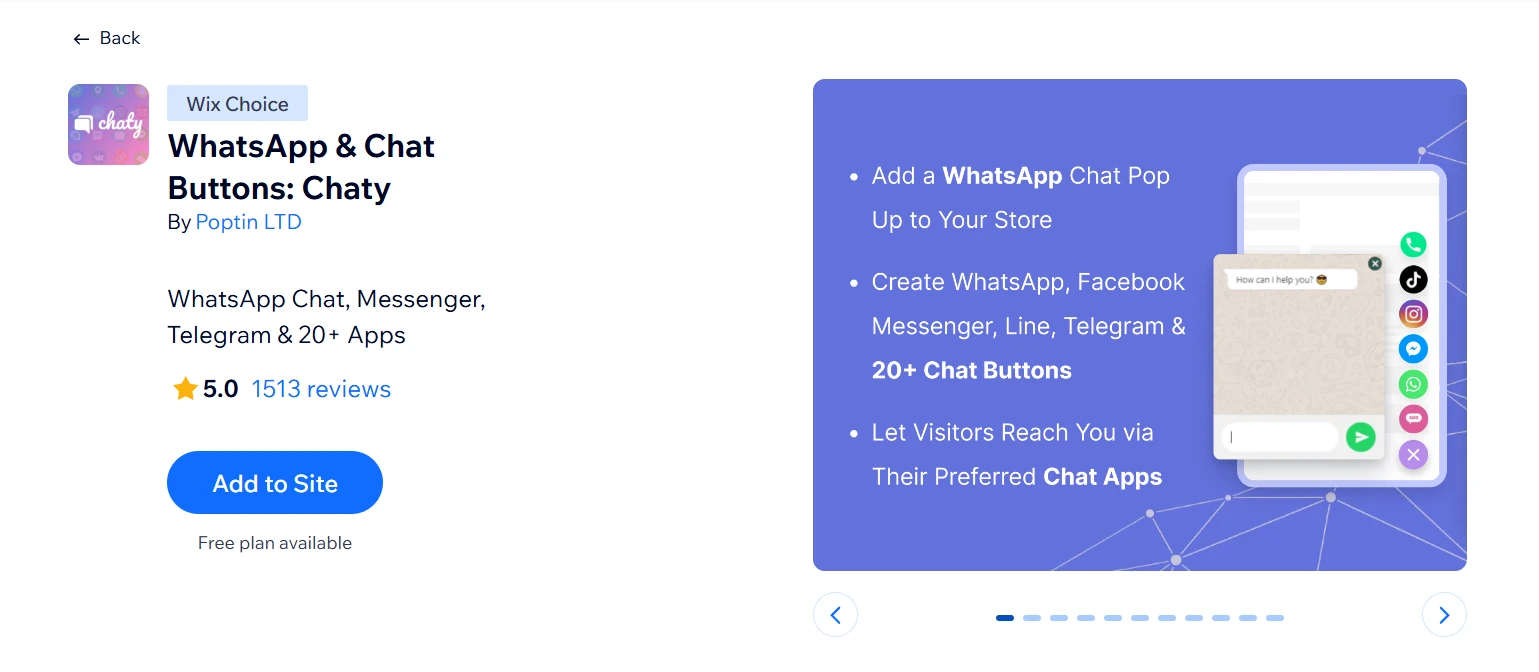
Not every store needs a full live chat inbox. Sometimes all a visitor needs is a single tap to reach you on WhatsApp, Messenger, or Telegram – and Chaty delivers exactly that. The targeting rules are where it gets more sophisticated. You can control which pages the button appears on, when it shows up, and which channels display based on traffic source or device type.
Highlight features:
- Connect 20+ chat channels including WhatsApp, Messenger, Telegram, Instagram, and TikTok
- Single floating widget where users pick their preferred channel instead of multiple separate icons
- Optional contact form, call‑now and click‑to‑call buttons to capture leads who do not use chat apps.
- Customizable design including fonts, colors, size, position, icons and preset welcome or prefilled WhatsApp messages.
Best for: Wix store owners who want visitors to contact them directly through messaging apps they already use.
19. WhatsApp Chat – Contact Us
Rating: ⭐4.9 (3800+ reviews)
Pricing: Free (Premium site required) | Paid plans from $7.50/month
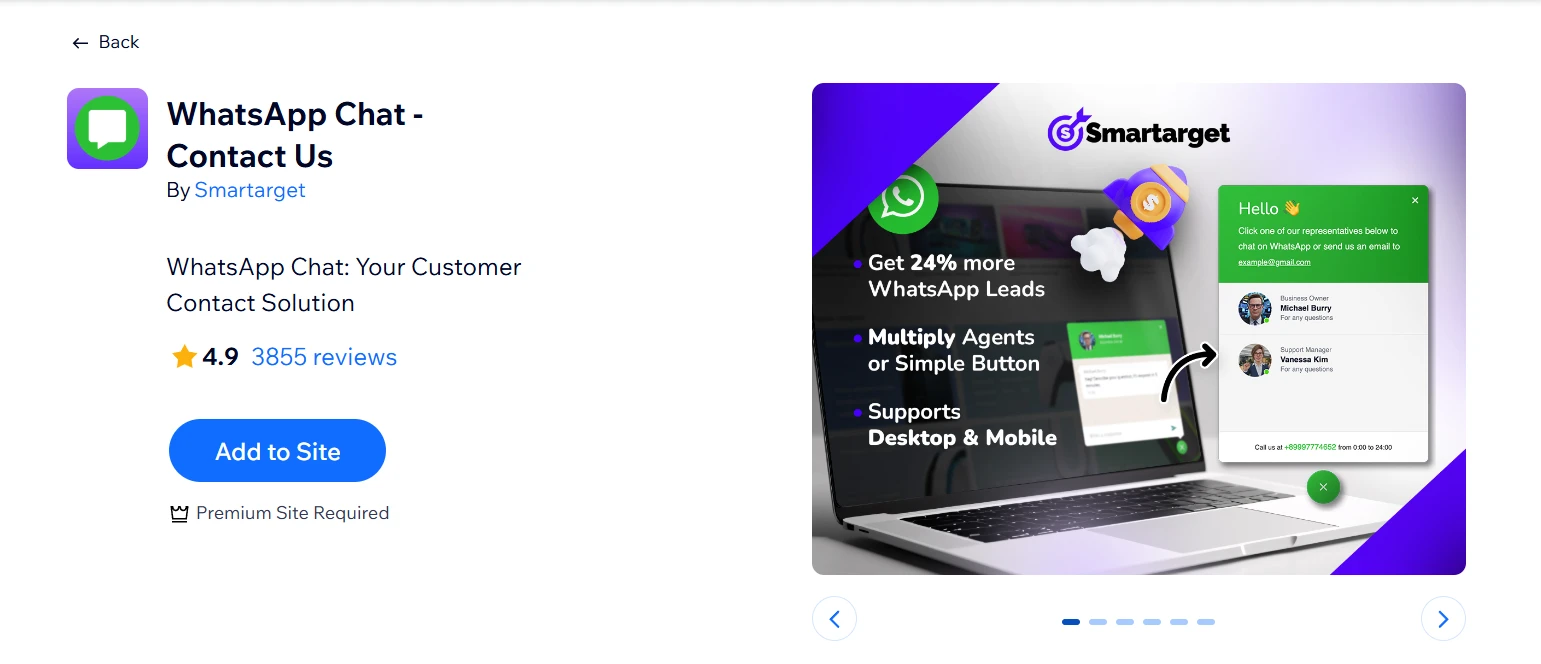
Compared to Chaty, WhatsApp Chat does one thing: puts a WhatsApp contact button on your site so visitors can reach you instantly. That simplicity is also its strength. For solo operators or small teams who live in WhatsApp anyway, this removes the need for a full chat solution. Multiple team members can be added as contact options, so visitors can reach the right person directly.
Highlight features:
- WhatsApp button on your site so visitors can message you in one tap
- Supports one or multiple WhatsApp numbers for your team
- Customizable button design and placement to match your site
- Simple, no‑code setup focused on quick contact and higher conversions
Best for: Solo store owners and small teams who primarily communicate through WhatsApp and want a simple, low-cost way to let visitors reach them directly
20. FAQ by Smartarget
Rating: ⭐4.6 (150+ reviews)
Pricing: Free (Premium site required) | Paid plans from $7.50/month
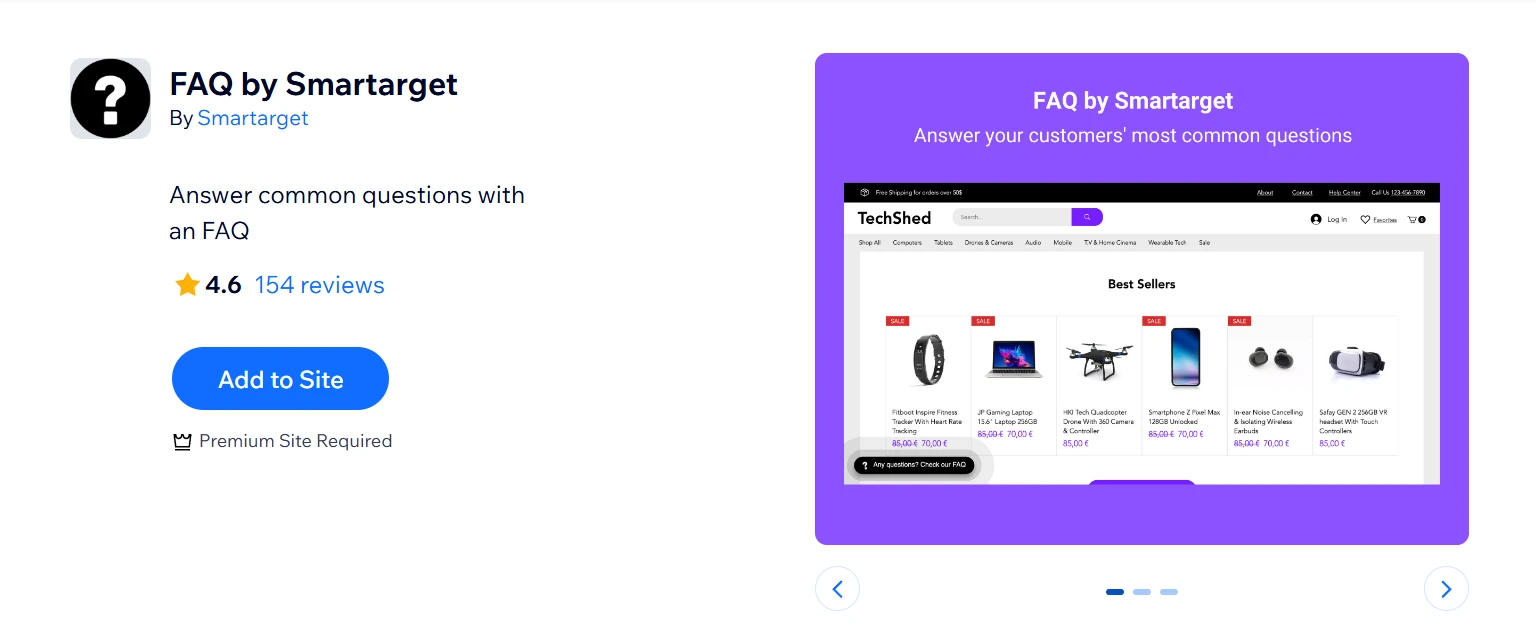
FAQ by Smartarget is lightweight, practical FAQ widget from the same developer as WhatsApp Chat – Contact Us. It won’t replace a dedicated help center, but for stores fielding the same five questions repeatedly, it does the job cleanly and affordably.
Highlight features:
- Clean accordion-style FAQ display optimized for desktop and mobile
- Customizable design to match your site’s branding
- Option to include links to relevant pages and support contact details
- Show on homepage only (free) or all pages (paid)
Best for: Wix stores that receive repetitive pre-purchase questions and want a simple self-serve answer layer to reduce live chat and email volume
Best Wix Apps for Shipping & Logistics
21. Shippo
Rating: ⭐3.6 (480+ reviews)
Pricing: Free | Paid plans from $19/month (first 3 months)
Manual label creation gets messy as order volume grows. Shippo simplifies this by syncing with your Wix store, importing orders automatically, and letting you create labels in a few clicks with carriers like UPS, USPS, FedEx, and DHL from one dashboard.
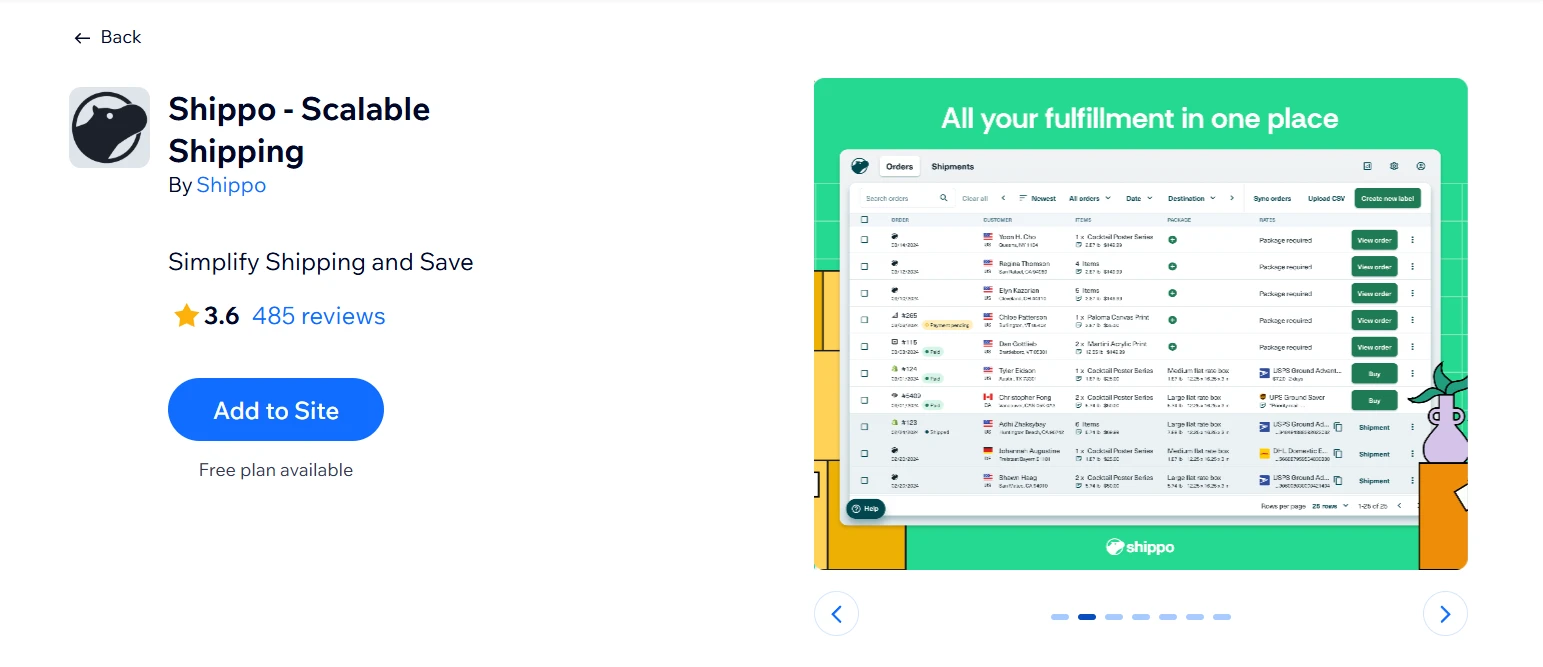
One note for international merchants: if you ship from outside the US, you’ll need your own FedEx, UPS, or DHL account before connecting it to Shippo.
Highlight features:
- Discounted shipping rates from 40+ carriers including UPS, USPS, FedEx, and DHL
- Automatic order sync from your Wix store
- Bulk label printing to handle high order volumes efficiently
- Real-time tracking with branded customer notifications
Best for: US-based Wix stores shipping 10–500 orders per month that want discounted multi-carrier rates and automated label generation without switching platforms
22. ShipStation
Rating: ⭐3.0 (100+ reviews)
Pricing: $9.99/month
For stores selling across multiple channels (Wix, Amazon, eBay, Etsy, Walmart), ShipStation is the strongest option. It pulls orders into one fulfillment dashboard, making shipping easier to manage at scale.
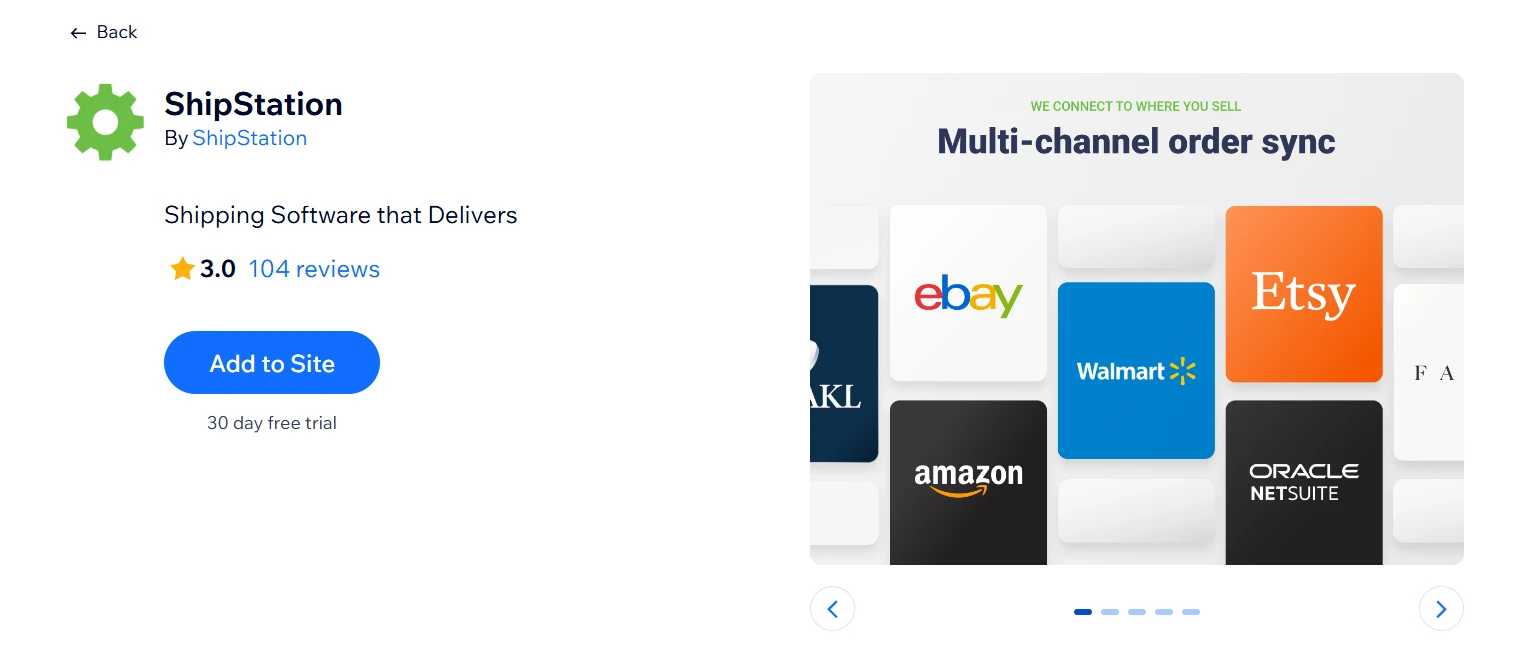
You can also set automation rules for carriers, packaging, and service levels, which helps reduce manual fulfillment work as order volume grows.
Highlight features:
- 160+ integrations with marketplaces, carriers, and fulfillment providers
- Automation rules to auto-assign carriers and shipping preferences by order criteria
- Customizable delivery options displayed at checkout (live rates, flat rate, free shipping)
- Branded tracking pages and packing slips
Best for: Multi-channel Wix sellers processing high order volumes who need centralized fulfillment management across multiple sales platforms and carriers
23. Envia Shipping Solution
Rating: ⭐3.6 (240+ reviews)
Pricing: Pay as you go
Envia‘s strength is regional. It connects your Wix store to a network of reliable couriers for both domestic and international shipments, with access to pre-negotiated rates that smaller stores wouldn’t typically get on their own.
Reviews consistently highlight the customer service and account manager accessibility via WhatsApp, which is a practical differentiator for merchants who need hands-on setup support.
Highlight features:
- Domestic and international shipping label creation at discounted rates
- Access to multiple reliable courier partners from one dashboard
- Automatic order sync and tracking updates
- Dedicated account manager support available via WhatsApp
Best for: Wix stores based in or shipping to Latin American markets that need reliable carrier access and hands-on onboarding support at competitive rates
24. Goal: Order Value Progress Bar
Rating: ⭐4.5 (50+ reviews)
Pricing: Free | Paid plans from $12/month
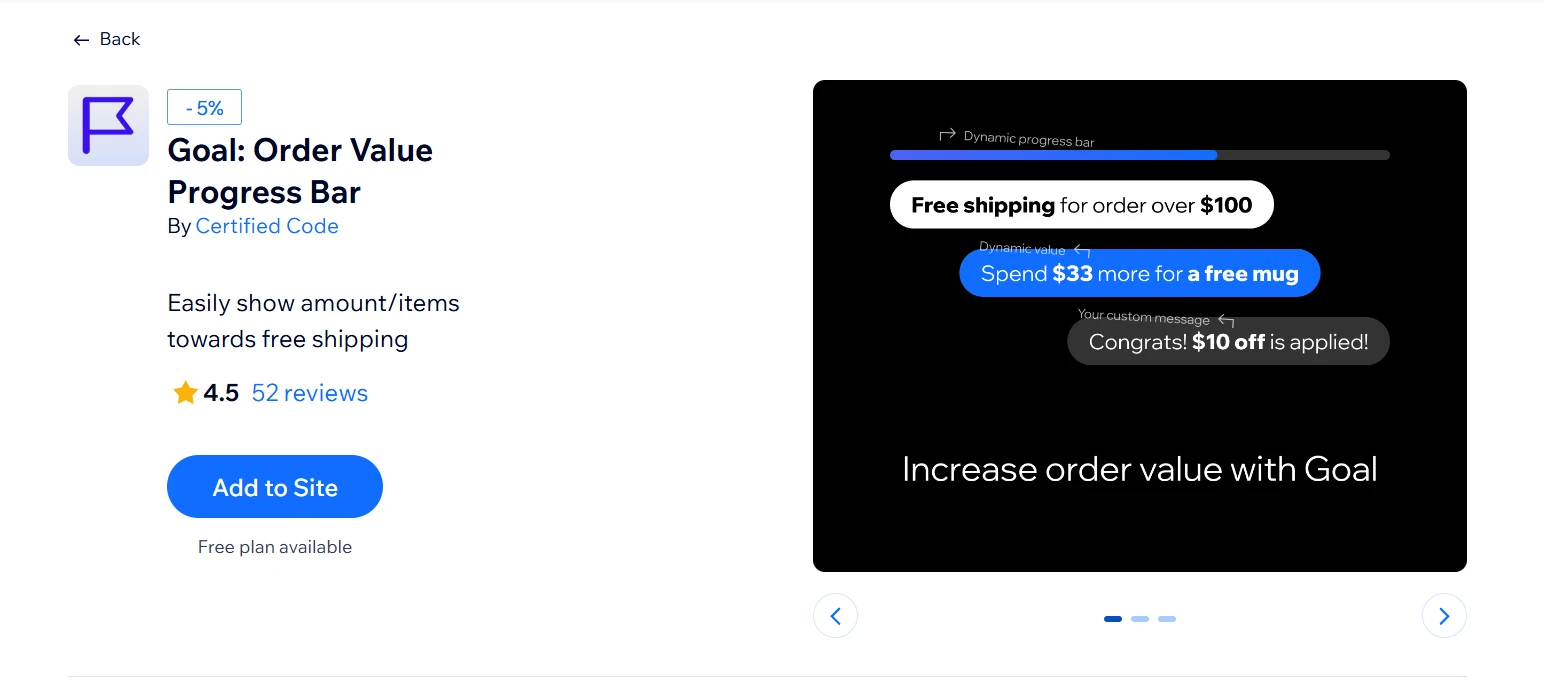
Most stores offer free shipping but never tell customers how close they are to unlocking it. Goal: Order Value Progress Bar fixes that with a real-time cart tracker that updates as customers shop. It is fully customizable to match your branding and flexible enough to support item count goals beyond just order value.
Highlight features:
- Real-time progress bar updating as customers add or remove cart items
- Customizable goal types: order value, item count, or both
- Fully brandable design to match your store’s color scheme and fonts
- Easy-to-use editor with no coding required
Best for: Wix eCommerce stores that offer free shipping thresholds and want a visual, low-friction way to encourage shoppers to increase their cart value before checkout
Best Wix Apps for Social
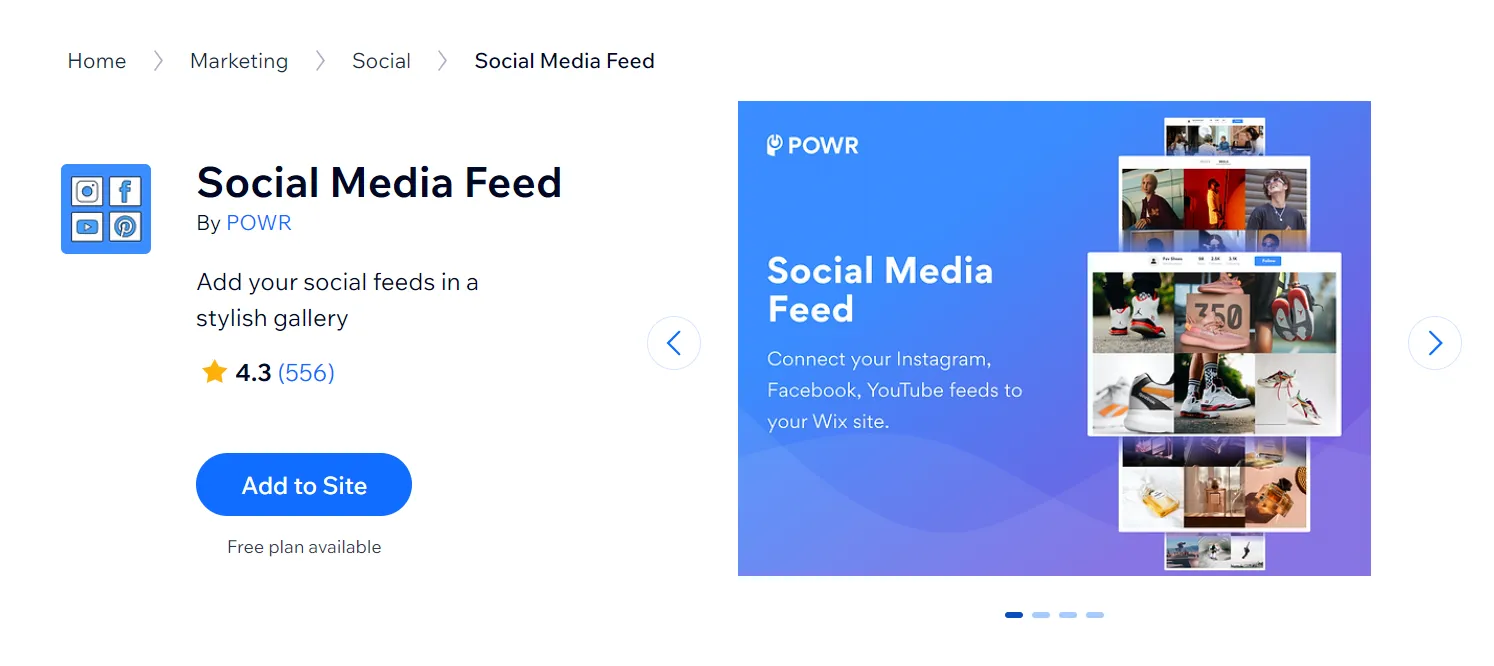
25. Social Media Feed
Rating: ⭐3.9 (630+ reviews)
Pricing: Free | Paid plans from $5.49/month (first 3 months)
Rather than embedding a single Instagram or Facebook feed, Social Feed pulls content from TikTok, Instagram, LinkedIn, Pinterest, YouTube, Vimeo, and more. For brands active across multiple channels, that consolidation saves real time. The free plan is quite limited, though, capping you at one account and six posts with 24-hour update delays.
Highlight features:
- Grid, collage, and slider layout options with auto image cropping
- Sort posts from different accounts and hashtags to keep your feed always fresh.
- Content approval controls before posts go live on your site
- Social sharing buttons and hover effects to encourage engagement
Best for: Wix stores active across multiple social platforms that want a single embedded feed rather than managing separate widgets per channel
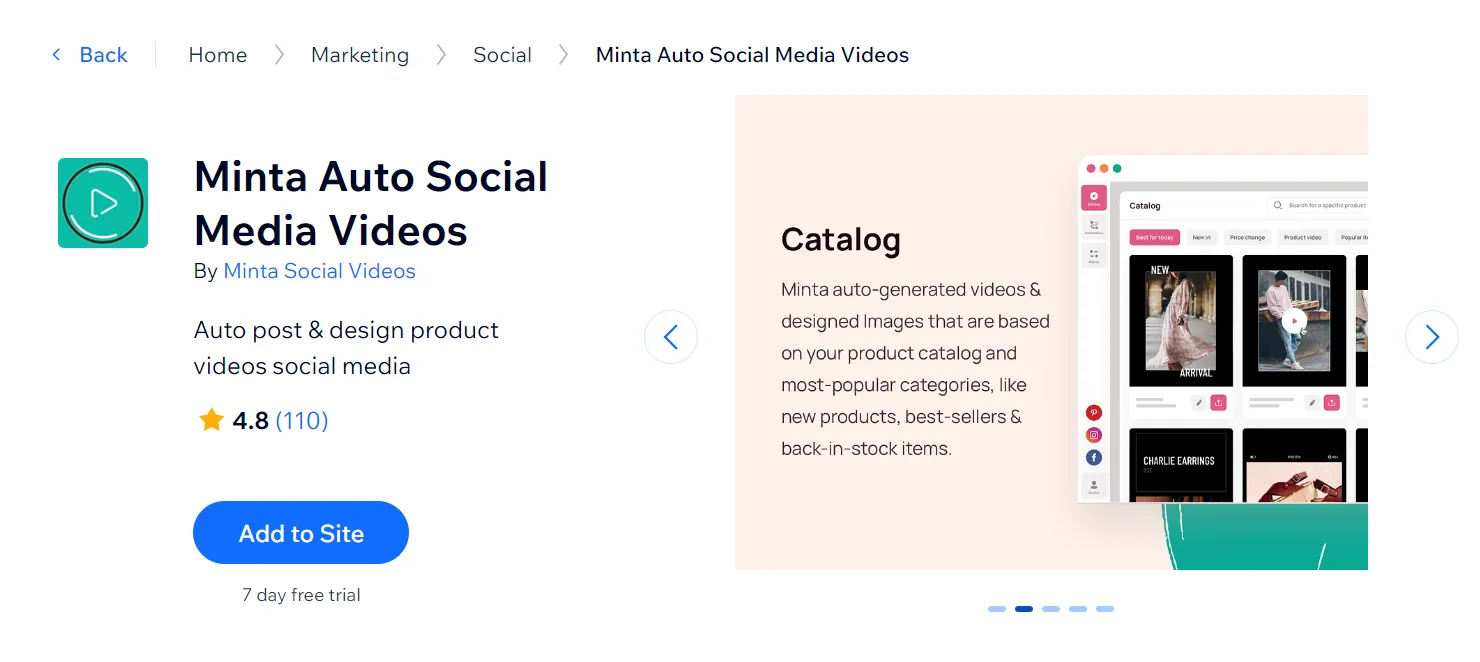
26. Minta
Rating: ⭐4.8 (110+ reviews)
Pricing: Paid plans from $5/month
Minta is best suited for merchants who want to scale social marketing without scaling workload. Its automated video creation and posting make it especially valuable for stores that prioritize consistency across multiple social platforms.
Highlight features:
- AI-powered branded video and image creation from your Wix product catalog
- Auto-post and scheduling to Instagram, Facebook, TikTok, and Pinterest
- Customizable music, style, text, and product selection per video
- Drag-and-drop content calendar for planning posts in advance
Best for: Product-based Wix stores that post regularly on social media but don’t have the time or budget to produce video content from scratch
27. Social Media Stream
Rating: ⭐2.6 (1200+ reviews)
Pricing: Free | Paid plans from $5.95/month
It would be a huge mistake leaving Social Media Stream out of this list. If your brand is active across many social platforms, Social Media Stream offers a clean way to centralize everything on your website. It works well for content-heavy stores that want to showcase activity rather than push direct sales.
Highlight features:
- Ensure your feed stays fresh with real-time content updates.
- Connect to popular social networks like Instagram, Facebook, Twitter, and more.
- Fully compatible with mobile devices.
- Easily customizable with a variety of options.
Best for: Stores that specifically need Tumblr or Pinterest feed support and can’t find it elsewhere
Best Wix Apps for Dropshipping & POD
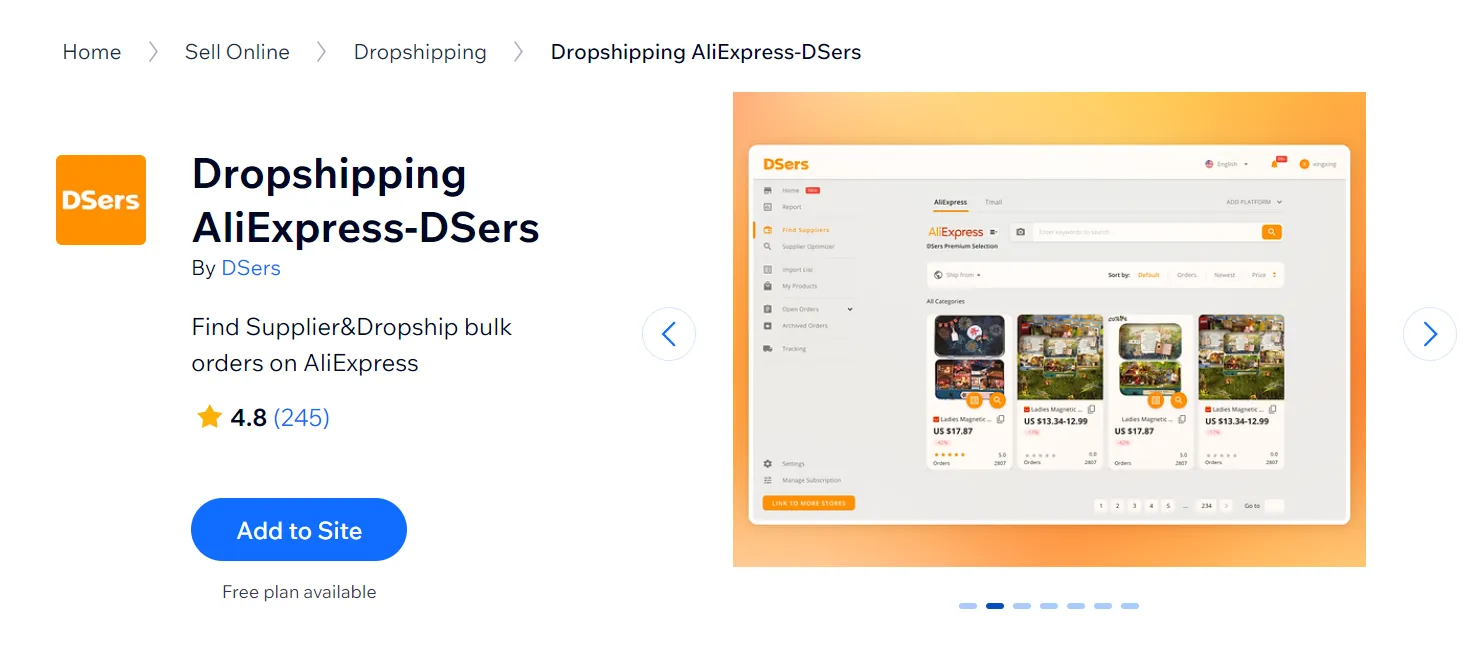
28. Dropshipping AliExpress-DSers
Rating: ⭐4.6 (590+ reviews)
Pricing: Free | Paid plans from $19.90/month
If you want to do dropshipping, there’s no way you could miss out on one of the best Wix apps called Dropshipping AliExpress-DSers. It get whitelisted access to AliExpress, giving you no order limits and access to exclusive suppliers that other third-party apps don’t have. Placing hundreds of orders to AliExpress in a single click instead of processing them one by one is a genuine operational shift.
Highlight features:
- DSers’s algorithm helps you choose the best value AliExpress suppliers.
- Easily import and edit AliExpress product information (e.g: price, name, etc.) before pushing them to your Wix website.
- The ability to place 100+ orders at the same time from AliExpress suppliers.
- Automatically sync shipping info and fulfillment status to stay on top of your dropshipping business.
Best for: New to intermediate Wix dropshippers who want to source from AliExpress and need a reliable, scalable fulfillment tool without heavy upfront costs
29. Printful: Print on Demand
Rating: ⭐4.5 (1100+ reviews)
Pricing: Free | Pay as you go
Printful: Print on Demand is ideal for sellers who want to test ideas or build a custom brand with minimal risk. The app will print and ship printed products (e.g., T-shirts, mugs, blankets, etc.) to your customers. With a vast product range, from apparel to accessories, Printful empowers you to create a unique brand without the complexities of inventory management.
Highlight features:
- Intuitive design tools to create or upload your custom design.
- Preview your custom designs under mockups before publishing the products on your store.
- Printful will take care of the printing and shipping part – you pay the fees.
- Branded customizations like customized shipping-tracking page, custom packaging, etc.
Best for: Creators, artists, and entrepreneurs who want to sell custom-designed products on Wix without managing stock, storage, or fulfillment
30. AutoDS: Dropshipping & POD
Rating: ⭐4.6 (410+ reviews)
Pricing: Paid plans from $27/month
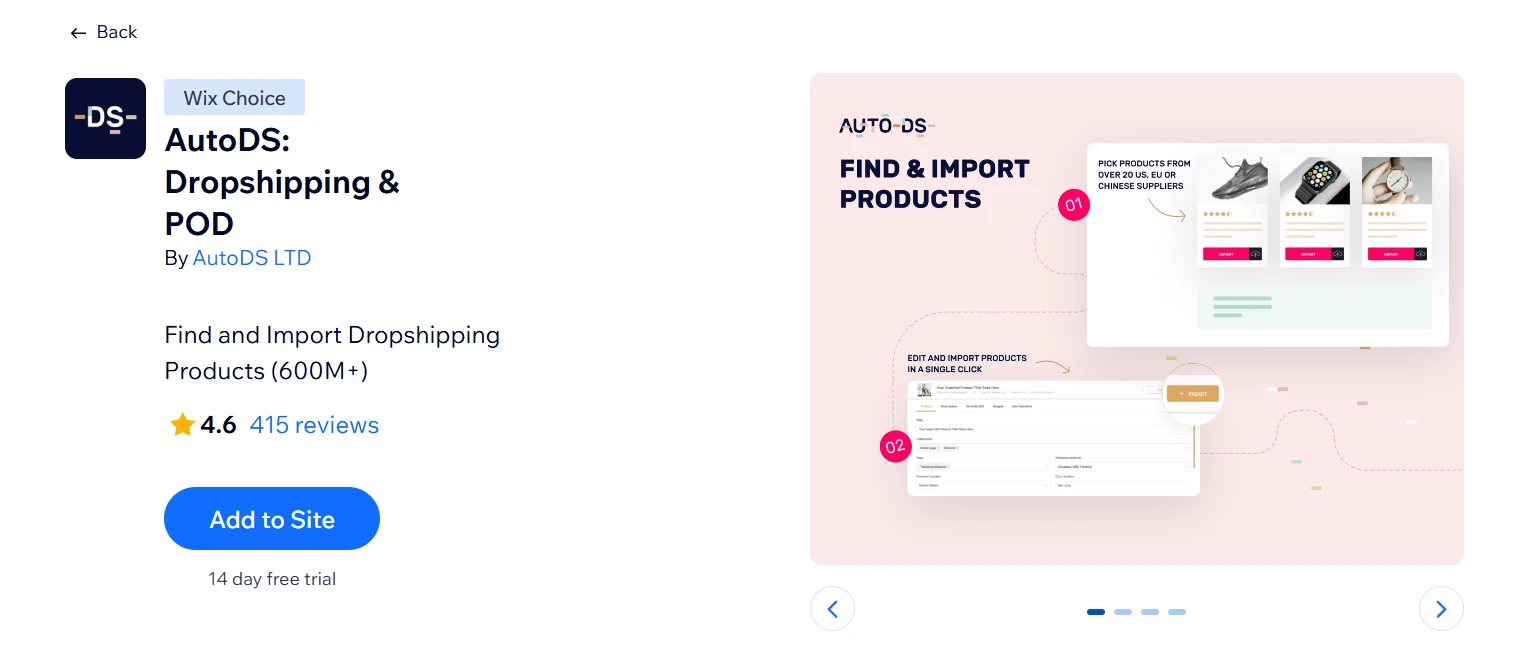
Where DSers is built around AliExpress, AutoDS takes a broader approach – 600M+ products from 25+ suppliers across the US, UK, China, and beyond, all managed from one dashboard. Pricing and stock update automatically in real time, which matters once order volume grows past what manual management can handle.
Highlight features:
- Automated order fulfillment: AutoDS places orders with suppliers and updates tracking
- Bulk product editing, draft management, and performance metrics in one dashboard
- Built-in POD for custom-branded products shipped directly to customers
- Product research tools with access to vetted, high-potential catalogs
Best for: Intermediate to advanced Wix dropshippers running higher order volumes who want full automation across multiple suppliers from one dashboard
Best Wix Apps for Store Design
31. Impressive Site Menu
Rating: ⭐4.0 (1000+ reviews)
Pricing: Free | Paid plans from $4.99/month
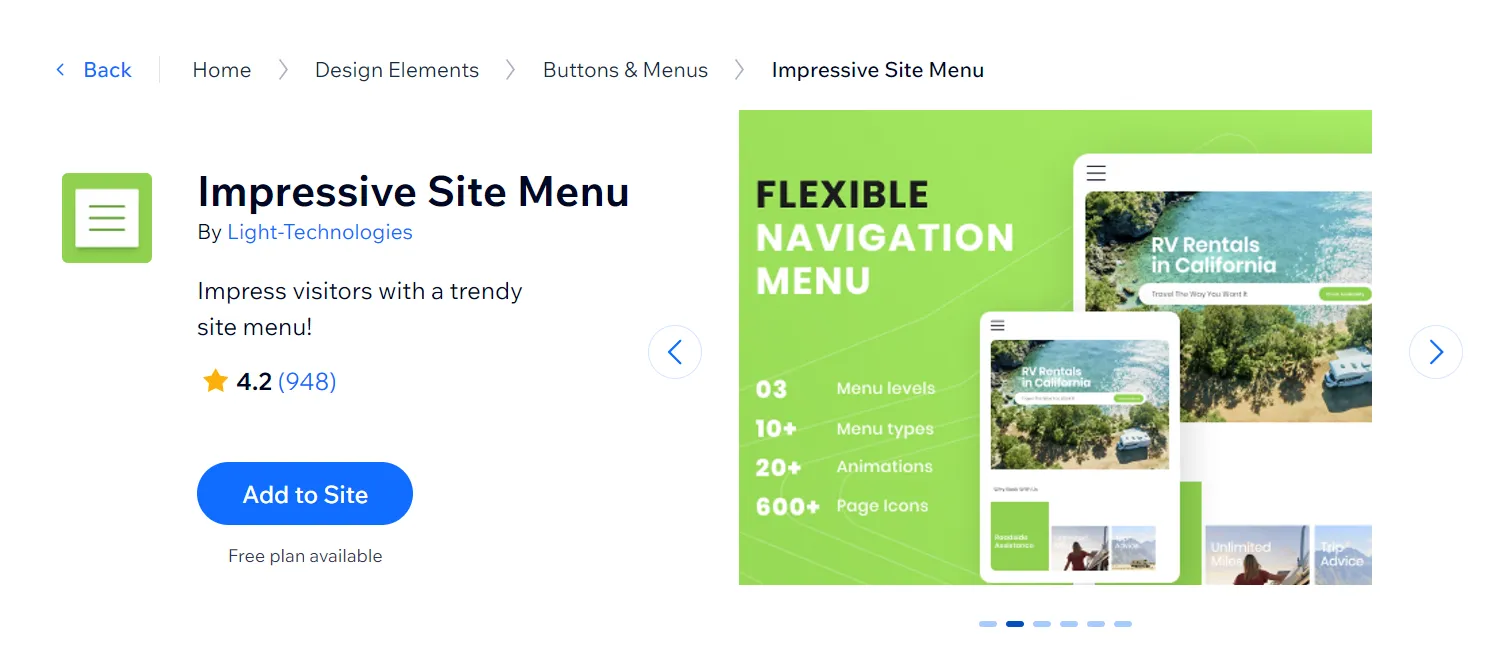
Wix’s native menu works fine for simple sites. Once you start stacking categories, subcategories, and product collections, it gets cramped fast. Impressive Site Menu adds up to three navigation levels for a cleaner browsing structure, worth knowing though: mobile support has a known limitation, so check your traffic split before committing.
Highlight features:
- Up to 3 menu levels for large or multi-category catalogs
- 15 menu layouts and 600+ page icons on paid plan
- Automatic color scheme adaptation on install
- Up to 6 social media icons embedded in the menu
Best for: Wix stores with large product catalogs or multi-category structures that need cleaner, more organized navigation than Wix’s native menu provides
32. Image Slider + Video by POWR
Rating: ⭐4.2 (800+ reviews)
Pricing: Paid plans from $37.50/month (first 3 months)
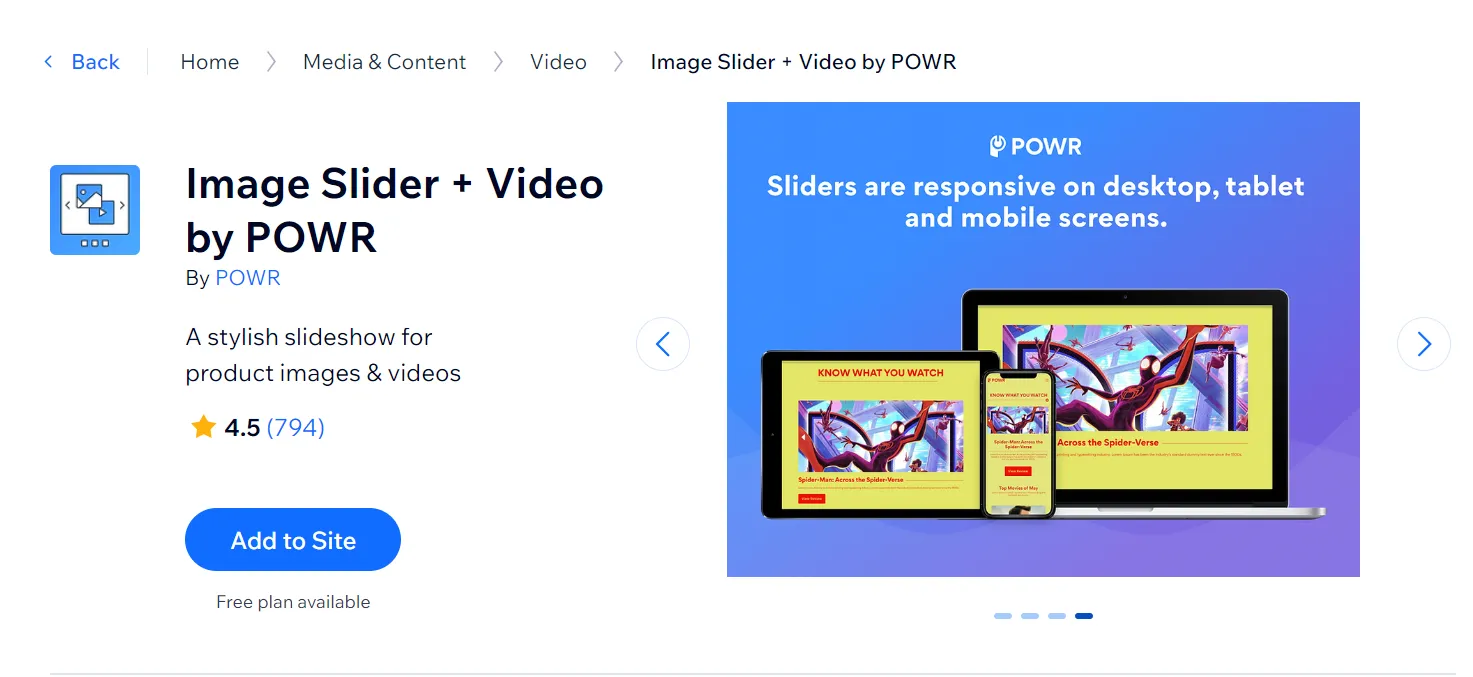
Static product pages lose attention fast. Image Slider + Video by POWR lets you combine images and embedded YouTube and Vimeo videos into a single slider, which works well for product storytelling, lookbooks, or promotional banners without needing a developer.
Highlight features:
- Embed YouTube and Vimeo videos alongside product images in one slider
- Adjustable auto-play, slide duration, and transition effects
- Supports PNG, JPG, WEBP, and image URL formats
- Pre-built templates across different industries
Best for: Site owners who want a simple, no‑code way to showcase multiple images and videos in a single, customizable slider
33. 3D Seasonal Effects Animations
Rating: ⭐4.9 (1000+ reviews)
Pricing: Free | Paid plans from $2.10/month
If you want to add a holiday atmosphere to your website to delight your customers and leave a good impression on them, 3D Seasonal Effects is one of the best Wix apps we highly recommend. The effects scheduler is the feature we find most practical. Set your holiday effects in advance, and the app activates and deactivates them automatically on the dates you choose. No logging in to turn things on or off manually during a busy sale period.

Highlight features:
- 200+ falling effects covering major holidays and sale events
- Effects Scheduler: auto-applies and removes animations on set dates
- Page-specific placement, like select pages or site-wide
- Adjustable speed, density, and intensity
Best for: Wix stores that run regular seasonal promotions and want to create a festive atmosphere without relying on a designer or touching their existing layout
34. Salesdish Trust Badges
Rating: ⭐4.5 (50+ reviews)
Pricing: Free (Premium site required)
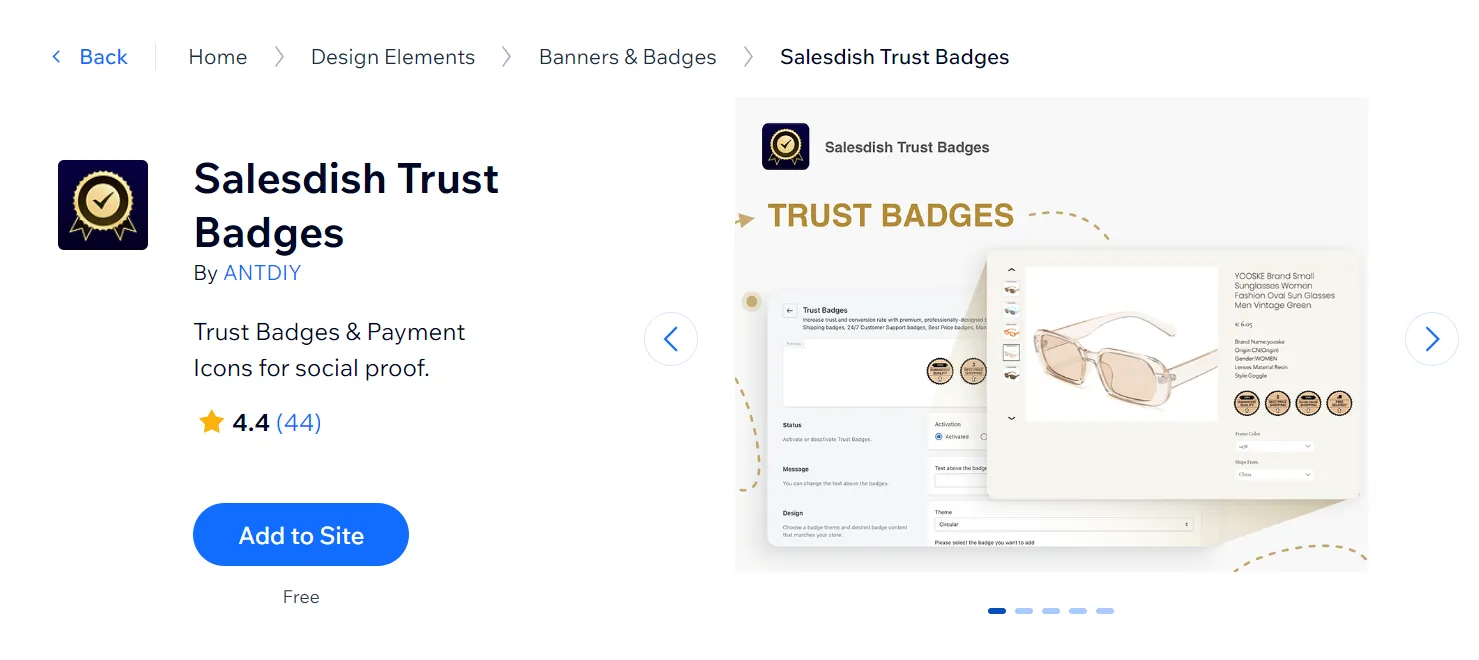
Lack of trust is one of the biggest reasons why your customers abandon their carts even when they reach the checkout page. Though there are various ways to enhance customer trust, adding trust badges to your website is a small but effective tactic.
And that’s when exactly Salesdish Trust Badges comes in handy. The app lets you add trust badges to your Wix product page, cart page, and checkout page, enhancing trust among your shoppers.
Highlight features:
- 8 trust badge types and each comes in 4 different styles.
- Add payment method icons to your pages to enhance trust.
- Fully customize the badges and icons’ style, such as color, size, etc.
- Quick badge and icon set-up to get you started fast.
Best for: Wix stores that want a quick, low‑effort way to boost shopper confidence with visible security and payment trust signal
Best Wix Apps for Forms & Payment
35. Form Builder & Payments
Rating: ⭐4.6 (5700+ reviews)
Pricing: Free | Paid plans from $5.99/month
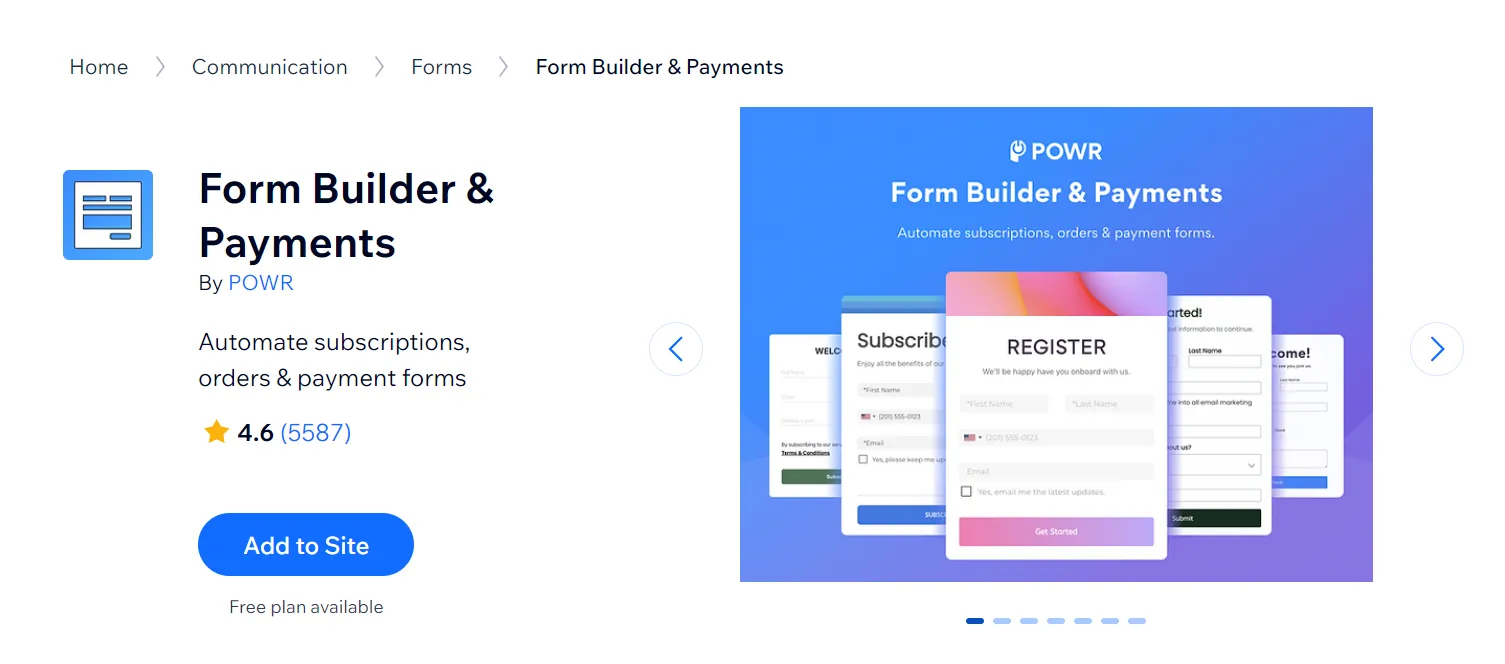
When it comes to the best Wix apps for your online store, Form Builder & Payments is a versatile tool for Wix stores that need more than simple contact forms. From paid submissions to automated follow-ups, it simplifies complex workflows while keeping everything user-friendly.
Highlight features:
- Create unlimited forms with pre-built templates.
- Integrate with powerful third parties: PayPal, Stripe, MailChimp, etc.
- Set up an autoresponder confirmation email to send to customers.
Best for: Wix store owners and service-based businesses that need to collect payments, registrations, or leads through a single form
36. 123 Form Builder & Payments
Rating: ⭐4.4 (4900+ reviews)
Pricing: Free | Paid plans from $4.99/month (first 3 months)
Another potential name for the best Wix apps to create forms is 123 Form Builder & Payments. Accordingly, you can create various types of forms for your website using a drag-and-drop editor. Whether you need contact forms, user submissions, job applications, bookings, donations, surveys, or any other form, this tool provides everything you need to add these features to your site.
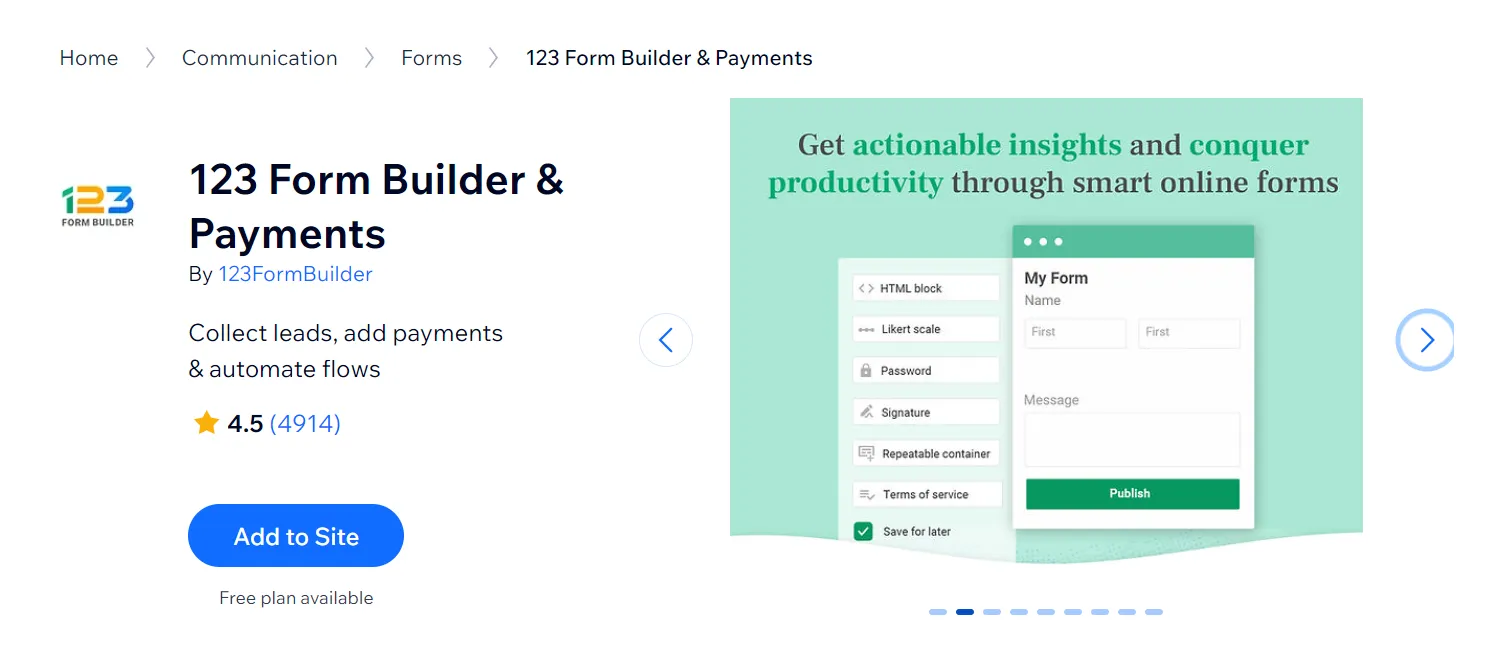
Moreover, this powerful Wix app allows you to integrate with payment processors such as PayPal or Stripe and import data from third-party tools like Google Sheets, Mailchimp, Zapier, and more. With this function, you can establish seamless data management for your store.
Highlight features:
- 1,900+ templates are available.
- Email and SMS notifications can be customized to your needs.
- Auto-responders and file uploads can be set up for your forms.
Best for: Wix stores and service businesses that handle high volumes of form submissions across multiple use cases
37. Boom Form
Rating: ⭐4.5 (850+ reviews)
Pricing: Free | Paid plans from $5.95/month
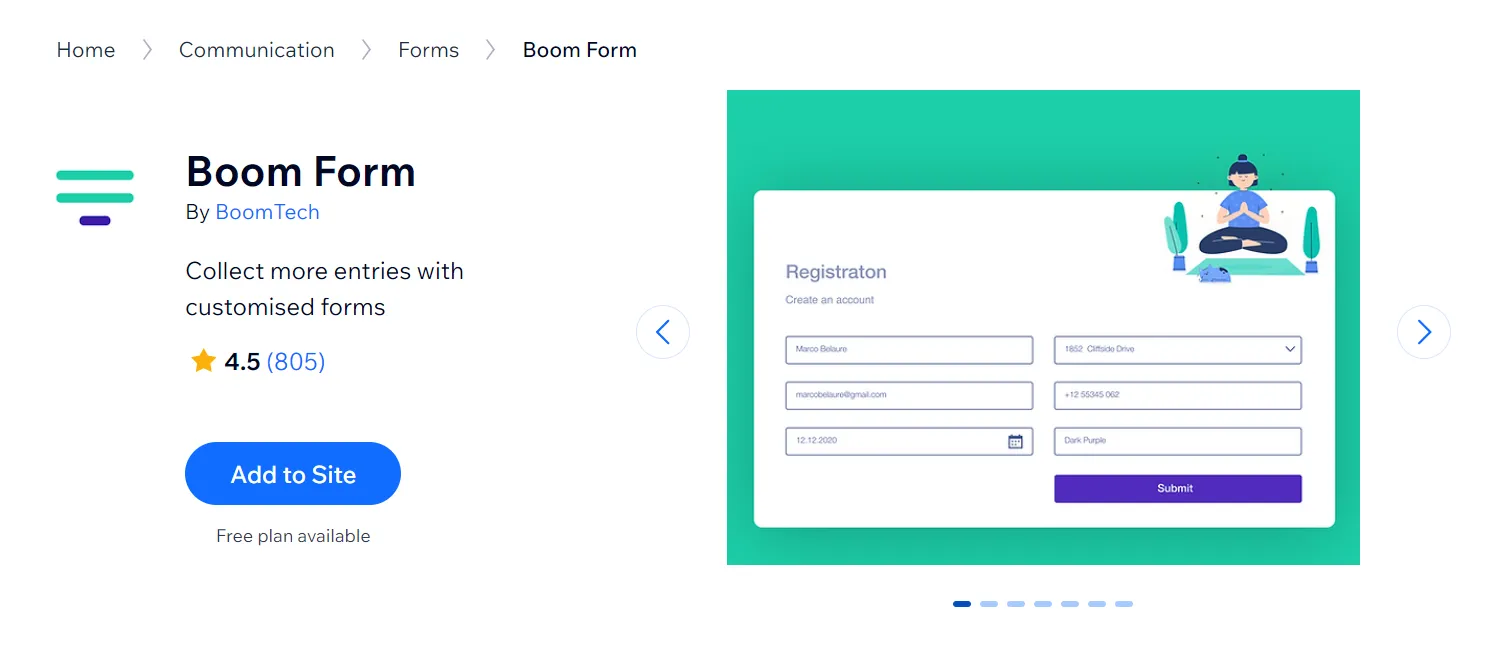
For those of you looking for a form builder app on Wix that’s both feature-rich and easy to use, Boom Form might be the answer. It offers features like digital signature, file upload options, and conditional logic for more dynamic forms. You can also integrate seamlessly with other Wix features like Wix Collections and CRM systems, allowing for efficient data management.
Highlight features:
- Send instant email notifications when a form is submitted.
- Provide powerful data management and analytics tools.
- Integrate with PayPal, Logic, MailChimp, and other services.
- Collect donations, registration fees, and sell products online.
- Use advanced form fields (signature, file uploader, terms, password).
Best for: Wix store owners who need more than a basic contact form
Best Wix Apps for Bookings & Services
38. Wix Bookings
Rating: ⭐4.5 (450+ reviews)
Pricing: Paid plans from $37.50/month (first 3 months)
In our best Wix apps list for straightforward service bookings (consultations, classes, personal training sessions, etc.), Wix Bookings does the job cleanly. Clients can book and pay directly from your site, automated reminders go out via email and SMS, and everything syncs with your Wix dashboard without touching a single external tool.
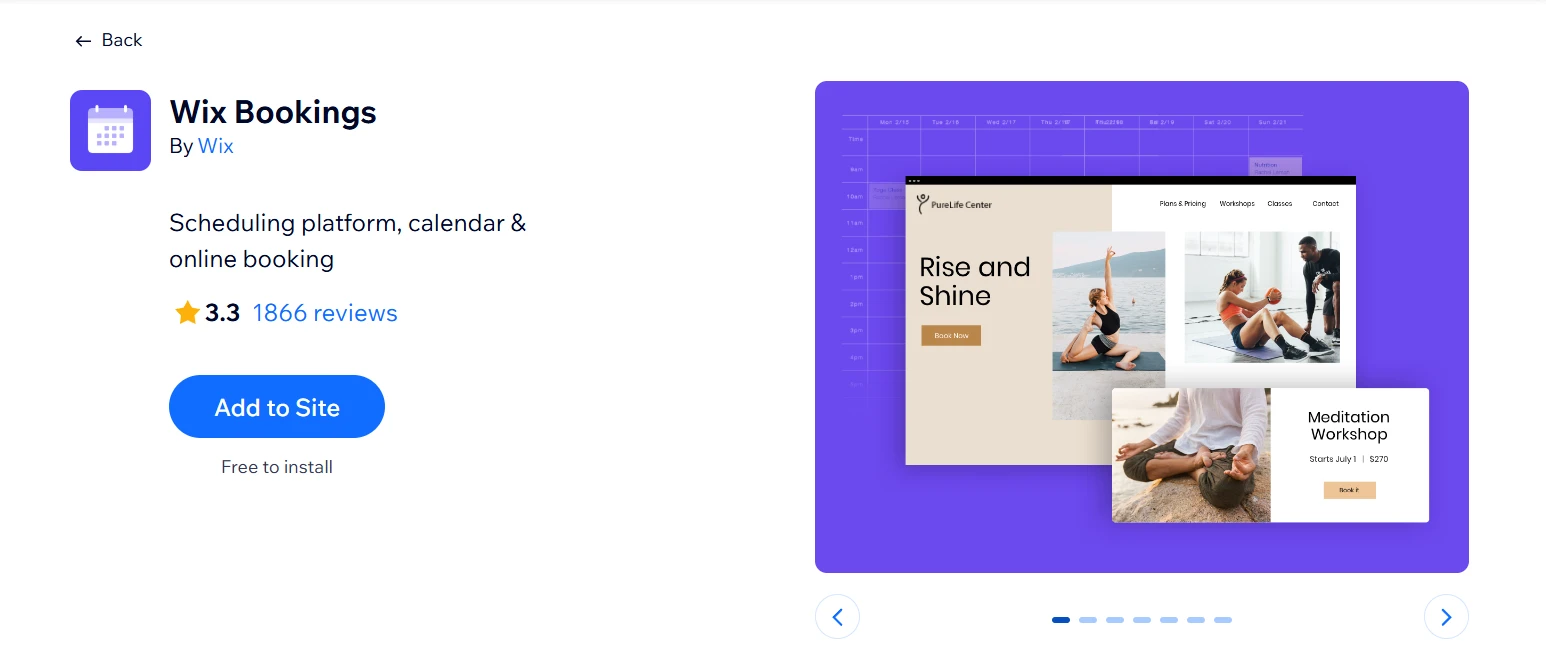
The friction starts when your setup gets more complex. Businesses trying to manage room bookings, multi-resource scheduling, or more advanced availability logic frequently run into the app’s structural limits – and the reviews reflect that frustration directly.
Highlight features:
- 1-on-1 appointments, group sessions, classes, and workshops supported
- Google Calendar sync for staff with automated no-show reminders via email and SMS
- Memberships, packages, and punch cards for repeat client management
- Payment processing via Wix Payments, PayPal, and Stripe
Best for: Solo service providers and small teams offering straightforward appointment-based services who want booking built natively into their Wix site without extra apps
39. Schedulista Bookings
Rating: ⭐3.9 (70+ reviews)
Pricing: 15-day free trial | $19.95/month
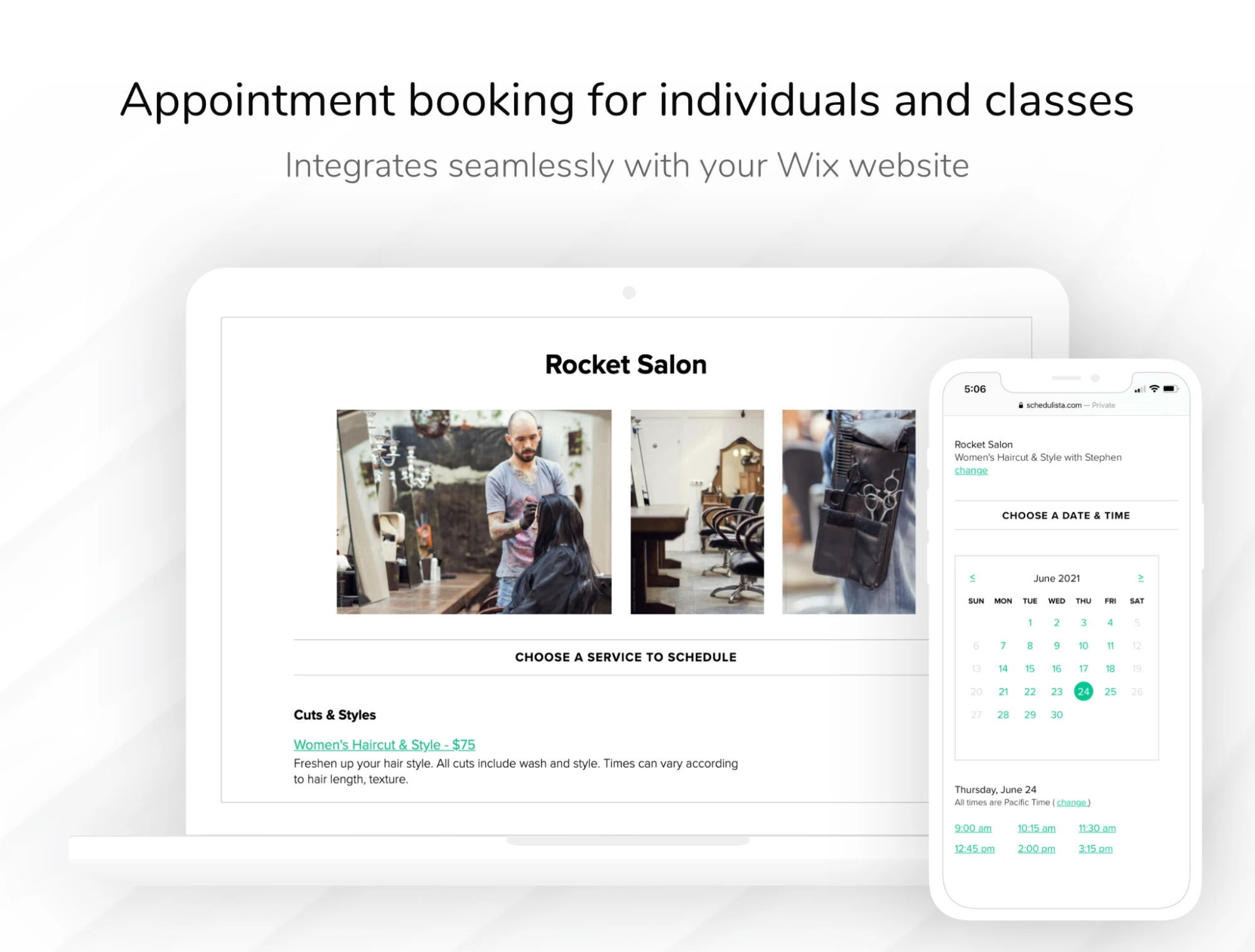
Schedulista Bookings is a solid option if you want clients to book services directly from your Wix website without needing you to manually coordinate dates and times. Once installed, you can guide visitors from “interested” to “booked” in a few clicks, which is especially valuable if you offer sessions that fill up quickly or require consistent time slots.
Highlight features:
- Online booking for 1‑to‑1 appointments and group classes with a branded booking page
- 24/7 self‑service scheduling from your site, plus “Book Now” from socials
- Support for multiple staff, separate calendars, access levels, and notifications
- Flexible scheduling options such as repeating appointments, specific start times, setup, and cleanup buffers
Best for: Small service businesses that need simple 24/7 online appointment booking with SMS reminders and credit card support
40. RSVP Forms Builder
Rating: ⭐5.0 (5+ reviews)
Pricing: 7-day free trial | Paid plans from $6/month
RSVP Forms Builder is a strong pick if your service flow is more “registration-based” than appointment-based. Instead of forcing you into a traditional calendar scheduling layout, this app helps you collect RSVP responses cleanly and keep everything organized for event planning. It’s particularly ideal when you want to gather details upfront (like attendee names, contact info, or guest counts) without adding friction.

Highlight features:
- Designed to simplify RSVP and event registration workflows
- Includes a 7-day free trial to test before committing
- Highly rated by Wix users (small but strong review base)
Best for: Event organizers, wedding planners, and small businesses that need a clean, dedicated RSVP collection flow
Best Wix Apps: FAQs
What Wix apps do I need for an online store?
Start with Wix Stores for products, payments, checkout, inventory, and orders. Then, add apps based on your needs, such as abandoned cart recovery, email marketing, reviews, loyalty programs, referrals, upsells, live chat, or SEO.
Do Wix apps slow down my site?
Yes, Wix apps can slow down your site if you install too many or use apps with heavy scripts, popups, animations, or tracking features. That does not mean you should avoid apps completely, but you should be selective. A good rule is to install apps that directly support sales, customer experience, or store management, then remove anything you no longer use.
Can I use Wix without any third-party apps?
Yes. Wix already includes built-in tools for websites, SEO, forms, blogging, bookings, payments, and eCommerce. Third-party apps are only needed when you want more advanced features or extra flexibility.
Are Wix apps free?
Some Wix apps are free, while others use freemium plans, free trials, or paid subscriptions. Free versions usually cover basic needs, but advanced features often require a paid plan.
What are the most popular Wix apps?
Popular Wix apps include Wix Stores, Wix Bookings, Wix Forms & Payments, Wix Chat, Wix Blog, Wix Loyalty Program, Wix Referral Program, Omnisend, Carti Abandoned Cart Recovery, and WhatsApp Marketing. The right choice depends on your store goals.
Final Thoughts
In conclusion, Wix offers a wide range of apps that can enhance your website’s functionality and user experience, from store design, analytics, and social to dropshipping and conversions. We hope this article can help you choose the best Wix apps for online stores.
Now that you have chosen the apps, what’s the next step to growing your Wix online store? Check out our LitExtension blog or join the community group for more insightful blog posts now!