
Webflow is widely known as a powerful, design-driven website builder, but it is not always the best fit for every use case. If you are considering a move away from Webflow or simply exploring your options, there are several Webflow alternatives that may better match your needs.
In this guide, we’ll walk you through some of the most popular Webflow alternatives, including:
- Wix Studio;
- Squarespace;
- Framer;
- Shopify;
- WooCommerce;
- Weebly;
- BigCommerce;
- GoDaddy;
- Hostinger;
- Jimdo.
Let’s get started!
Why Webflow Isn’t the Right Fit for Everyone?
Webflow is widely known as a powerful visual website builder that gives designers a high level of control without relying entirely on code. It combines design, CMS, and hosting into a single platform, making it an attractive option for teams that want pixel-perfect layouts and modern, responsive websites.
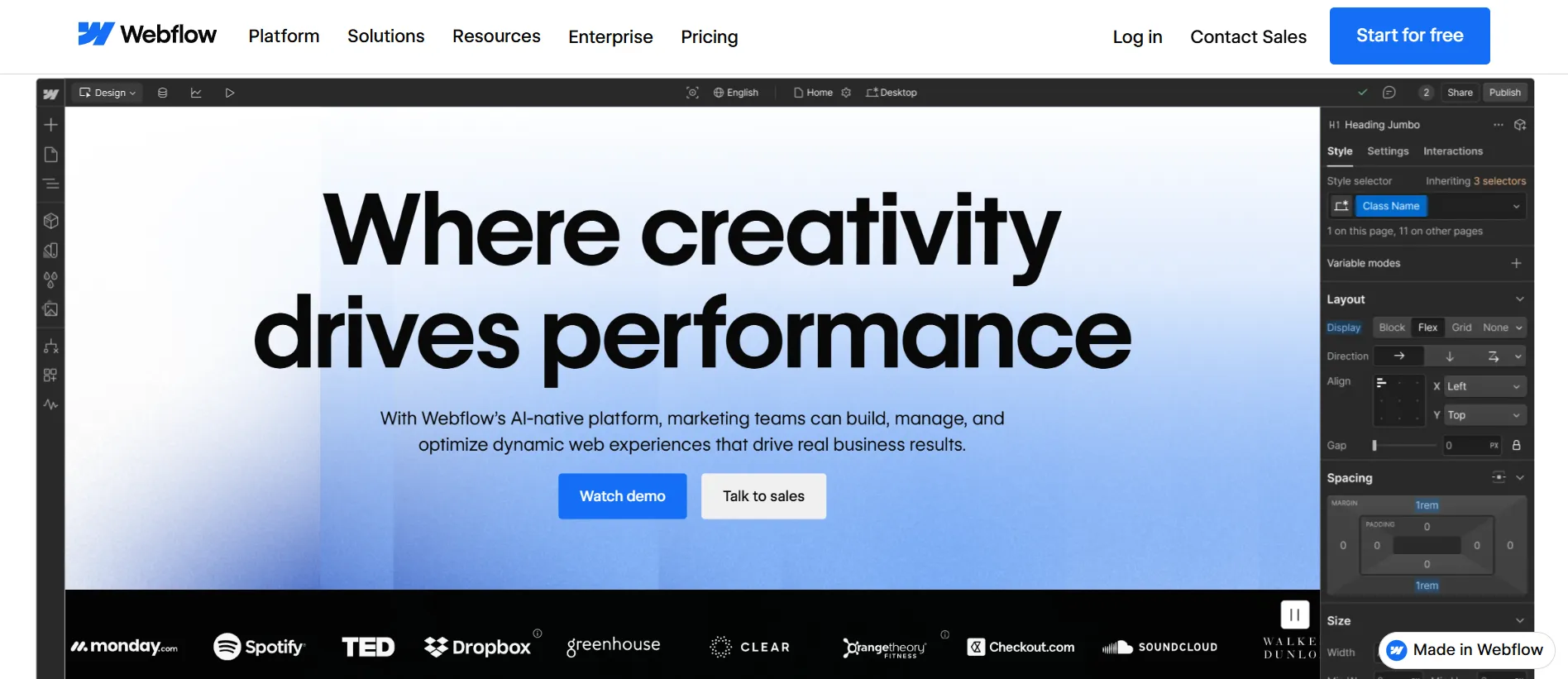
Though Webflow is trusted by nearly 700,000 live websites worldwide, the platform isn’t flawless. After years of enabling Webflow users to migrate to other platforms, we believe these are the most popular reasons why Webflow isn’t for everyone:
- Pricing at scale: Webflow can become costly on higher-tier plans as advanced features, CMS limits, and team access add up.
- Complex editing experience: The design dashboard can be overwhelming for beginners and non-technical users.
- Limited SEO flexibility: Built-in SEO tools cover the basics but lack depth for advanced customization.
These limitations often lead businesses to explore other platforms that align better with their needs. In the following sections, we’ll break down the best Webflow alternatives and highlight when each option is worth considering.
Platform | Pricing | Advantages | Best for |
Wix Studio | $19 – $159/month | Advanced visual builder with responsive grids, reusable components, AI tools, and high CMS limits | Agencies, designers, and teams managing multiple visually complex websites |
Squarespace | $25 – $139/month | Beautiful templates, beginner-friendly editor, built-in blogging and basic eCommerce tools | Creators, portfolios, and small businesses needing a polished site quickly |
Framer | $10 – $100/month | Figma-like editor, smooth animations, fast publishing, strong performance optimization | Designers building interactive marketing sites and landing pages |
Shopify | $39 – $139/month | Powerful eCommerce features, large app ecosystem, built-in checkout and payments | Businesses focused on selling products online at scale |
WooCommerce | $20 – $100+/month | Open-source flexibility, huge plugin ecosystem, strong SEO via WordPress | Businesses wanting full control over their store and website stack |
Weebly | $0 – $26/month | Very easy drag-and-drop editor, free plan available, Square integration for payments | Beginners and small businesses creating simple websites |
BigCommerce | $39 – $399/month | Enterprise-level eCommerce tools, multi-channel selling, strong B2B features | Mid-to-large businesses with complex online commerce operations |
GoDaddy Website Builder | $9.99 – $20.99/month | Fast website setup, integrated marketing tools, built-in scheduling and business features | Local businesses and service providers launching a site quickly |
Hostinger Website Builder | $12.99 – $18.99/month | AI website generator, affordable pricing, built-in hosting and automation tools | Beginners or small businesses wanting an AI-assisted site on a budget |
Jimdo | $0 – $45/month | AI-assisted setup, built-in business tools, free plan available | Individuals and small businesses needing a quick, simple website |
1. Wix Studio: Best for visual design & easy editing
- Pricing: $19 – $159/month.
- Wix Studio rating: 4.6 stars (from 60+ users on G2)
Wix Studio is Wix’s most advanced website builder, built with professional workflows in mind. It introduces responsive layouts, reusable components, and a more structured design system than traditional drag-and-drop tools.
Yet, the editing experience remains more guided and less technical than Webflow. This explains why Wix Studio is often considered the more practical alternative to Webflow.
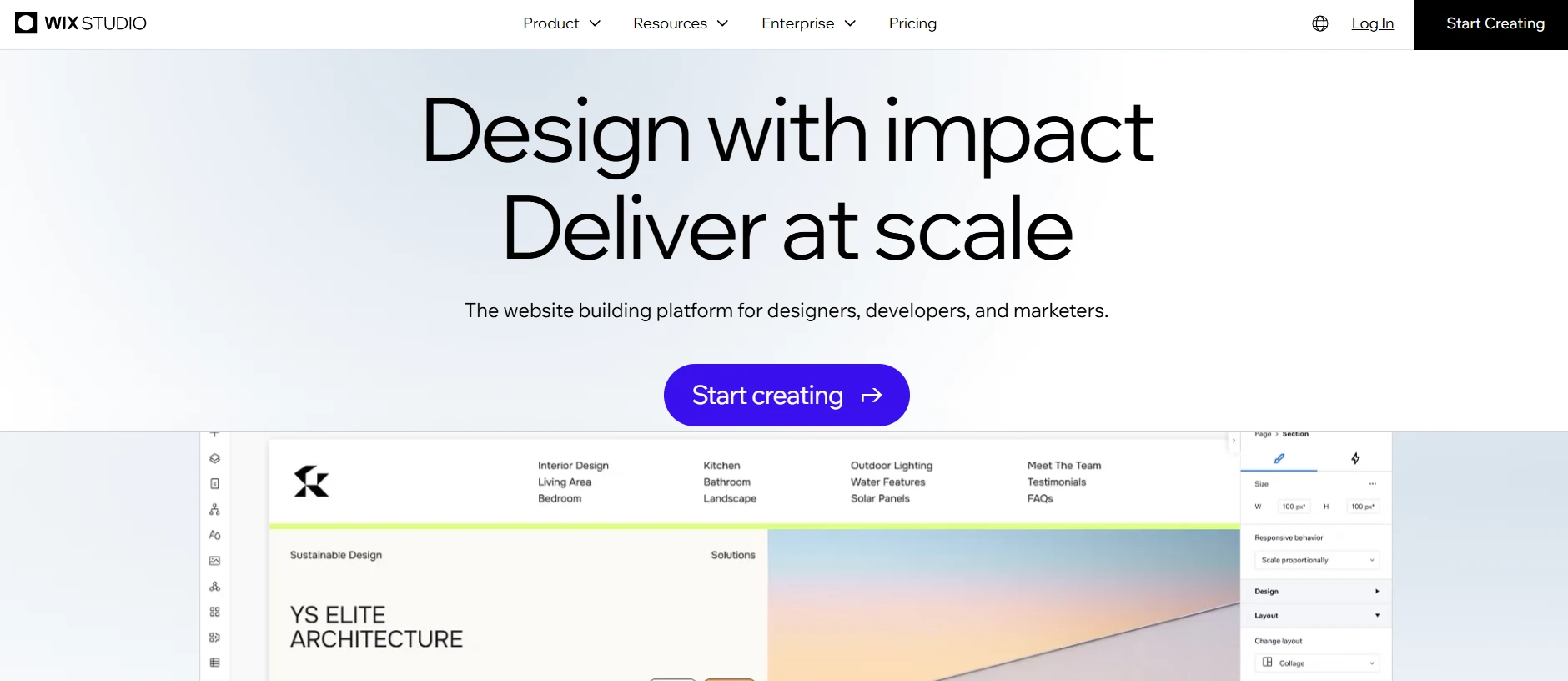
Why Wix Studio over Webflow?
- Native section grid, stacks, and Flexbox controls for finer responsive control.
- Built-in no-code animations (scroll, hover, loop, click) with presets.
- Studio-specific AI tools, including sitemap and wireframe generators, plus content and SEO helpers.
- Integrated AI code assistant for generating and debugging code inside Studio.
- Very high CMS limits, with up to 10,000,000 CMS items on the Elite plan, far exceeding Webflow’s 20,000-item limit.
- Full-stack development platform with a built-in IDE, 100+ APIs, and reusable Blocks.
What are Wix Studio pros & cons?
Pros | Cons |
|
|
Who is Wix Studio for?
- Freelancers and agencies managing multiple client sites with a no-code or low-code workflow.
- Designers and professional creators focused on visual design, animations, and complex layouts.
- Small to mid-sized businesses working with agencies but needing easy content updates.
- Marketing and product teams are launching landing pages and campaigns without heavy dev support.
Read more: Wix Website Builder review.
2. Squarespace: Best for simple, aesthetic websites
- Pricing: $25 – 139/month.
- Squarespace rating: 4.4 stars (from 1,100+ users on G2)
If you are afraid you can’t find a Webflow alternative that is visual-oriented with minimal setup, Squarespace should be your go-to choice.
From our personal view, Squarespace templates are among the most aesthetic ones on the market. Combined with its clear editing flow, you can build a good-looking site without spending too much time adjusting complex settings.
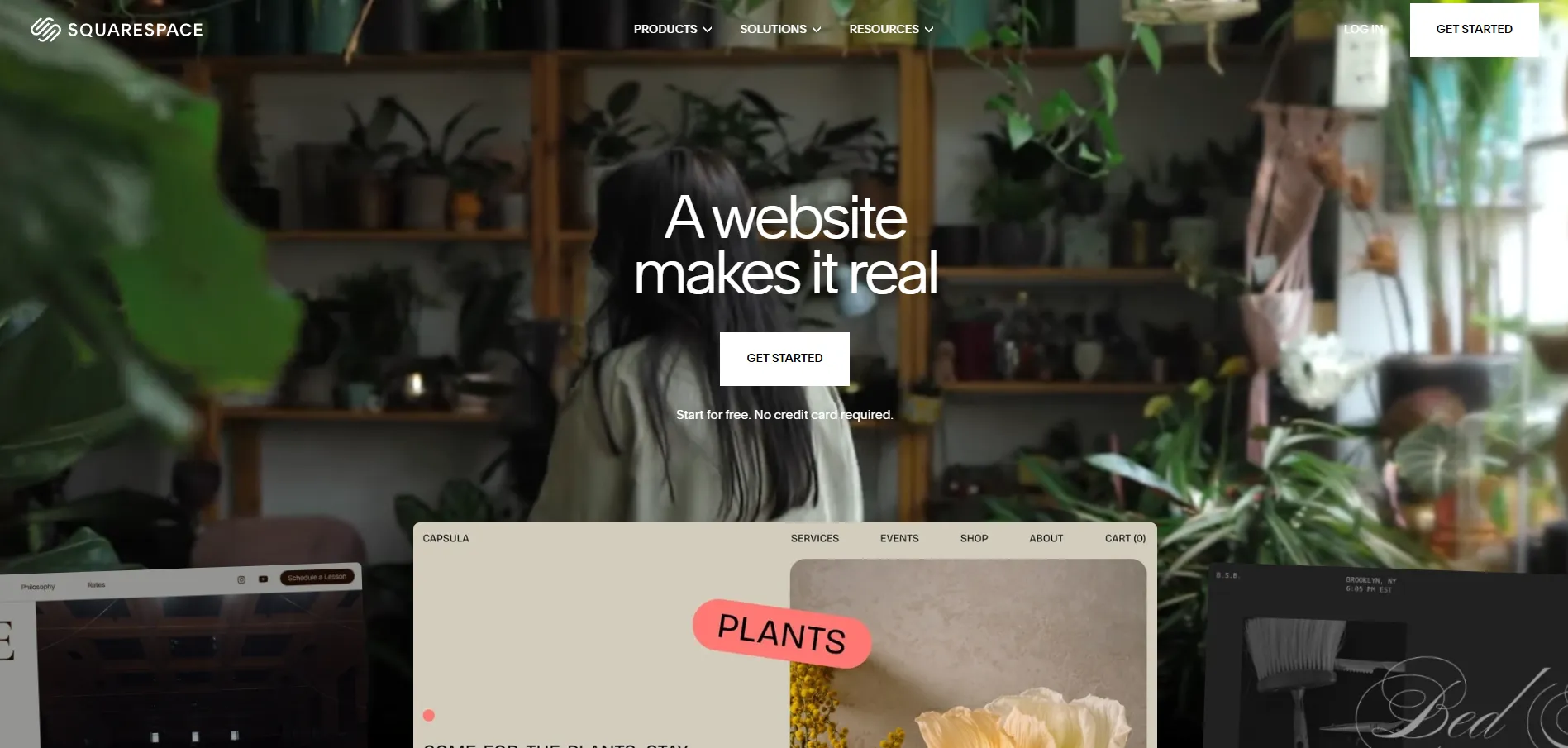
Why Squarespace over Webflow?
- Beginner-friendly drag-and-drop editor with guided flows and fewer technical concepts than Webflow
- 140+ visually appealing website templates, compared to 7,000+ templates in Webflow.
- A simpler CMS with fixed content structures and inline editing, requiring less setup than Webflow’s collection-based CMS.
- Robust SEO and eCommerce features for small-to-medium-sized online stores.
What are Squarespace pros & cons?
Pros | Cons |
|
|
Who is Squarespace for?
- Creative professionals building portfolio-driven, visually focused websites.
- Small business owners need a simple site with basic eCommerce or bookings.
- Solo entrepreneurs and personal brands use landing pages and email capture.
- Small online stores with simple products or digital sales needs.
Read more: Squarespace review
3. Framer: Best for interactive, fast websites
- Pricing: $10 – 100/month.
- Framer rating: 4.5 stars (from 130+ users on G2)
The next name on our Webflow alternatives list is Framer. This is a browser-based tool that lets you design website layouts, add interactions and animations, and publish live websites in one place.
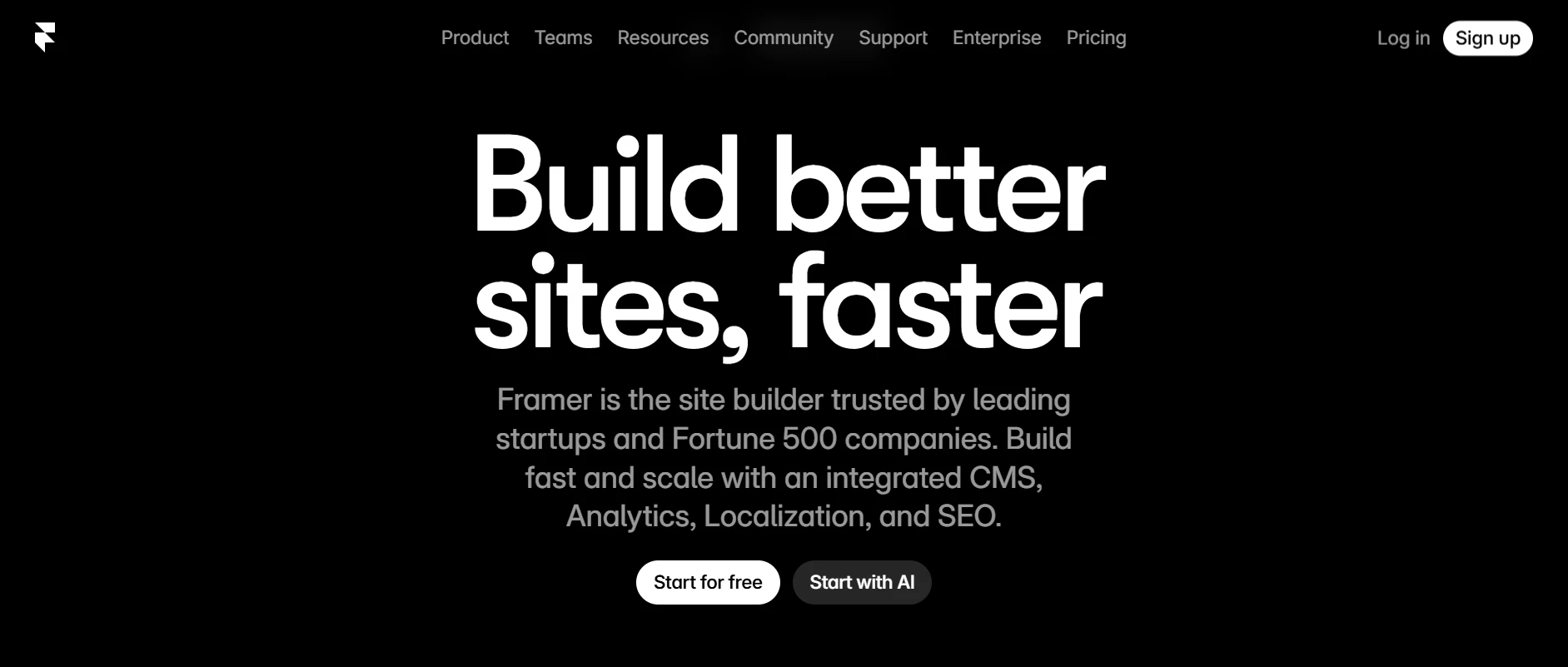
Why Framer over Webflow?
- A freeform, Figma-like canvas that feels more natural for visual layout work than a strict div or Flexbox-based system
- Slick, no‑code animations (scroll effects, hover states, page transitions, micro‑interactions) are easier to use.
- 1:1 Figma templates import to Framer without needing a plug-in like Webflow.
- Strong performance and Core Web Vitals optimizations built in, with less manual tuning required
What are Framer pros & cons?
Pros | Cons |
|
|
Who is Framer for?
- Designers creating motion-rich marketing sites or product pages.
- Startups and teams are launching landing pages and microsites quickly.
- Projects that prioritize interaction, speed, and iteration.
- Websites with simple content needs and short update cycles.
4. Shopify: Best for eCommerce selling
- Pricing: $39 – 139/month.
- Shopify rating: 4.4 stars (from 4,900+ users on G2)
If you are looking for a platform to manage and scale up your eCommerce website, don’t miss out on Shopify. As one of the best eCommerce platforms, Shopify offers merchants robust features for store setup, product management, and sales, all within a user-friendly interface.

Why Shopify over Webflow?
- Advanced product and inventory management, including variants, bulk edits, and stock tracking.
- A mature order and fulfillment system covering refunds, returns, and shipping workflows that are not natively handled in Webflow.
- An extensive app ecosystem with 11,000+ apps, far broader than Webflow’s 300+ app marketplace.
- Fully built-in checkout system with native payments, tax calculation, and shipping rates, while Webflow relies on more limited eCommerce flows.
What are Shopify pros & cons?
Pros | Cons |
|
|
Who is Shopify for?
-
- Businesses of all sizes, from solo entrepreneurs to large enterprises, that want to sell online using powerful eCommerce tools.
- Companies selling across multiple channels, such as online stores, social commerce, and marketplaces.
Want to Migrate to Shopify?
LitExtension provides a well-optimized All-in-One migration service for your data transfer!
FREE DEMO NOW
5. WooCommerce: Best for flexibility & control
- Pricing: $20 – 100+/month.
- WooCommerce rating: 4.4 stars (from 1,200+ users on G2)
This list of Webflow alternatives would be incomplete without WooCommerce. It stands out as a top-tier Webflow competitor when it comes to flexibility and customization/ This is thanks to its open-source foundation and the extensive ecosystem of plugins and themes.
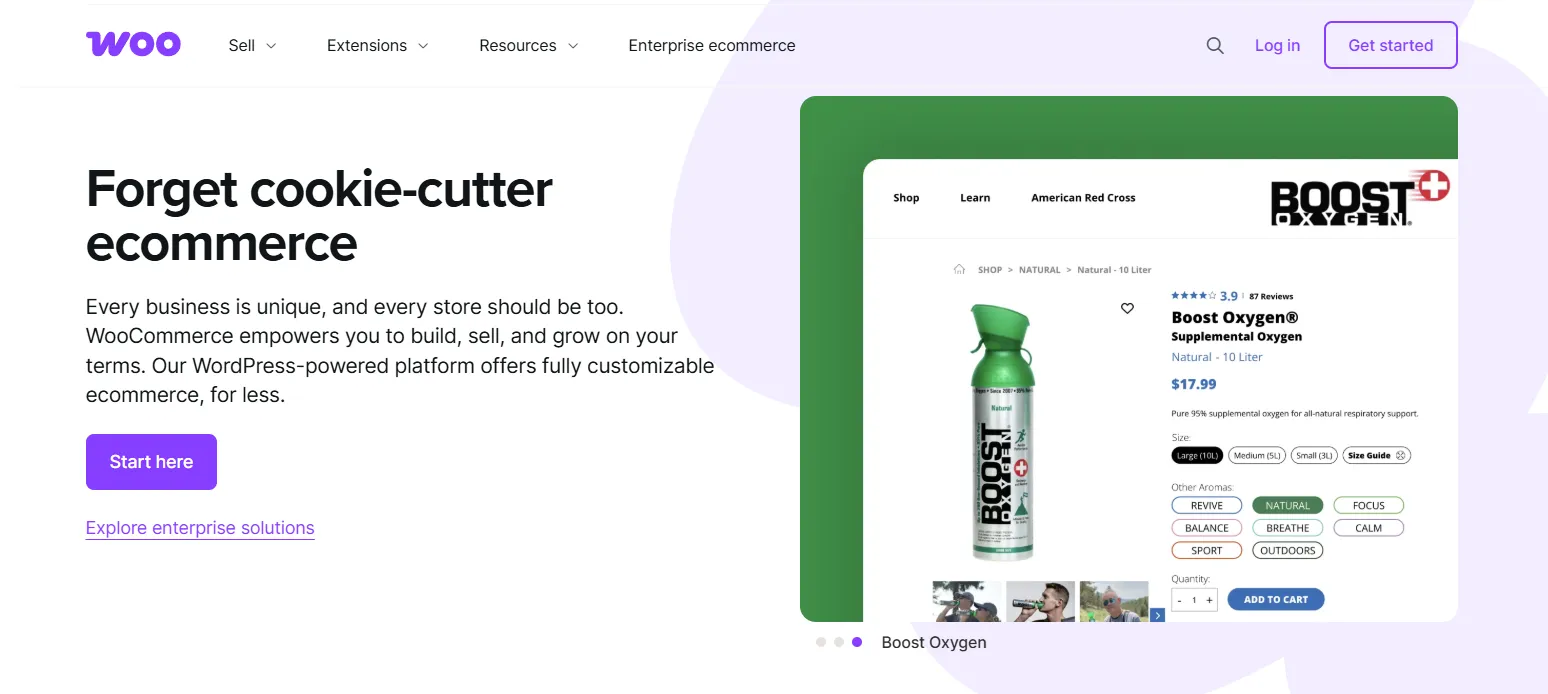
While WooCommerce itself is extremely flexible under the hood, its default editing experience is not as visual or design-focused as Webflow. Thus, to reach a similar level of layout control and visual customization, many users pair WooCommerce with Elementor. This adds a drag-and-drop design layer for building product pages, shop layouts, and landing pages more intuitively.
Why WooCommerce over Webflow?
- Access to 60,000+ WordPress plugins and thousands of WooCommerce themes.
- Support for advanced product types (variable products, bundles, subscriptions, bookings, memberships, etc.), which Webflow does not natively handle.
- No platform transaction fees, with native support for major gateways like Stripe, PayPal, Square, etc.
- Full visual customization with Elementor, covering layouts, product elements, and conversion-focused components.
What are WooCommerce pros & cons?
Pros | Cons |
|
|
Who is WooCommerce for?
- Merchants who want to start with a low budget and are comfortable learning basic technical concepts on their own.
- Businesses that want full control over their website and eCommerce stack.
- Brands running content-heavy stores or SEO-focused strategies.
- Teams with access to developers or technical support.
Read more: WooCommerce review
6. Weebly: Best for beginners & low budget
- Pricing: $0 – $26/month.
- Weebly rating: 4.2 stars (from 470+ users on G2)
If what you are searching for is an easy-to-use, intuitive platform to build and manage a website, Weebly is one of the best Webflow alternatives for beginners we'd love to suggest. The platform strips things down to the basics, making website creation feel more approachable for anyone.
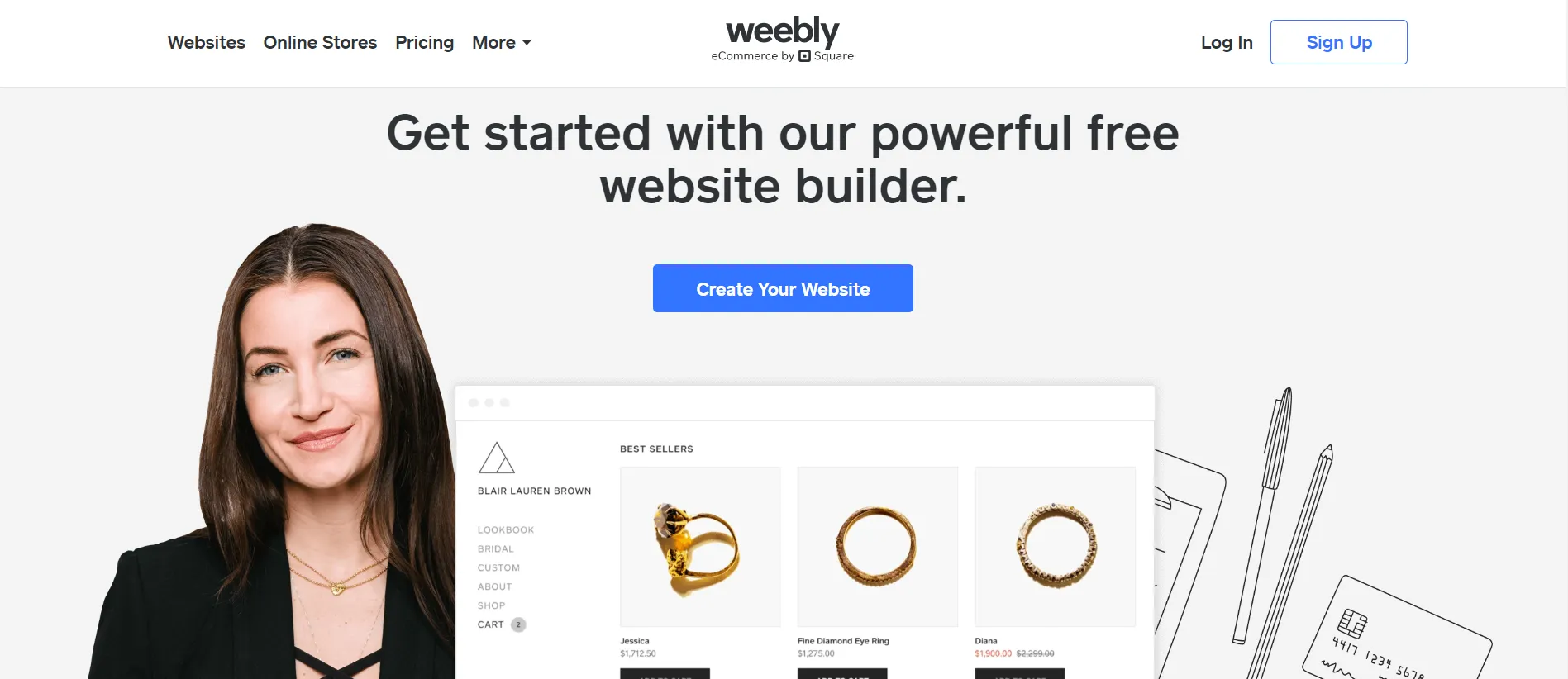
One thing to be aware of is that Weebly’s experience changes depending on your goal. When you choose to build a site specifically for selling online, the setup flow often redirects you to Square Online instead of the classic Weebly editor. As a result, Weebly and Square Online are closely intertwined, which can feel seamless for Square users but slightly confusing if you expect a single, standalone platform.
Why Weebly over Webflow?
- Very simple drag‑and‑drop editor, closer to “PowerPoint for websites” than Webflow’s CSS‑style designer.
- Simple store tools (through Weebly/Square) are easier to set up than Webflow eCommerce.
- Native Square integration for payments and inventory, simpler than connecting Webflow to external eCommerce or POS tools.
What are Weebly pros & cons?
Pros | Cons |
|
|
Who is Weebly for?
- Beginners building their first website.
- Small businesses need a basic online presence.
- Personal projects, simple blogs, or informational sites.
Read more: Weebly review
7. BigCommerce: Best for scalable eCommerce
- Pricing: $39 – 399/month.
- BigCommerce rating: 4.2 stars (from 570+ users on G2)
Last but not least, BigCommerce stands as a powerful Webflow alternative for those looking to expand their eCommerce operations. It offers a wide range of built-in features tailored for scaling businesses, including advanced product management, multi-channel selling, and strong support for international commerce.
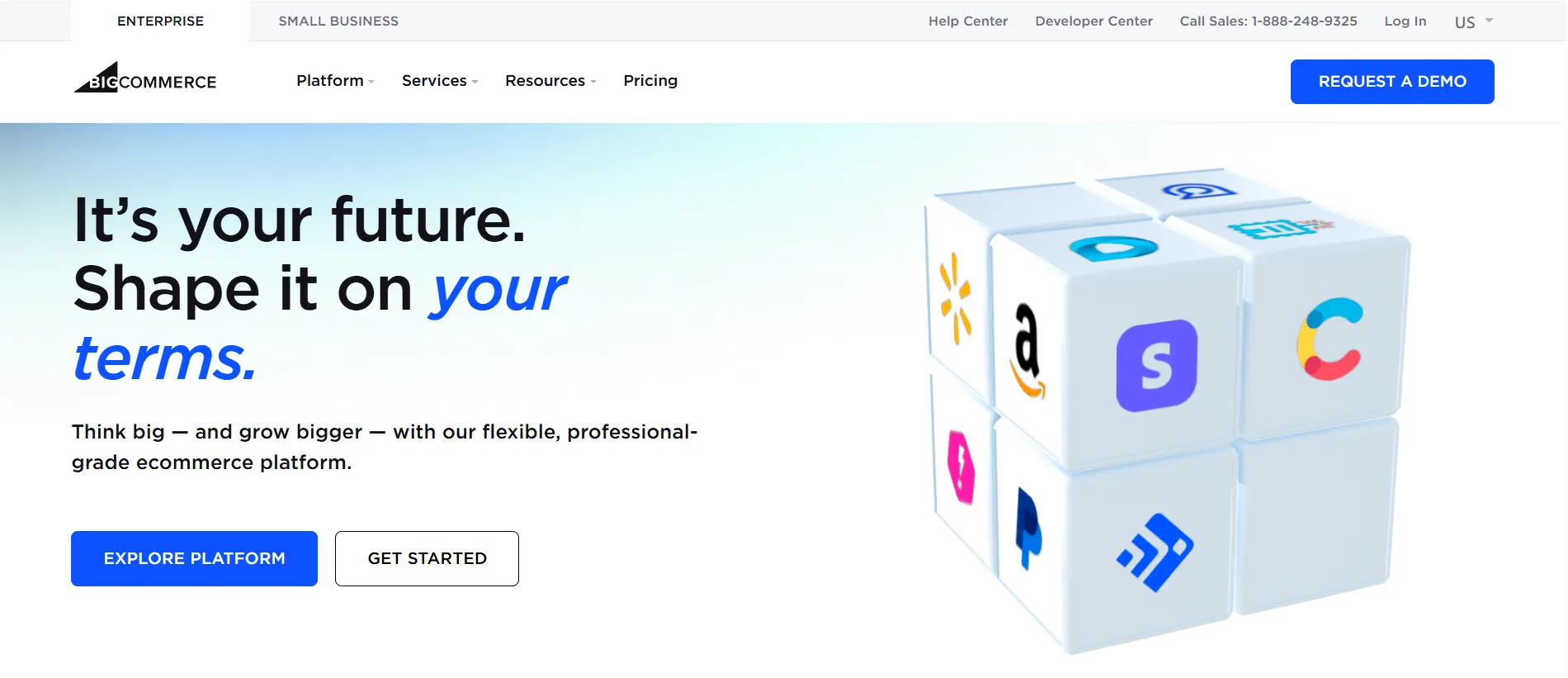
BigCommerce is highly customizable at the system and architecture level, but less flexible at the visual editing level. This makes it a strong choice for teams that need control over commerce logic and integrations, rather than pixel-level design freedom.
Why BigCommerce over Webflow?
- Native multi-channel selling across Amazon, eBay, social platforms, and POS with centralized stock and order sync.
- Enterprise and B2B features through B2B Edition, including company accounts, custom pricing, credit limits, and quote workflows.
- API-first and headless-friendly for enterprise integrations, compared to Webflow’s more front-end-focused API model.
What are BigCommerce pros & cons?
Pros | Cons |
|
|
Who is BigCommerce for?
- Mid-to-large businesses running complex eCommerce operations and large product catalogs.
- B2B companies that need advanced features like company accounts, custom pricing, and quote workflows.
- Organizations with in-house developers or technical partners who can handle deeper customization and integrations.
Read more: BigCommerce review
8. GoDaddy Website Builder: Best for Built-In Marketing
- Pricing: $9.99 – $20.99/month.
- GoDaddy Website Builder rating: 4.1 stars (from 180+ users on G2)
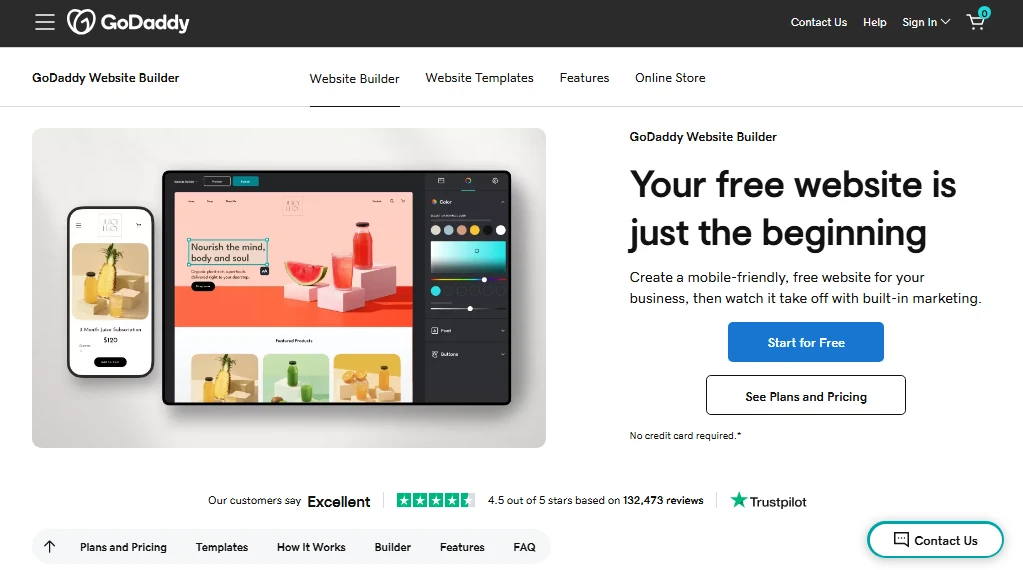
GoDaddy Website Builder is designed around one primary idea: helping small businesses launch a website as quickly as possible.
When creating a site, users answer a few questions about their business, industry, and goals. The platform then generates a starting website layout automatically, including suggested pages, content sections, images, and more. From there, you can edit your site through a simplified, easy-to-use section-based editor rather than a full design canvas.
Another defining aspect of GoDaddy Website Builder is its close integration with business and marketing tools. Features like email marketing, social media scheduling, appointment booking, and customer contact forms are built directly into the platform. Because of this, GoDaddy is often positioned less as a design tool and more as a small-business website platform that combines website creation with digital marketing capabilities.
Why GoDaddy over Webflow?
- A very streamlined editor that prioritizes quick setup rather than design complexity.
- Built-in marketing tools such as email campaigns, social media posting, and customer messaging.
- Integrated business tools including appointment scheduling and customer management.
- All-in-one platform that bundles hosting, SSL, and website building in one subscription.
What are GoDaddy pros & cons?
Pros
- Extremely easy onboarding and guided site setup.
- Integrated marketing and SEO tools for small businesses.
- Fast website launch, often possible within an hour.
Cons
- Limited design customization compared to Webflow.
- Advanced features and integrations are relatively basic.
- Not ideal for design-heavy or highly customized websites.
Who is GoDaddy for?
- Local businesses that want to launch a website quickly.
- Entrepreneurs who prioritize simplicity over deep customization.
- Service businesses needing scheduling, marketing, and customer management in one place.
- Beginners building a basic website without technical knowledge.
Read more: GoDaddy review
9. Hostinger Website Builder: Best for AI-Driven Websites
- Pricing: $12.99 – $18.99/month (for 48 months of subscription)
- Hostinger rating: 4.4 stars (from 780+ users on G2)
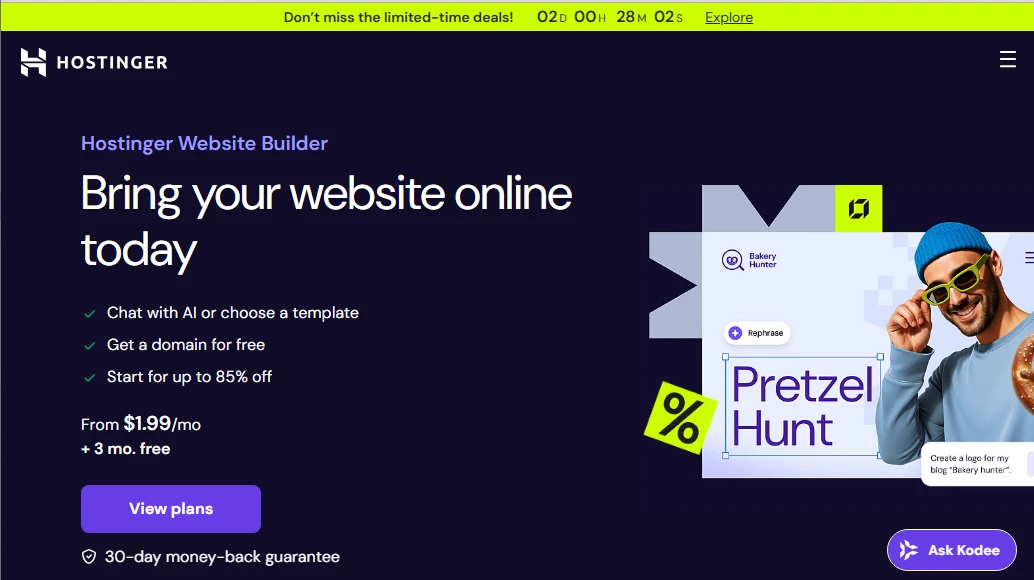
Hostinger Website Builder is an all-in-one website creation platform that combines hosting infrastructure with a simplified visual builder. Compared to Webflow’s design-focused environment, Hostinger emphasizes automation and accessibility, making it easier for beginners to launch websites without technical experience.
One of the platform’s defining features is its AI website generator. During setup, users describe the type of website they want to build, and the system automatically generates a complete website structure, including layouts, text suggestions, and images. This process removes much of the manual design work typically required in tools like Webflow, where users often start from a blank canvas or template and build layouts element by element.
Once the initial website is generated, users can customize it through a drag-and-drop editor that focuses on predefined content blocks and page sections. Though this editing model limits design precision compared to Webflow’s CSS-inspired layout controls, it significantly reduces the learning curve for new users.
Hostinger also bundles additional AI tools that assist with website creation and management. These include AI content generators, logo creation tools, heatmap analysis, and automated SEO suggestions.
Why Hostinger over Webflow?
- AI website generator that can build a full site from a short description.
- More than 300 responsive templates available for quick customization.
- Integrated tools for SEO, email marketing, and business promotion.
- Extremely affordable pricing compared to most website builders.
What are Hostinger pros & cons?
Pros
- One of the most affordable website builders available.
- AI tools help automate design, content creation, and SEO tasks.
- Simple drag-and-drop editor suitable for beginners.
Cons
- Limited advanced customization for complex design projects.
- Fewer integrations and ecosystem options than Webflow or WordPress.
- Not intended for developer-level control.
Who is Hostinger for?
- Beginners launching their first website.
- Small businesses with limited budgets.
- Bloggers, freelancers, or creators who want a quick AI-generated site.
- Users who prefer an all-in-one hosting and website builder solution.
Read more: Wix vs Hostinger Website Builder.
10. Jimdo: Best for Automation for Small Projects
- Pricing: $0 – $45/month.
- Jimdo rating: 3.9 stars (from 20+ users on G2)
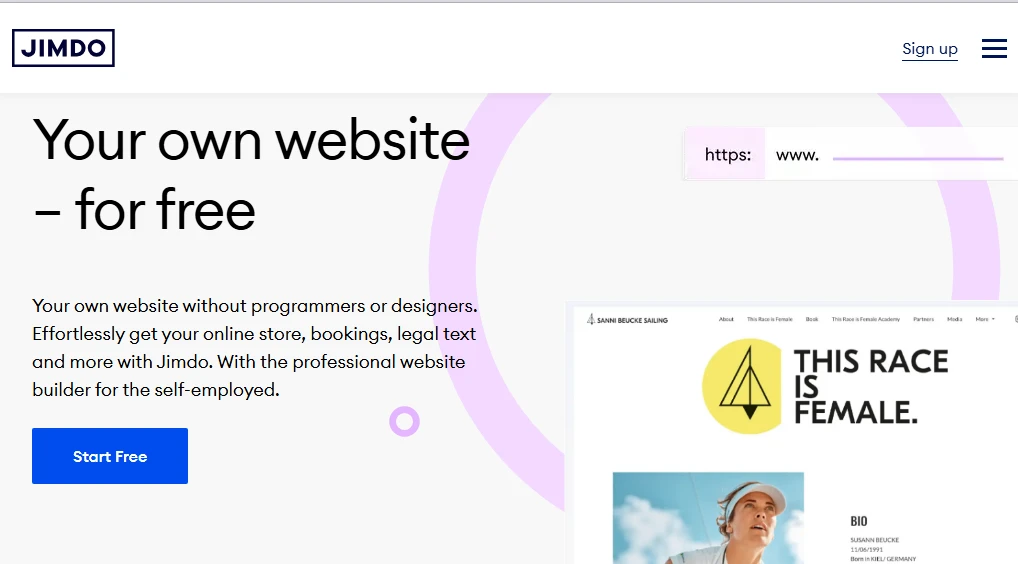
Lastly, Jimdo is a lightweight website builder primarily for individuals and small businesses that want to create a website with minimal technical involvement.
Jimdo offers two different editing experiences. The first is its AI-driven automation, which focuses on speed and simplicity by allowing users to modify pages using structured content blocks. The second is a slightly more flexible editor that provides additional layout customization for users who want greater control. Even with this flexibility, however, Jimdo remains much simpler than Webflow and does not provide the same level of visual layout precision or interaction design capabilities.
In the automation flow, you can also integrate basic business features such as SEO settings, business listings, simple online stores, and legal page generators. As a result, even small businesses can establish a professional online presence without requiring external plugins or complex configuration.
Why Jimdo over Webflow?
- AI-assisted automation that generates layouts and flows fast.
- Free plan available for small projects or testing ideas.
- Built-in business tools such as SEO settings and business listings.
- Simple setup process designed for non-technical users.
What are Jimdo pros & cons?
Pros
- Very beginner-friendly website creation process.
- AI wizard helps generate and automate simple websites.
- Free plan available for basic websites.
Cons
- Limited design flexibility compared to Webflow.
- Fewer advanced features and integrations.
- Some features like blogging or customization are restricted.
Who is Jimdo for?
- Beginners building their first website.
- Small local businesses needing a quick online presence.
- Entrepreneurs or freelancers launching simple service websites.
- Users who prioritize simplicity over customization.
Read more: Jimdo review
How To Choose The Best Webflow Alternative?
After going through the most popular Webflow alternatives and their different strengths, it becomes clear that there is no single option that works best for everyone. Each platform we covered focuses on a different priority, such as visual design, ease of use, eCommerce capabilities, or scalability.
To choose the right one, it helps to step back and look at your needs across a few key areas.
1. Start with your primary goal
If your website is design-led and focused on visuals, motion, or branding, tools like Wix Studio or Framer may feel more natural. If selling online is the main objective, commerce-first platforms such as Shopify, WooCommerce, or BigCommerce will usually be a better fit than design-first builders.
2. Consider how much control you need, and where
Some Webflow competitors offer strong visual control but limited system flexibility, while others allow deep customization at the logic or infrastructure level. You should decide whether you care more about pixel-level design, content structure, checkout logic, or integrations with other systems.
3. Be realistic about your team’s skills and workflow
A visual builder can save time for designers and marketers, while more flexible platforms may require technical support. Think about who will build the site, who will maintain it, and who will update content day to day.
4. Think long term, not just launch day
Pricing, scalability, SEO control, and platform lock-in become more important as your site grows. A platform that feels simple at the beginning may become limiting later, while a more flexible setup may pay off over time.
Migrating from Webflow to Your Chosen Alternative
Once you’ve chosen one platform from our list of Webflow alternatives that fits your goals, the real work begins. Migrating away from Webflow is not just about rebuilding pages on a new system. It involves moving content, media, products, and URLs redirects in a way that keeps your website stable and visible to search engines.
This is where LitExtension can help. We provide a dedicated migration service that supports moving from Webflow to a wide range of platforms, including Shopify, WooCommerce, Wix, and more. Our focus is on reducing manual effort, avoiding downtime, and ensuring your data is transferred accurately.
Webflow Migration Made Easy With LitExtension!
LitExtension offers great migration solutions that help you transfer your data from Webflow to a new platform accurately, painlessly with utmost security.
MIGRATE NOW!Webflow Alternatives: FAQs
Is there anything better than Webflow?
There isn’t a single platform that is universally better than Webflow, but several platforms can be a better fit depending on your goals.
- Wix Studio and Framer often work better for teams that want faster workflows or interaction-heavy design.
- For selling online, Shopify, WooCommerce, and BigCommerce offer much deeper eCommerce capabilities.
- If simplicity and quick setup matter most, Squarespace can be a more practical choice.
Is Webflow still relevant in 2026?
Yes, Webflow is still relevant in 2026, especially for design-driven websites and teams that value precise visual control. However, the ecosystem has become more competitive, with newer platforms offering faster workflows, stronger AI features, or deeper commerce capabilities.
Why is Framer better than Webflow?
Framer can be better than Webflow for teams that prioritize speed, interaction, and rapid iteration. Framer makes animations and motion effects easier to create, offers a more freeform design canvas, and provides a smoother path from design to a live site. For projects focused on landing pages, marketing sites, or interactive experiences, Framer often feels lighter and faster than Webflow.
What are alternatives to Webflow for designers?
According to our Webflow alternatives breakdown, here are the top platforms for designers and creatives:
- Wix Studio for designers who want strong visual control with a more guided and client-friendly editing experience.
- Squarespace for designers who prefer polished layouts and minimal setup over deep customization.
- Framer for motion-heavy, interactive designs and fast iteration on landing pages or marketing sites.
Conclusion
Webflow is a robust website builder with powerful integrated design tools and collaborative features. However, it’s not for everyone, especially those with little technical background.
Therefore, whether you are just weighing options or considering switching from Webflow to another option, we hope our above list of the best Webflow alternatives can help.
Don’t forget to dive into LitExtension’s blog and join our engaging Facebook Community for the latest eCommerce tips, tricks, and tutorials.


