
Webflow is widely known as a powerful, design-driven website builder, but it is not always the best fit for every use case. If you are considering a move away from Webflow or simply exploring your options, there are several Webflow alternatives that may better match your needs.
In this guide, we’ll walk you through some of the most popular Webflow alternatives, including:
| Platform | Pricing | Why Choose Over Webflow | Best for |
|---|---|---|---|
| Wix Studio | $19 to $159/month | A more guided editor with built-in client management and AI design tools | Agencies managing client sites |
| Squarespace | $16 to $99/month | Polished templates, almost no learning curve, and unlimited bandwidth on every plan | Beginners and creatives |
| Framer | Free plan; $10 to $100/month | A Figma-style canvas where animations take far less setup | Designers and interactive sites |
| Shopify | $29 to $299/month, billed yearly | A complete checkout, multi-currency selling, and a much larger app store | Selling online at scale |
| WooCommerce | Free plugin; hosting and extensions extra | Open-source store ownership with no platform commission | Full control of your store |
| Weebly (Square Online) | Free plan; $10 to $26/month | eCommerce on every plan, including free, plus native Square POS | Beginners and small businesses using Square |
| BigCommerce | $39 to $399/month | Built-in multi-channel selling, POS, and stronger tax tools | B2B and multi-channel selling |
| GoDaddy Website Builder | $9.99 to $29.99/month | Built-in email marketing, which Webflow does not offer, and digital downloads up to 20GB versus Webflow’s 250MB limit | Local businesses launching quickly |
| Hostinger Website Builder | From $3.99/month | An AI site generator with hosting included at a fraction of the cost | AI-built sites on a budget |
| Jimdo | Free plan; paid plans up to $45/month | AI-assisted setup and built-in business tools such as SEO settings and legal page generators | Individuals and very small projects |
Let’s get started!
Why Webflow Isn’t the Right Fit for Everyone?
Webflow is widely known as a powerful visual website builder that gives designers a high level of control without relying entirely on code. It combines design, CMS, and hosting into a single platform, making it an attractive option for teams that want pixel-perfect layouts and modern, responsive websites.
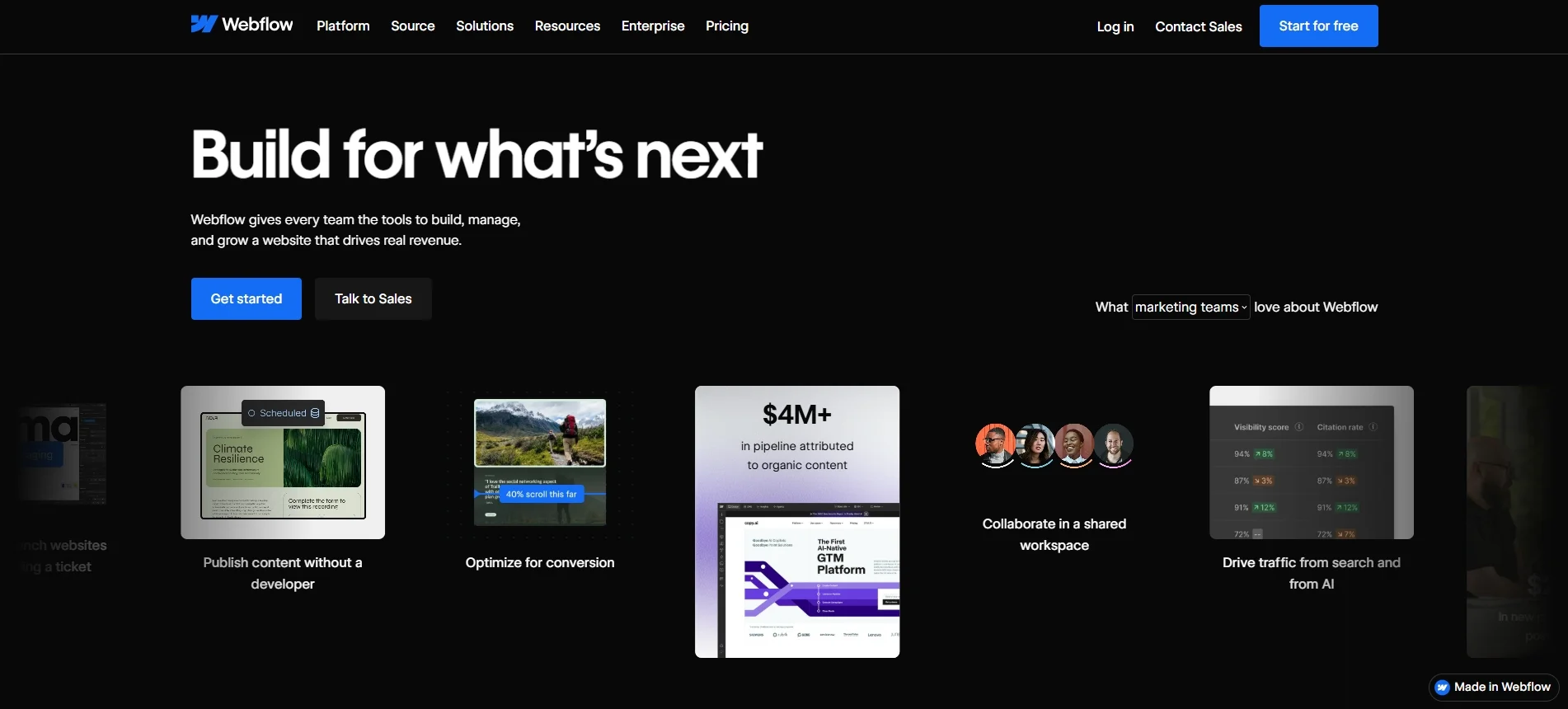
Though Webflow is trusted by nearly 700,000 live websites worldwide, the platform isn’t flawless. After years of enabling Webflow users to migrate to other platforms, we believe these are the most popular reasons why Webflow isn’t for everyone:
- Pricing at scale: Webflow can become costly on higher-tier plans as advanced features, CMS limits, and team access add up.
- Complex editing experience: The design dashboard can be overwhelming for beginners and non-technical users.
- Limited SEO flexibility: Built-in SEO tools cover the basics but lack depth for advanced customization.
These limitations often lead businesses to explore other platforms that align better with their needs. In the following sections, we’ll break down the best Webflow alternatives and highlight when each option is worth considering.
1. Wix Studio: Best for visual design & easy editing
Who is Wix Studio for?
Wix Studio is one of the best Webflow alternatives for agencies, freelancers, and designers who manage multiple client sites and want responsive layouts without Webflow’s learning curve.
- Wix pricing: $19 to $159/month, billed yearly
- User rating: 4.6/5 on G2 | 4.7/5 on Capterra
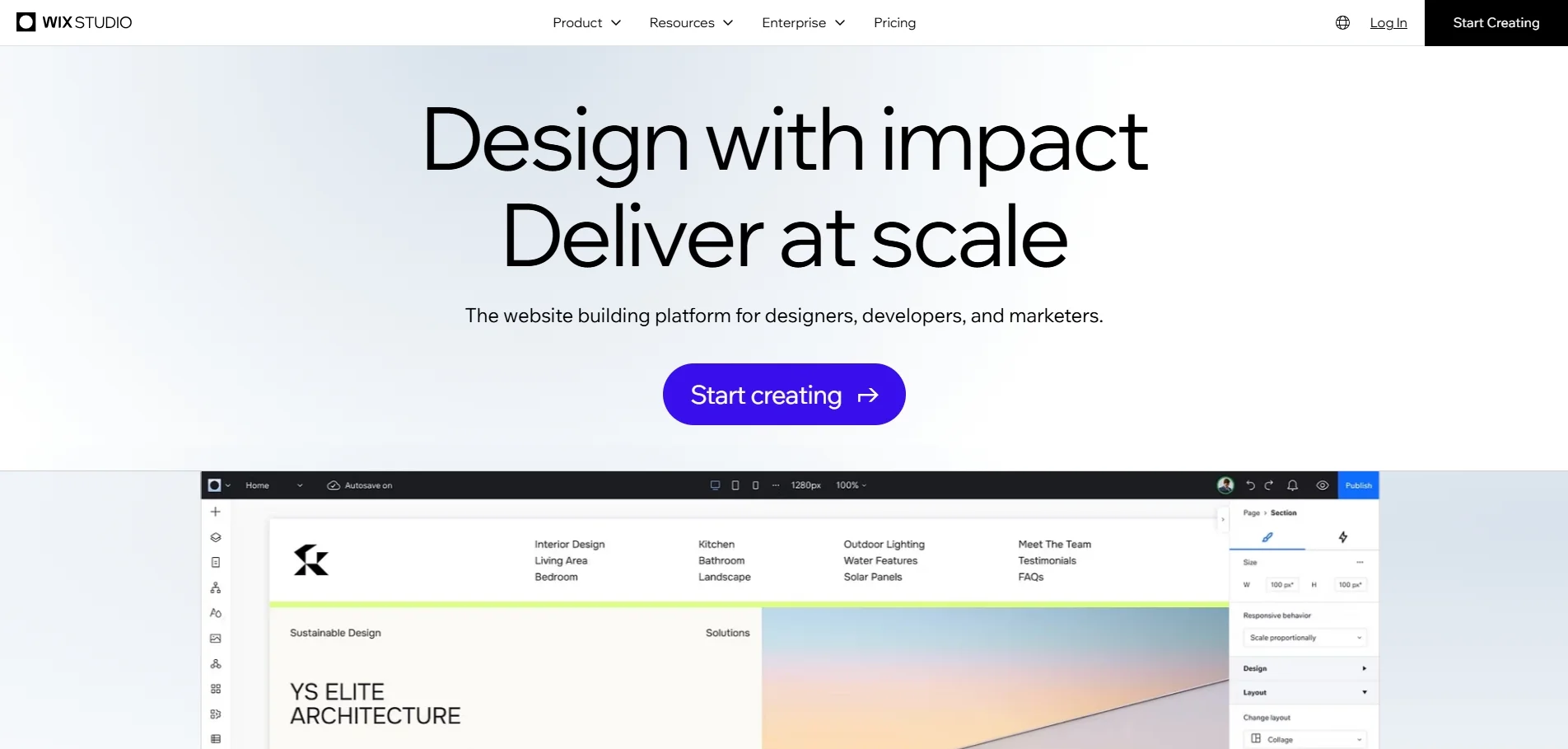
Wix Studio is Wix’s professional platform, built for designers and agencies rather than first-time site owners. Unlike the classic Wix website builder, which relies on adaptive layouts, Wix Studio lets you create fully responsive designs. As a result, it closes much of the design gap that once separated Wix from Webflow.
However, what sets Wix Studio apart from Webflow alternatives is its agency workflow. It includes client permissions, workspace management, reusable design assets, and a smooth handoff process, making it much more practical to manage multiple client sites. Plus, the editor stays more guided and less technical than Webflow’s, so clients can update content without breaking the design. To make a well-informed decision, read our full Wix vs Webflow comparison for a clear side-by-side view.
Why Wix Studio over Webflow?
- Client management built for agencies: Permissions, workspaces, and handoff tools come with the platform, while Webflow charges for team access through separate Workspace plans and $39/month full seats.
- Lower cost per site at scale: Agencies running many client sites typically pay less per site than on Webflow.
- AI tools inside the editor: Wix Studio includes AI design assistance that speeds up first drafts and client handoffs.
- A larger app market: You can add features from a wider range of third-party apps than Webflow offers.
Overall, Wix Studio strikes a practical balance between design control and ease of use. However, it still gives up some of Webflow’s flexibility, so it is worth weighing both sides before you commit:
| Pros | Cons |
|---|---|
| Strong visual control without great technical skills | Less design freedom than Webflow for truly custom layouts |
| Responsive grid layouts with breakpoint controls | You cannot switch templates after publishing |
| Centralized multi-site and client management | Costs rise as you add collaborators, apps, and storage |
2. Squarespace: Best for simple, aesthetic websites
Who is Squarespace for?
Squarespace is one of the best Webflow alternatives for photographers, designers, consultants, and other creatives who want a polished site without technical work. It also fits small businesses and simple online stores that value ease of use over deep customization.
- Squarespace pricing: $16 to $99/month, billed yearly, with a 14-day free trial
- User rating: 4.4/5 on G2 | 4.6/5 on Capterra
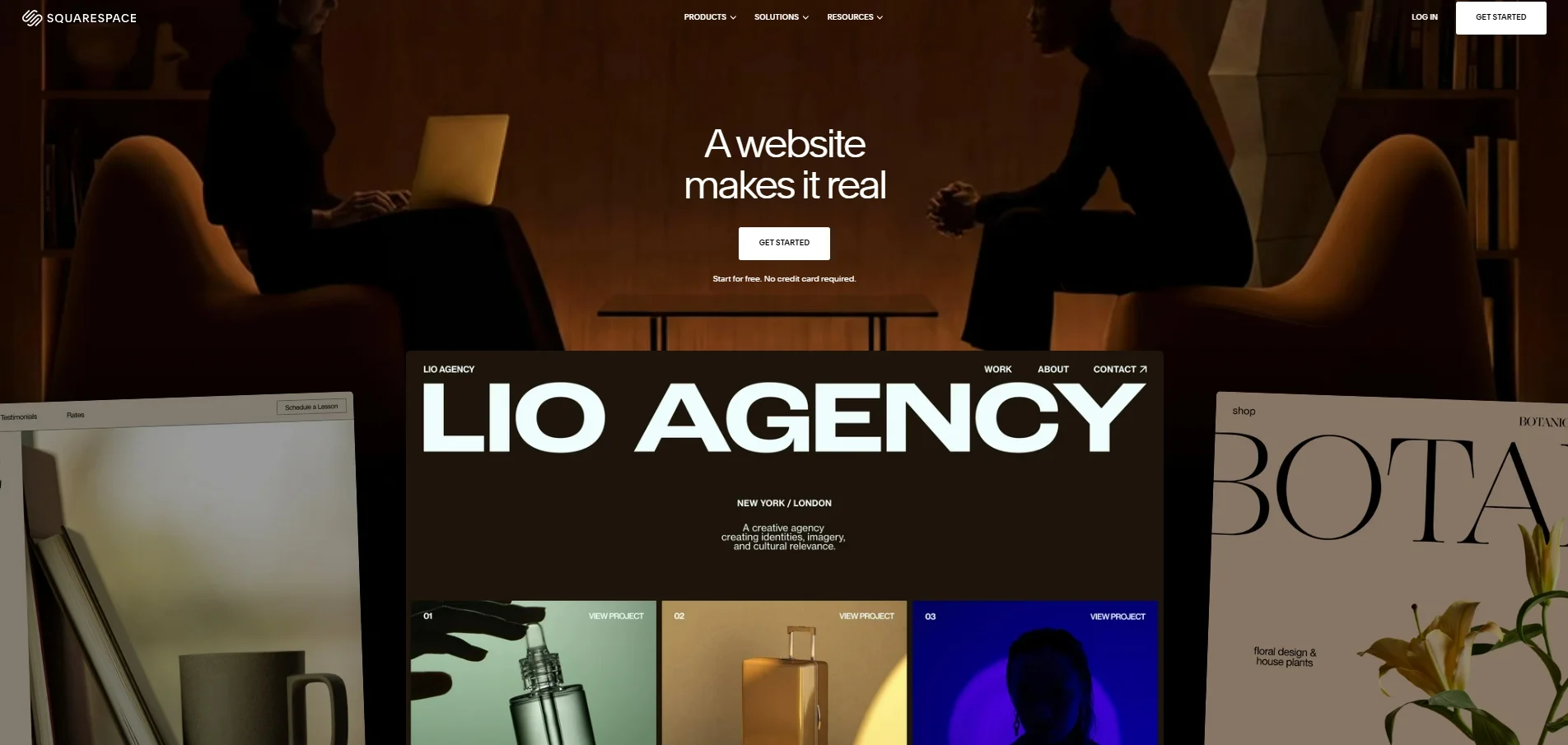
Squarespace is an all-in-one website builder known for the quality of its templates. Hosting, a domain, blogging, eCommerce, email campaigns, and appointment scheduling all come in one subscription, so there is very little to set up yourself.
Unlike Webflow, Squarespace does not ask you to think in CSS or the box model. Instead, its section-based editor keeps every page consistent, which is why many creatives see it as one of the most approachable Webflow alternatives. The trade-off is a lower design ceiling: you work within templates rather than building layouts from scratch. Want to dig deeper before you decide? Check out our detailed Squarespace review and Squarespace vs Webflow comparison for a closer look at features, pricing, and performance.
Why choose Squarespace over Webflow:
- No learning curve: The section-based editor needs no CSS knowledge, while Webflow expects users to understand web design concepts such as the box model.
- Unlimited bandwidth and storage: Every Squarespace plan includes both, whereas Webflow’s limits vary by plan.
- Blogging on every plan: Squarespace includes blogging from the entry plan. By contrast, Webflow’s $15/month Basic plan has no CMS, so you need the $25/month Premium plan for one.
- More ways to sell: Squarespace lets you sell more products, offers more dropshipping options, and supports in-person sales for US merchants on iOS.
All in all, Squarespace is hard to beat if you want a professional-looking site quickly. That said, its simplicity comes with limits on customization and extra fees, as the table below shows:
| Pros | Cons |
|---|---|
| Templates rated above Webflow’s | Custom CSS and code injection start at the $23/month Core plan |
| Hosting, blogging, eCommerce, and scheduling in one plan | A 3% transaction fee on the Basic and Core plans |
| Predictable pricing with no plugins to manage | Not suited to complex CMS structures; switching platforms later requires a full migration |
3. Framer: Best for interactive, fast websites
Who is Framer for?
Framer is one of the best Webflow alternatives for designers, startups, and creative studios that want motion-rich landing pages and portfolios without a steep CSS learning curve. It suits sites with simple content needs rather than large blogs or online stores.
- Framer pricing: Free plan; Basic $10/month and Pro $30/month, billed yearly; custom pricing for Enterprise
- User rating: 4.5/5 on G2 | 4.3/5 on Capterra
If Webflow is a website builder with strong design features, Framer is a design platform with built-in website-building tools. For this reason, it is often the first stop for designers comparing Webflow alternatives.
In addition, Framer now leans heavily on AI. Its agents can generate and restyle pages, rewrite copy, make layouts responsive, and even help migrate a site from Webflow or WordPress. Teams can also connect tools such as Claude, Cursor, or Codex directly to their Framer workspace.

Why choose Framer over Webflow:
- A canvas that feels like Figma: Framer lets you lay out pages freely, while Webflow asks you to work with web design logic such as the box model.
- Easier animations and responsive design: Framer’s animations need minimal configuration, and its fluid layouts adapt across devices without you having to set up breakpoints.
- A cheaper start with a CMS included: Framer’s $10/month Basic plan includes a CMS with 2 collections and 1,000 items. By contrast, Webflow’s $15/month Basic plan includes no CMS.
- Lower collaboration costs: Extra Framer editors cost $20/month and content editors $10/month, compared with $39/month for a full seat on Webflow.
Overall, Framer gives designers more creative speed than Webflow for less. However, its CMS and commerce features lag behind, so it works best for sites where visuals matter more than content depth:
| Pros | Cons |
|---|---|
| Freeform, designer-friendly canvas with strong animation tools | CMS limits are tighter: Pro includes 2,500 CMS items (up to 40,000 with add-ons), while Webflow Premium includes 20,000 |
| AI agents that build, restyle, and migrate pages | No native eCommerce features |
| A real free plan and an affordable Basic tier | Site redirects only come with the Pro plan, which matters when you migrate an existing site |
| Fast publishing with built-in SEO controls | Costs grow quickly for teams, since each extra editor adds $20/month |
4. Shopify: Best for eCommerce selling
Who is Shopify for?
Shopify is one of the best Webflow alternatives for merchants who care more about selling than about pixel-level design, from first-time store owners to fast-growing brands. It also suits businesses that sell across social media, marketplaces, and physical locations.
- Shopify pricing: Basic $29, Grow $79, and Advanced $299/month, billed yearly; Plus from $2,300/month. There is a 3-day free trial, followed by $1/month for the first 3 months.
- User rating: 4.4/5 on G2 | 4.5/5 on Capterra
Shopify is a commerce-first platform, offering a full selling engine that also lets you build pages. Every plan includes unlimited products, unlimited-bandwidth hosting, a built-in checkout, abandoned checkout recovery, email campaigns, and automated sales tax calculations. As a result, you can launch and run a store without stitching together extra tools.
This is exactly where Webflow falls short. Webflow’s eCommerce plans cap your catalog at 15,000 items and lack basics like customer accounts and multi-currency selling. For merchants whose main goal is to sell, Shopify is one of the strongest Webflow alternatives. For a full breakdown of what this platform offers, read our in-depth Shopify review, or see how it stacks up in our Shopify vs Webflow comparison.

Why choose Shopify over Webflow:
- No product limits: Every Shopify plan lets you sell unlimited products, while Webflow’s eCommerce plans cap items at 500 to 15,000.
- Built for global selling: Shopify shows prices in local currencies, accepts local payment methods, and estimates duties and import taxes, so international selling works end to end.
- A far larger app ecosystem: Shopify’s App Store offers thousands of apps, compared with only a few hundred in Webflow’s marketplace.
- Marketing and in-person sales built in: Abandoned checkout recovery, email campaigns, and casual in-person selling come with every plan, so you need fewer third-party tools than you would on Webflow.
Overall, Shopify gives you far more selling power than other Webflow alternatives, but you trade away some design freedom and keep an eye on extra costs along the way. Here is how the two sides compare:
| Pros | Cons |
|---|---|
| Unlimited products, hosting, and bandwidth on every plan | Less layout and design freedom than Webflow; deep theme changes often require Shopify’s Liquid code |
| A complete checkout, tax, and shipping toolkit out of the box | Third-party payment providers add a 2% transaction fee on Basic (1% on Grow, 0.6% on Advanced) |
| Thousands of apps to extend your store | Paid apps can quickly push up the monthly cost |
| Scales from a first store to Shopify Plus | Full checkout customization is only available on Shopify Plus |
Already convinced that Shopify is the right Webflow alternative for your store? LitExtension can move your products, customers, and orders accurately and securely from Webflow to Shopify, so you can start selling on your new store without the manual work.
Let Our Experts Handle Your Store Migration!
With our Webflow to Shopify Migration Service, our experts take care of everything, ensuring a seamless and stress-free migration.

5. WooCommerce: Best for flexibility & control
Who is WooCommerce for?
WooCommerce is one of the best Webflow alternatives for merchants who want full control over their store, costs, and data, especially if they already run a WordPress site. It suits content-led brands and businesses with access to technical support for setup and maintenance.
- WooCommerce pricing: The core plugin is free. Hosting typically costs $25 to $350/month, and optional extensions cost $29 to $299/year each.
- User rating: 4.4/5 on G2 | 4.5/5 on Capterra
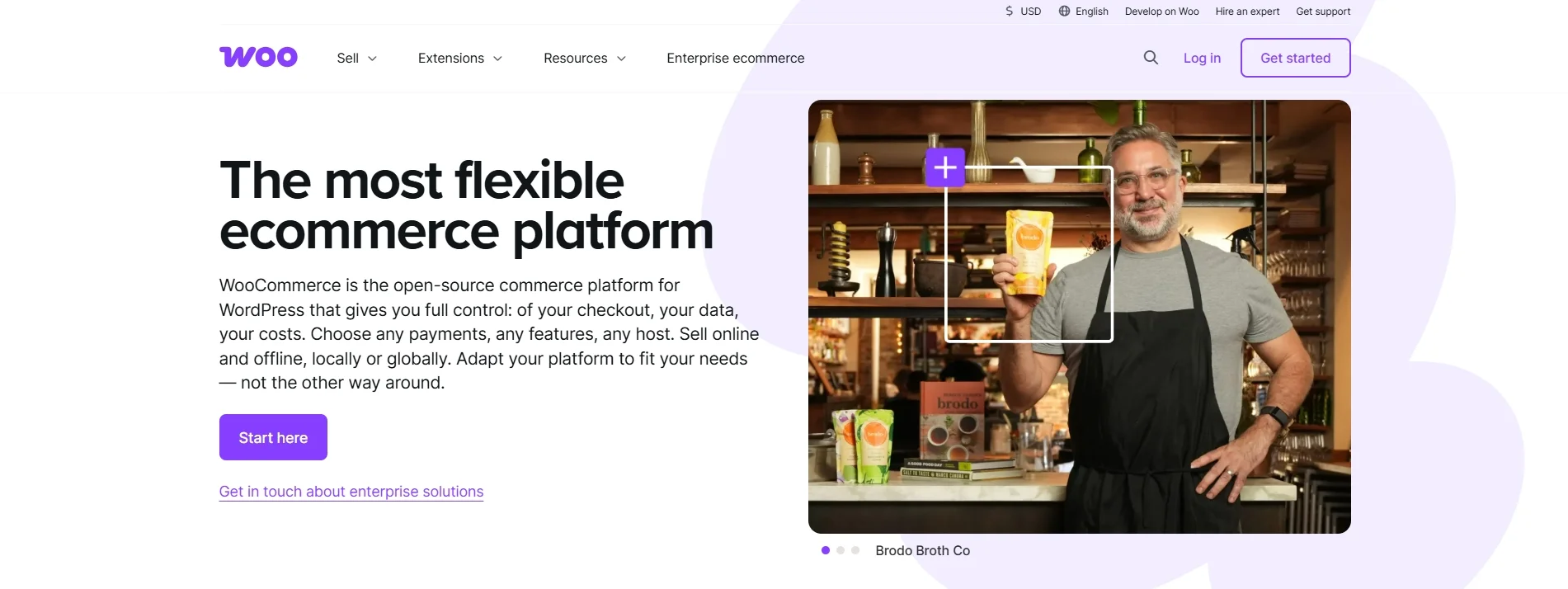
WooCommerce is a free, open-source eCommerce plugin that turns a WordPress site into a fully featured online store. Unlike Webflow, WooCommerce does not lock you into one vendor’s hosting, design tools, or payment rules. Instead, you choose your own host, add only the extensions you need, and keep full ownership of your code and data.
Many merchants also pair WooCommerce with a visual builder such as Elementor for a drag-and-drop design experience similar to Webflow’s. For these reasons, it is one of the most flexible Webflow alternatives for serious sellers. To see whether this platform fits your business, explore our hands-on WooCommerce review here.
Why choose WooCommerce over Webflow?
- No product caps: WooCommerce includes unlimited products, orders, and product variants, while Webflow’s eCommerce plans cap items at 500 to 15,000.
- No platform fees on your sales: WooCommerce takes no revenue share and charges no extra fee for third-party payment gateways. By contrast, Webflow’s Standard eCommerce plan adds a 2% transaction fee.
- Full ownership of your store: You control the code, database, and hosting. Webflow’s code export, by contrast, excludes your dynamic CMS content.
- Sell globally at no extra cost: WooCommerce lets you sell in unlimited markets without paying per-market fees.
Overall, WooCommerce gives you more freedom and lower platform costs than Webflow. However, that freedom comes with more responsibility for setup and upkeep, as the table below shows:
| Pros | Cons |
|---|---|
| Free core plugin with no revenue share or platform transaction fees | You must buy and manage your own hosting, security, and backups |
| Unlimited products, variants, and orders | Performance can slow down with many plugins, large catalogs, or weak hosting |
| A huge library of WordPress themes, plugins, and payment gateways | Plugin and core updates can cause compatibility issues and need testing |
| Full ownership of your code and store data | Advanced customization often requires coding skills or a developer |
6. Weebly: Best for beginners & low budget
Who is Weebly for?
Weebly is one of the best Webflow alternatives for beginners and small businesses that want a simple website or store live quickly and at a low cost. It is especially useful for cafes, shops, and service businesses that already run on Square.
- Weebly pricing: Free plan; Personal $13/month, Professional $15/month, and Performance $32/month, billed yearly
- User rating: 4.2/5 on G2 | 4.3/5 on Capterra
Weebly is one of the simplest website builders on the market, built around a drag-and-drop editor that needs no coding or design background. What makes Weebly stand out among Webflow alternatives is how much it gives you for free. Even the free plan includes a shopping cart, unlimited items, inventory management, coupons, in-store pickup, and an automatic tax calculator. Webflow, by contrast, requires a paid eCommerce plan to sell anything.
Curious about the finer details? Our Weebly review covers everything from setup to support, while our Weebly vs Webflow comparison highlights the key differences between the two platforms.

Why choose Weebly over Webflow?
- Selling on every plan, including free: Weebly includes a shopping cart and unlimited items on all plans. In comparison, Webflow’s cheapest eCommerce plan costs $29/month and caps your catalog at 500 items.
- A much gentler learning curve: Weebly’s editor is designed for complete beginners, while Webflow expects users to understand web design concepts such as the box model.
- Native Square integration: Weebly connects directly to Square payments and POS, whereas Webflow needs third-party tools for in-person selling.
- Manage your site on the go: Weebly offers a mobile app for updating your site from your phone.
In short, Weebly is one of the easiest and cheapest ways to get a small business online. However, its simplicity quickly becomes a ceiling as your site grows, so weigh both sides carefully:
| Pros | Cons |
|---|---|
| Very easy drag-and-drop editor for non-technical users | Limited design and layout flexibility compared with Webflow |
| eCommerce tools on every plan, including the free one | The free plan shows Square ads and uses a Weebly subdomain |
| Deep integration with Square payments and POS | Advanced features such as abandoned cart emails and PayPal payments only come with the Performance plan |
| Affordable paid plans with phone support from the Personal tier | Users report occasional glitches and slow feature updates in recent years |
7. BigCommerce: Best for scalable eCommerce
Who is BigCommerce for?
BigCommerce is one of the best Webflow alternatives for growing and mid-sized stores that need large catalogs, multi-channel selling, or B2B features out of the box. It also suits brands that plan to expand internationally without relying on many third-party apps.
- BigCommerce pricing: Core $29, Growth $79, Scale $299/month, and Performance from $1,499/month, billed yearly. There is a 15-day free trial with no credit card needed.
- User rating: 4.2/5 on G2 | 4.4/5 on Capterra
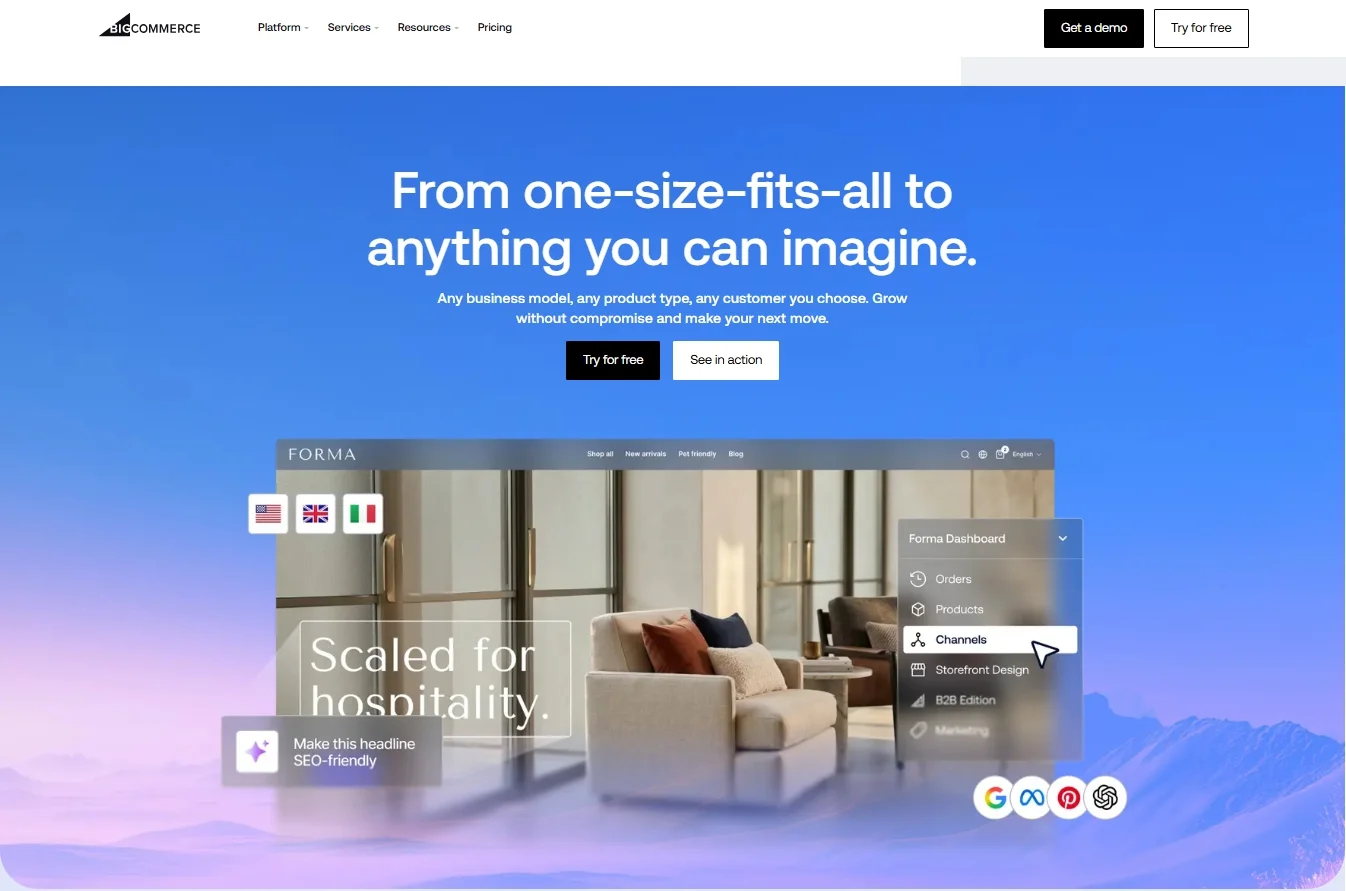
BigCommerce is a commerce platform built for businesses that have outgrown simple store builders. Every plan includes unlimited products, staff accounts, file storage, and bandwidth, along with multi-currency selling in more than 100 currencies and over 70 built-in discount options. Furthermore, it can run hosted, headless, or composable storefronts, and it powers both B2C and B2B selling from a single back end.
For merchants who need serious commerce depth more than pixel-level design control, BigCommerce is therefore a strong option among Webflow alternatives. For more insights, head over to our comprehensive BigCommerce review to see everything that this platform has to offer.
Why choose BigCommerce over Webflow?
- No product caps and built-in multi-currency: BigCommerce includes unlimited products and multi-currency selling on every plan, while Webflow limits items by plan and lacks multi-currency support.
- Native multi-channel selling: You can connect your store to Amazon, eBay, Walmart, and POS systems, and list products on Google, Meta, and TikTok through the free Feedonomics Surface tool.
- B2B and B2C on one platform: BigCommerce supports customer groups, segmentation, and, on the Performance plan, B2B price lists, so you can serve wholesale and retail buyers from the same store.
- Zero extra fees with embedded payment providers: Orders through more than 20 embedded providers, such as Stripe, PayPal, and Adyen, carry no extra BigCommerce fee. By comparison, Webflow’s Standard eCommerce plan adds a 2% transaction fee.
Overall, BigCommerce gives growing stores far more built-in selling power than Webflow. That said, it is less flexible on design and its pricing scales with your revenue, so consider both sides before you switch:
| Pros | Cons |
|---|---|
| Unlimited products, staff accounts, and bandwidth on every plan | Plans are tied to annual sales, so your plan upgrades automatically as revenue grows |
| Native multi-currency, multi-channel, and B2B features | Its drag-and-drop editor and template range are more limited than Webflow’s |
| No extra fees when you use embedded payment providers | Open payment providers add a 2% fee on Core (1% on Growth, 0.6% on Scale) |
| Hosted, headless, and composable setups for growing teams | Deep theme customization often requires developer help |
8. GoDaddy Website Builder: Best for Built-In Marketing
Who is GoDaddy for?
GoDaddy Website Builder is one of the best Webflow alternatives for local businesses and service providers that want a professional site, bookings, and marketing tools without technical work. It also suits owners who already manage their domains and hosting with GoDaddy.
- GoDaddy pricing: Free plan with 50 AI credits/month and no credit card needed; paid plans from about $9.99/month
- User rating: 4.1/5 on G2 | 4.2/5 on Capterra
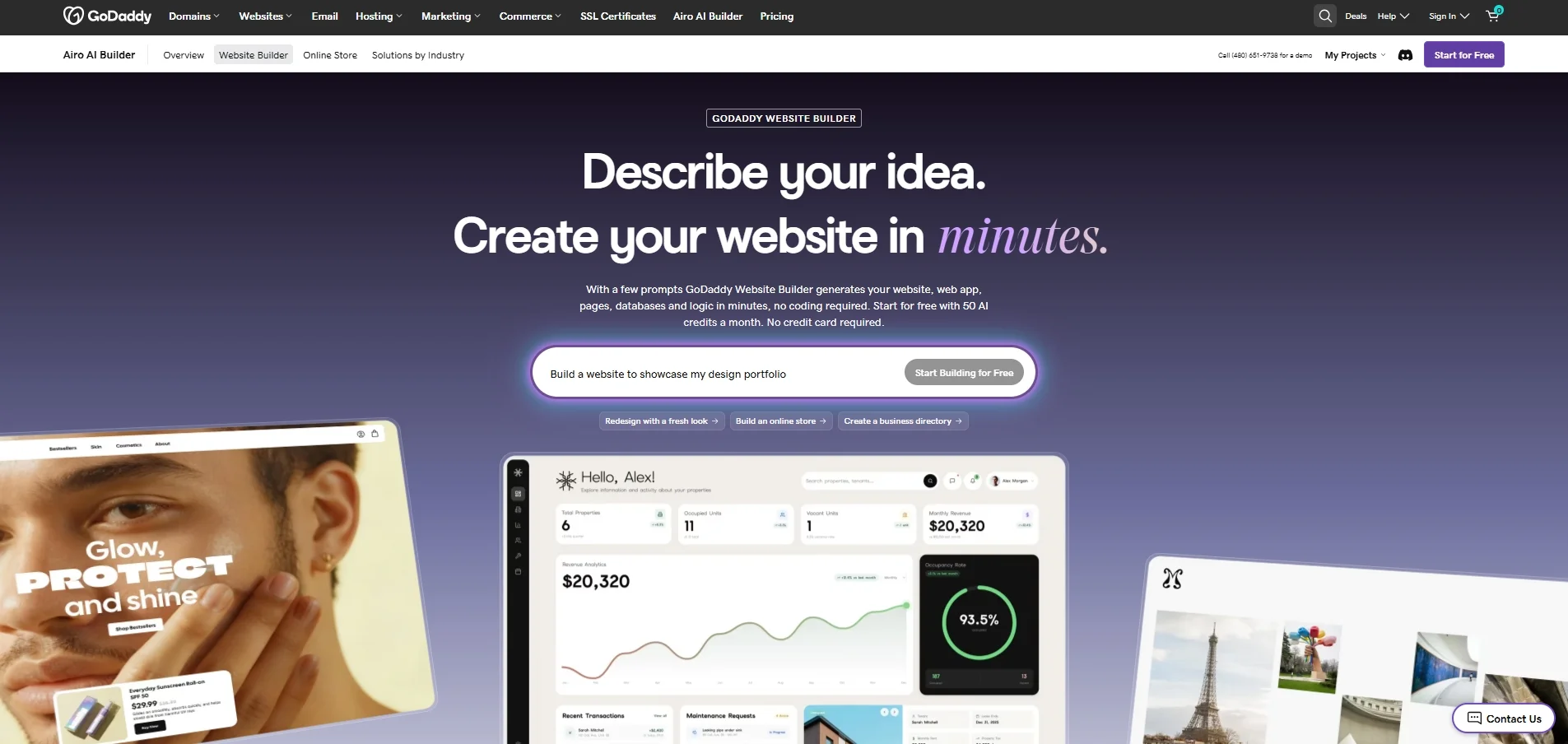
With GoDaddy Website Builder, instead of starting from a template, you describe your business in plain language, and the AI generates your pages, copy, images, and even simple web apps with databases and logic. Hosting, SSL, forms, analytics, and built-in SEO tools come included, and you can refine everything through conversation or by editing the generated code yourself.
Beyond the builder, GoDaddy’s biggest strength is having everything in one account: domains, hosting, payments, email marketing, and 24/7 phone and chat support. As a result, it is one of the most convenient Webflow alternatives for owners who care more about getting online fast than about fine-tuning every layout.
Why choose GoDaddy over Webflow?
- AI builds the site for you: Airo turns a short description into a working website or web app in minutes, while Webflow typically starts from a blank canvas or template that you build element by element.
- Sell on any plan: You can set up an online store and take payments with GoDaddy Payments on any website plan. In contrast, Webflow requires a separate eCommerce plan starting at $29/month.
- Built-in email marketing: GoDaddy bundles email marketing tools that Webflow does not offer natively, and it lets you sell digital files up to 20GB, compared with Webflow’s 250MB limit.
- 24/7 human support: GoDaddy offers round-the-clock phone and chat support for its website builder.
On the whole, GoDaddy is one of the quickest ways to launch a small business site with marketing tools included. However, that speed comes at the cost of design control, as the table below shows:
| Pros | Cons |
|---|---|
| AI builds a full site, store, or simple web app from a prompt | Page and theme editing feel restrictive compared with Webflow |
| Domains, hosting, payments, and marketing in one account | Advanced customization is limited for complex or highly branded sites |
| A free plan with the option to connect your own domain | AI credits expire at the end of each billing cycle and do not roll over |
| 24/7 phone and chat support | Renewal and add-on costs can push up the total price over time |
9. Hostinger Website Builder: Best for AI-Driven Websites
Who is Hostinger Website Builder for?
Hostinger Website Builder is one of the best Webflow alternatives for beginners, freelancers, and small businesses that want a professional site, hosting, and a domain at the lowest possible cost. It is also a good fit if you plan to run several small websites from one account.
- Hosting Website Builder pricing: From $2.99 to $7.99 for the first 48-month terms.
- User rating: 4.4/5 on G2 | 4.5/5 on Capterra
Hostinger started as a web hosting company, and its website builder reflects that. Every plan bundles fast hosting, a free custom domain for the first year, business email, and the builder itself into a single subscription.
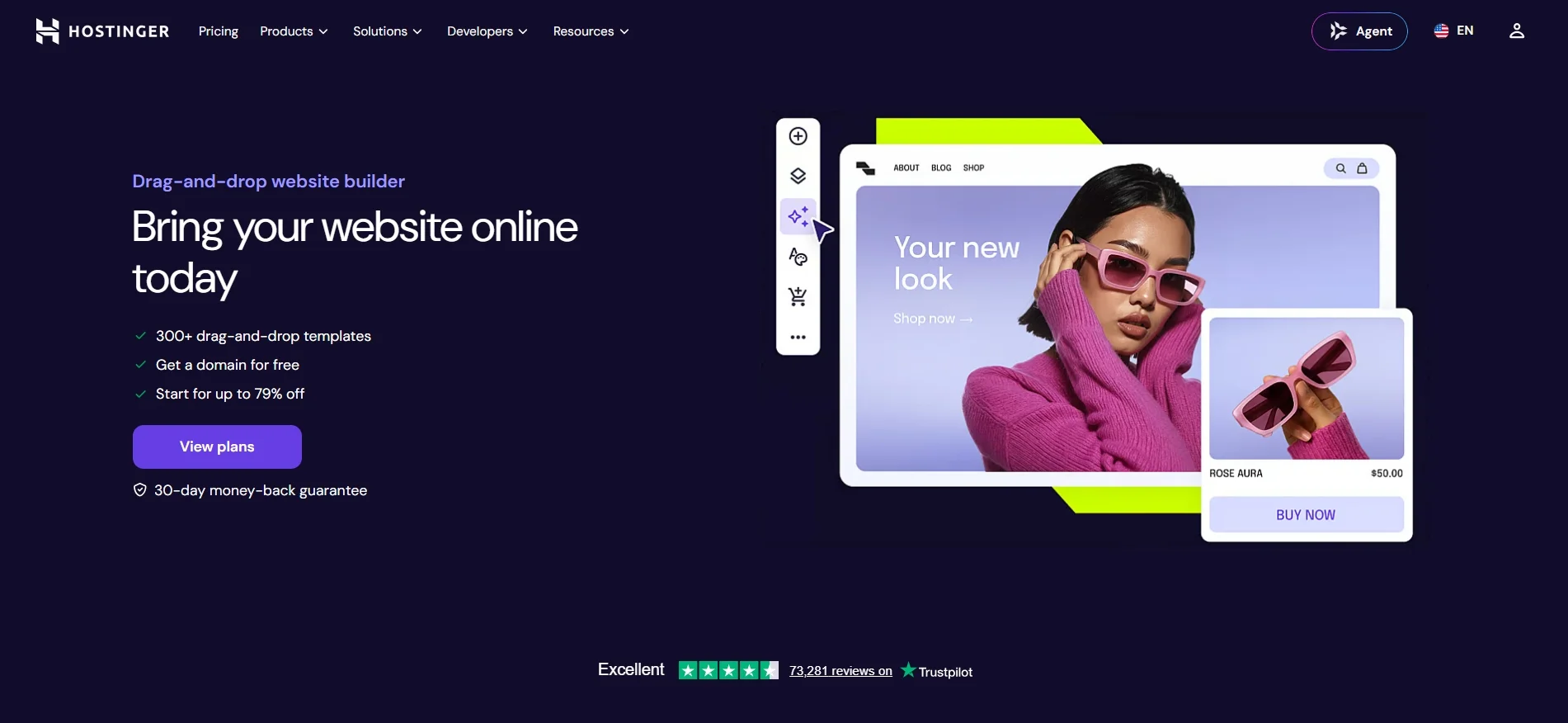
On top of that, Hostinger packs in AI tools that usually cost extra elsewhere: an AI writer, an AI logo maker, AI product page generation, and an AI SEO assistant. As a result, it is one of the most affordable Webflow alternatives for getting a complete, professional site online.
Why choose Hostinger over Webflow?
- A much lower monthly cost: Hostinger’s plans start at $2.99/month on a 48-month term, while Webflow’s Basic site plan costs $15/month, billed yearly, and does not include a CMS.
- Multiple sites on one plan: Webflow bills each site plan per site. In contrast, Hostinger’s Premium plan covers up to 3 websites, and the Unlimited plan covers as many sites as you need.
- eCommerce with 0% transaction fees: On the Unlimited plan and above, Hostinger lets you sell physical products, digital goods, print-on-demand items, and services, and it accepts 100+ payment methods without extra fees. By comparison, Webflow’s eCommerce plans start at $29/month and add a 2% fee on the Standard tier.
- Everything bundled: Hosting, a free domain for the first year, mailboxes, SEO tools, and email marketing (on Unlimited and above) come in one subscription.
All things considered, Hostinger gives you more for your money than almost any other builder on this list. However, its low entry price comes with trade-offs in design control and long-term cost:
| Pros | Cons |
|---|---|
| Very low starting prices with hosting and a domain included | The lowest prices require a 48-month upfront payment, and renewal rates are much higher |
| AI tools for site generation, copy, logos, and SEO | Design control is simpler and more limited than Webflow’s |
| Multiple websites on a single plan | eCommerce and email marketing require the Unlimited plan or higher |
| 0% transaction fees on store sales | AI credits are a one-time allowance rather than a monthly refill |
10. Jimdo: Best for Automation for Small Projects
Who is Jimdo for?
Jimdo is one of the simpler Webflow alternatives for freelancers, coaches, and very small businesses that want a basic website live quickly and at a low monthly cost. It is less suitable for growing brands that need advanced design control, large stores, or responsive support.
- Pricing: Free Play plan; paid website plans include Begin $9/month, Grow $15/month, and Unlimited $39/month; the Online Store VIP plan is $39/month. You can pay monthly or save with a 12- or 24-month term.
- User rating: 3.7/5 on G2 | 3.4/5 on Capterra
Jimdo is a German website builder built for people who want a simple online presence with as little setup as possible. You can start with its guided, AI-assisted builder for speed, or switch to the Creator editor if you want more control through custom code.
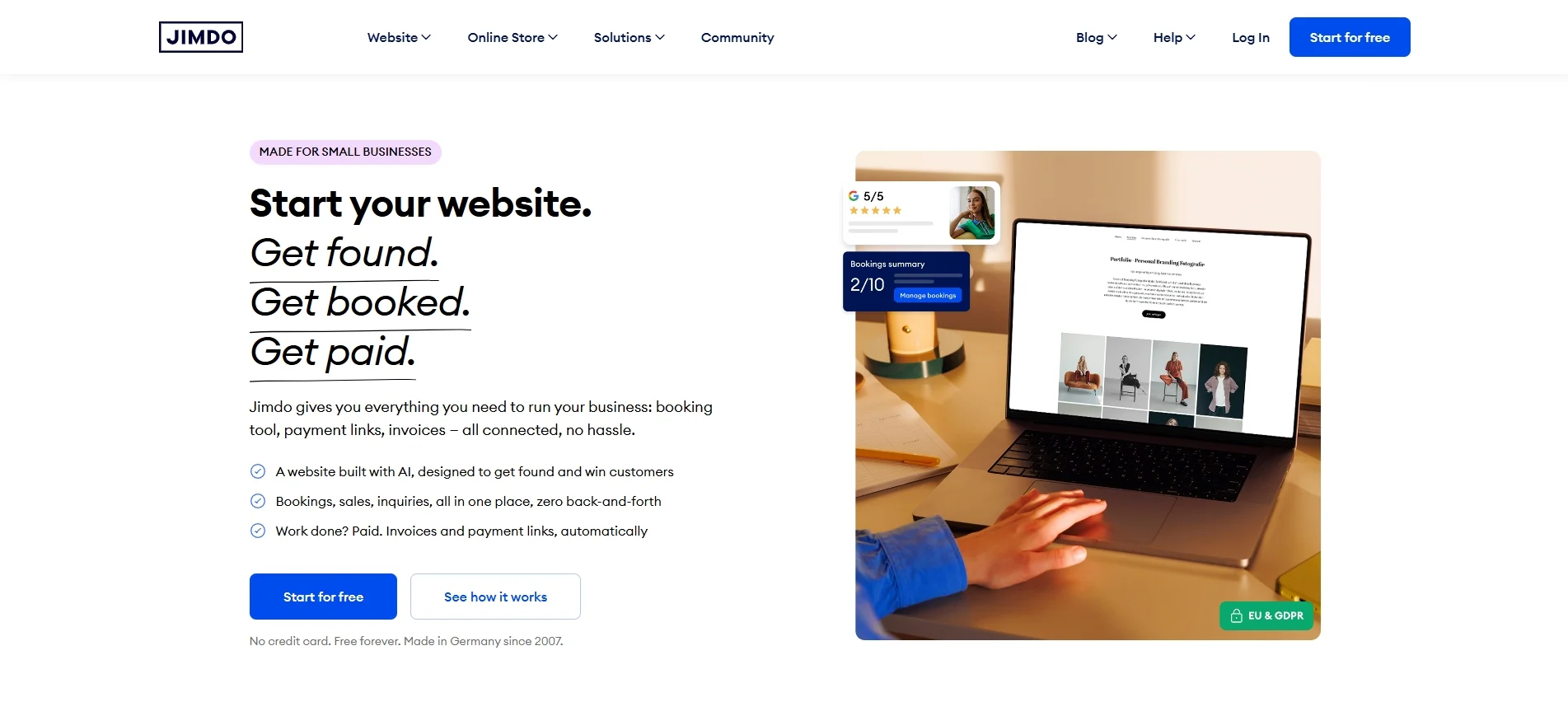
Beyond the editor, Jimdo focuses on practical small-business tools. These include a generator for legal pages such as privacy policies, business listings on Google and Facebook, online booking, smart contact forms, and payment links. As a result, it is one of the most straightforward Webflow alternatives for owners who just need a functional site with the basics covered.
Why choose Jimdo over Webflow?
- A simpler, faster setup. Jimdo’s guided builder gets a basic site online in a short time, while Webflow expects users to understand web design concepts such as the box model.
- A cheaper ad-free plan. Jimdo’s Begin plan costs $9/month and removes ads, whereas Webflow’s cheapest paid site plan is $15/month, billed yearly.
- Built-in small-business tools. Legal text generation, business listings, online bookings, and payment links come as part of the Jimdo ecosystem, so you need fewer third
- party apps.
Two ways to build. Beginners can stay in the guided editor, while users who want more freedom can move to the Creator editor and customize with code.
In short, Jimdo is easy to use and covers the essentials for a small website. That said, it trails most platforms on this list in flexibility and customer satisfaction, so weigh the trade-offs carefully:
| Pros | Cons |
|---|---|
| Very easy to set up with no coding knowledge | Limited templates and design flexibility compared with Webflow |
| A free plan and a low-cost ad-free plan | The free plan uses a jimdosite.com subdomain and lacks SEO features |
| Practical extras such as legal texts, bookings, and business listings | Users report rising renewal prices and strict auto-renewal terms |
| A separate Creator editor for code-level customization | Support can be slow, especially for technical or account issues |
How To Choose The Best Webflow Alternatives?
After going through the most popular Webflow alternatives and their different strengths, it becomes clear that there is no single option that works best for everyone. Each platform we covered focuses on a different priority, such as visual design, ease of use, eCommerce capabilities, or scalability.
To choose the right one, it helps to step back and look at your needs across a few key areas.
1. Start with your primary goal
If your website is design-led and focused on visuals, motion, or branding, tools like Wix Studio or Framer may feel more natural. If selling online is the main objective, commerce-first platforms such as Shopify, WooCommerce, or BigCommerce will usually be a better fit than design-first builders.
2. Consider how much control you need, and where
Some Webflow competitors offer strong visual control but limited system flexibility, while others allow deep customization at the logic or infrastructure level. You should decide whether you care more about pixel-level design, content structure, checkout logic, or integrations with other systems.
3. Be realistic about your team’s skills and workflow
A visual builder can save time for designers and marketers, while more flexible platforms may require technical support. Think about who will build the site, who will maintain it, and who will update content day to day.
4. Think long term, not just launch day
Pricing, scalability, SEO control, and platform lock-in become more important as your site grows. A platform that feels simple at the beginning may become limiting later, while a more flexible setup may pay off over time.
Our Methodology: How We Test Webflow Alternatives
To choose the best Webflow alternatives for this list, our team followed the same research process we use for every LitExtension platform review, adapted to the main reasons people leave Webflow. Here is how we did it.
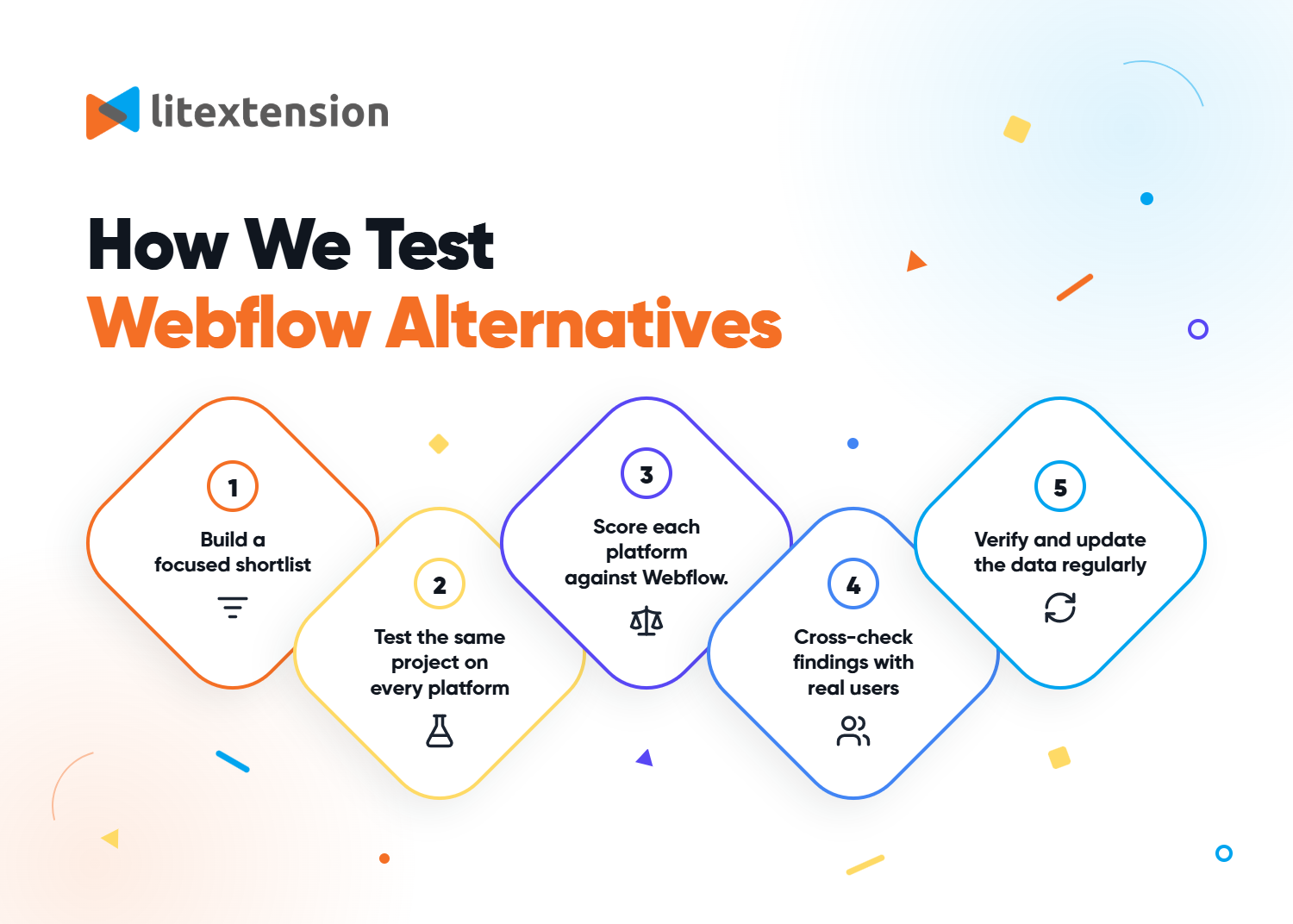
1. Build a focused shortlist: We started with around 20 popular builders and eCommerce platforms, then kept only the 10 best Webflow alternatives for at least one use case.
2. Test the same project on every platform: On each free plan or trial, we built a 5-page site with a blog and contact form. For eCommerce platforms, we also set up a demo store with 20 products and a test checkout.
3. Score each platform against Webflow: We rated every option on design flexibility, ease of use, CMS, eCommerce features, SEO, pricing, data portability, and support. We used Webflow’s current plans as the benchmark.
4. Cross-check findings with real users: We compared our results with ratings and recurring complaints on G2 and Capterra.
5. Verify and update the data regularly: All prices and ratings were checked on official pages, and we review them every 90 days.
Webflow Alternatives – FAQs
Is Webflow still popular?
Yes, Webflow is still one of the most popular visual website builders in 2026. According to BuiltWith, it powers over 660,000 websites across the world. Its users include well-known brands such as Discord and Flickr.
In addition, the platform continues to evolve. Its 2026 lineup introduced a new Premium plan at $25/month, billed yearly, along with AI tools that can build a site from a prompt. That said, newer competitors now offer easier editors, stronger AI features, or deeper eCommerce, which is why many teams still compare Webflow alternatives before committing.
What are the best Webflow alternatives?
The best Webflow alternatives depend on what you are building:
- Design-led websites: Wix Studio for agencies, Squarespace for beginners and creatives, and Framer for designers who want motion-rich sites.
- eCommerce: Shopify for selling at scale, WooCommerce for full control of your store, and BigCommerce for B2B and multi-channel selling.
- Small businesses on a budget: Weebly for Square users, Hostinger Website Builder for AI-built sites with bundled hosting, and GoDaddy Website Builder for launching quickly with built-in marketing tools.
- Very small projects: Jimdo for a simple site with a low-cost ad-free plan.
In short, start with your main goal, whether that is design, selling, or keeping costs low, and then shortlist the platforms built for it.
Why should I look for Webflow alternatives?
You should consider Webflow alternatives if any of these limits affect your site:
- Costs that stack up: Webflow bills site plans per site. Team collaboration then needs a separate Workspace plan ($19 or $49/month) and full seats at $39/month each.
- A steep learning curve: Webflow expects you to understand web design concepts such as the box model, which can slow down non-technical teams.
- Limited eCommerce: Webflow’s eCommerce plans cap products at 500 to 15,000 items, and the Standard plan adds a 2% transaction fee. It also lacks basics like customer accounts and multi-currency selling.
- CMS limits: The Premium plan allows up to 20,000 CMS items, which content-heavy sites can outgrow.
However, if none of these apply to you, Webflow may still be the right choice, especially for design-heavy marketing sites.
Can I migrate from Webflow?
Yes, you can migrate from Webflow to another platform, but it takes careful planning. Webflow lets you export CMS collections as CSV files. However, its code export requires a paid Workspace plan and doesn’t include dynamic CMS content, so a manual move often means rebuilding parts of your site.
Alternatively, to avoid manual work and downtime, consider a migration service like LitExtension. We can automatically, accurately, and securely transfer your products, customers, orders, and other essential data from Webflow to platforms like Shopify, WooCommerce, and Wix. Our migration experts handle everything, so you can focus on business growth instead of juggling data mapping.
Conclusion
Webflow is a robust website builder with powerful integrated design tools and collaborative features. However, it’s not for everyone, especially those with little technical background. So whether you’re weighing options or considering switching from Webflow to another platform, we hope the list above of the best Webflow alternatives helps.
If you like this article, please check out others on our LitExtension Blogs and Resources for more platform reviews, comparisons, and eCommerce business insights.

