For many fast-growing brands, Shopify Plus is the natural next step once their online store reaches enterprise scale. Over time, though, the same platform that fueled their growth might start to hold them back, and that is often the moment merchants begin weighing Shopify Plus competitors.
So, which platform should you consider instead? This guide reviews the 10 strongest Shopify Plus competitors, along with their pricing and the type of business each one suits. Keep scrolling!
Shopify Plus at a Glance: Why Merchants Look for Competitors
Shopify Plus is the enterprise plan of Shopify, built for high-volume brands that have outgrown the standard plans. Currently, it starts at $2,300 per month on a 3-year term or $2,500 per month on a 1-year term, and larger businesses may move to a variable platform fee based on revenue.
For a full picture of the platform, you can read our What is Shopify Plus guide or our detailed Shopify Plus review. In this section, we only summarize what the platform does well and where it falls short, since these points explain why merchants compare Shopify Plus competitors.
What Shopify Plus does well
Shopify Plus is best known for its reliable checkout, which comes with a 99.99% uptime SLA and handles flash sales with ease. On top of that, each Plus contract includes up to 9 expansion stores under one brand and unlimited staff accounts, and Shopify Flow helps lean teams automate daily tasks such as tagging orders. Since Shopify manages hosting and security, merchants can grow without running servers of their own.
Where Shopify Plus falls short
Despite these strengths, the total cost of Shopify Plus climbs as sales grow, especially once you add the 0.2% fee on third-party gateways and a long list of paid apps. Backend control is also limited, since merchants can only customize checkout through Checkout Extensibility and Shopify Functions.
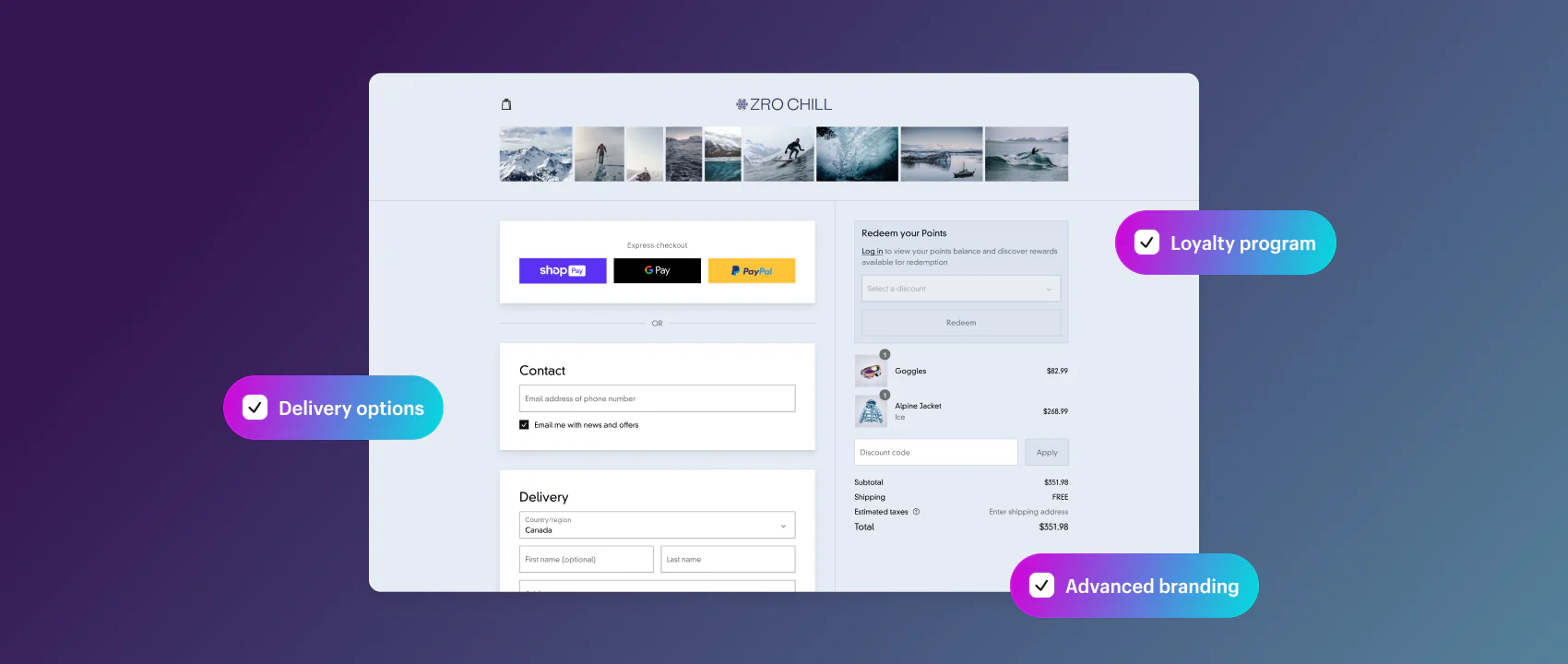
In addition, fixed URL paths like /products/ and the limit of 3 options per product can complicate large catalogs. For multi-brand companies, the rule of one brand per Plus contract adds even more cost.
Signs you’ve outgrown Shopify Plus
If several of the points below sound familiar, your business may be ready for one of the Shopify Plus competitors in this guide:
- You run several brands and pay for a separate Plus contract for each one.
- Your monthly app bill keeps growing just to fill feature gaps.
- Your B2B buyers need multi-level approvals or contract pricing per account.
- Your checkout or pricing logic no longer fits within Shopify Functions.
- You want to run a multi-vendor marketplace.
- Your ERP or PIM needs deep, real-time data sync with your store.
- The variable platform fee now costs more than the flat monthly fee.
Top 10 Shopify Plus Competitors to Consider
Each of the Shopify Plus competitors below solves a different problem, from multi-brand SaaS to complex B2B. The table gives you a quick overview before we look at each platform in detail.
| Platform | Type | Best for | Starting price | B2B native? | Migration effort |
| Adobe Commerce | Open-source / PaaS / SaaS | Deep customization and complex B2B | Free (Magento Open Source); Adobe Commerce from around $22,000/year (quote-based) | Yes | High |
| BigCommerce (Performance) | SaaS | Multi-brand and B2B selling on SaaS | From $1,499/month, billed annually | Yes | Low to medium |
| Salesforce Commerce Cloud | SaaS | Global B2C brands using Salesforce CRM | Around 1–3% of GMV | Yes | High |
| commercetools | Composable | Enterprises with large dev teams | From around $40,000/year (quote-based) | Yes | Very high |
| SAP Commerce Cloud | SaaS / composable | Enterprises running SAP ERP | From around $100,000/year (quote-based) | Yes | Very high |
| OroCommerce | Open-source | B2B manufacturers and distributors | Free Community Edition; Enterprise quote-based | Yes | Medium to high |
| Shopware | Open-source / SaaS | European mid-market brands | Free Community Edition; Rise from around $700/month | Yes (Evolve plan and up) | Medium |
| WooCommerce | Open-source | Content-led brands that want full ownership | Free plugin, plus hosting | Through extensions | Low to medium |
| Spryker | Composable | Complex B2B and B2B marketplaces | From around $115,000/year (quote-based) | Yes | Very high |
| Optimizely Commerce | Composable / SaaS | B2B brands that rely on content and testing | Quote-based | Yes | High |
Note: Prices are the current starting points our team has gathered. Most enterprise vendors only share quotes, so your final price will depend on your sales volume and contract terms. Prices that vendors list in euros have been converted to USD and rounded.
1. Adobe Commerce (Magento)
Best for:
Brands that need code-level customization and complex B2B features.
Adobe Commerce, formerly known as Magento, is one of the most flexible Shopify Plus competitors on the market. Merchants can start with Magento Open Source, the free self-hosted version, or choose Adobe Commerce on Cloud as a managed PaaS. A third option, Adobe Commerce as a Cloud Service, arrived in 2025 as a fully SaaS edition, so Adobe handles upgrades and patches automatically. For a deeper look at the hosted edition, read our Adobe Commerce Cloud reviews, or see how the two platforms stack up in our Shopify Plus vs Magento comparison.
Why choose Adobe Commerce over Shopify Plus:
- Full access to the source code, so developers can change almost any part of the store.
- Native B2B features such as shared catalogs and quote workflows.
- Multiple sites and brands managed from one installation.
- Flexible URL structure with no fixed paths.
- A large extension marketplace and a global developer community.
Adobe Commerce pricing: Adobe offers three options on its pricing page: Adobe Commerce as a Cloud Service, Adobe Commerce on Cloud, and Adobe Commerce Optimizer.
None of these plans has a public price, so you need to request a custom quote. From our research, licenses usually start at around $22,000 per year for stores with $2–10 million in GMV and can pass $125,000 per year for large cloud deployments. Add-ons like Live Search and Product Recommendations may cost extra.
| Adobe Commerce Pros | Adobe Commerce Cons |
| Deep customization at the code level | High development and hosting costs |
| Strong native B2B toolset | PaaS and self-hosted versions need ongoing patching |
| Multi-store setup in one installation | Longer build time than SaaS platforms |
Brands using Adobe Commerce: Helly Hansen runs about 50 sites on Adobe Commerce, and HanesBrands also builds its online stores on the platform.
2. BigCommerce (Performance Plan)
Best for:
Merchants who want SaaS simplicity along with multi-brand and B2B tools.
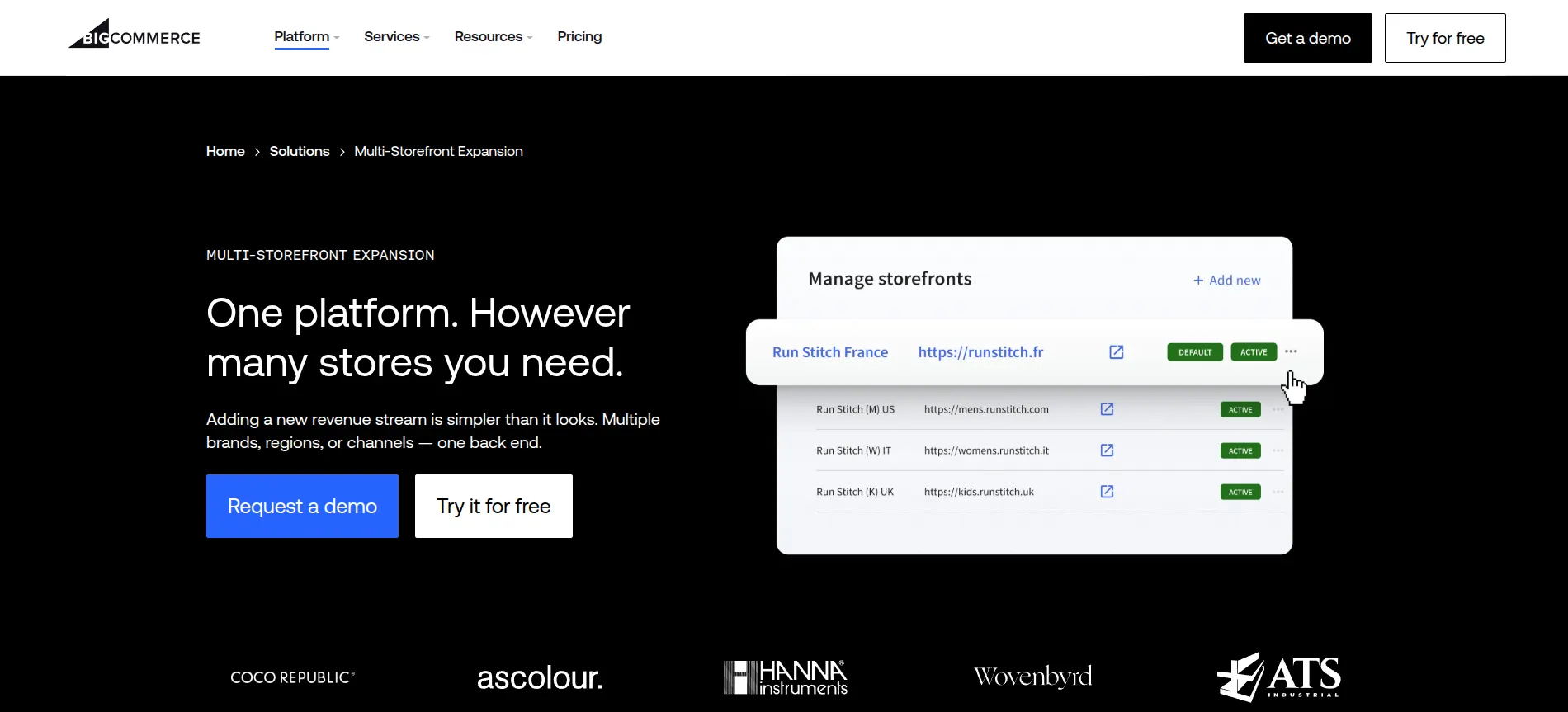
Of all Shopify Plus competitors, BigCommerce is the closest SaaS rival. Like Shopify Plus, it is a hosted platform, but it follows an Open SaaS approach with open APIs and lets merchants run several storefronts from one account. For large businesses, BigCommerce offers its Performance plan (formerly Enterprise), which adds B2B price lists and a dedicated Customer Success Manager. To see how the two platforms compare in detail, check out our Shopify Plus vs BigCommerce Enterprise comparison.
Why choose BigCommerce over Shopify Plus:
- Multi-Storefront lets you run several brands from one account and one contract.
- No extra platform fee when you use one of around 21 embedded payment providers, and the fee for outside gateways can be negotiated to 0% on the Performance plan.
- Price Lists set SKU-level prices for each customer group.
- B2B Edition adds company accounts along with a self-service buyer portal.
- Catalyst, a Next.js framework, supports headless storefronts.
Pricing: The Performance plan starts at $1,499 per month, billed annually, with custom terms based on sales volume. This entry price sits well below the $2,300 to $2,500 that Shopify Plus charges each month.
| BigCommerce Pros | BigCommerce Cons |
| Lower entry price than Shopify Plus | Smaller app ecosystem |
| Native multi-storefront and B2B | Fewer theme options |
| Dedicated Customer Success Manager and 24/7 phone support | Sales caps on lower plans trigger automatic upgrades |
Brands using BigCommerce: MUJI and White Stuff both run their online stores on BigCommerce.
3. Salesforce Commerce Cloud
Best for:
Global B2C brands that already use Salesforce CRM.
Salesforce Commerce Cloud is now called Agentforce Commerce, a name Salesforce announced in October 2025 and formalized in Spring 2026.
The platform’s June 2026 release made its AI agents generally available, so shoppers and B2B buyers can now place orders through conversational assistants. That same release added Storefront Next to every B2C edition, and catalog sync to ChatGPT followed in July 2026. For a closer look at its features, check out our full Salesforce Commerce Cloud review.
Why choose Salesforce Commerce Cloud over Shopify Plus:
- Native connection with Salesforce’s CRM and its Service and Marketing Clouds.
- Multi-site, multi-currency support for brands that sell in many countries.
- Built-in AI agents for shopping, B2B ordering, and catalog management.
- Several storefront options, from templated SFRA to the headless Composable Storefront.
- Native Order Management across online and in-store channels.
Pricing: Salesforce splits Commerce Cloud into B2C editions (Growth, Plus, and Premium) and B2B editions (Growth and Advanced). Every edition is listed as “Contact for pricing”, and the fee is a percentage of gross merchandise value (GMV).
From our research, this share usually falls between 1% and 3% of GMV, depending on the edition and the features you need. On top of the license, implementation is a separate cost that often runs into six figures.
| Salesforce Commerce Cloud Pros | Salesforce Commerce Cloud Cons |
| Enterprise scale for global brands | Costs rise as sales grow |
| Strong AI and Salesforce ecosystem | Long, expensive implementation |
| Mature multi-site management | Usually requires a certified partner |
Brands using Salesforce Commerce Cloud: adidas uses Salesforce to run its digital commerce.
4. commercetools
Best for:
Large enterprises with in-house developers who want full control of their tech stack.
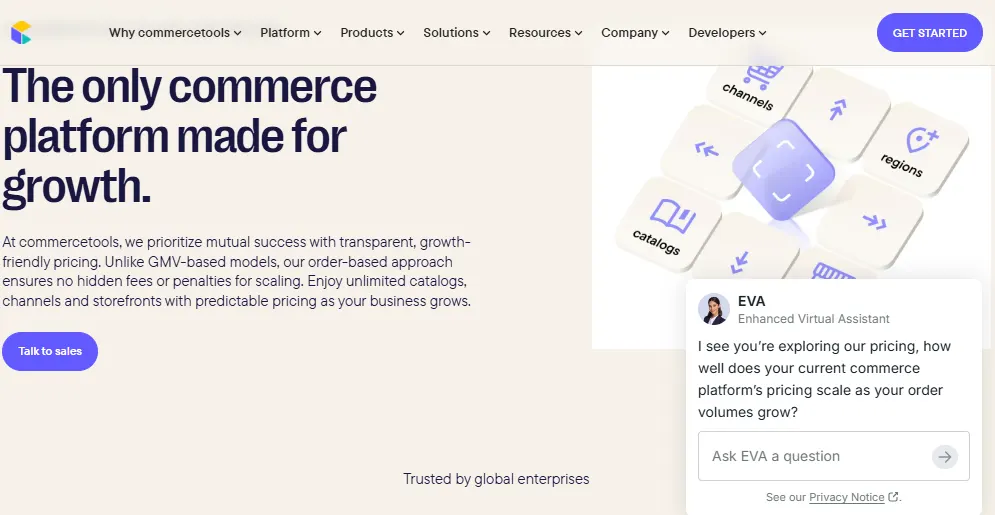
commercetools is a headless, API-first platform built on MACH principles. Unlike Shopify Plus, it does not ship with a storefront, so teams connect its commerce APIs to the frontend and tools of their choice.
Around its core Composable Commerce APIs, the suite adds ready-made modules such as Checkout and InStore for POS, and business teams manage daily tasks in the Merchant Center. In July 2026, commercetools also made its Managed MCP Servers and AI Hub generally available.
Why choose commercetools over Shopify Plus:
- Freedom to pair any frontend with any CMS.
- A custom data model built from flexible Product Types and Business Units.
- Many brands and regions managed within one project.
- Usage-based scaling for very high traffic.
Pricing: commercetools does not publish prices, though its pricing page explains an order-based model with unlimited catalogs and storefronts. Businesses can also add a Premium package or extras such as Advanced B2B APIs.
From our research, licenses start at around $40,000 per year and grow with usage. In the first year, implementation often costs even more than the license itself.
| commercetools Pros | commercetools Cons |
| Full architectural flexibility | Requires a strong development team |
| Scales across brands and regions | No out-of-the-box storefront |
| Best-of-breed tech stack | Long and costly build |
Brands using commercetools: Volkswagen Group selected commercetools as the foundation of its central eCommerce solution, which also serves Audi.
5. SAP Commerce Cloud
Best for:
Enterprises whose operations already run on SAP ERP.
SAP Commerce Cloud is part of SAP Customer Experience and supports both B2B and B2C storefronts, including a headless Composable Storefront.
At Sapphire 2026, SAP introduced a cloud ERP edition of SAP Commerce Cloud for mid-market B2B sellers, and this edition is now generally available. SAP also announced new Joule AI assistants for commerce teams, which are currently planned for general availability in early 2027. To learn more about the platform, see our SAP Commerce Cloud review.
Why choose SAP Commerce Cloud over Shopify Plus:
- Native integration with SAP ERP and other SAP systems.
- Rule-based B2B pricing with order approval workflows.
- Distributed order management with real-time inventory and flexible fulfillment.
- Complex catalogs with product bundles and multilingual content.
Pricing: SAP Commerce Cloud comes in a base plan and a Premier Edition, both priced upon request. Our research shows that annual costs usually start at around $100,000.
| SAP Commerce Cloud Pros | SAP Commerce Cloud Cons |
| Deep integration with the SAP ecosystem | One of the highest costs on this list |
| Advanced B2B workflows | Long implementation time |
| Strong order management | Steep learning curve for teams |
Brands using SAP Commerce Cloud: Brakes, a UK food wholesaler, uses SAP Commerce Cloud to serve its customers online.
6. OroCommerce
Best for:
B2B manufacturers and distributors.
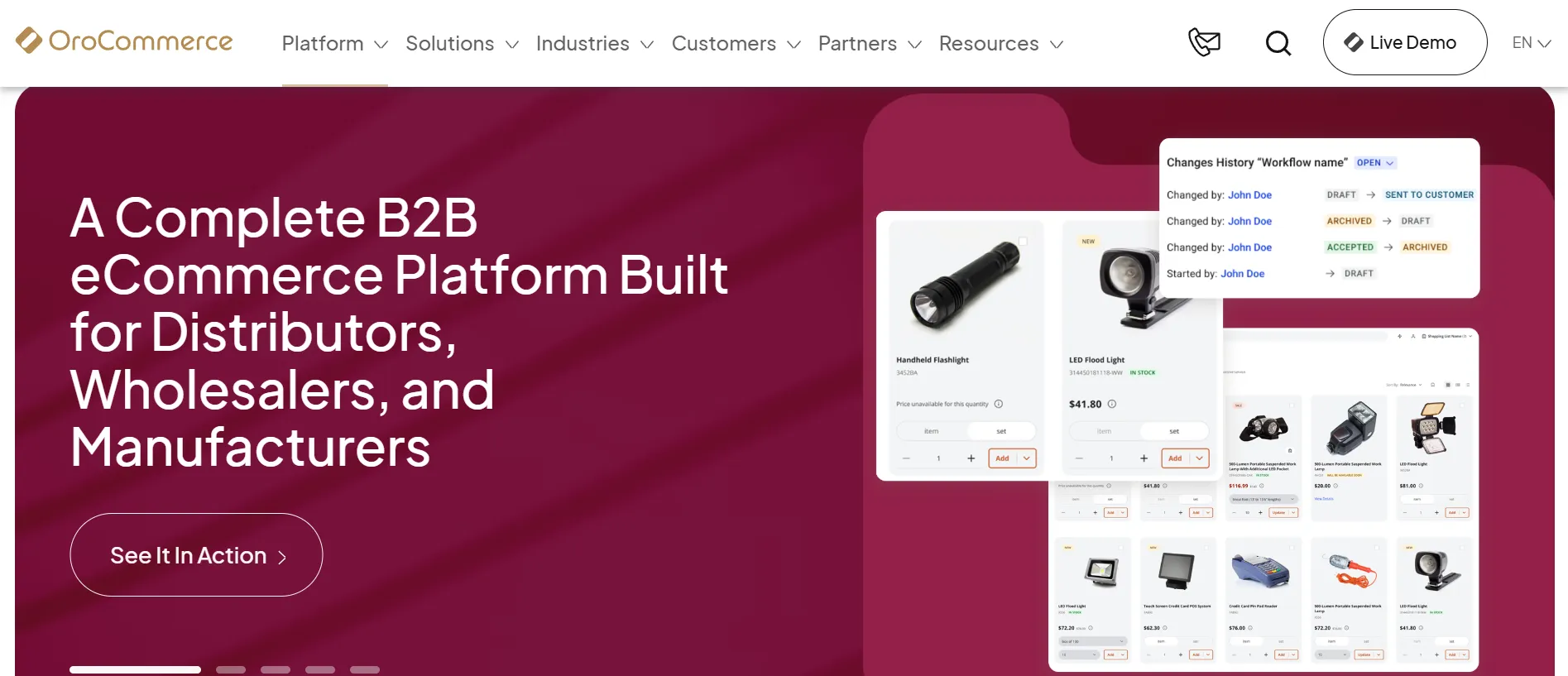
OroCommerce is an open-source platform designed for B2B from the ground up, and it even includes a built-in CRM. Thanks to this B2B focus, the platform handles corporate accounts and complex price lists without relying on extra apps.
Why choose OroCommerce over Shopify Plus:
- Corporate accounts with buyer roles and multiple price lists.
- SmartAgent, an AI assistant that helps logged-in buyers check order status and stock.
- Smart Order, which turns orders sent as PDFs or emails into draft orders.
- A Sales App for field sales reps, with offline sync.
- Self-service invoice portal and recurring orders for repeat buyers.
Pricing: OroCommerce comes in two editions. The Community Edition is free, and the Enterprise Edition is priced based on your GMV, starting with 25 admin users. OroCloud hosting is available at a separate cost.
| OroCommerce Pros | OroCommerce Cons |
| One of the deepest B2B toolsets out of the box | Less suited to pure B2C or DTC brands |
| Built-in CRM | Smaller partner ecosystem |
| Open-source flexibility | Requires development resources |
Brands using OroCommerce: Lactalis and Wastequip both run B2B commerce on OroCommerce.
7. Shopware
Best for:
European mid-market brands that sell both DTC and B2B.
Shopware is one of the most popular Shopify Plus competitors in Europe. Merchants can host this German open-source platform themselves or use it as SaaS.
As for editions, its Community Edition is free, though stores with more than about $1.2 million in annual GMV need to move to a paid plan. Above that threshold, paid plans are priced based on the store’s GMV.
Why choose Shopware over Shopify Plus:
- Open-source code with the option to self-host.
- Rule Builder and Flow Builder for no-code business logic.
- B2B components such as quotes and purchasing approvals on the Evolve plan.
- AI-assisted content creation from the Rise plan upward.
- Strong local support in the DACH region.
Pricing: Rise starts at around $700 per month, and Evolve starts at around $2,800 per month. For the Beyond plan, Shopware sets a custom price based on your GMV and needs.
| Shopware Pros | Shopware Cons |
| Flexible at a mid-market price | Smaller ecosystem outside Europe |
| Powerful no-code rules | Paid plan prices depend on GMV |
| Open-source core | Full B2B features need higher plans |
Brands using Shopware: ARMEDANGELS, a sustainable fashion brand, runs its online store on Shopware.
8. WooCommerce
Best for:
Content-led brands that want full ownership of their store at a low license cost.
WooCommerce is a free, open-source plugin that turns a WordPress site into an online store. Among Shopify Plus competitors, it stands out as the only one with no license fee at all. For larger stores, High-Performance Order Storage (HPOS) keeps orders in dedicated database tables, which helps order-heavy sites stay fast.
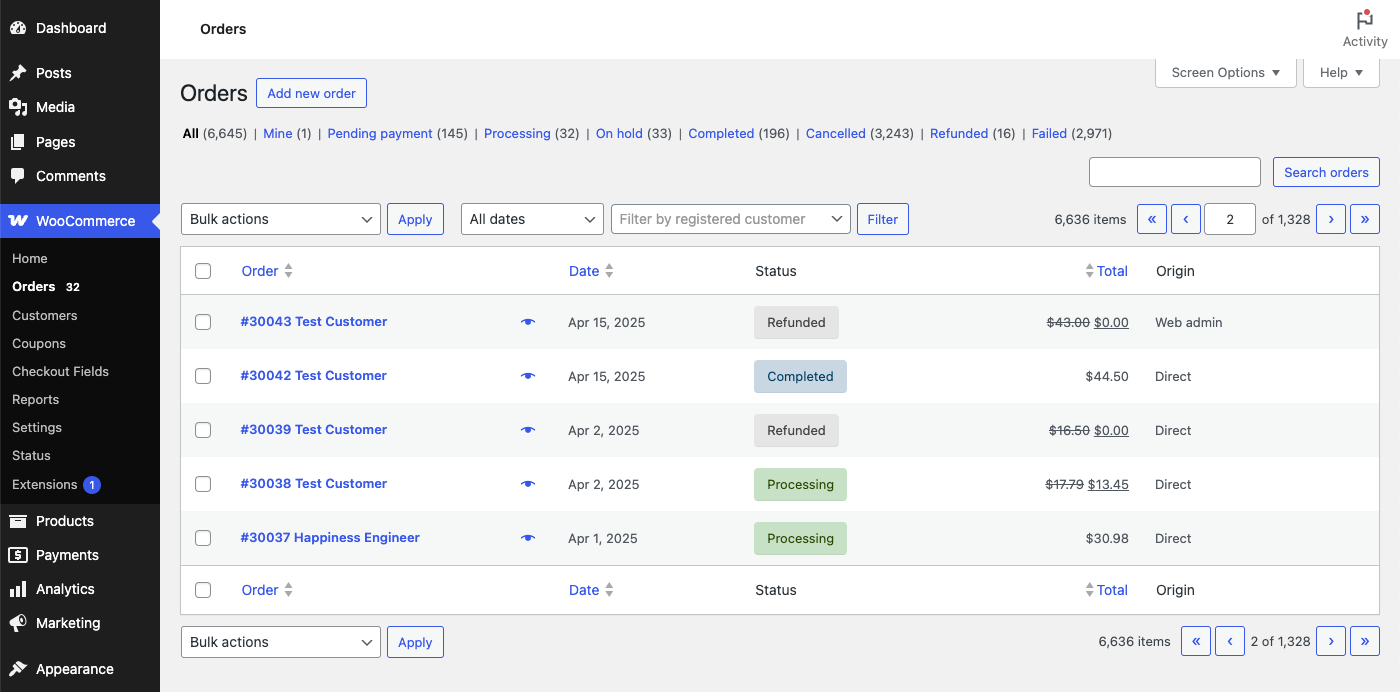
Why choose WooCommerce over Shopify Plus:
- No license fee or platform transaction fee.
- Full ownership of your code and data.
- The content power of WordPress for blogs and landing pages.
- Flexible URL structure for SEO.
Pricing: The plugin is free. Instead, your costs come from hosting and development, and these costs vary widely based on store size.
| WooCommerce Pros | WooCommerce Cons |
| Low upfront cost | You handle security, updates, and scaling |
| Strong content and SEO features | Plugin conflicts can cause issues |
| Huge plugin library | Performance depends heavily on hosting |
Brands using WooCommerce: Universal Yums and La Marzocco both run their online stores on WooCommerce.
9. Spryker
Best for:
Large enterprises with complex B2B needs or B2B marketplaces.
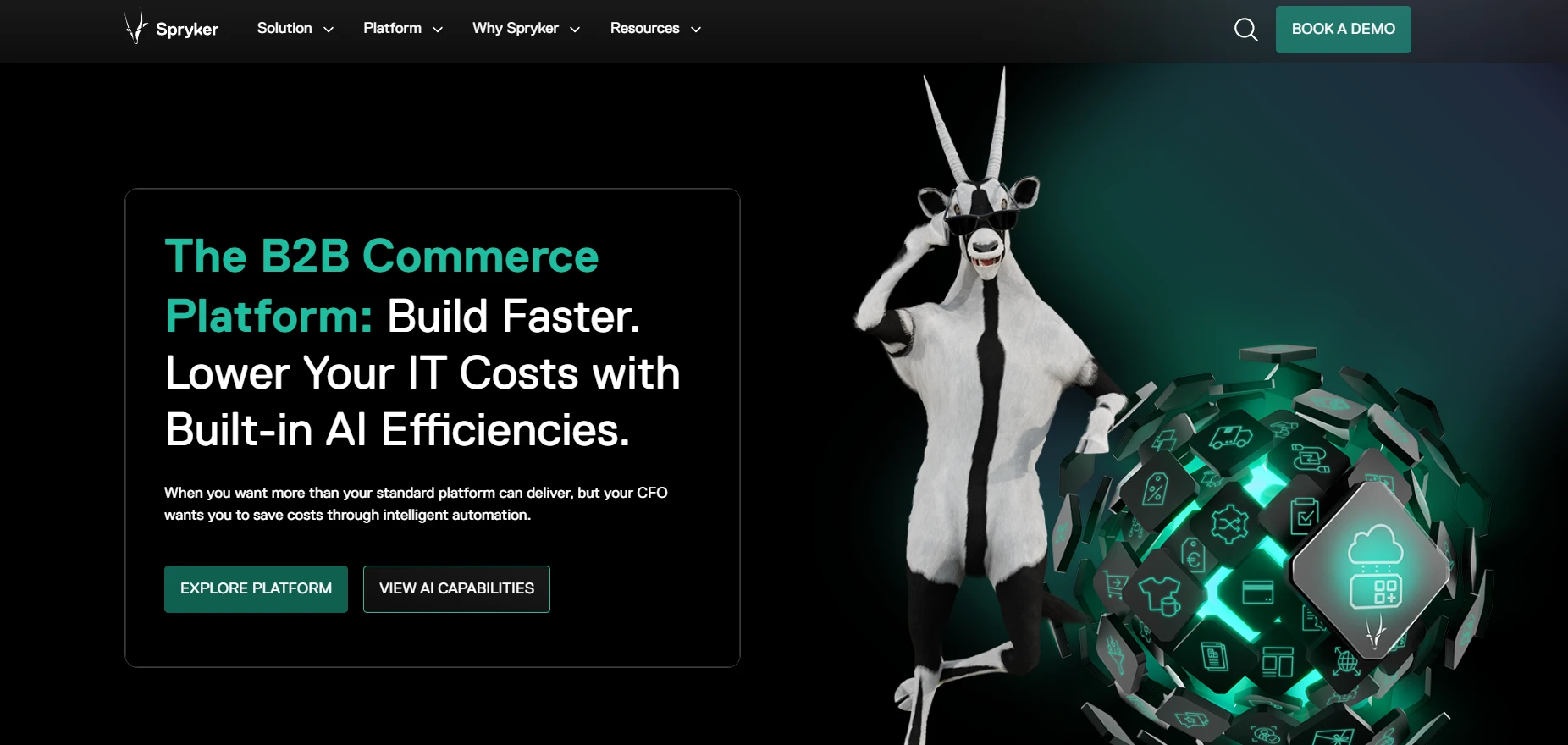
Spryker is one of the most B2B-focused Shopify Plus competitors, built as a composable commerce platform hosted on AWS.
It offers more than 160 modules that businesses can combine or replace independently, with the frontend and backend kept separate. Because of this modular design, Spryker is a common choice for manufacturers with unusual buying processes.
Why choose Spryker over Shopify Plus:
- Native CPQ (Configure, Price, Quote) for configurable products.
- Multi-level approval chains and customer-specific catalogs.
- Automated reordering and multiple carts per buyer.
- A native B2B marketplace module.
Pricing: Spryker does not sell fixed plans. Instead, it offers solution packages such as B2B Commerce and Enterprise Marketplace, and every project is quote-based. From our research, licenses start at around $115,000 per year, and first-year costs including implementation often reach $465,000 to $930,000. Projects typically take 6 to 18 months.
| Spryker Pros | Spryker Cons |
| Modular and highly flexible | Very high total cost |
| Deep B2B and marketplace features | Needs a team of 5–10 developers |
| Cloud-native on AWS | Fewer implementation partners outside Europe |
Brands using Spryker: Siemens Healthineers and Jungheinrich both build their digital commerce on Spryker.
10. Optimizely Commerce
Best for:
Brands that want commerce and content experimentation in one stack.
Optimizely Commerce comes in two products. Configured Commerce is a prebuilt B2B portal with quoting and customer-specific pricing. Commerce Connect, on the other hand, pairs Optimizely’s CMS with headless commerce APIs for brands that need more control over their storefront.
Why choose Optimizely Commerce over Shopify Plus:
- Native A/B testing for both product pricing and content.
- A ready-made B2B portal through Configured Commerce.
- AI agents such as the Product Promotions Agent.
- Ready integrations with ERP and PIM systems.
Pricing: Optimizely sells Configured Commerce and Commerce Connect as separate products, and both are priced through quotes. Implementation and migration services often cost $50,000 to $200,000 or more on top of the license.
| Optimizely Commerce Pros | Optimizely Commerce Cons |
| Commerce, content, and testing in one platform | High total cost |
| Strong B2B portal | Requires .NET development skills |
| Built-in experimentation | Quote-only pricing makes budgeting harder |
Brands using Optimizely Commerce: CompTIA and Waytek are among the brands that use Optimizely Commerce.
Store Migration Made Easy With LitExtension!
Whichever platform you pick, LitExtension can transfer your Shopify Plus data to it accurately and securely.

How to Choose the Right Shopify Plus Competitor
Picking among Shopify Plus competitors comes down to how well each platform fits your business today and where it is heading. The five factors below will help you narrow down your shortlist.
Start with your business model (DTC, B2B, or hybrid)
Your business model should shape your shortlist first. Among Shopify Plus competitors, BigCommerce and Salesforce Commerce Cloud focus strongly on the shopper experience, so they usually suit DTC brands.
On the other hand, B2B-first companies get more value from platforms built for business buyers, such as OroCommerce or Spryker. If you sell to both groups, a hybrid-friendly platform like Adobe Commerce or BigCommerce with B2B Edition can serve both audiences from one backend.
Compare total cost of ownership, not just subscription fees
The subscription fee is only one part of the budget. For a fair comparison of Shopify Plus competitors, add the license or GMV share to the cost of implementation and ongoing maintenance.
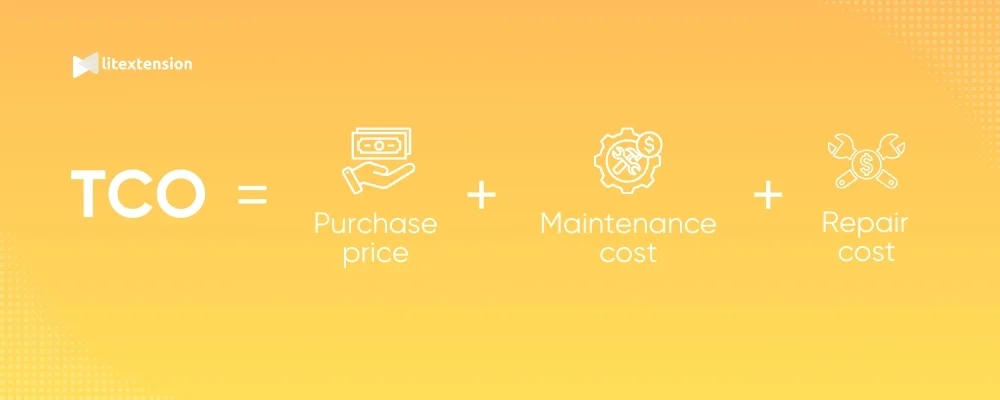
For example, WooCommerce has no license fee, but hosting and development can add up. Similarly, commercetools implementation often costs more than its license in the first year, and Spryker projects can reach around $930,000 within twelve months.
Match the platform to your tech resources (SaaS vs. open-source vs. composable)
Your team’s technical capacity matters as much as features. SaaS platforms like BigCommerce and Salesforce Commerce Cloud handle hosting and updates, so they need the smallest in-house team.
Open-source options such as Adobe Commerce or WooCommerce give you more control in exchange for managing hosting and code. Composable platforms like commercetools and Spryker go even further, and they usually require a dedicated development team or an experienced partner.
Check integrations with your ERP, CRM, and PIM
A new platform has to work with the systems your business already relies on. If your company runs on SAP ERP, SAP Commerce Cloud connects to it natively.
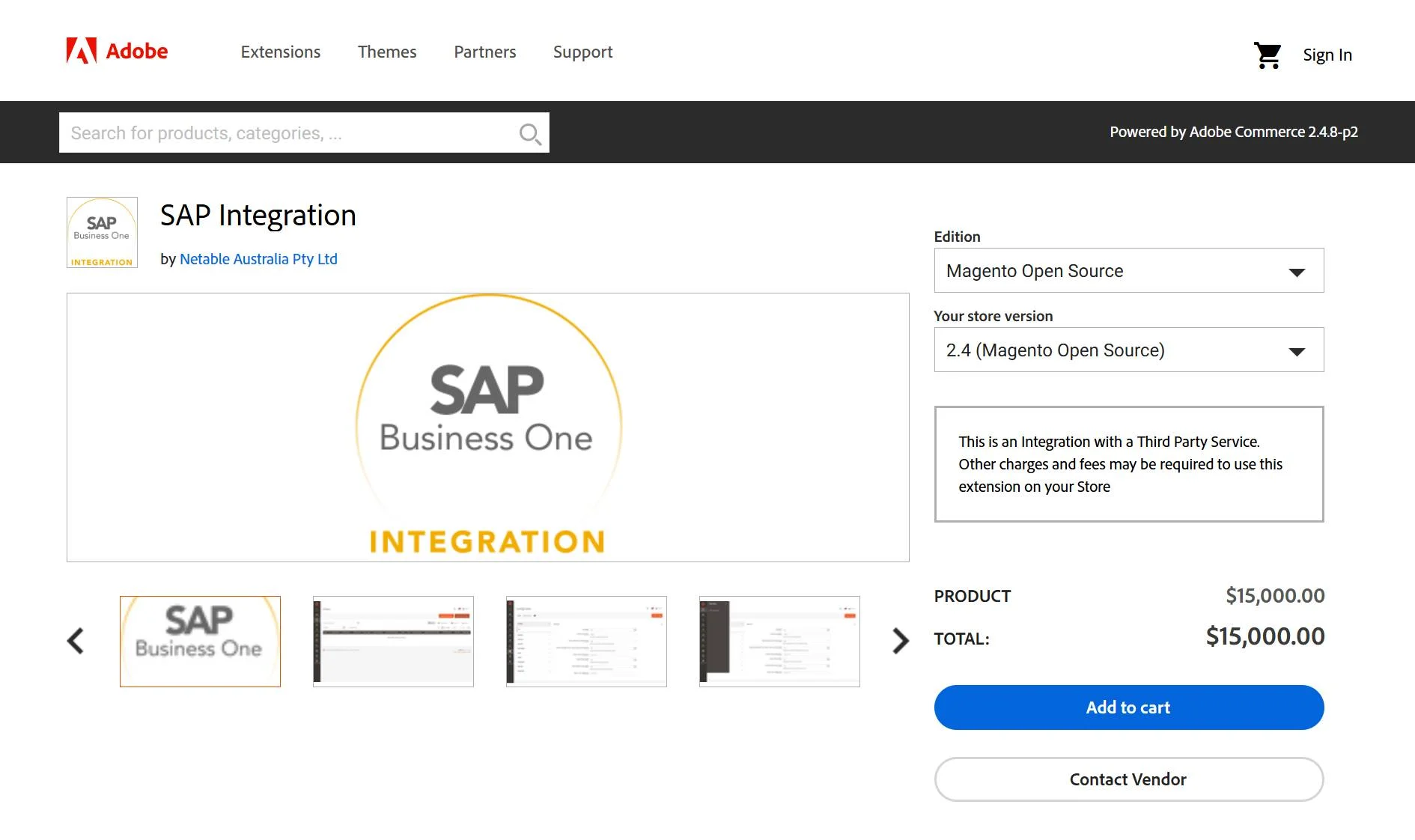
Likewise, Salesforce Commerce Cloud pairs naturally with Salesforce CRM, and OroCommerce includes its own CRM. For other stacks, check that the platform offers ready-made connectors or flexible APIs for your ERP and PIM before you commit.
Estimate the migration effort and risk
Moving away from Shopify Plus involves more than setting up a new store. You need to transfer all store data without errors and then protect your search rankings during the switch. The effort grows with your data volume and the number of custom fields.
To lower this risk, many merchants work with a migration provider like LitExtension, whose experts handle the data transfer and testing so your team can focus on building the new store.
How to Migrate from Shopify Plus to a New Platform
Once you have chosen one of the Shopify Plus competitors, the next step is moving your store data safely. The process below applies to any target platform.
Audit and back up your store data
First, list everything your Shopify Plus store holds. This list should cover products with their variants and metafields, customers, orders, B2B companies and catalogs, as well as the apps that store extra data. After that, export a full backup through Shopify’s CSV export or API so you have a safe copy before any changes.
Choose a migration method
There are three main ways to migrate from Shopify Plus:
- Manual CSV export and import: This method costs little, but Shopify’s CSV files do not cover all data types, such as full order history. It also takes a lot of time for large stores.
- Hire developers: A development team can write custom scripts with Shopify’s API and the target platform’s API. This approach is flexible, though it is costly and slow to test.
- Use a migration service: A dedicated migration provider handles the data transfer for you, which saves time and reduces errors.
For enterprise stores, LitExtension’s All-in-One Migration Service is a reliable choice.
With this service, a dedicated Personal Assistant manages your project from a 1-on-1 consultation and SLA signing through to the final result. Our team then sets up your target store and runs a demo migration before completing the full migration. After that, we run several rounds of testing with our in-house automated testing system to check data accuracy.

On top of that, all Additional Options are included for free, such as creating 301 redirects and preserving order IDs. The service starts at $129, and the final quote depends on your data volume and customization needs. With more than 300,000 stores migrated across 140+ platforms, LitExtension can move your Shopify Plus data to any of the platforms in this guide.
Let Our Experts Handle Your Shopify Plus Migration!
With the All-in-One Migration Service, our experts take care of your whole Shopify Plus migration, so you can switch platforms without stress.
Preserve SEO rankings during the switch
Your search rankings are an asset worth protecting during the move. Since Shopify uses fixed paths like /products/ and /collections/, most URLs will change on the new platform. For this reason, map every old URL to its new address and set up 301 redirects.
You should also keep your meta titles and descriptions unchanged, then submit a new sitemap to Google Search Console after launch.
Test, go live, and sync new data
Before launch, compare data counts between the two stores and place a few test orders.
Once everything checks out, switch your domain to the new platform. Because orders keep coming in during the migration, finish by moving any new or updated data. LitExtension’s Recent Data Migration handles this step, so no order created during the switch gets lost.
Shopify Plus Competitors: FAQs
Who is Shopify Plus’s biggest competitor?
BigCommerce is the biggest of all Shopify Plus competitors among SaaS platforms, since both offer hosted enterprise plans with similar setups. At the top end of the market, Adobe Commerce and Salesforce Commerce Cloud are the main rivals for large brands.
Is BigCommerce better than Shopify Plus?
It depends on your needs. BigCommerce is better for companies that run several brands under one contract or need SKU-level B2B price lists, and its Performance plan starts lower at $1,499 per month. Shopify Plus, however, offers a larger app ecosystem and a checkout trusted for high-volume sales.
What is the best Shopify Plus alternative for B2B?
OroCommerce is the best Shopify Plus alternative for mid-market B2B companies, thanks to its built-in CRM and B2B-first design. For large enterprises, Spryker and SAP Commerce Cloud offer deeper B2B workflows. Adobe Commerce, on the other hand, suits businesses that sell to both consumers and other companies.
Is Shopify Plus worth the price?
Yes, Shopify Plus is worth the price for fast-growing DTC brands that rely on its checkout and app ecosystem. However, if your business needs deep customization or complex B2B features, one of the Shopify Plus competitors above may give you better value.
How long does it take to migrate from Shopify Plus?
The data migration itself usually takes a few hours to a few days, depending on your data volume. The full replatforming project takes longer, since it also covers design and integration work. From our experience, it often lasts around 3 to 6 months on SaaS platforms and 6 to 18 months on composable platforms like Spryker or commercetools.
Final Words
To sum up, Shopify Plus remains a strong platform, yet it is not the right fit for every enterprise. The Shopify Plus competitors in this guide each solve a different problem, from multi-brand SaaS on BigCommerce to complex B2B on OroCommerce and Spryker.
Once you have picked one of these Shopify Plus competitors, a safe data migration is the key to a smooth switch. And if you would rather leave that part to experts, LitExtension’s All-in-One Migration Service can move your Shopify Plus store from the first consultation through post-migration support!
For more guidance, don’t forget to check out our Shopify Plus migration blogs and Resources.