
WordPress vs Webflow: which platform should you choose for your next website? Both can create professional, responsive sites, but they differ in content management, design workflows, costs, and long-term control.
Quick answer: WordPress is usually the better fit for content-rich websites, highly customized projects, and complex WooCommerce stores. Webflow suits designers and marketing teams that want visual control and managed hosting without maintaining a WordPress installation. The right choice depends on your team, budget, and growth plans.
Here is a side-by-side comparison across 12 practical criteria:
| Criterion | WordPress | Webflow | Better for |
|---|---|---|---|
| Pricing | Free software; pay for hosting, domain, plugins, and any technical support. Costs depend on the setup. | Basic is $15/mo and Premium is $25/mo billed yearly; seats, domains, usage, and add-ons can increase costs. | Webflow for simpler budget planning; compare total costs |
| Ease of use | Hosted setup takes more steps; the content editor is approachable once configured. | No hosting setup, but advanced design requires some HTML/CSS knowledge. | WordPress for editors; Webflow for visual workflows |
| Design and templates | Thousands of themes and page builders; theme changes may require layout adjustments. | Direct responsive styling; changing a purchased template later generally means rebuilding. | WordPress for theme choice; Webflow for design control |
| CMS | No software-imposed post cap; supports custom post types, taxonomies, and large libraries. | Visual CMS with 20,000 items and 40 Collections on the Premium Site plan. | WordPress for large, complex content operations |
| Hosting | Choose shared, managed, or custom hosting; optimization and maintenance depend on the provider. | Managed hosting, SSL, and CDN on paid Site plans; usage limits still apply. | Webflow for hands-off hosting |
| Security and maintenance | Updates can be automated, but backups, compatibility, and security still need oversight. | Webflow manages core platform security; custom code and integrations still need review. | Webflow for lower platform-maintenance overhead |
| Collaboration | No per-user WordPress license fees; role-based permissions are built in. | One full Workspace seat included; paid limited and full seats cost extra. | WordPress for larger editorial teams |
| Plugins | More than 78,000 free plugins in the official directory, plus premium extensions. | Built-in features, apps, integrations, custom code, and Webflow Cloud for advanced projects. | WordPress for broad plugin-based functionality |
| SEO | SEO plugins, custom code, and server access support large-scale technical SEO work. | Native SEO settings, CMS-driven metadata, custom code, APIs, and AI-powered audits. | WordPress for extensibility; both handle SEO essentials |
| eCommerce | WooCommerce offers flexible catalogs, checkout options, and integrations, with hosting costs. | Ecommerce starts at $29/mo billed yearly, with plan-based item and feature limits. | WooCommerce for complex and growing stores |
| Localization | WPML, Polylang, and TranslatePress offer multilingual options; pricing and translation fees vary. | Localize is billed per locale; native Webflow Ecommerce content cannot be localized. | WordPress for multilingual eCommerce |
| Support | Community support plus hosting, theme, plugin, and agency support where purchased. | Official product support and Webflow University; support scope depends on the plan. | Webflow for centralized platform support |
A Quick Overview
We compare the self-hosted WordPress.org software with Webflow’s hosted website platform. The biggest difference is who controls the stack: WordPress gives you more infrastructure and code flexibility, while Webflow handles hosting and focuses on visual site building.
WordPress is a PHP-based open-source CMS. Its vast community support and extensive library of plugins and themes make it a flexible, cost-effective solution. It’s particularly suitable for websites focusing on content management and frequent updates. However, plugin dependencies can sometimes cause performance slowdowns or compatibility issues that require technical maintenance.
For current market context, see BuiltWith WordPress usage trends; technology-detection counts change over time. Here, WordPress refers to the self-hosted WordPress.org software, not WordPress.com. To learn more about this version, take a look at our comparison of WordPress.org vs WordPress.com.
| WordPress pros | WordPress cons |
|---|---|
| The software is open-source and free to install, so you can control your files, database, and hosting under your provider’s terms. | You need some technical confidence to handle hosting, installation and ongoing maintenance yourself. |
| It imposes no subscription-based CMS item ceiling, making it suitable for blogs, publications, and large catalogs. | Core and extension updates can be automated, but still require backups and compatibility checks. |
| The WordPress.org directory holds over 78,000 free plugins covering SEO, eCommerce, analytics and design. | Poorly chosen or configured plugins can cause conflicts and performance issues. |
| Themes are replaceable, though switching often requires design and widget adjustments. | Deeper customization usually means hiring a developer or learning to code. |
| WooCommerce turns any WordPress site into a full eCommerce store at no license cost. | Because it is so widely used, WordPress is a constant target for automated attacks. |
| The community is enormous, so almost every problem you hit has already been documented. | Hosting, security, and premium plugins add up to a real recurring bill over time. |
Webflow is a hosted visual development platform with a Designer, CMS, built-in hosting, and optional tools for marketing teams. Its visual workflow is efficient for design-led sites, though CMS quotas and migration requirements matter as a site grows. See BuiltWith Webflow usage trends for an updated estimate of website adoption. We have compiled a detailed feature breakdown of this platform, so make sure to check out our in-depth Webflow review here.
| Webflow pros | Webflow cons |
|---|---|
| The Designer offers precise control over layouts, typography, breakpoints, and interactions. | The learning curve is real, especially around CMS Collections and advanced interactions. |
| Managed hosting and a global CDN provide a useful performance baseline. | The Premium CMS has a 20,000-item limit; taxonomies count only when stored as Collection items. |
| Security, SSL, backups, and DDoS protection are handled by Webflow with nothing for you to patch. | The native CMS is proprietary; Webflow Cloud adds full-stack hosting, but requires development expertise. |
| Managed site hosting is included on paid plans, but a custom domain must still be purchased. | Extra editors cost $15 to $39 per seat per month, which adds up fast for larger teams. |
| Native SEO settings, forms, and interactions reduce reliance on third-party plugins. | Apps, embeds, and scripts introduce their own compatibility and maintenance considerations. |
| Webflow University documentation is thorough and genuinely well made. | Once you pick a template, you cannot swap it without rebuilding the site. |
For a blog or complex online store, WordPress often offers more room to customize. For a small design-led marketing site, Webflow can simplify publishing and upkeep. The following comparison explains where those recommendations change.
Key Differences of WordPress vs Webflow
#1. Pricing: Webflow wins on cost predictability
The verdict:
Webflow has clearer baseline plan fees, while WordPress has no software subscription. Neither platform is automatically cheaper: hosting, maintenance, teammates, and add-ons determine the full cost.
For pricing, it helps to compare first-year setup, recurring software expenses, and ongoing work separately. The figures below are USD estimates for planning, not fixed quotations.
WordPress
The self-hosted WordPress software is free. You pay for hosting, a domain, optional premium extensions, and maintenance. These costs vary substantially with traffic and the complexity of your website.
- Domain: roughly $10–$20/year for a common extension.
- Hosting: approximately $4–$12/month for basic shared hosting or around $20/month and up for managed WordPress hosting.
- Premium themes and plugins: $0 for an all-free setup, or additional one-time and recurring license fees.
- Maintenance and development: optional professional services, charged separately if you do not manage the site yourself.
Our detailed WordPress pricing guide explains the main expenses. WordPress has no paid CMS item quota, but growing traffic, larger databases, and complex functionality may increase hosting and support costs.
Webflow
Webflow offers hosted Site plans, separate Ecommerce plans, Workspace seats, and add-ons. The following list prices assume annual billing where indicated. Check the official Webflow pricing page before purchasing.
| Plan type | Tier | Price | What you get |
|---|---|---|---|
| Site plan | Starter | Free | Webflow subdomain, 2 static pages, and a limited CMS |
| Site plan | Basic | $15/mo | Custom domain connection, 300 static pages, no CMS |
| Site plan | Premium | $25/mo | Up to 20,000 CMS items, 40 Collections, site search, and code components |
| Platform plan | Team | $2,500/mo | Site and Workspace features, included seats and locales, governance tools |
| Ecommerce | Standard | $29/mo | 500 ecommerce items; 2% Webflow transaction fee |
| Ecommerce | Plus | $74/mo | 5,000 ecommerce items; no Webflow transaction fee |
| Ecommerce | Advanced | $212/mo | 15,000 ecommerce items; no Webflow transaction fee |
Site and Ecommerce plans cover different website needs; they are not simply interchangeable add-ons. You may also need to budget for:
- Additional Workspace seats: $39/month for a full seat or $15/month for a limited seat when billed yearly.
- Workspace upgrades: Core from $19/month or Growth from $49/month, billed yearly; freelancers and agencies have separate Workspace options.
- Add-ons: Analyze from $9/month, Optimize from $299/month, and Localize Essential from $9/month per locale, based on usage or configuration.
- A separately purchased custom domain and any applicable excess-usage charges.
What do these platforms cost in a real project?
Consider these illustrative annual budgets, excluding labor, taxes, ecommerce fees, and optional add-ons. They are transparent scenarios rather than observed market averages:
| Scenario | WordPress example | Webflow example |
|---|---|---|
| Solo content site | $255/year: $20/month hosting + $15 domain, free theme/plugins | $315/year: $25/month Premium + $15 domain, one included seat |
| Content team with four editors | $575/year: $30/month hosting + $15 domain + $200 annual premium licenses | $855/year: Premium + $15 domain + three $15/month limited seats |
These examples assume self-managed WordPress maintenance and that Webflow’s limited seats meet the editors’ needs. If you hire someone to maintain WordPress, include their fee. If your Webflow team needs full designer seats or more bandwidth, its cost rises. Verdict: choose by total cost of ownership rather than the advertised entry price.
#2. Ease of use: it is a balanced tie
The verdict:
Webflow is faster to start without a hosting setup. WordPress is usually more straightforward for routine publishing after configuration, while Webflow gives designers more direct control.
WordPress
WordPress separates everyday content editing from site design. Its dashboard and block editor work well for drafting posts, managing categories, and publishing pages. With a managed host, installation often takes only a few steps.
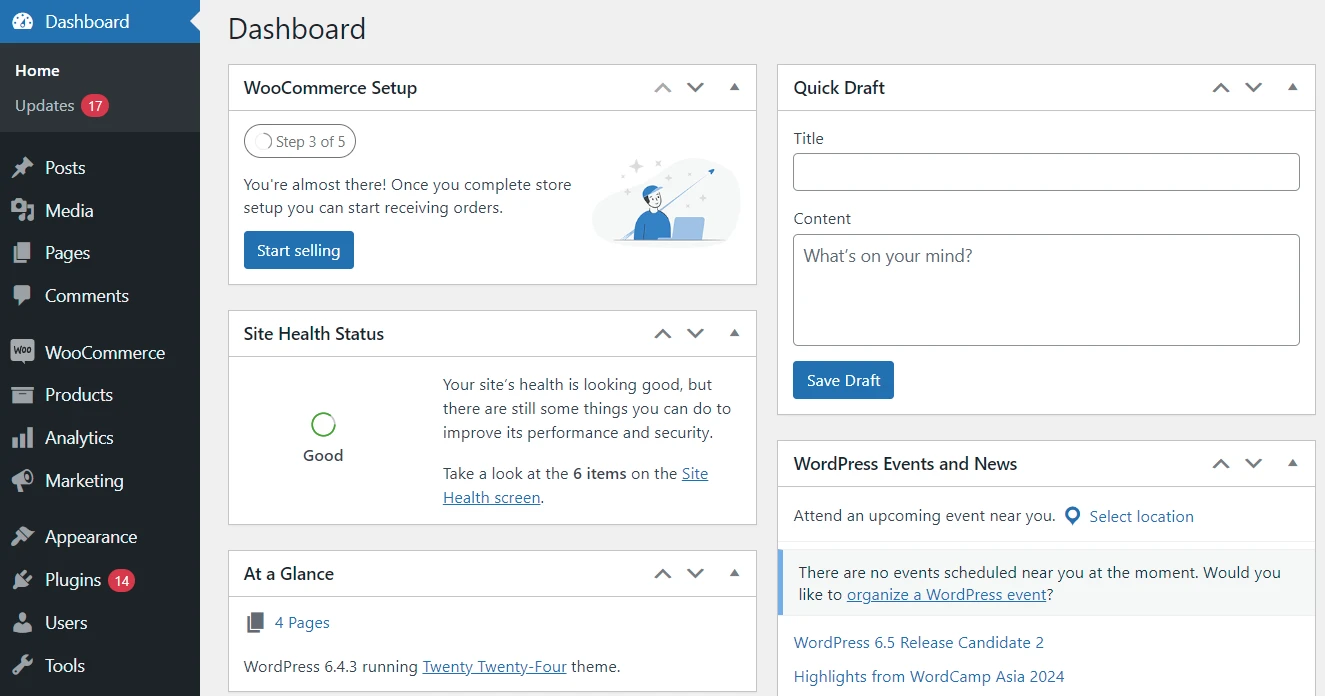
The initial learning curve comes from selecting hosting, a theme, plugins, and backup settings. Non-technical editors can work comfortably after this setup, but adding custom functionality may require more expertise.
Webflow
Webflow removes the server setup. You can begin with an AI site builder, a template, or a blank canvas and then publish to Webflow hosting. See our guide to launching a Webflow website for the workflow.
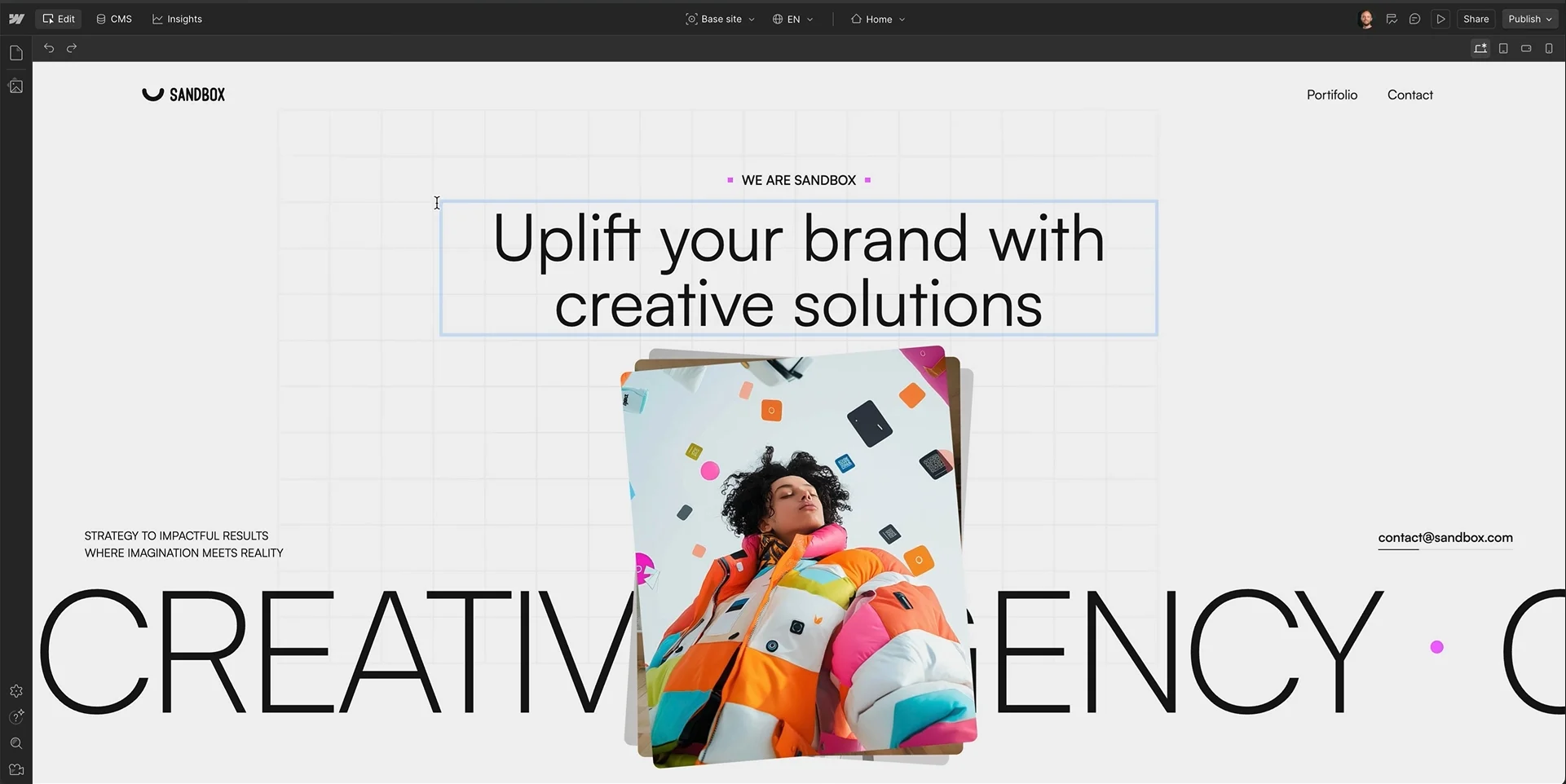
The Designer mirrors CSS concepts such as classes, spacing, and layout. That is powerful for a designer, but less intuitive for a marketer editing a page for the first time. Teams can simplify content updates through CMS fields and approved page components.
#3. Design and templates: WordPress wins on flexibility
The verdict:
Webflow is strong for precise visual design. WordPress has a wider selection of themes and builders, but changing a WordPress theme may still require substantial design adjustments.
WordPress
WordPress provides a large selection of free and paid themes, plus builders such as Bricks, Oxygen, and Elementor. That makes it easier to find a familiar design workflow or replace parts of the front end without changing the underlying content database.
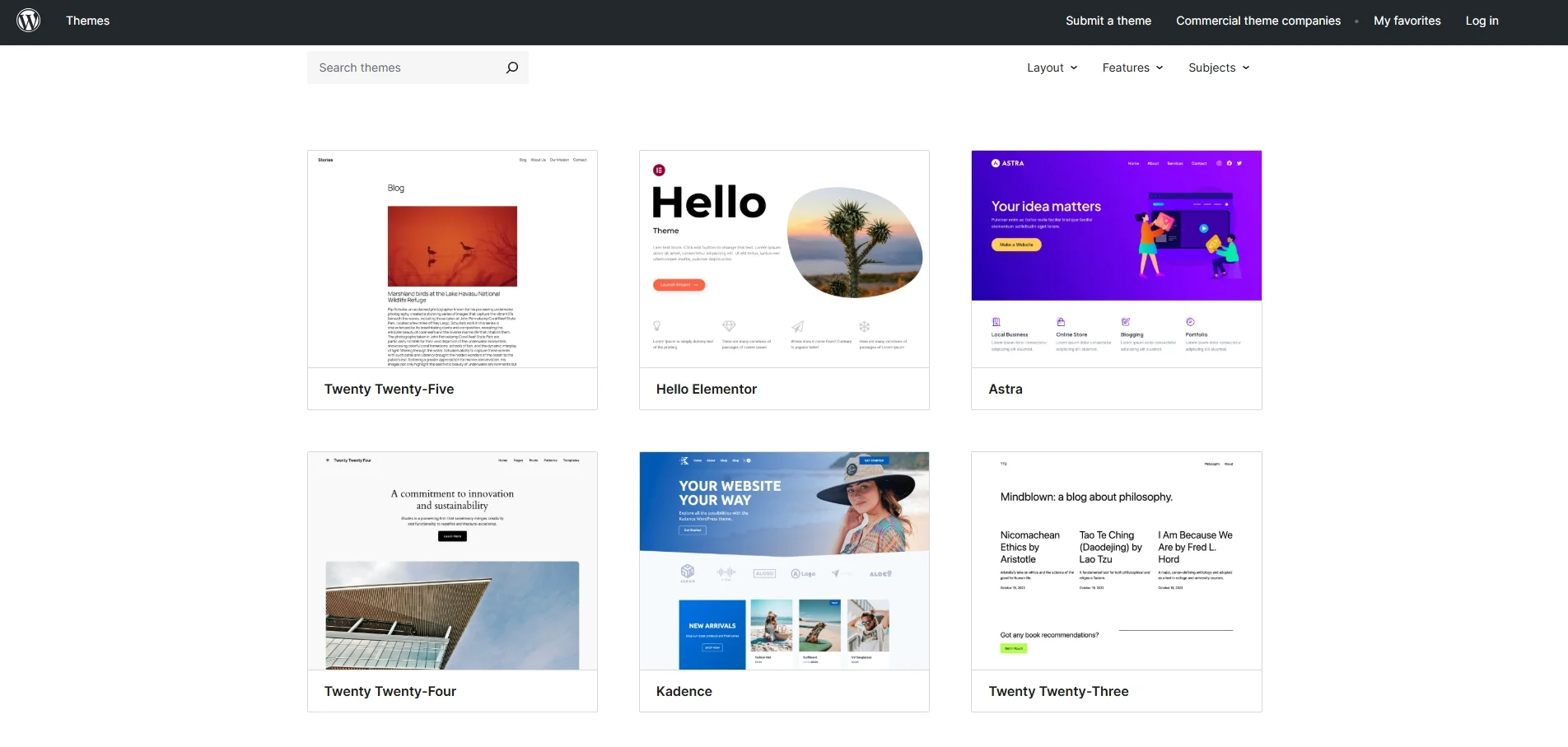
However, changing themes is not always a one-click redesign. Posts and pages generally remain, while theme-specific layouts, widgets, menus, templates, and shortcodes may need work. WordPress 7.1, released in August 2026, also introduced responsive block-style controls for compatible block themes, narrowing part of the native design gap.
Webflow
Webflow gives designers direct control over layout, typography, breakpoints, and interactions, often without writing CSS manually. Its templates provide starting points for portfolios, landing pages, blogs, and stores.
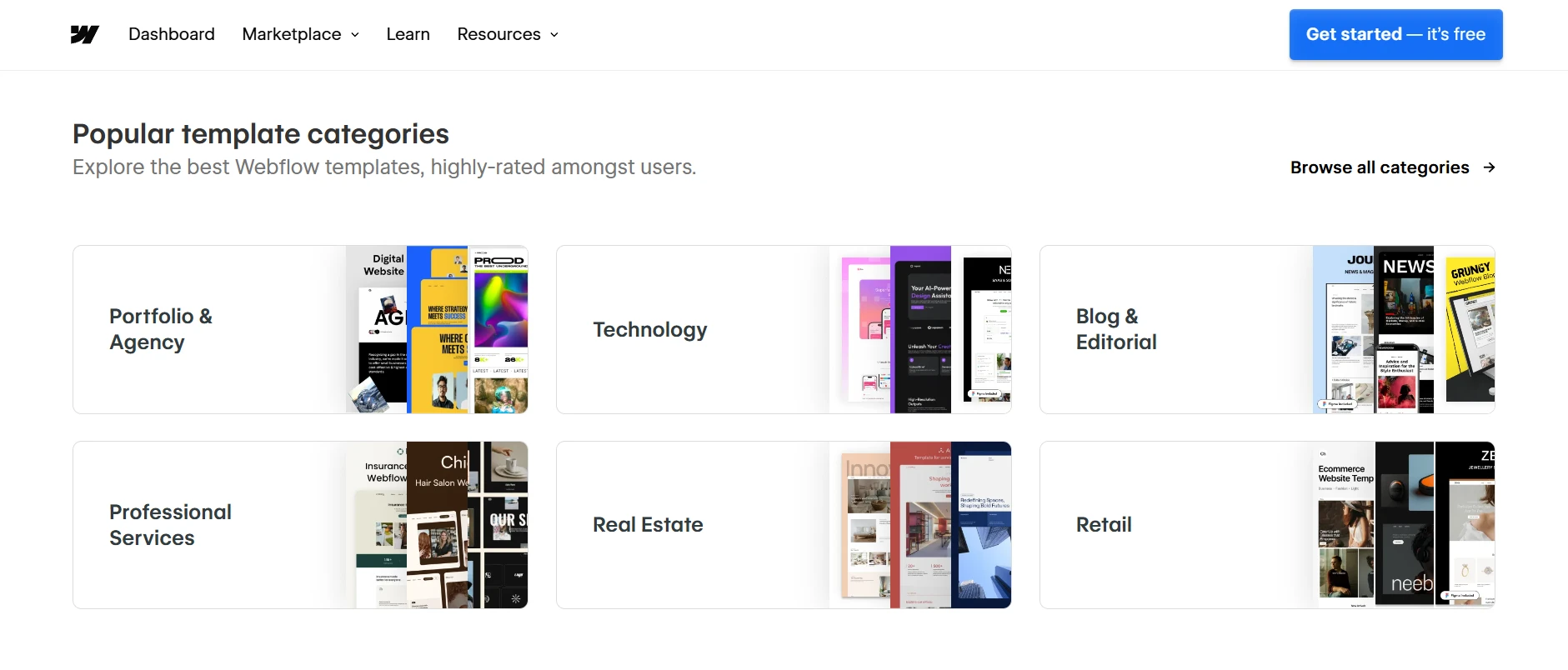
The main limitation is template replacement: you can continue redesigning elements, but switching to an entirely different purchased template generally requires rebuilding the site. Choose Webflow when design control matters more than easy theme swapping.
#4. CMS: WordPress wins for content-driven sites
The verdict:
WordPress is stronger for large content libraries and complex publishing models. Webflow offers a well-integrated visual CMS, but its item and Collection quotas require planning.
WordPress
WordPress began as a publishing platform. Posts, pages, categories, tags, custom post types, and custom taxonomies support everything from a simple blog to editorial databases and large product catalogs.
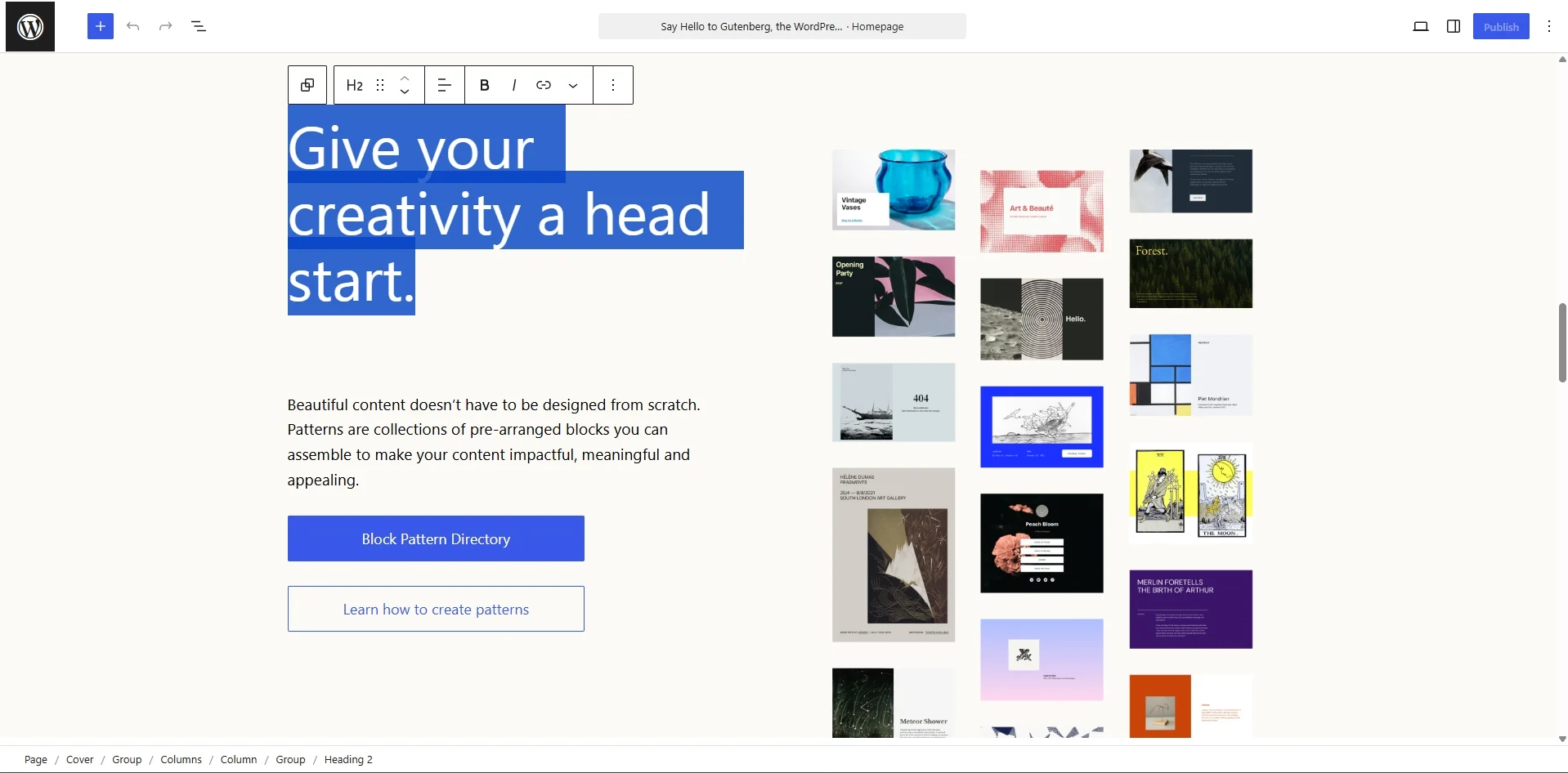
There is no software-imposed cap on the number of posts or pages. However, database size, hosting resources, plugin quality, and editorial processes still determine real-world performance. Publishing teams may also use workflows and editorial plugins for approvals and content planning.
Webflow
Webflow CMS connects structured content directly to visual Collection templates. It is convenient for case studies, team directories, portfolio items, landing pages, and marketing blogs whose layouts share a consistent design.
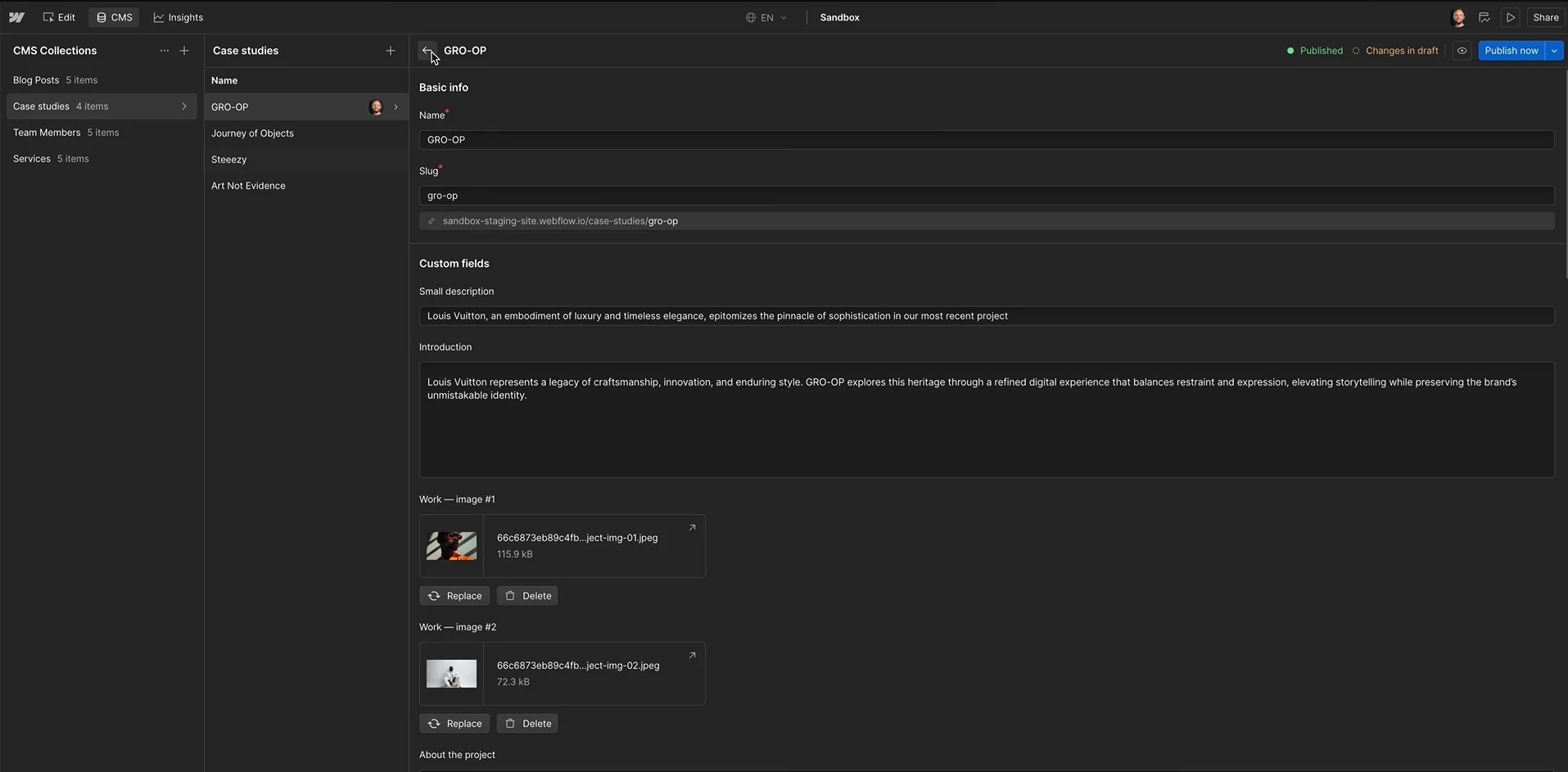
As of the current Premium Site plan, the quota is 20,000 CMS items across 40 Collections. A blog post, tag, or author counts only when stored as an actual CMS item in a Collection; simply placing three tags on one article does not create three new items by itself.
Watch how many Collections you need, how content is related through reference fields, and who can publish updates. Also, do not confuse CMS items with ecommerce items: Webflow’s Ecommerce plans have their own product-related quotas and separate CMS limits. For an editorial website expected to accumulate a very large structured archive, WordPress is usually easier to extend.
#5. Hosting: Webflow wins on managed simplicity
The verdict:
Webflow simplifies hosting and platform updates. WordPress gives you more infrastructure choice and portability, especially if your business needs custom server configuration.
WordPress
With self-hosted WordPress, you select the hosting provider, server location, caching approach, CDN, and backup process. Shared hosting can work for small sites, while managed WordPress hosting can handle more of the operational work.
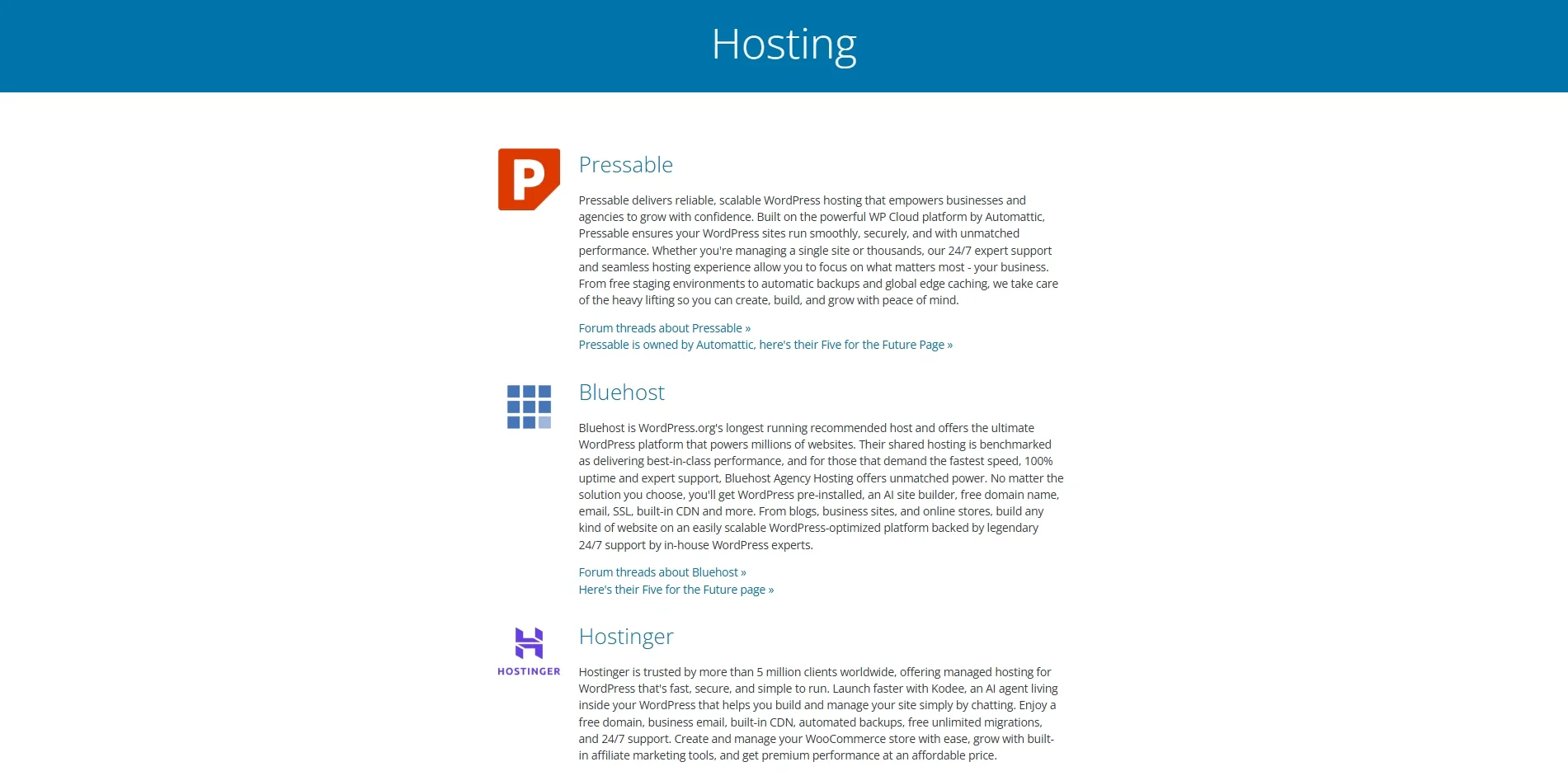
Performance depends on far more than hosting price: theme code, database queries, image sizes, caching, fonts, and third-party scripts all play a role. Managed hosting reduces administration, but does not guarantee strong Core Web Vitals without monitoring.
Webflow
Webflow’s paid Site plans include managed hosting, SSL, and CDN delivery. You do not need to maintain a WordPress installation or choose a separate web host, though a custom domain is still a separate purchase and plans have usage limits.
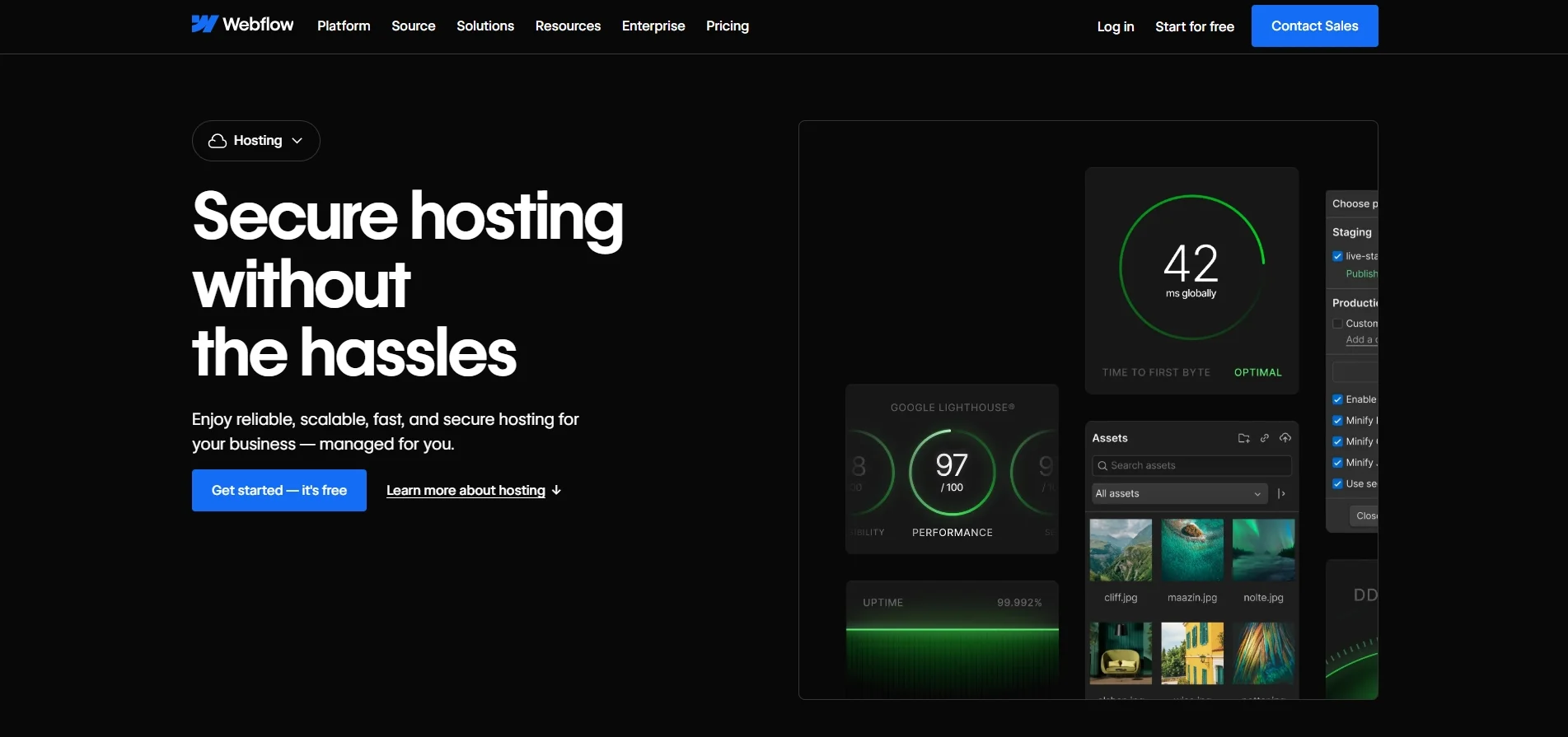
That is a practical advantage for small marketing teams. Still, a heavy page with large images, animations, or external scripts can have poor performance even on a managed platform. Test both websites with PageSpeed Insights and real-user Core Web Vitals rather than assuming one CMS is always faster.
Hosting control also affects migration. WordPress can move between providers with its database and files; exporting a Webflow site involves additional limits, which we explain below.
#6. Security and maintenance: Webflow wins on upkeep
The verdict:
Webflow handles platform patching centrally, reducing maintenance tasks. WordPress can be secure too, but the website owner or hosting provider must manage its overall stack.
WordPress
WordPress needs attention to core updates, plugins, themes, hosting, user permissions, and backups. Many updates can be automated, including plugin and theme updates, but automation does not replace compatibility checks or a recovery plan.
Common security risks include outdated extensions, weak credentials, excessive permissions, and vulnerable hosting configurations. Good hosting, two-factor authentication, backups, and a disciplined update process can reduce these risks significantly.
Webflow
Webflow manages its hosted platform and provides built-in security controls such as SSL, backups, and account protections. Teams have fewer server-level maintenance tasks than on a self-managed WordPress site.
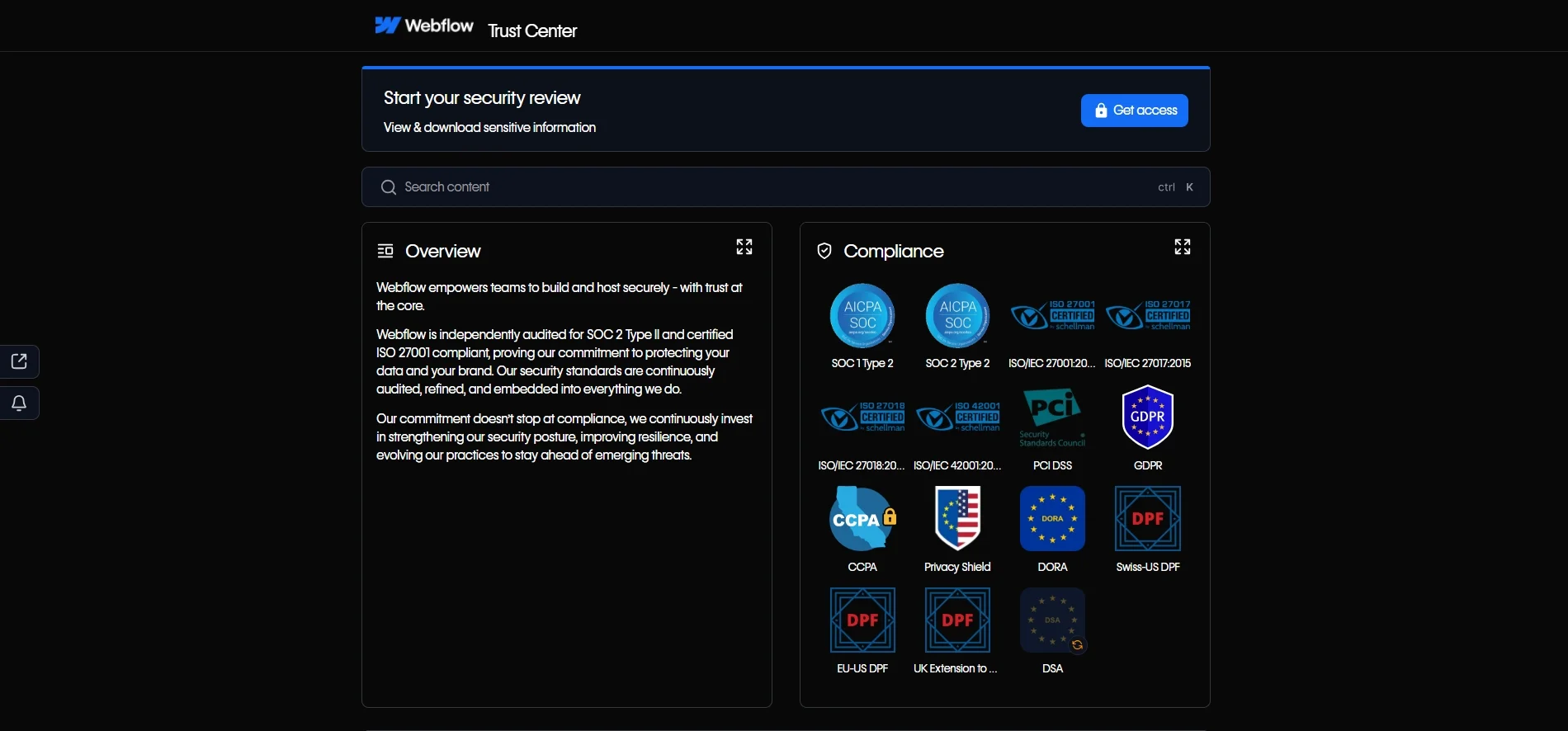
This does not eliminate every risk. Custom scripts, external embeds, marketplace apps, access permissions, and connected services still need review. Webflow itself warns that custom code can conflict with platform functionality. For teams without technical staff, Webflow generally requires less infrastructure maintenance; for organizations needing full control, WordPress remains an option.
#7. Collaboration: WordPress wins on seat costs
The verdict:
WordPress does not charge a platform fee for adding editors and writers. Webflow offers useful visual collaboration, but access levels and paid seats should be considered in the budget.
WordPress
WordPress includes roles such as Administrator, Editor, Author, and Contributor. You can add team members without paying a fee per WordPress user, although hosting and editorial tools may still cost money.
WordPress 7.1 improved Notes with rich text and @mentions, making in-editor feedback more useful. Full real-time collaborative editing was not included in that release, so a team requiring simultaneous design work may need a different workflow.
Webflow
Webflow Workspaces include one full seat and support review-only access. Additional seats are priced according to the permissions required:
| Seat type | Price | What they can do |
|---|---|---|
| Full | $39/mo billed yearly | Design sites and manage higher-level settings |
| Limited | $15/mo billed yearly | Edit content or assemble pages from approved components |
| Free | $0 | Review and comment without editing |
Reviewer/comment access and eligible agency or freelancer guests can help teams collect feedback without paying for every stakeholder. For example, three additional limited seats cost $540/year at $15 per month. If those users need full design access, the cost is higher. WordPress usually wins on direct seat costs; Webflow may be preferable where visual feedback and permissions are central to the process.
#8. Plugins: WordPress wins on extensibility
The verdict:
WordPress has a much larger extension ecosystem, making specialized business functions easier to add. Webflow offers a useful mix of native capabilities, Apps, custom code, and Cloud-hosted applications.
WordPress
The official WordPress.org directory currently lists more than 78,000 free plugins, plus a large commercial ecosystem. Plugins cover SEO, ecommerce, memberships, analytics, events, bookings, and many other needs.
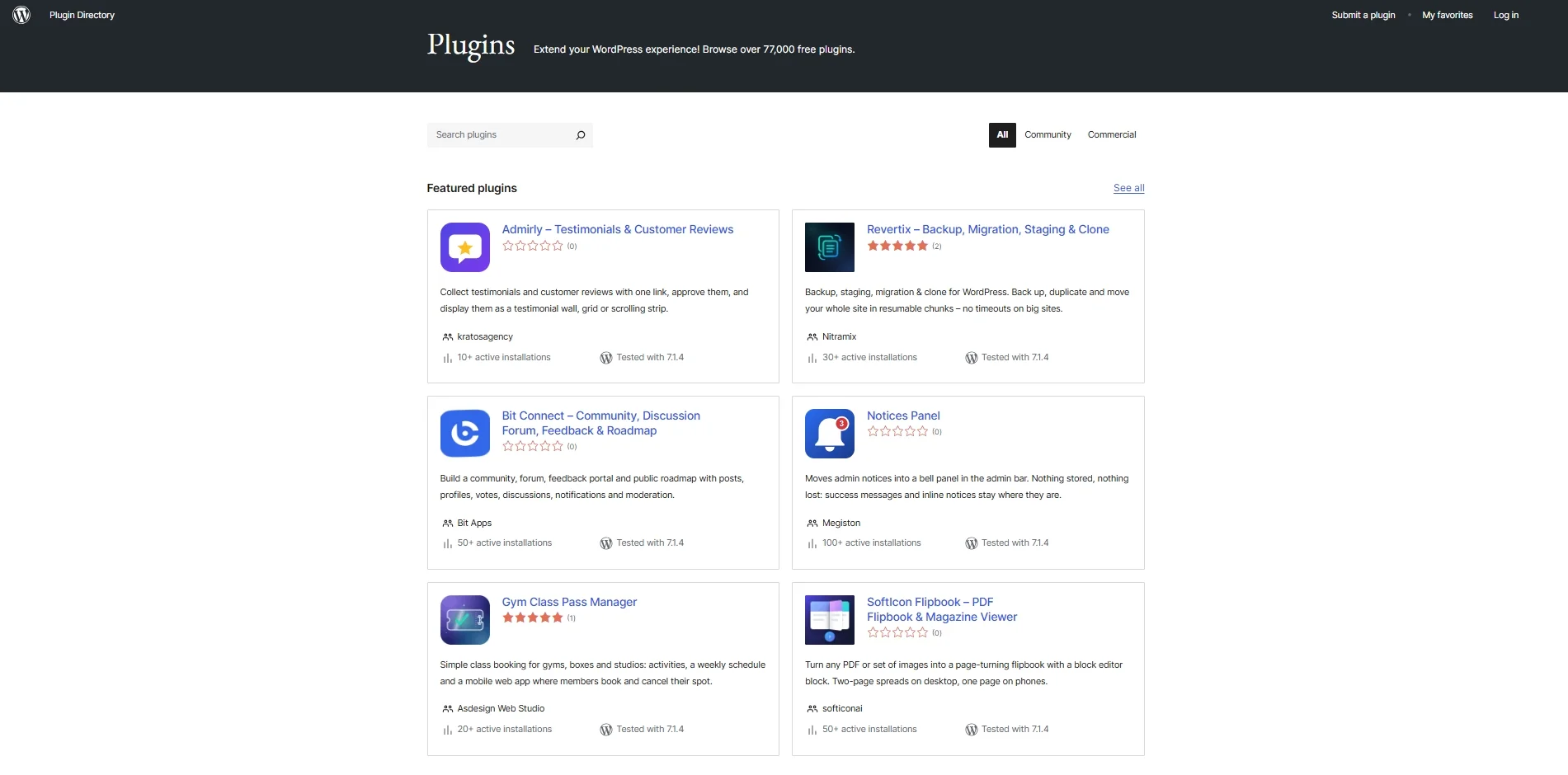
WooCommerce is a good example: a plugin expands a publishing CMS into a customizable store. The trade-off is maintenance and potential conflicts between extensions, so plugin quality matters more than the raw number installed.
Webflow
Webflow includes forms, redirects, SEO metadata, interactions, and a visual CMS without requiring separate WordPress-style plugins. Its App Marketplace and APIs extend functionality further.
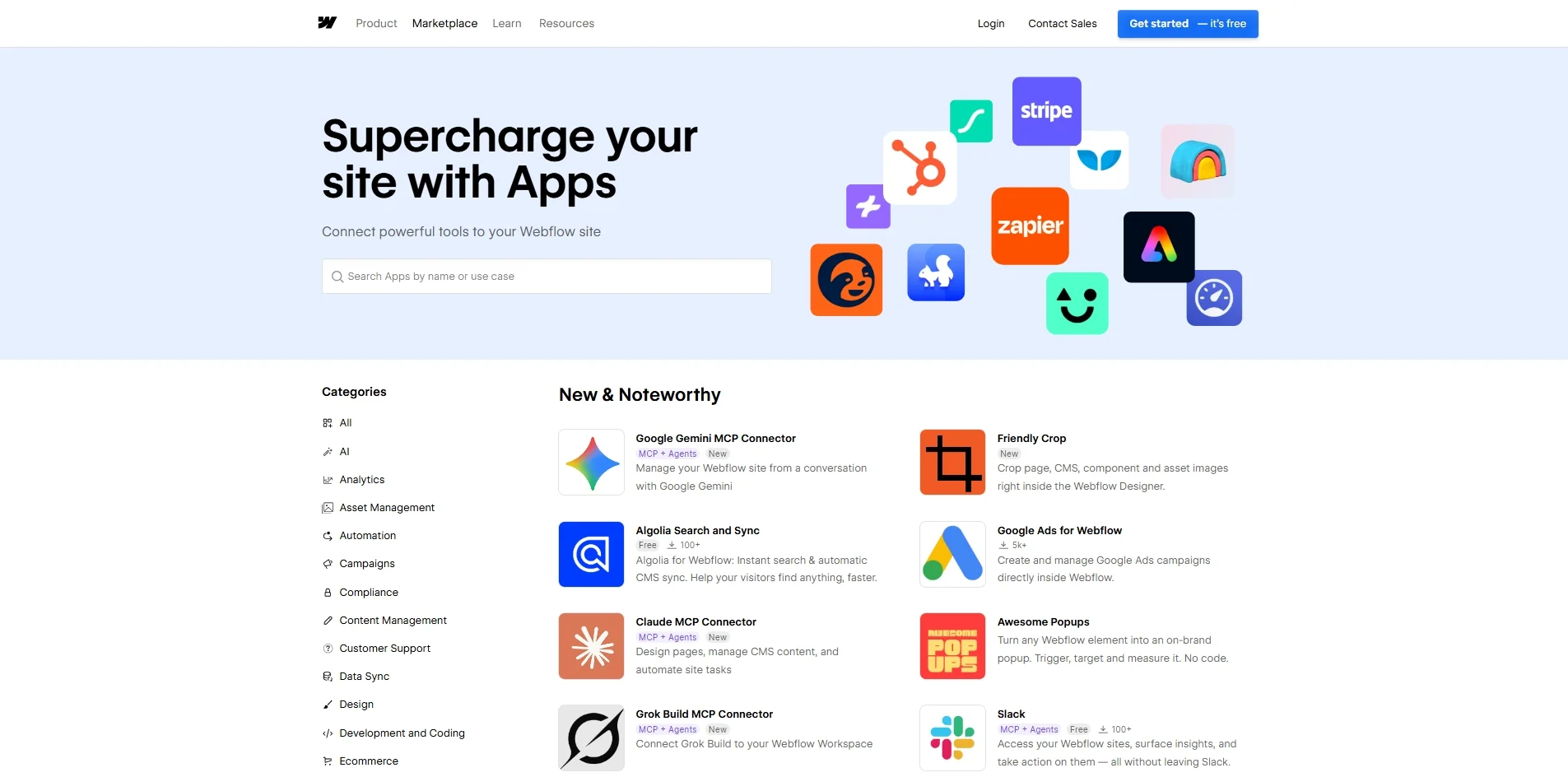
For more advanced development, Webflow Cloud supports full-stack apps with server-side logic and storage. This is different from having unrestricted access to the native Webflow CMS database; it also requires development work.
The key question is whether a required feature has a reliable native option, app, custom integration, or API. WordPress is more likely to have an established extension for niche requirements, while Webflow may be simpler when the feature set is already built in.
#9. SEO: WordPress wins for advanced optimization
The verdict:
Both platforms support modern on-page and technical SEO. WordPress usually offers greater freedom for complex, large-scale SEO operations; Webflow covers the essentials and can be extended through custom code, APIs, and integrations.
WordPress
WordPress gives SEO teams control over URL structures, taxonomies, templates, plugins, and server configurations. Tools such as Yoast SEO and Rank Math can help with metadata, schema markup, redirects, and content optimization. Bulk operations and programmatic changes are possible through plugins, database access, or code.
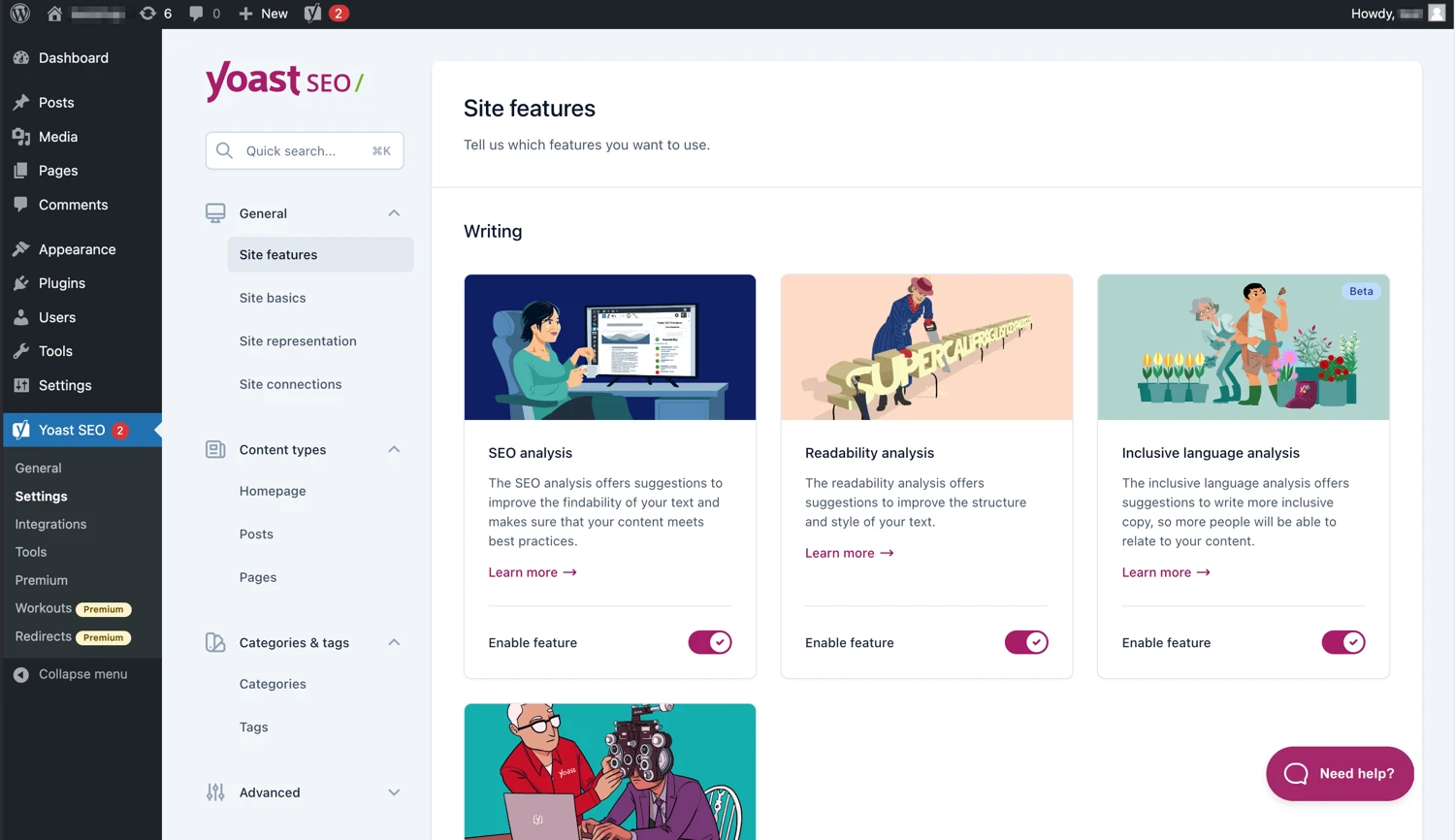
That flexibility is valuable for a publication managing thousands of articles, multiple custom post types, or complex internal linking. The downside is that SEO plugins and templates still need configuration and maintenance.
Webflow
Webflow supports editable title tags and descriptions, Open Graph data, image alt text, canonical settings, XML sitemaps, robots.txt, redirects, and structured data. Dynamic CMS fields can power repeated SEO templates. Custom code, APIs, and external tools can support more specialized requirements.
Webflow also provides AI-assisted audits and AEO features. Those tools can help teams spot issues, but neither platform receives a ranking advantage simply because of its CMS. Google states that no special markup or optimization is required to be eligible for AI Overviews beyond existing Search requirements and SEO best practices. See Google Search Central guidance on AI features.
What about speed and Core Web Vitals?
Neither WordPress nor Webflow guarantees better rankings or Core Web Vitals. On WordPress, hosting, caching, themes, and plugins affect loading performance. On Webflow, animations, media, fonts, and third-party scripts remain important. Compare actual URLs using field data in PageSpeed Insights and Search Console.
Verdict: choose WordPress for extensive technical control, unusual URL structures, or large-scale SEO workflows. Choose Webflow if your team wants native SEO essentials closely integrated with a visual publishing workflow.
#10. eCommerce: WordPress wins for large stores
The verdict:
WooCommerce is the more flexible choice for complex catalogs, localized stores, and custom checkout workflows. Webflow Ecommerce can work well for smaller design-led stores within its limits.
WordPress
WordPress itself is not an ecommerce platform. Install WooCommerce to add products, inventory management, carts, checkout, and orders. The core WooCommerce plugin is free, but payment processing, hosting, premium extensions, and maintenance can add to the cost.
WooCommerce supports large product catalogs and a broad network of integrations for shipping, taxes, subscriptions, marketplaces, and local payment methods. Its scale in practice still depends on hosting quality and implementation. For details, see our WooCommerce review.
Webflow
Webflow Ecommerce integrates the shopping experience with the visual Designer. Pricing is based on Ecommerce plans, and the allowed item count increases across tiers:
| Plan | Price (billed yearly) | Ecommerce items | Webflow transaction fee |
|---|---|---|---|
| Standard | $29/mo | 500 | 2% |
| Plus | $74/mo | 5,000 | 0% |
| Advanced | $212/mo | 15,000 | 0% |
These limits cover products, product categories, and SKUs. A product without options already counts as two items (the product and its default SKU). A product with two colors and three sizes counts as seven items (one product plus six variant SKUs), before categories are added. The Standard plan’s 2% Webflow fee is in addition to payment processor fees. At $10,000 in monthly sales, that fee alone would be $200 before processing charges.
Before deciding, check the payment methods, shipping rules, inventory workflows, third-party integrations, and languages your store requires. Most importantly, native Webflow Localize does not support localization of Ecommerce products, categories, or Ecommerce pages. This is a major consideration for international sellers.
For a simple shop where brand-led presentation matters most, Webflow can be a good fit. For multilingual ecommerce, large catalogs, or complicated store operations, WooCommerce generally offers more options.
#11. Localization: WordPress wins for multilingual sites
The verdict:
WordPress offers more approaches to multilingual publishing and ecommerce. Webflow Localize provides integrated tools for non-ecommerce content, but its per-locale pricing and Ecommerce limitation are important.
WordPress
WordPress typically uses plugins such as WPML, TranslatePress, or Polylang to manage translations, localized URLs, and multilingual SEO. The exact feature set varies by plan and plugin.
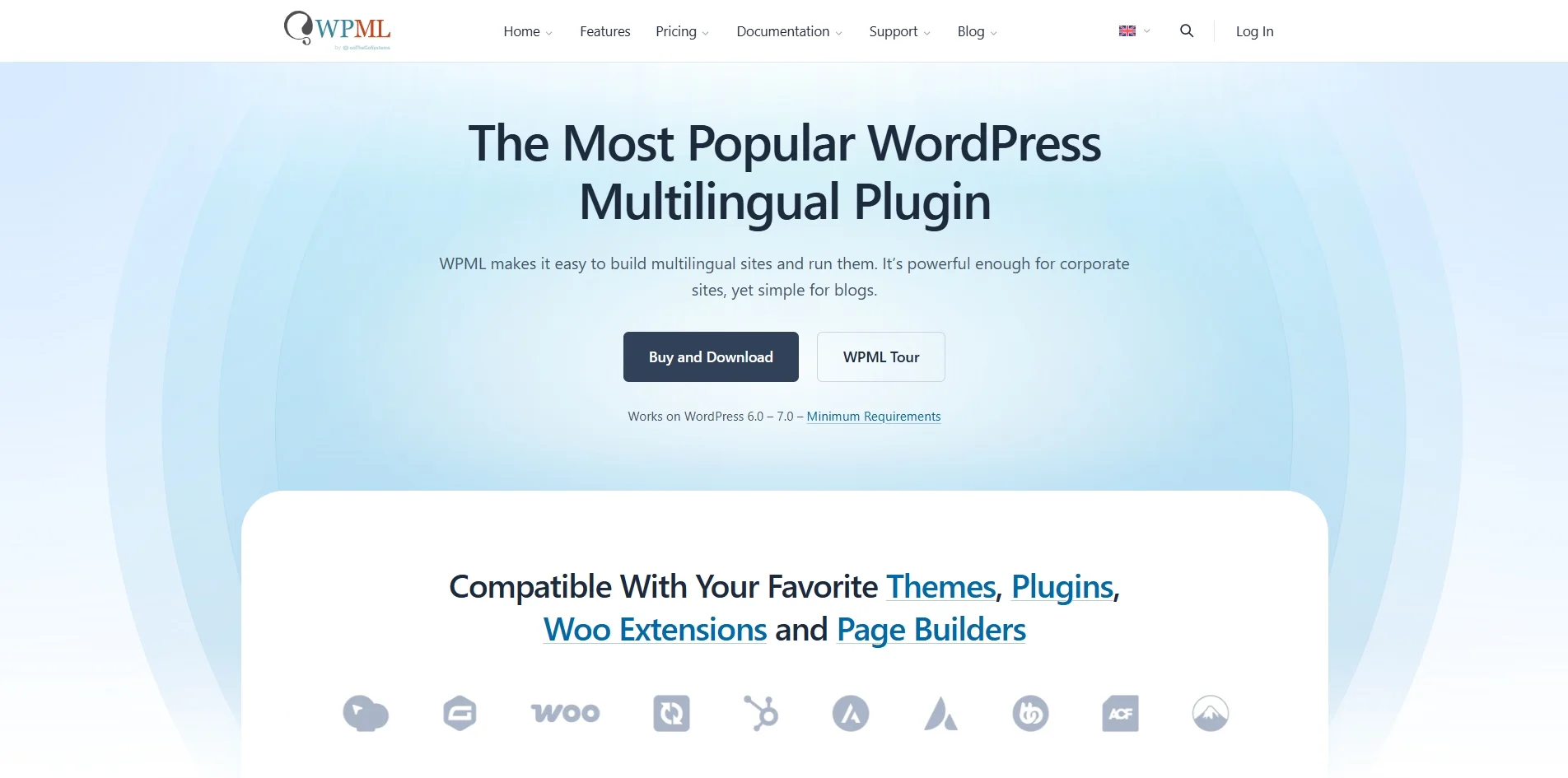
Some licenses support many languages for a fixed subscription, but automatic translation credits, advanced features, and site-license limits may add costs. WooCommerce multilingual setups also require testing translated products, categories, checkout, and payment/shipping rules.
Webflow
Webflow Localize allows teams to translate static pages and supported CMS content, adjust styles for each language, and manage localized SEO settings from within the platform.
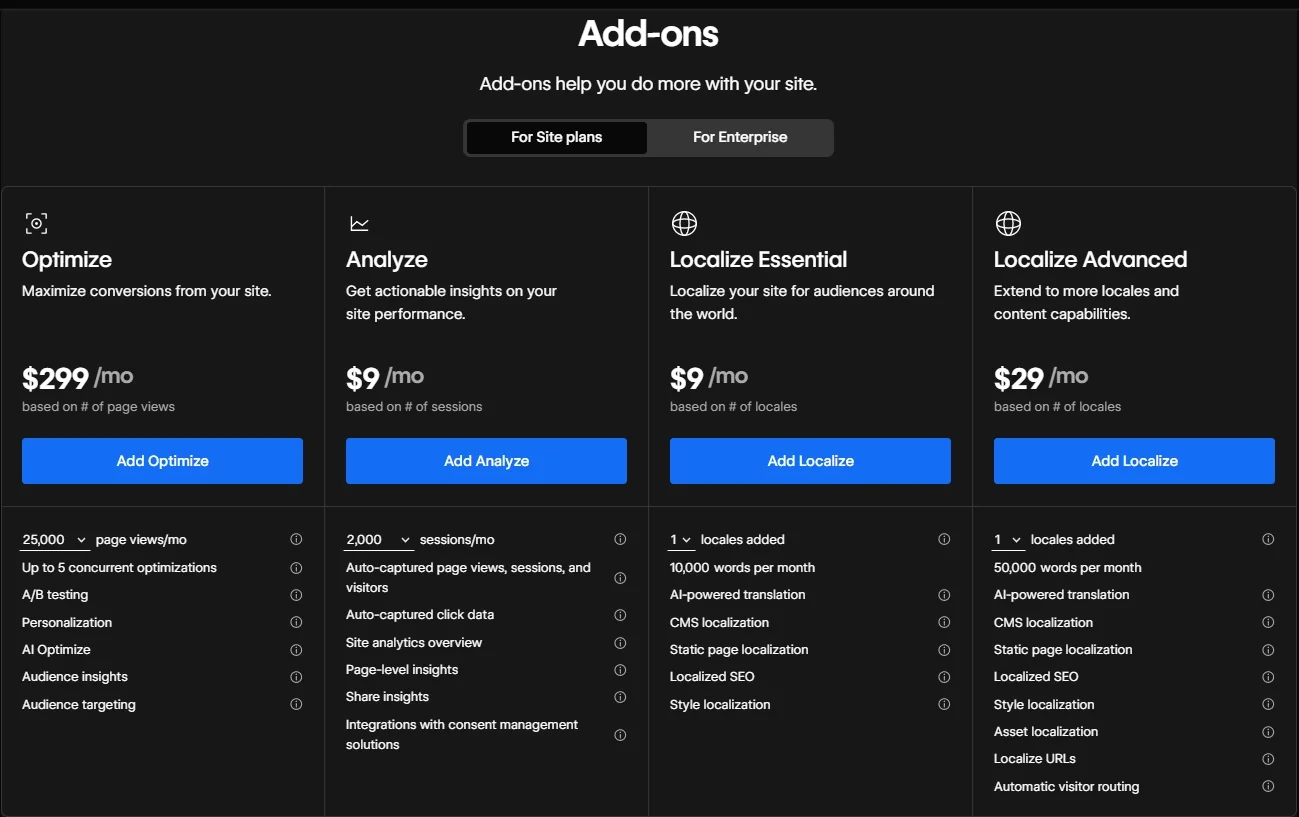
Localize Essential starts at $9/month and Advanced at $29/month, with prices depending on the number of paid secondary locales. Essential provides 10,000 AI translation words per locale per month, while Advanced provides 50,000 per locale per month, with additional options available when allowances run out.
The deciding limitation is that Webflow Localize does not support native Ecommerce products, categories, or pages. For an international marketing website, it can work well. For a multilingual store using native Webflow Ecommerce, evaluate alternatives carefully rather than assuming all product content can be translated.
#12. Support: Webflow wins on simplicity
The verdict:
Webflow offers centralized support for its hosted platform; WordPress has extensive community resources and support from the providers you choose. Neither replaces specialist help for every integration or custom-code issue.
WordPress
Self-hosted WordPress does not come with a single vendor responsible for every layer of the stack. Its forums, documentation, developers, agencies, and large ecosystem help users troubleshoot common issues.
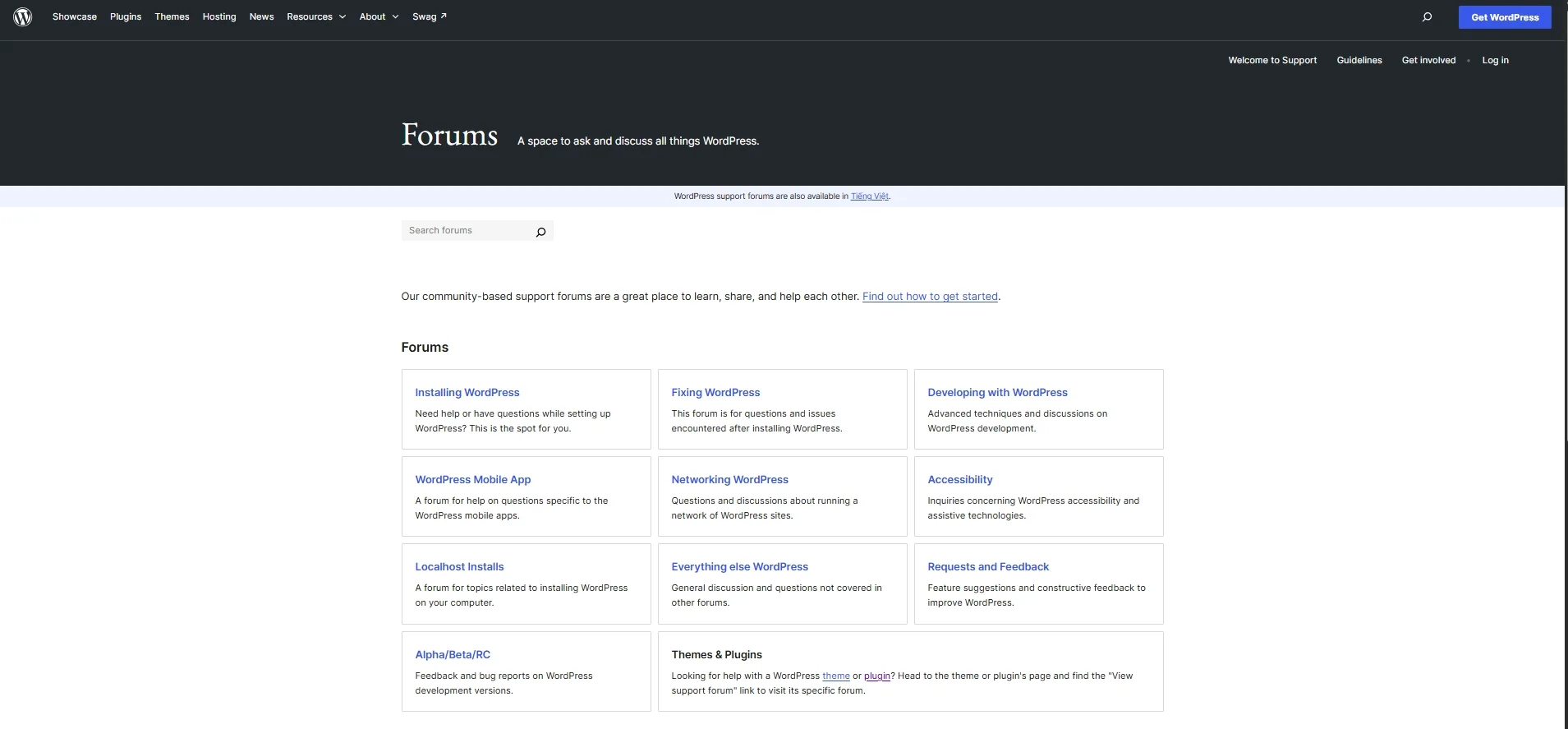
Your hosting provider may offer infrastructure support, while premium plugin or theme vendors can help with their products. For business-critical websites, a reliable maintenance partner or internal technical owner can make this distributed model work smoothly.
Webflow
Webflow provides an official support portal, Help Center, and Webflow University. Higher-tier contracts can include priority support and additional service arrangements; standard response targets should not be presented as an unconditional guaranteed resolution time.
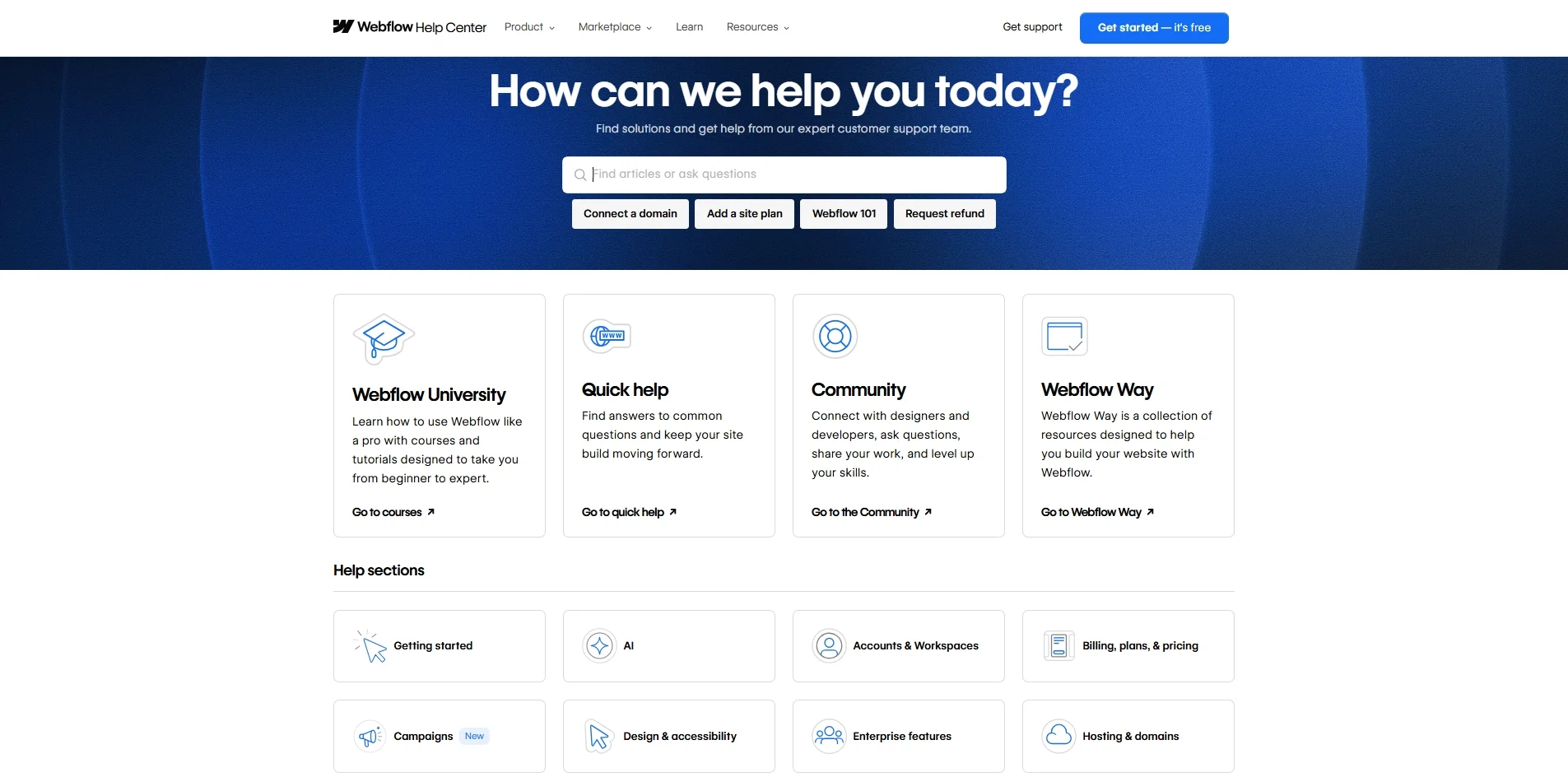
This centralized support is valuable for teams with limited technical resources. However, Webflow’s support policy does not cover troubleshooting every custom script or third-party integration. If your website relies on those elements, you may still need a developer.
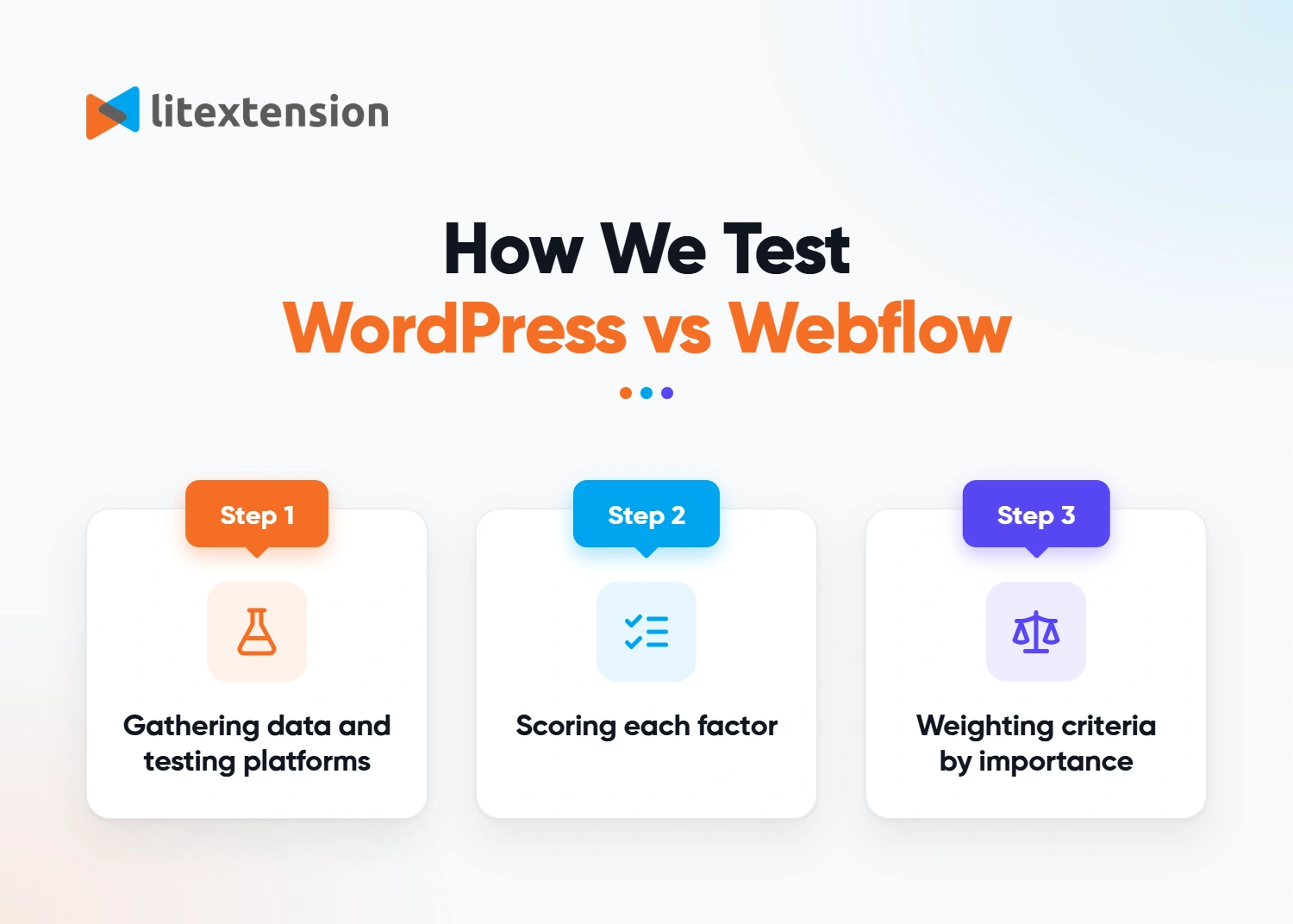
Our Methodology
We compare WordPress.org and Webflow using the factors that most affect a real website decision: total cost, publishing workflow, design, CMS scalability, SEO, ecommerce, hosting, maintenance, collaboration, localization, integrations, and support. Our conclusions are scenario-based recommendations, not a universal numerical ranking.
Step 1. Verify platform features and limits
We use the current pricing and help documentation from both platforms for plan limits, seats, code export, localization, and ecommerce. We cross-check relevant search guidance against Google Search Central, and distinguish platform quotas from infrastructure limitations.
Step 2. Compare practical workflows
We consider the tasks a website owner or team must complete: publish an article, update a template, give editors access, maintain the website, run an online store, and move to a new platform. Ease-of-use and design judgments are qualitative; they are not universal laboratory scores.
Step 3. Match the platform to a scenario
Pricing examples use stated assumptions and exclude costs that are not quoted. Similarly, we do not claim one platform is inherently faster, more secure, or better for Google rankings in every implementation. The strongest option depends on your actual feature requirements, traffic, team, and technical capacity.
WordPress vs Webflow: Which Should You Select?
Choose WordPress if you need an extensible publishing system, extensive SEO control, a complex store, or a large editorial team. Choose Webflow if you want a design-led website with integrated hosting and a small team that prefers visual editing. The right answer depends on the website you are building.
| Website or business | Often the better fit | Why |
|---|---|---|
| Personal blog or online publication | WordPress | No platform-level post cap; strong editorial and SEO ecosystem |
| Designer portfolio or branded landing pages | Webflow | Fine control over responsive visual design and interactions |
| SaaS marketing website | Depends | Webflow for visual marketing autonomy; WordPress for custom content models or integrations |
| Large online store | WordPress + WooCommerce | Broader fulfillment, checkout, payment, and catalog flexibility |
| Multilingual ecommerce store | WordPress + WooCommerce | Native Webflow Localize cannot translate Ecommerce products and pages |
| Small brochure site with minimal maintenance | Webflow or managed WordPress | Compare full cost, editing needs, and preferred workflow |
There is also a strong case for not switching. If your current website performs well, your team can manage it, and the other platform does not solve a meaningful business problem, migration costs and SEO risks may outweigh the benefits.
What If You Use Webflow But Want to Migrate to WordPress?
Moving from Webflow to WordPress can give you more control over hosting, content structures, plugins, and ecommerce functionality. However, exporting a Webflow site does not produce a fully functional WordPress website. The scope depends on what your site uses.
| Website element | What to expect when migrating |
|---|---|
| Static pages and design | Paid Workspace code export includes HTML, CSS, JavaScript, and assets, but these usually need conversion or rebuilding as WordPress templates. |
| CMS content | Collection items can be exported separately as CSV; fields, categories, and relationships must be mapped to WordPress content structures. |
| Products and ecommerce data | Relevant records can be exported separately, but product structures, orders, checkout, shipping, and integrations require scope-specific planning. |
| Forms, search, user accounts, and localized content | These do not transfer as working features through a simple code export; replacements and/or separate data exports are required. |
| URLs and SEO settings | Prepare a URL mapping, redirects, metadata, canonical tags, internal links, and XML sitemaps before launch. |
Webflow explains the code-export exclusions in its official export documentation. If URLs change during migration, Google recommends permanent redirects, updated internal links, a new sitemap, and monitoring in Search Console. Rankings can fluctuate while Google processes the move.
If your project includes products, customers, orders, or another complex data structure, consider getting professional support. LitExtension’s Premium All-in-One Migration Package offers expert assistance with planning and carrying out supported data migration work. Confirm the data types, custom fields, design rebuild, and third-party integrations included in your quote before proceeding.
For a smoother transition, back up source data, test a sample import, validate key pages and store functionality, and review redirects before changing your live domain. Our team can discuss your migration requirements and help clarify the supported scope.
Let Our Experts Handle Your Store Migration!
Tell us what data and features you need to move. Our experts can review the migration scope, clarify potential limitations, and recommend the next steps.

WordPress vs Webflow: FAQs
Which is better: Webflow or WordPress?
WordPress is usually better for complex blogs, extensive customization, large catalogs, and teams that want control over their hosting and plugins. Webflow is often better for design-led marketing websites that value visual editing, integrated hosting, and simpler upkeep. Neither wins for every website.
Should I switch from WordPress to Webflow?
Switch if Webflow solves a clear problem, such as slow design workflows or the effort of maintaining your hosting. Before moving, compare CMS item limits, integrations, team-seat costs, URL changes, and the work needed to rebuild templates. Staying on WordPress may be better if your current system already meets those needs.
How much does it cost to add more editors to a Webflow site?
A Webflow Workspace includes one full seat. Additional limited seats are $15 per month and full seats are $39 per month, billed yearly. Free review-only access is available. WordPress does not charge platform licensing fees per user, although your host or editorial tools may have their own charges.
What is Webflow’s CMS item limit, and what counts toward it?
The Premium Site plan supports up to 20,000 CMS items across 40 Collections. Each record stored in a Collection counts as an item, including a blog post, category, tag, or author only if you model it as a Collection item. Ecommerce products and variants have separate item limits under Ecommerce plans.
Is WordPress or Webflow better for SEO?
Both support SEO fundamentals. WordPress offers broad customization through plugins, templates, and server access; Webflow has built-in metadata, canonical settings, sitemaps, redirects, schema options, and integrations. Neither receives automatic Google or AI Overview preference solely because of its CMS.
Is Webflow or WordPress better for eCommerce?
WooCommerce is generally more flexible for large catalogs, custom checkout requirements, and multilingual stores. Webflow suits smaller design-focused shops, but its Ecommerce plans have item limits and the Standard plan adds a 2% transaction fee. Webflow Localize cannot translate native Ecommerce products or pages.
Do WordPress and Webflow offer mobile-friendly designs?
Yes. WordPress supports responsive themes and, in WordPress 7.1, responsive block styles in compatible block themes. Webflow lets designers adjust layouts across visual breakpoints. Actual mobile speed and usability depend on implementation.
Is WordPress or Webflow better for blogging?
WordPress is typically stronger for long-running publications with many contributors, flexible taxonomies, and advanced SEO workflows. Webflow is a good option for visually consistent marketing blogs that fit its CMS limits and publishing model.
Can I export a Webflow website to WordPress without losing functionality?
Not with code export alone. Webflow can export static code on eligible Workspaces and CMS records through separate CSV exports, but dynamic CMS features, ecommerce functions, forms, and user-account logic need to be recreated or migrated separately. A staging test and URL redirect plan are important.
Conclusion
In the WordPress vs Webflow comparison, the strongest choice depends on your website’s purpose. WordPress gives content teams and online stores more room to customize, while Webflow simplifies visual site building, hosting, and routine platform upkeep. Compare full costs, CMS limits, editing workflows, integrations, and migration requirements before committing.
If you are evaluating other solutions, explore our eCommerce Platform Section or join the LitExtension Community Group to discuss your options.

