In 2025, Shopify has just updated the variant limit to 2,048 variants per product, but many stores still can’t access it. In these cases, the Shopify variant limit of 100 remains a real challenge.
In this guide, we’ll cover the following key points to help you overcome this Shopify product variant limit:
- What is the Shopify variant limit?
- How to get more than 100 variants Shopify?
- What are the best apps to extend Shopify variant limit per product?
Keep reading to find the answers to these questions!
What is Shopify Variant Limit 2026?
A Shopify variant is a specific combination of product options, such as size, color, or material. The Shopify variant limit determines how many variants you can create for a single product and how many variants your store can handle at scale.
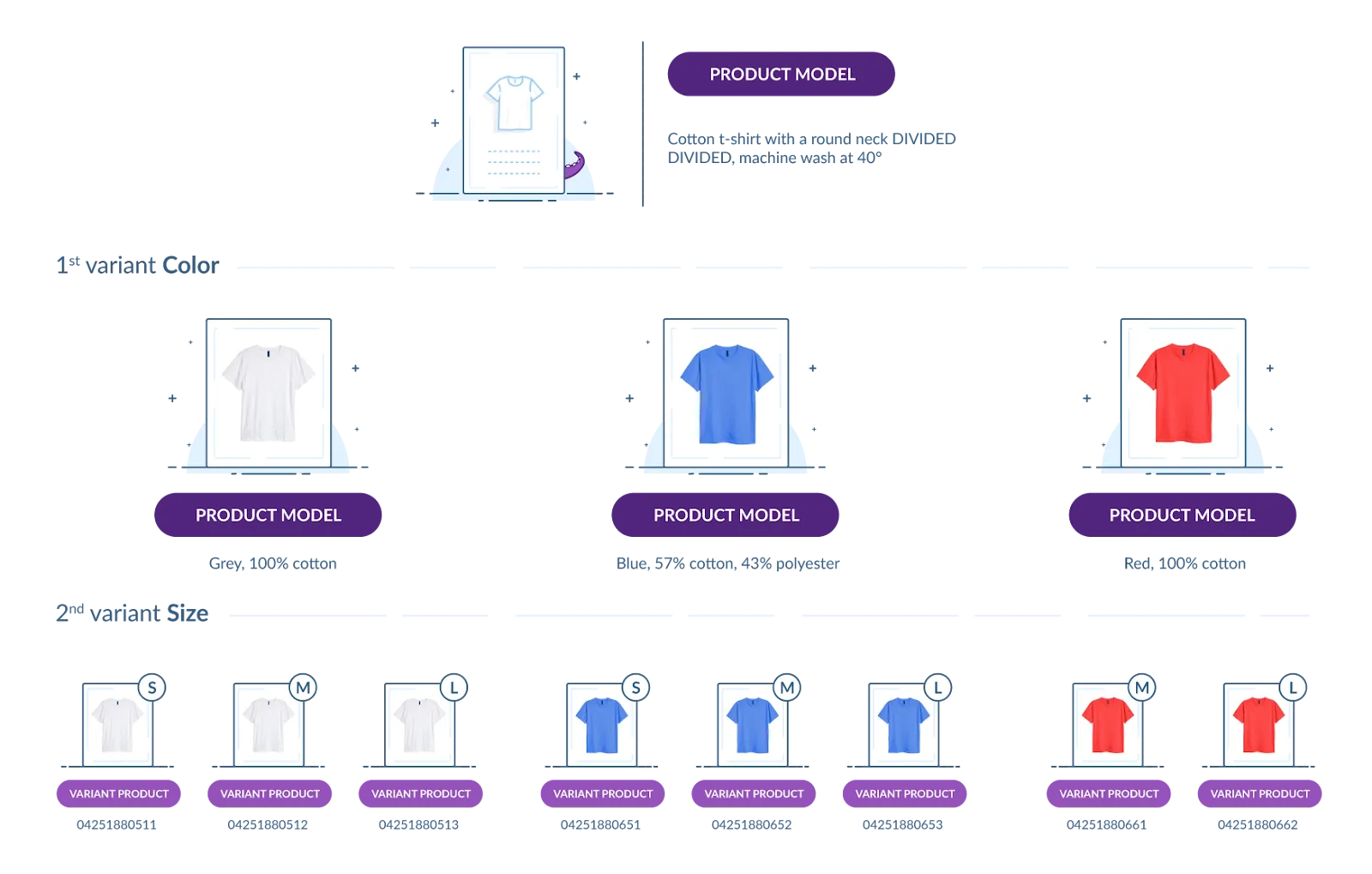
Previously, Shopify capped each product at 100 variants. The limit has since increased to up to 2,048 variants per product for eligible stores using the newer product architecture. However, the 3-option limit remains, meaning each product can still use only three option types, such as Size, Color, and Material.
For example, a product with 8 sizes, 10 colors, and 20 materials would have 1,600 possible combinations—within the 2,048-variant limit but still subject to the 3-option restriction.
There are also limits at the store level. Once a store reaches 50,000 total variants, Shopify limits bulk variant creation to 1,000 new variants per day. In short, the 2,048-variant limit applies per product; meanwhile, the 50,000-variant threshold affects how quickly you can add variants across the entire store.
Is Shopify’s 2,048 Variant Limit Available to All Stores?
Yes. Shopify’s 2,048 variant limit became available to all merchants on October 15, 2025, replacing the previous 100-variant cap. The increased limit is available across Shopify plans without requiring an upgrade or additional cost.
However, some stores still face limitations when using more than 100 variants. Older themes or apps that don’t support Shopify’s modern GraphQL product APIs may experience display or compatibility issues with products exceeding 100 variants. The 3-option limit per product also remains unchanged.
To sum it up, although the 2,048-variant limit is now available across Shopify, merchants should check their themes, apps, and integrations before increasing a product beyond the old 100-variant threshold.
Read More:
3 Smart Hacks to Bypass Shopify 100 Variant Limit
Given that Shopify’s expanded 2,048 variant limit is currently accessible only under specific conditions, many merchants still face the challenge of the 100-variant cap. If your store requires more variants than this Shopify variant limit allows, here are some practical workarounds to consider:
1. Break products into smaller listings
One easy way to work around Shopify’s 100-variant limit is to create a separate product for each major option, like color or material. This keeps things simple and actually makes your store easier to browse.
Let’s say you sell a t-shirt in 6 colors and 5 sizes. Instead of trying to fit all 30 combinations into one product, you can create 6 separate product pages-one for each color. Then, inside each product, you just use size as the variant.
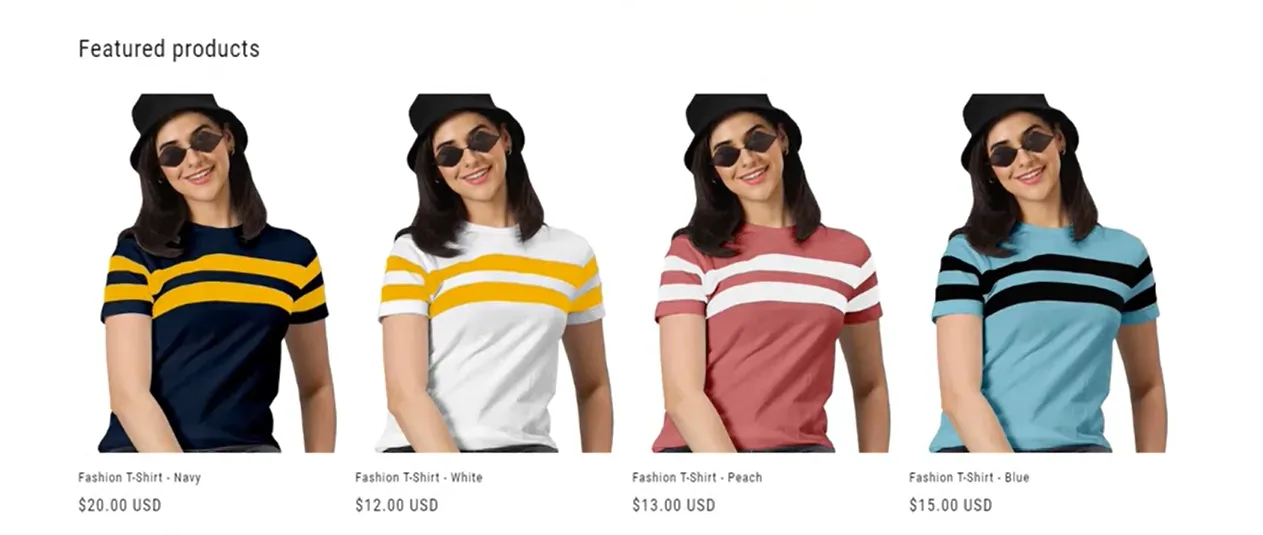
To do something similar in your store:
- Create one product per color (or other main feature).
- Add buttons or color swatches that link between the products.
- Utilize a simple tool, such as metafields, to manage those links.
For SEO, you can add a canonical tag to the similar product pages. This tells Google they’re all versions of the same thing, so you don’t get penalized for having duplicate content. Something like this:
<link rel="canonical" href="https://yourstore.com/products/t-shirt">
This way, customers get a smooth shopping experience, and you stay well under the variant limit, without needing fancy apps or custom code.
2. Customize your theme code
If you’re comfortable with coding, or you’re working with a developer, you can also customize your theme code to bypass the Shopify variant limit of 100. But fair warning: this workaround can get tricky, and it’s not really recommended unless you know your way around code.
Here’s the basic idea:
- Create one product with up to 100 variants.
- Create another product with a different set of variants.
- Then, use theme code to merge them visually on the storefront, so it appears as one large product with multiple options.
However, the downside is that it’s easy to make a mistake if you’re not careful. Every Shopify theme is built a little differently, and editing the wrong piece of code could cause big problems on your site. Some problems that even Shopify’s support team might not be able to fix.
Additionally, this method can result in duplicate product pages, which can negatively impact your SEO unless you take extra steps to manage them effectively.
3. Utilize third-party apps
If you’d rather avoid editing code or breaking your products into smaller listings, third-party apps offer a flexible and beginner-friendly solution. These workaround tools are designed to bypass the Shopify variant limit by letting you add extra product options without creating actual variants in the backend.
With these apps, you can easily add dropdown menus, checkboxes, color swatches, and text fields to your product pages. This opens the door to things like adding details, bundle selections, custom sizes, and more, all without hitting Shopify’s built-in cap. In the next section, we’ll walk through the top apps worth trying.
Make Your Switch to Shopify Easier
LitExtension simplifies the migration process so you can move your store data to Shopify without the usual manual work.

5 Best Apps to Overcome the Shopify Variant Limit
Now that you know third-party apps are one of the best ways to bypass the Shopify variant limit, let’s take a closer look at some of the top options available. Each app offers different strengths depending on what kind of customization your store needs.
1. Infinite Product Options
Pricing: $12.99/month (14-day free trial)
Rating: 4.8/5 (from 4,000+ reviews)
Infinite Product Options solves the Shopify variant limit by allowing you to create unlimited custom fields, such as text inputs, dropdowns, and checkboxes, outside of the native variant structure. It’s a lightweight solution that works perfectly for stores requiring basic personalization, such as engraving, monogramming, or simple product add-ons, without overcomplicating the setup.
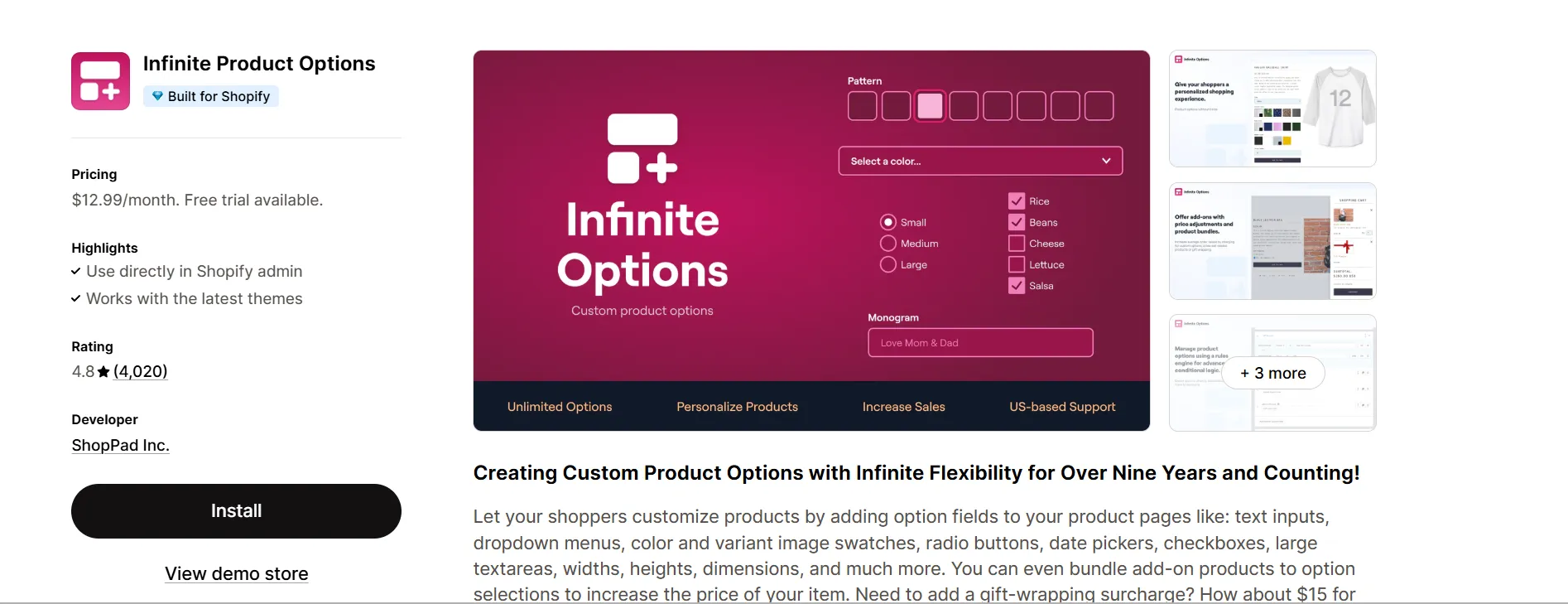
Key features:
- Add text inputs, radio buttons, checkboxes, dropdown menus, and color swatches;
- Create addon bundles to increase average order value;
- Personalize products with engraving, monogramming, and printing options;
- Use conditional logic to show or hide options based on customer selections;
- USA-based support team available to assist when needed.
2. Hulk Product Options Variant
Pricing: Starts at $10/month (Free plan available)
Rating: 4.7/5 (from 1,900+ reviews)
For larger stores managing lots of SKUs, Hulk Product Options shines. Like the others, it works around Shopify’s 100-variant cap by using custom fields – but it also lets you apply the same set of options across multiple products at once, making it a huge timesaver for growing catalogs.
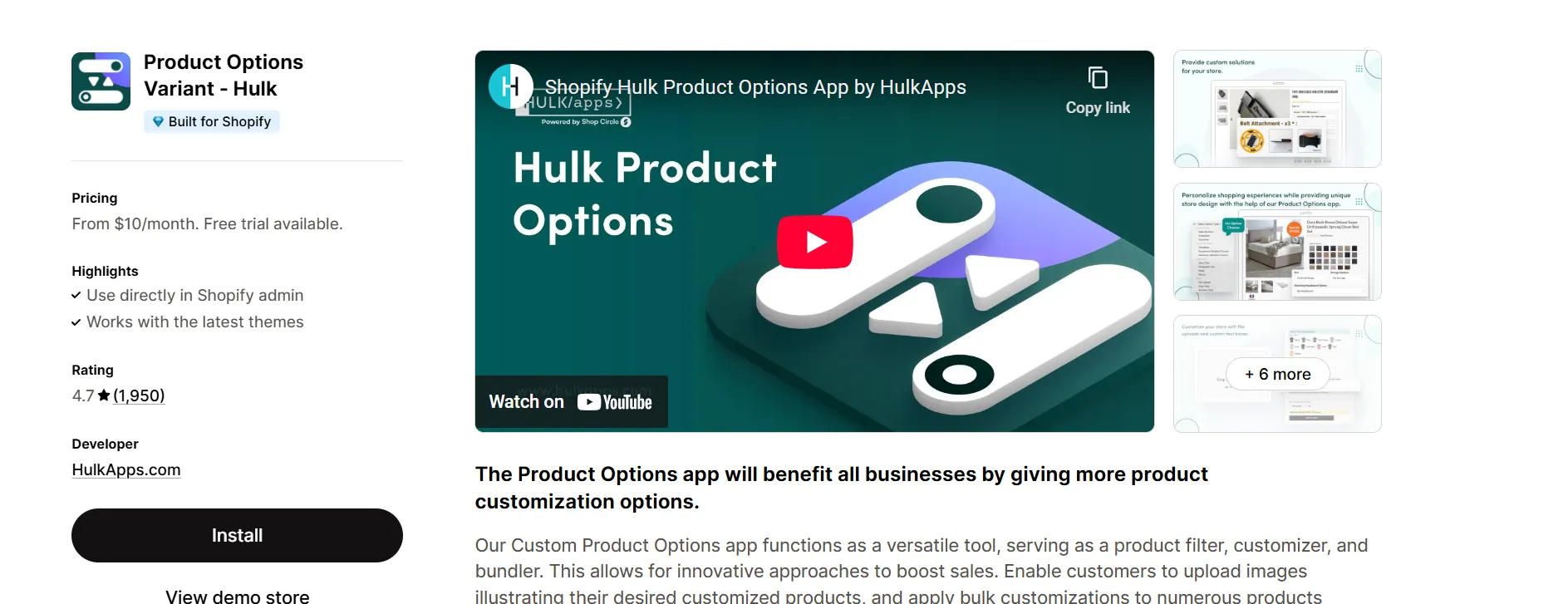
Key features:
- Offer product personalization with multiple custom options;
- Support “Buy Now” and Shop Pay express checkout buttons;
- Allow customers to upload images for custom product previews;
- Apply custom options in bulk across thousands of products;
- Display color swatches or photos during product selection.
3. SC Product Options
Pricing: $14.99/month (Basic) or $39.99/month (Premium)
Rating: 4.7/5 (from 2,600+ reviews)
Sometimes, it’s not just about functionality – it’s about the way your store looks, too. SC Product Options allows you to bypass the variant limit while maintaining a visually clean and stylish appearance. If polished color swatches, clean layouts, and a smooth customer journey are important, this app deserves a closer look.
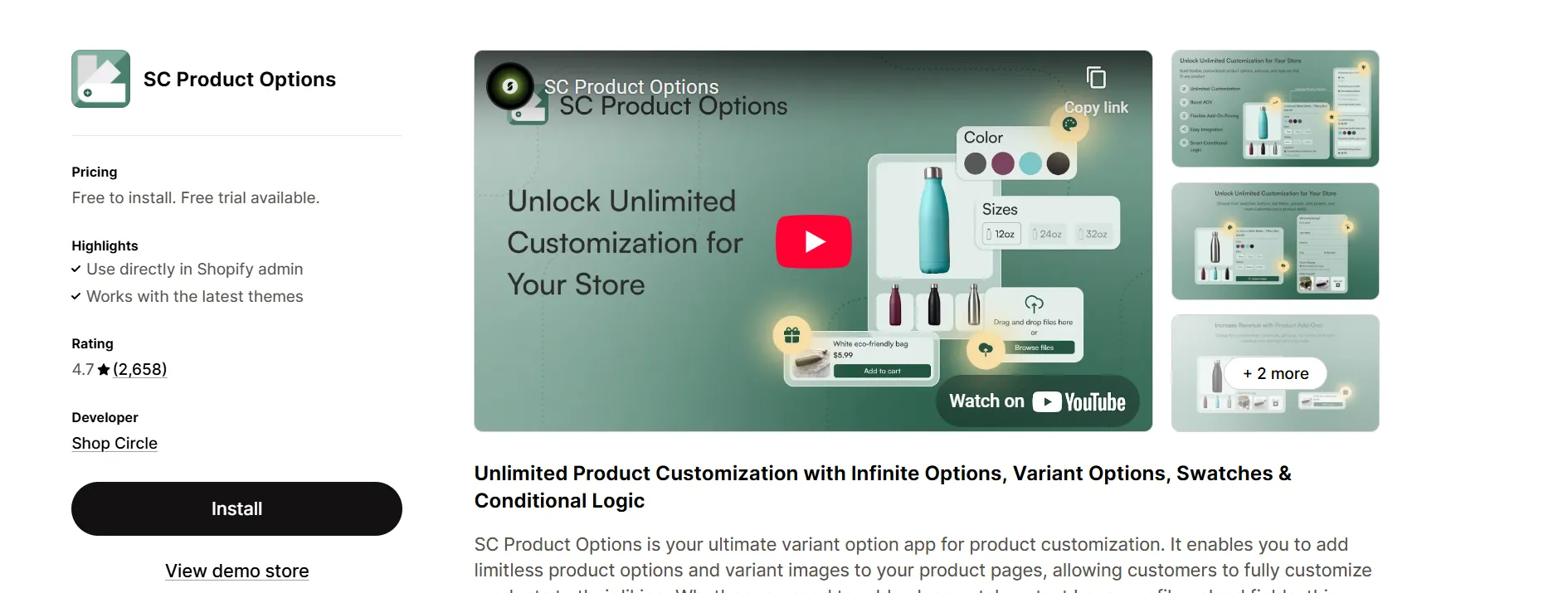
Key features:
- Create unlimited product options with advanced conditional logic;
- Upsell custom products to boost revenue and average order value;
- Show color swatches and variant images for visual customization;
- Collect customer details through text boxes and file uploads;
- Personalize products to reduce returns and improve retention.
4. OPTIS Product Options, Variant
Pricing: Paid plans at $9.99, $19.99, and $49.99/month (Free plan available)
Rating: 5.0/5 (from 1,500+ reviews)
OPTIS Product Options, Variant is a comprehensive solution designed to overcome Shopify’s 100-variant limit by allowing merchants to create unlimited product options and variants. What sets this app apart is its ability to link custom options directly to Shopify variants, ensuring accurate stock tracking and pricing. This feature is particularly beneficial for stores with complex product configurations, such as print-on-demand or custom bundle offerings.
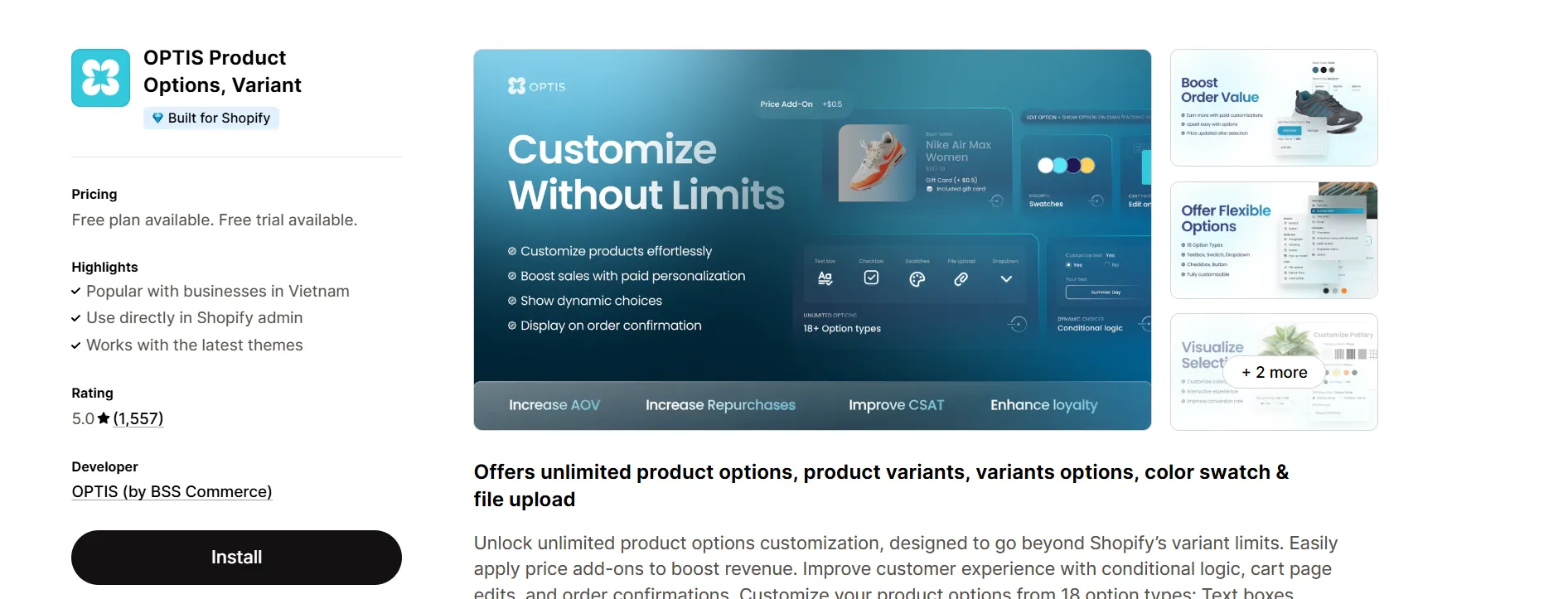
Key features:
- Offer 18+ option types like image swatches, dropdowns, buttons, and file uploads;
- Add extra fees to custom options to boost revenue;
- Show or hide options dynamically with conditional logic;
- Edit selected options directly from the cart page;
- Integrate custom options fully with Shopify discounts.
5. APO Product Options, Variants
Pricing: Paid plans start at $14.99/month (Free plan available)
Rating: 4.7/5 (from 600+ reviews)
If you’re looking for an all-in-one tool that combines deep customization with strong inventory control, APO Product Options, Variants is worth considering. Instead of just adding extra fields, APO goes further by linking custom options directly to Shopify’s variant system, allowing real-time stock updates, accurate pricing, and better order management. It’s a great fit for merchants scaling up with print-on-demand, bundles, or complex personalized products.
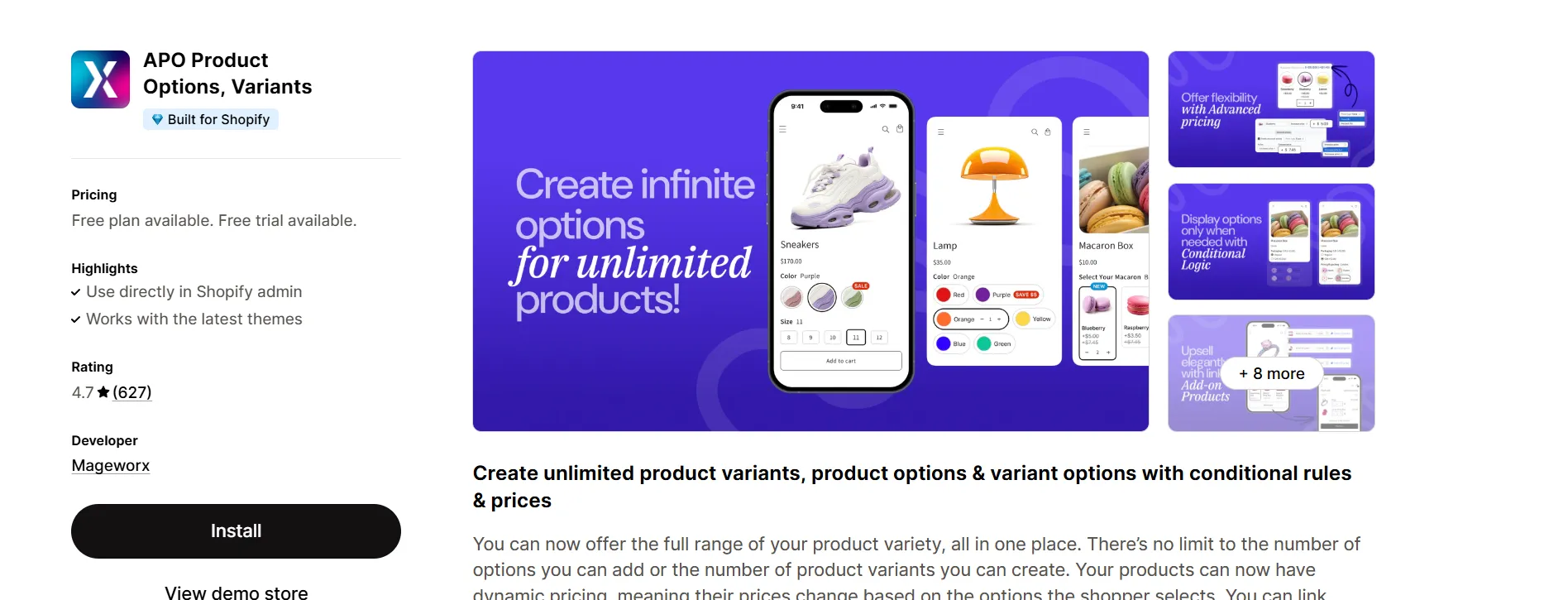
Key features:
- Create unlimited product variants by combining options and variants;
- Use 17 option types like color swatches, dropdowns, and checkboxes;
- Apply price add-ons, discounts, localization, and bulk edits;
- Control option visibility dynamically with conditional logic;
- Upsell and bundle by linking options to other products.
Shopify Variant Limit: FAQs
What are 2,048 variants per product on Shopify?
The 2,048 variant limit means that a single Shopify product can have up to 2,048 variants, such as different combinations of size, color, or material. This replaces the previous limit of 100 variants per product. However, Shopify still allows a maximum of 3 options per product.
Is Shopify’s 2,048 variant limit available to all stores?
Yes. Shopify made the 2,048-variant limit available to all merchants on October 15, 2025, across Shopify plans with no additional cost or upgrade required. However, some stores may still experience compatibility issues when exceeding 100 variants if their themes or apps do not support Shopify’s modern GraphQL product APIs.
Does Shopify have a product limit?
Shopify does not impose a limit on the total number of products a store can have. However, once a store reaches 50,000 products, it is limited to creating 1,000 new products per day, unless it is on Shopify Plus. Separately, each product can now have up to 2,048 variants, subject to Shopify’s other product and API limitations.
What is the variant inventory policy in Shopify?
Each Shopify variant can have its own SKU, inventory quantity, price, weight, and barcode. Shopify tracks inventory at the variant level, allowing merchants to manage stock separately for each product combination, such as a Red T-shirt in size M.
What is the variant limit for 50,000 Shopify?
The 2,048-variant limit applies to each product, not to the entire store. A store can therefore have multiple products with up to 2,048 variants each. However, Shopify also applies store-level thresholds: after reaching 50,000 total variants, bulk variant creation is limited to 1,000 new variants per day.
Can you migrate up to 2048 variants per produt on Shopify?
Yes, you can migrate and create up to 2,048 variants per product on Shopify. You are still limited to a maximum of 3 option types per product (such as size, color, and material), meaning the increase allows more values within those three categories rather than adding more option categories.
Conclusion
Although Shopify has announced a 2,048-variant limit for 2025, most stores are still limited to the old 100-variant cap. In this guide, we cover everything you need to know about the current Shopify variant limit, explain the reality behind the new updates, and share proven workarounds.
Until the wider rollout happens, using third-party product options apps remains the best way to overcome these restrictions and keep offering customers the choices they expect. If you’re ready to break free from the variant limit, be sure to explore the apps we recommended. They’re built to help your store grow without boundaries.
For more tips on growing your Shopify store, check out our Shopify blog posts or subscribe to our newsletter to get the latest insights!