Among the best CMSs (Content Management Systems) to optimize your content-focused approach, you should not miss out on BigCommerce CMS. Despite being more purpose-built for eCommerce needs, it is still highly evaluated to control CMS thanks to plenty of built-in CMS features.
In this blog, LitExtension – the #1 Shopping Cart Migration Tool will give you detailed evaluations of BigCommerce CMS, including:
- An overview of BigCommerce CMS
- Types of BigCommerce CMS
- How does BigCommerce CMS work?
- Top BigCommerce CMS alternatives.
Let’s dive right in!
An Overview Of BigCommerce CMS
What is BigCommerce CMS?
BigCommerce CMS is the content management system of BigCommerce, leveraging native Bigcommerce features primarily designed to grow eCommerce businesses effectively. With this solution, you can easily build an SEO-friendly blogging platform and simplify online store creation using a visual drag-and-drop editor.
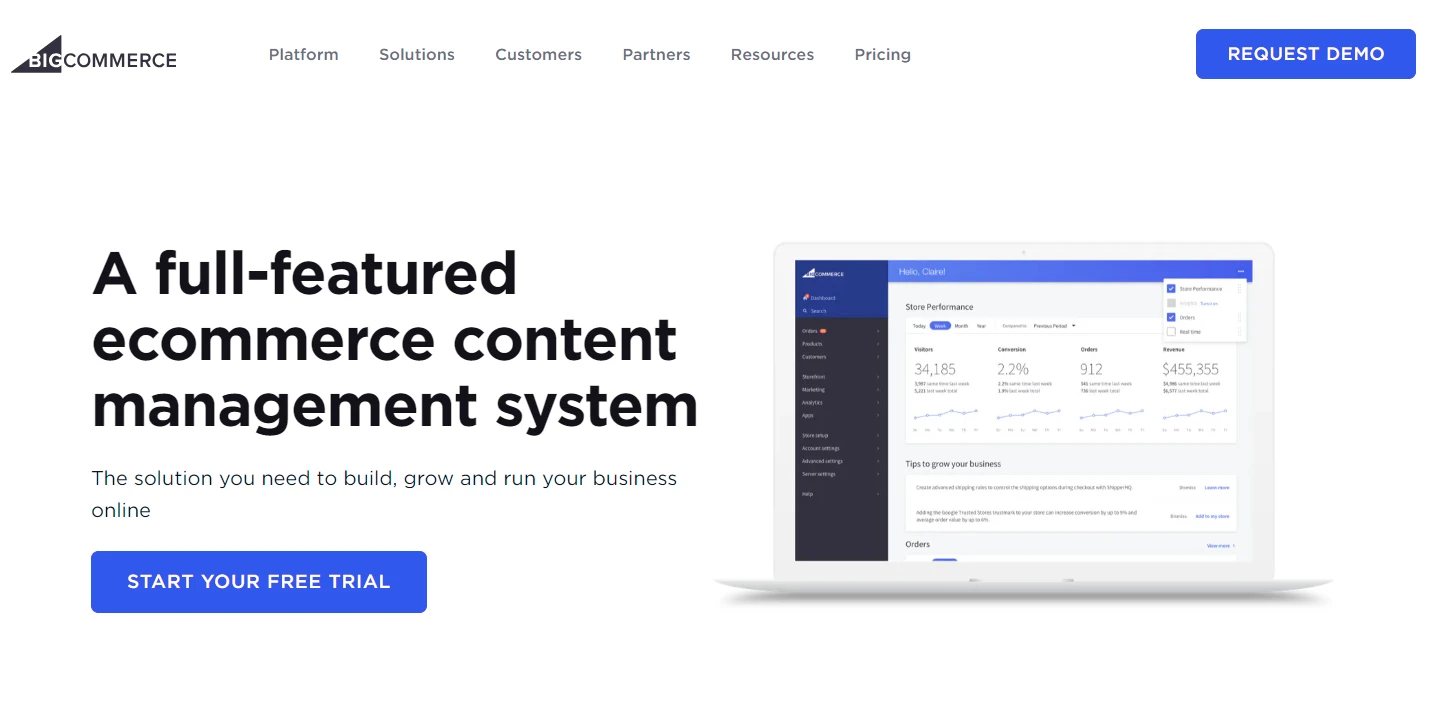
Basically, BigCommerce CMS can support you in the 3 main business concerns, including:
- Flexible product management
- Centralized inventory and order management
- High compatibility with external providers.
BigCommerce Pros & Cons
Here are several BigCommerce advantages and disadvantages you should consider before starting your business with this platform.
Pros | Cons |
|
|
If you want to discover more about BigCommerce pricing and features, let’s refer to our BigCommerce reviews.
Types of BigCommerce CMS
Currently, the platform offers 2 types of CMS: BigCommerce CMS and the headless version. Keep scrolling to find the CMS solution that goes well with your business needs.
#1. BigCommerce CMS
We’ll start with BigCommerce CMS, the standard content management system of the platform. By using this CMS, merchants can enjoy plenty of eCommerce features – such as customizing free Bigcommerce themes – without tech know-how.
Basically, the site content will be stored in a database (the back end) and displayed on a presentation layer called the front end. And, of course, these components have a strong connection with each other.
#2. BigCommerce headless CMS
On the other hand, BigCommerce headless CMS is the CMS version that separates the front end from the back end. It allows you to freely modify the backend without interrupting the frontend’s performance. Like other headless CMSs, BigCommerce also uses APIs to deliver content on any device, either mobile apps or third-party platforms.
So what makes BigCommerce headless CMS different from the traditional version?
While the traditional CMS is only used for one site and one use, BigCommerce headless CMS is completely the opposite. With the headless version, you can run any number of sites you want. It helps to optimize your omnichannel sales strategies and create a more agile business approach.
On top of that, the high flexibility and scalability of BigCommerce headless CMS make it an ideal solution for eCommerce enterprises. Instead of editing content one by one, merchants can have centralized content management across platforms using the BigCommerce control panel.
How Does Bigcommerce CMS Work?
#1. Manage products and sales
You can easily add and categorize different products, ranging from simple to complex catalogs, by following a quick Bigcommerce tutorial. You only need to access a single location – the BigCommerce control panel, and custom to your heart’s content.
Similarly, you can manage your business sales from various sales channels through centralized order handling and Bigcommerce inventory management. This is especially effective for BigCommerce’s biggest clients (e.g. Sony or Ubisoft Store) to gain their eCommerce values on a global scale.
#2. Collect payments
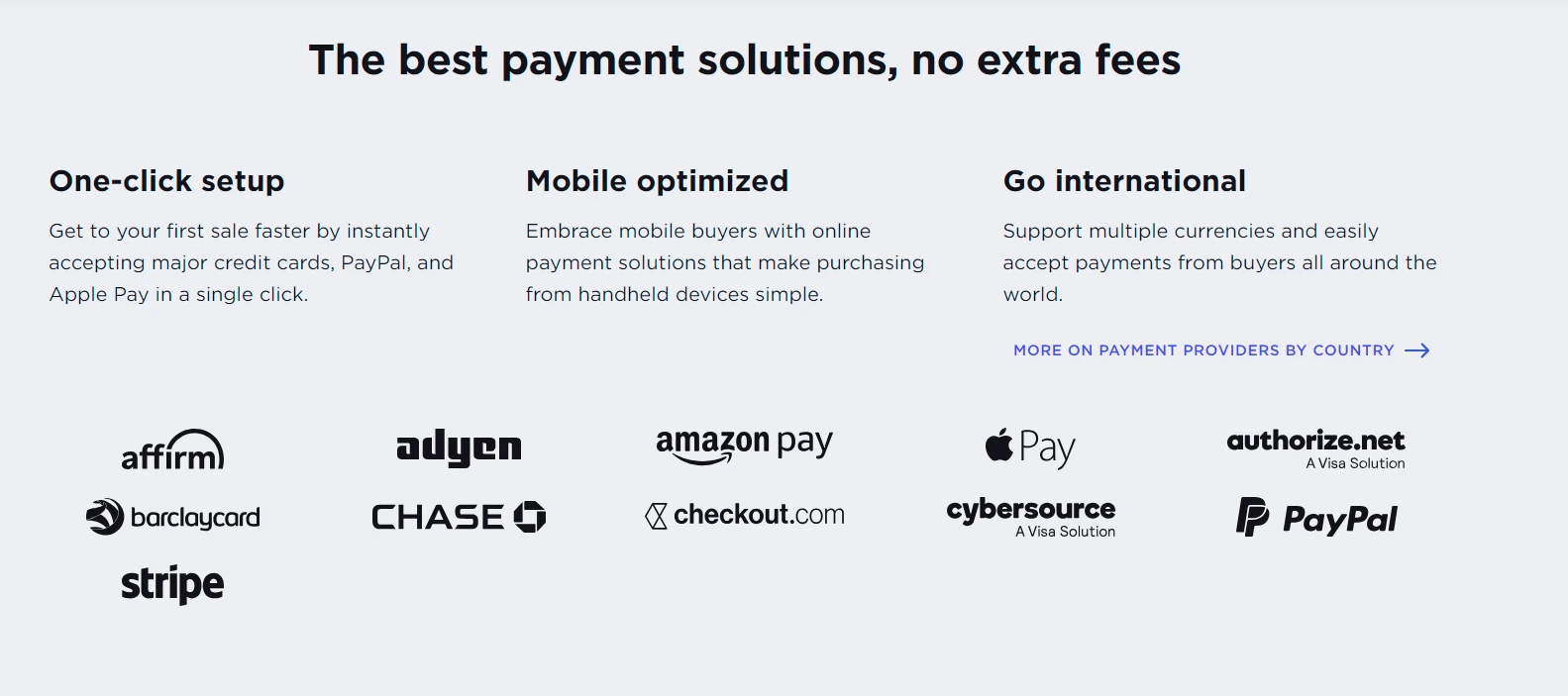
To make the checkout process more flexible, BigCommerce CMS allows easy integrations with third-party Bigcommerce payment gateways. With this solution, you can not only offer more options to your customers but also enhance your store’s security effectively. You can consider several outstanding worldwide gateways, such as PayPal, Apple Pay, Amazon Pay, etc.
#3. Create blog posts
With a range of blog-supporting tools, you can create, publish, and modify blog posts easily to make your site’s content more attractive. This contributes a lot to raising your brand awareness and gaining SEO-friendly values for your eCommerce store. As a result, you will easily grow your site’s traffic in a short time.
However, it is not easy to modify your blog format and subdomains, which requires technical knowledge. This point is one of the biggest disadvantages of BigCommerce CMS in building a blogging system.
#4. Launch email marketing campaigns
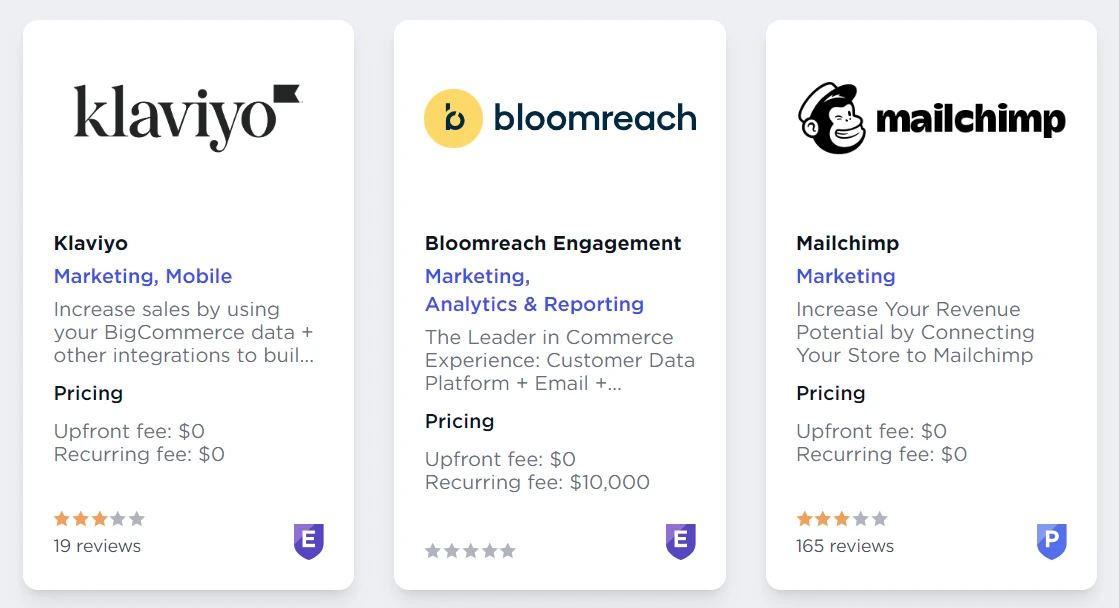
Email marketing is one of the most effective ways to promote your store. You can connect your store with reliable Bigcommerce apps and email providers to get the finest results in this area. Some famous solutions like Klaviyo or MailChimp provide various email templates and powerful tools to optimize your email marketing plans.
#5. Simplify the shipping process
BigCommerce CMS can help you streamline order fulfillment with the support of various outstanding Bigcommerce shipping features, such as:
- Built-in shipping support: In the BigCommerce admin dashboard, you can freely set up any real-time quotes for your orders. They include FedEx, UPS, USPS, and some location-attached providers (e.g. Canada or Australia Post).
- Easy label printing: Instead of getting shipping labels from other services, you can print them directly from your BigCommerce control panel. This is beneficial for saving on commercial rates and efforts.
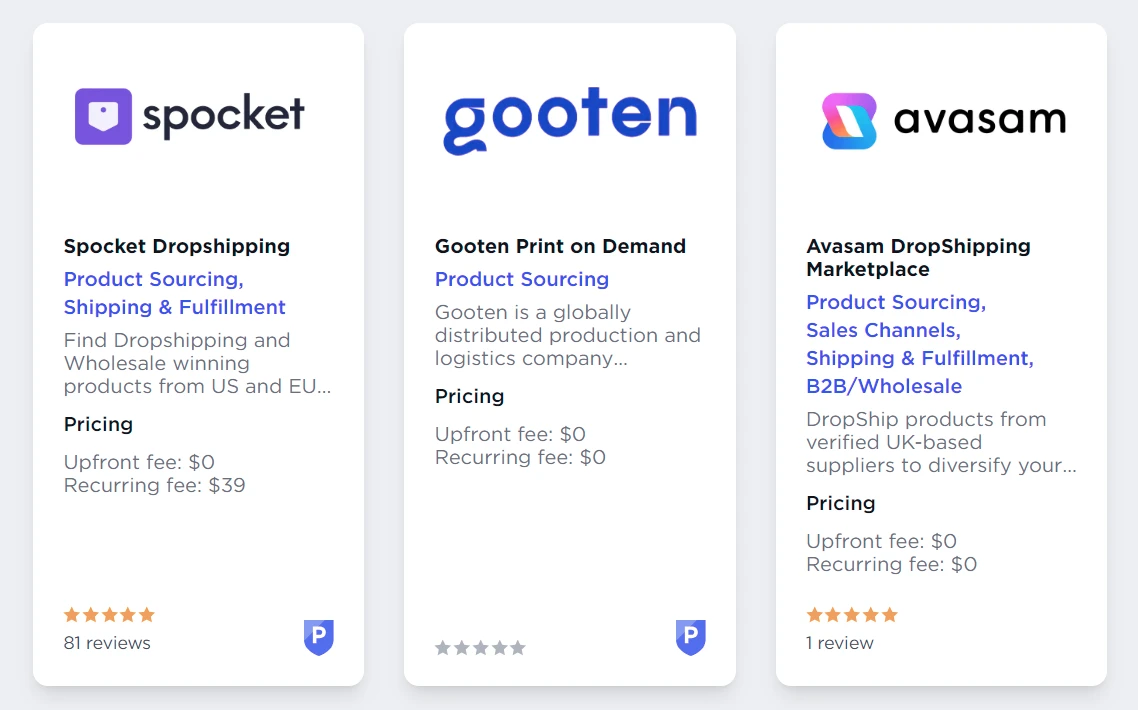
- Third-party integration: To simplify your product sourcing and fulfillment, you can use third-party shipping services. You can consider some leading BigCommerce CMS partners, such as Spocket, Gooten, Avasam, etc.
- Advanced options: The platform allows you to include additional options like multiple-carrier support, shipping rules, or a shipping rate calculator to boost shipping performance.
What Are BigCommerce CMS Alternatives?
Besides BigCommerce CMS, you can consider top Bigcommerce alternatives to optimize your site’s content-developing campaigns and eCommerce values. Below are our outstanding suggestions:
#1. WordPress
WordPress is an online open-source CMS that has been powering millions of websites in the world. You can use this solution to publish blogs or support other website content freely.
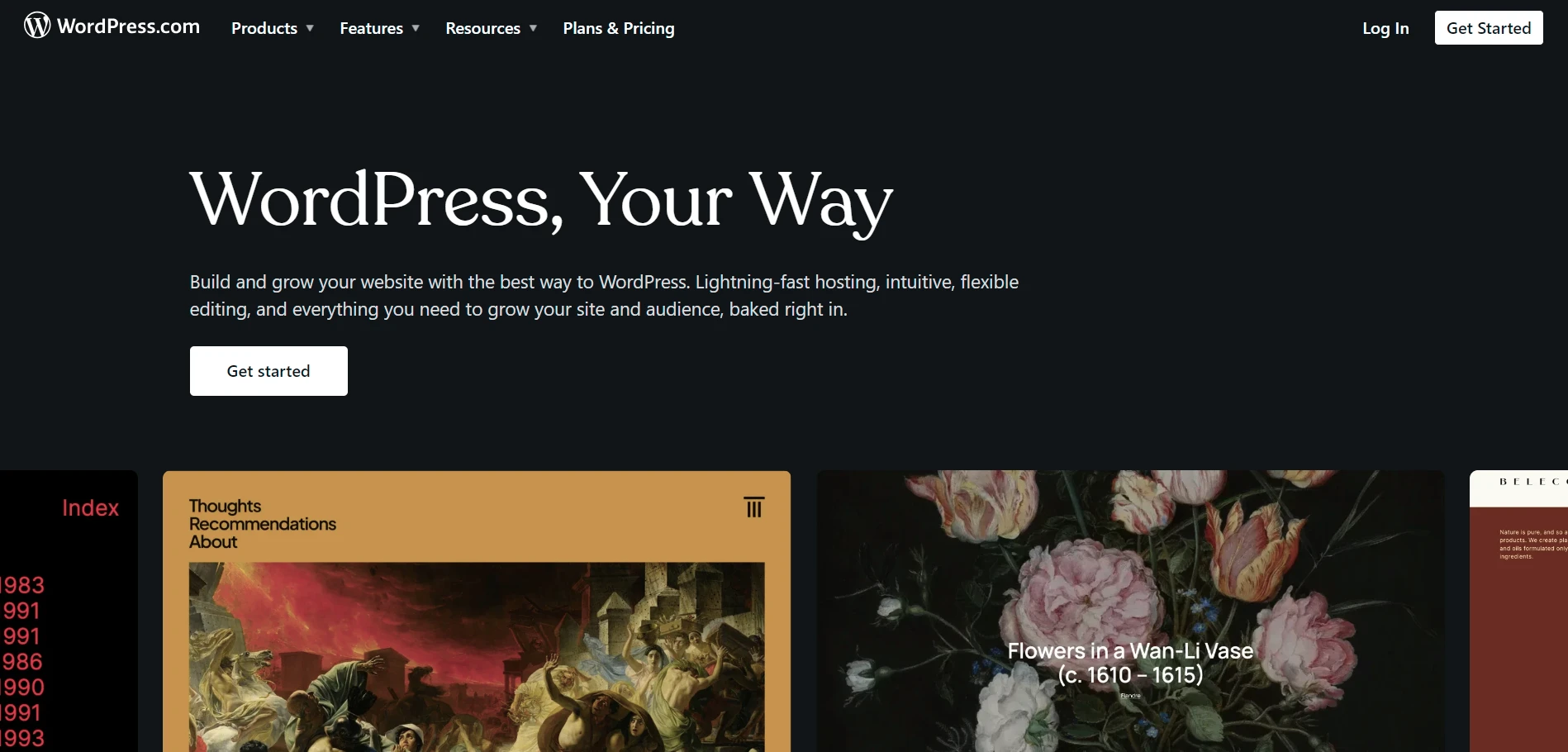
Compared to BigCommerce CMS, WordPress does better in creating a unique branding site of rich content, which is important to impress visitors at first sight. Moreover, you can use its forever-free plan to save your budget effectively.
#2. Contentful
Contentful is the first API headless stack solution to develop your multi-brand content. You can make use of its best features, including Contentful Platform, Studio, and Ecosystem, to launch your content innovation freely.
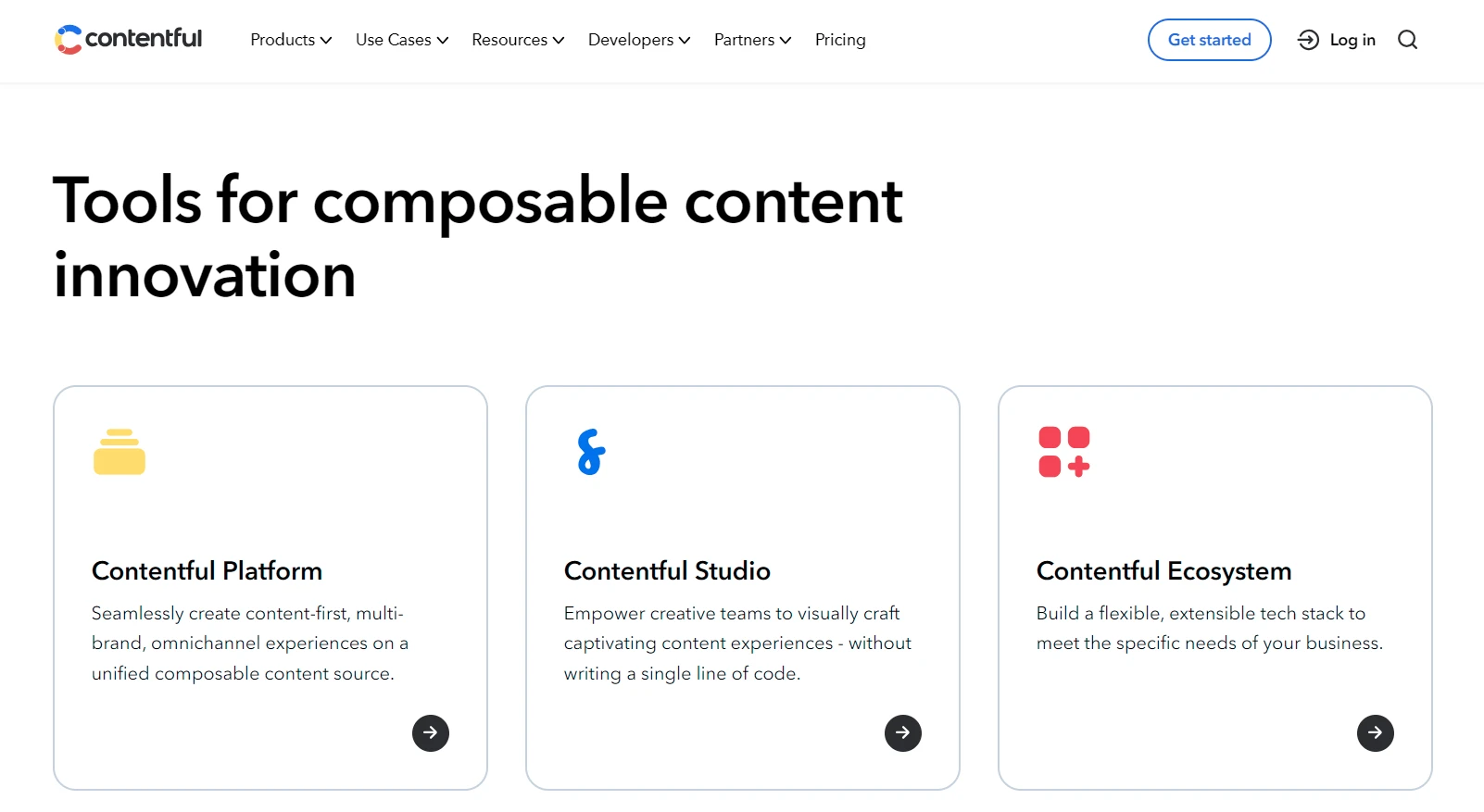
Contentful is highly evaluated compared to BigCommerce in developing content-tailored sites, not eCommerce values. Thus, most features of this platform focus on this concern, such as a rich text editor, content authoring, or content repository.
#3. Hygraph
Hygraph is a GraphQL-native headless CMS for multi-brand organizations. Teams model structured content and deliver it to websites, apps, and AI agents through a single GraphQL endpoint, with localized versions for each market.
Where BigCommerce CMS ties content to the storefront, Hygraph keeps it in a separate headless CMS, which suits stores running BigCommerce headless. Its BigCommerce app provides a product field for content models, so editors can pick store products inside an entry.
#4. Contentstack
Being one of the pioneering CMSs, Contentstack provides a wide collection of tools to encourage dazzling personalized digital experiences for your customers. To get the most out of Contentstack, let’s join in-depth workshops or exchanges with its expert team.
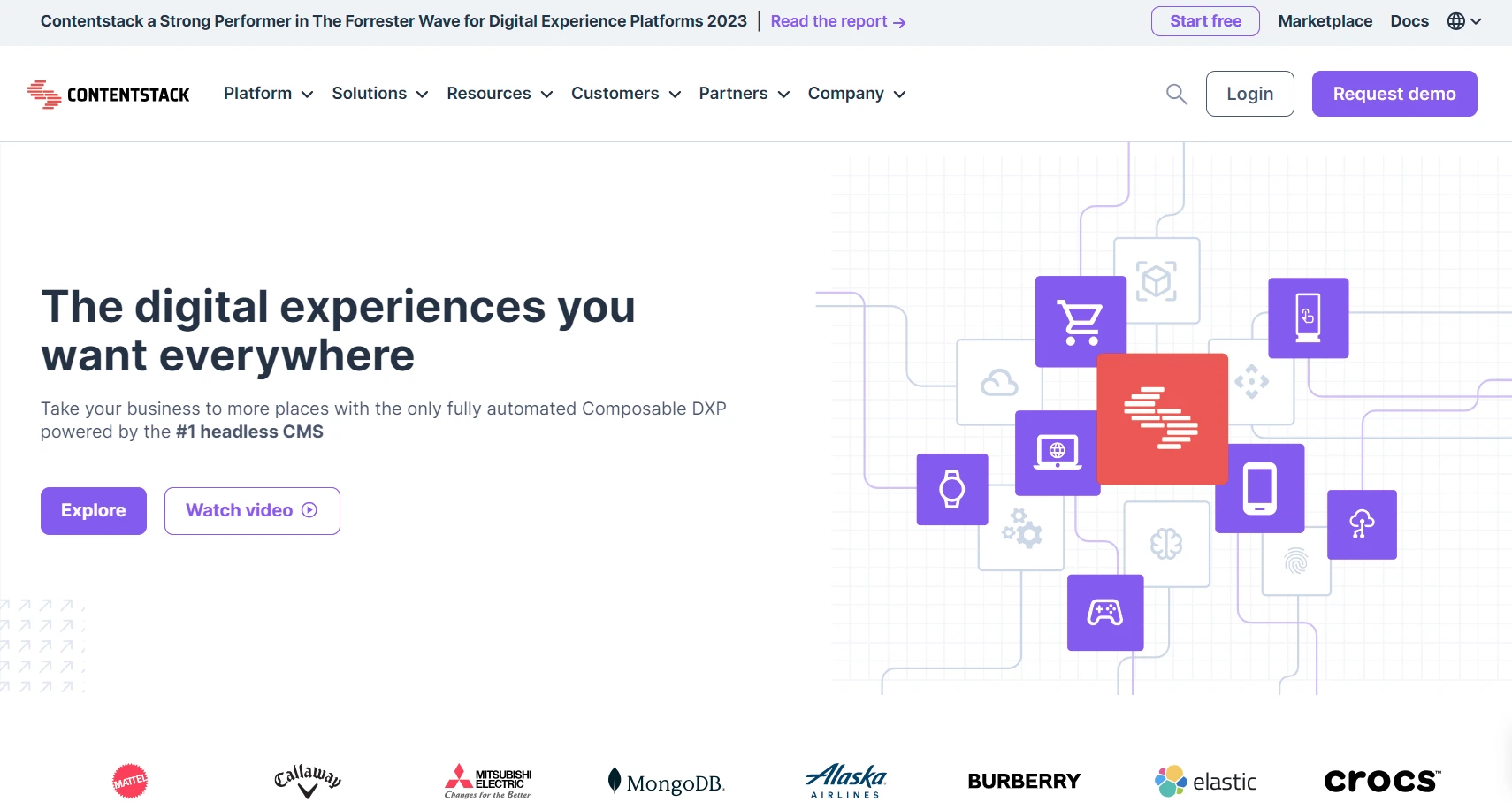
Unlike BigCommerce, Contentstack allows you to launch flexible navigation structures easily. It also comes with a more well-structured and user-friendly interface than BigCommerce CMS. All in all, Contentstack is an ideal solution to expand the enterprise’s scalability with varied content.
BigCommerce CMS Review: FAQs
Does BigCommerce have a CMS?
Yes, BigCommerce has built-in CMS features for managing store content. You can create web pages, edit page content with a WYSIWYG editor, add raw HTML, display RSS feed content, build contact forms, and customize pages with Page Builder.
However, BigCommerce is mainly an eCommerce platform, not a full content-first CMS like WordPress. Its CMS tools are suitable for product pages, landing pages, FAQs, About pages, blog content, and basic brand storytelling.
Is BigCommerce a headless CMS?
No, BigCommerce is not a headless CMS in the strict sense. It is a headless-capable eCommerce platform that can work with a separate CMS or custom frontend.
With BigCommerce headless commerce, you can use BigCommerce as the commerce backend and connect it to a frontend built with WordPress, Contentful, Prismic, Contentstack, Next.js, Gatsby, Nuxt.js, or other tools. BigCommerce handles products, cart, checkout, orders, and commerce logic, while the CMS or frontend manages the content experience.
What is the best CMS for BigCommerce?
The best CMS for BigCommerce depends on your content needs and technical resources. WordPress is often the best choice for content-heavy brands because it has a mature CMS interface, strong blogging tools, and an official BigCommerce for WordPress plugin.
For enterprise or headless projects, Contentful, Prismic, Contentstack, Amplience, Bloomreach, or a custom frontend with BigCommerce APIs may be better. These options are useful when you need more flexible content modeling, multi-channel content delivery, and developer-led frontend control.
Can I use BigCommerce CMS for free?
You can test BigCommerce CMS features during the 15-day free trial, but BigCommerce does not offer a permanent free plan for running a live store. To keep using BigCommerce after the trial, you need to choose a paid plan, which ranges from $29 to $299 per month, if billed annually, plus a custom pricing starting from $1,499 per month.
Conclusion
Our blog has just reviewed BigCommerce CMS in detail. Besides that, we also mention some ideal alternatives that you can consider to boost your store’s productivity. Keep in mind that you can reach both traditional and headless CMSs on this platform.
LitExtension, the #1 Shopping Cart Migration Expert, hopes you have a deeper understanding of BigCommerce CMS. Check out our LitExtension Blog or join our Facebook Community Group for more valuable insights.