
If you have searched for Weebly and Square, you may have found two website builders, two account systems, and several overlapping product names. This makes it difficult to tell whether they are separate platforms or different parts of the same service.
In this guide, we will explain how Square and Weebly are related, compare their key differences, and help you decide which option fits your website or online store.
Are Weebly and Square the Same Company?
Yes, Weebly and Square belong to the same company, but they are not exactly the same product.
Square acquired Weebly in 2018 to combine Weebly’s website-building technology with Square’s payment and commerce tools. Since then, Weebly has become part of the Square product suite.
However, users may still encounter two different website-building experiences:
- Classic Weebly is the original drag-and-drop website builder. It supports business websites, blogs, portfolios, and small online stores.
- Square Websites, commonly known by its former name Square Online, is Square’s commerce-focused website builder built with Weebly technology. It connects directly with Square’s item library, inventory, payments, POS, and other business tools.
In other words, Weebly and Square are under the same ownership, but choosing one builder does not give you an identical website editor or feature set.
Square also asks Weebly customers to connect or replace their Weebly login with a Square account. This account change does not automatically convert an existing Weebly website into a Square website. Your original site can remain in your account while you create and test a separate site with the Square editor.
Weebly vs Square: Detailed Differences
Before going into the details, here is a quick summary between Weebly and Square:
| Comparison | Weebly | Square |
| Primary focus | General websites, blogs, and small stores | Online and in-person commerce |
| Pricing and transaction costs | Lower-cost website plans; payment fees depend on the selected processor | Higher paid-plan costs but includes broader commerce tools; Square processing fees apply |
| Website editor | Drag-and-drop elements | Customisable page sections |
| eCommerce features | Covers basic products, checkout, shipping, coupons, and inventory | Stronger POS sync, fulfilment, inventory, ordering, and omnichannel selling tools |
| Blogging | Full traditional blogging tools | Stories feature with fewer blogging functions |
| App ecosystem | Weebly App Center | Square App Marketplace |
| Customer support | Email and chat, with phone and priority support on higher plans | Help Centre, chat, community, and phone support; Premium includes 24/7 phone assistance |
| Best suited to | Simple websites and content-led projects | Businesses selling online and in person, especially existing Square POS users |
1. Pricing and transaction costs
Weebly offers 4 website plans, with paid options starting at the following prices when billed annually:
- Free: $0/month
- Personal: $13/month
- Professional: $15/month
- Performance: $32/month
The Free plan is enough to test Weebly, but most business websites will need a paid plan to connect a custom domain and remove Square ads. If you plan to sell online, the Performance plan adds useful tools such as abandoned cart emails and customer reviews.
For a closer look at what each plan offers, its additional costs, and which tier fits your needs, read our complete Weebly pricing guide.
On the other hand, Square introduced a unified US pricing structure with 3 plans:
- Square Free: $0 per month per location
- Square Plus: $49 per month per location
- Square Premium: $149 per month per location
In fact, Square Free already covers the essentials for selling online and in person. Growing businesses can upgrade to Plus for stronger operational tools, while Premium is mainly suited to larger businesses that need lower processing rates, advanced reporting, and 24/7 support.
Besides the monthly subscription, you need to account for payment processing fees. Under Square’s current US pricing:
| Payment type | Square Free | Square Plus | Square Premium |
| In-person payment | 2.6% + 15¢ | 2.5% + 15¢ | 2.4% + 15¢ |
| Online payment or invoice | 3.3% + 30¢ | 2.9% + 30¢ | 2.9% + 30¢ |
| Manual entry or card on file | 3.5% + 15¢ | 3.5% + 15¢ | 3.5% + 15¢ |
Square pricing varies by country, and existing users may still be on a different subscription structure. Therefore, check the pricing available in your Square Dashboard before making a decision.
Our take
Weebly has lower-cost paid plans for a simple website or small online store. Square may cost more as you upgrade, but its plans include a wider set of tools for payments, POS, inventory, staff, and business operations.
2. Ease of use
Weebly is known for being beginner-friendly, but its current sign-up flow can be confusing. After creating an account, you are asked to choose between:
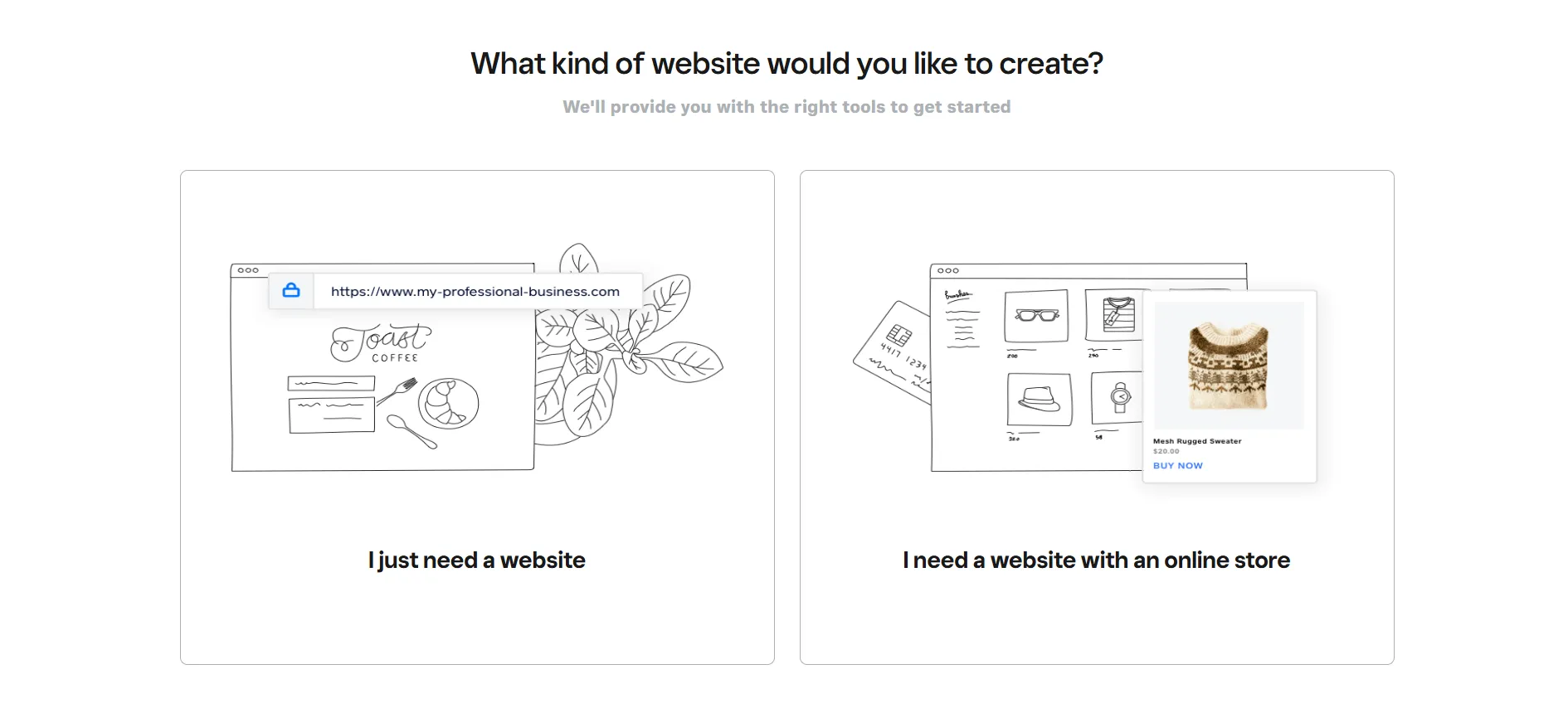
Selecting the online store option takes you to Square’s website builder, while the website-only option keeps you in the classic Weebly editor. This setup also signals where the two products are heading. Although classic Weebly remains available, new users who want to sell online are directed towards Square.
Once inside the classic editor, Weebly is still simple to navigate. Its guided setup, drag-and-drop controls, and compact dashboard make it easy to build and manage a basic website without technical experience.
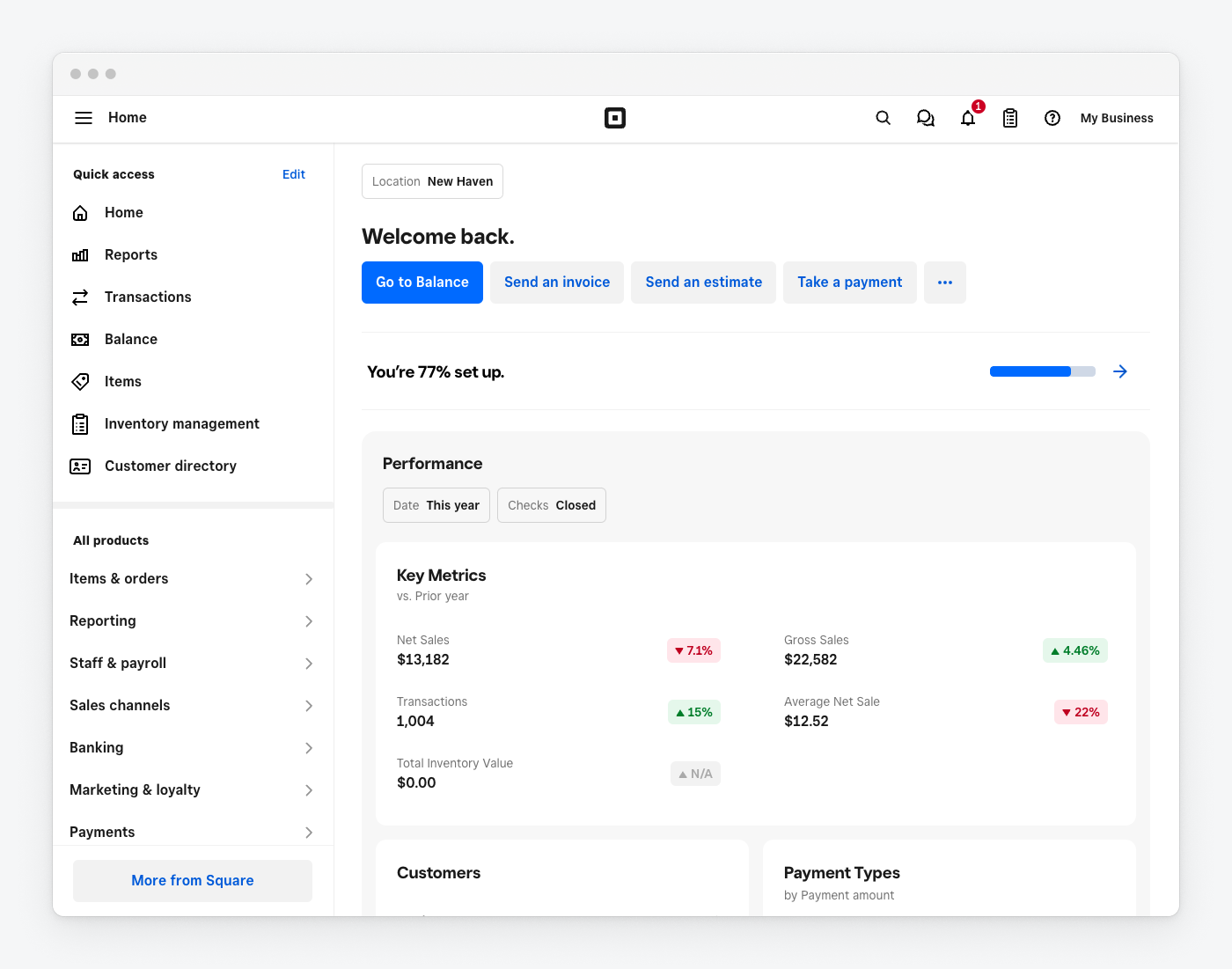
Moving to Square, onboarding requires more information about your business, products, locations, and fulfillment methods. The setup takes longer, but it creates a more relevant workspace for your operations. Its dashboard then brings products, orders, payments, inventory, and customers together, which is useful for merchants selling across online and physical channels.
Our take
Weebly offers the easier editing experience, but its sign-up flow can make it difficult to know which builder you are choosing. Square requires more setup, yet it provides a more practical management system for commerce-focused businesses.
3. Templates and design flexibility
At the time of writing, Weebly’s official theme gallery offers around 50 responsive themes for business websites, portfolios, blogs, events, and online stores. The selection is not particularly large, and some designs can feel dated, but the themes provide enough variety for a straightforward website.
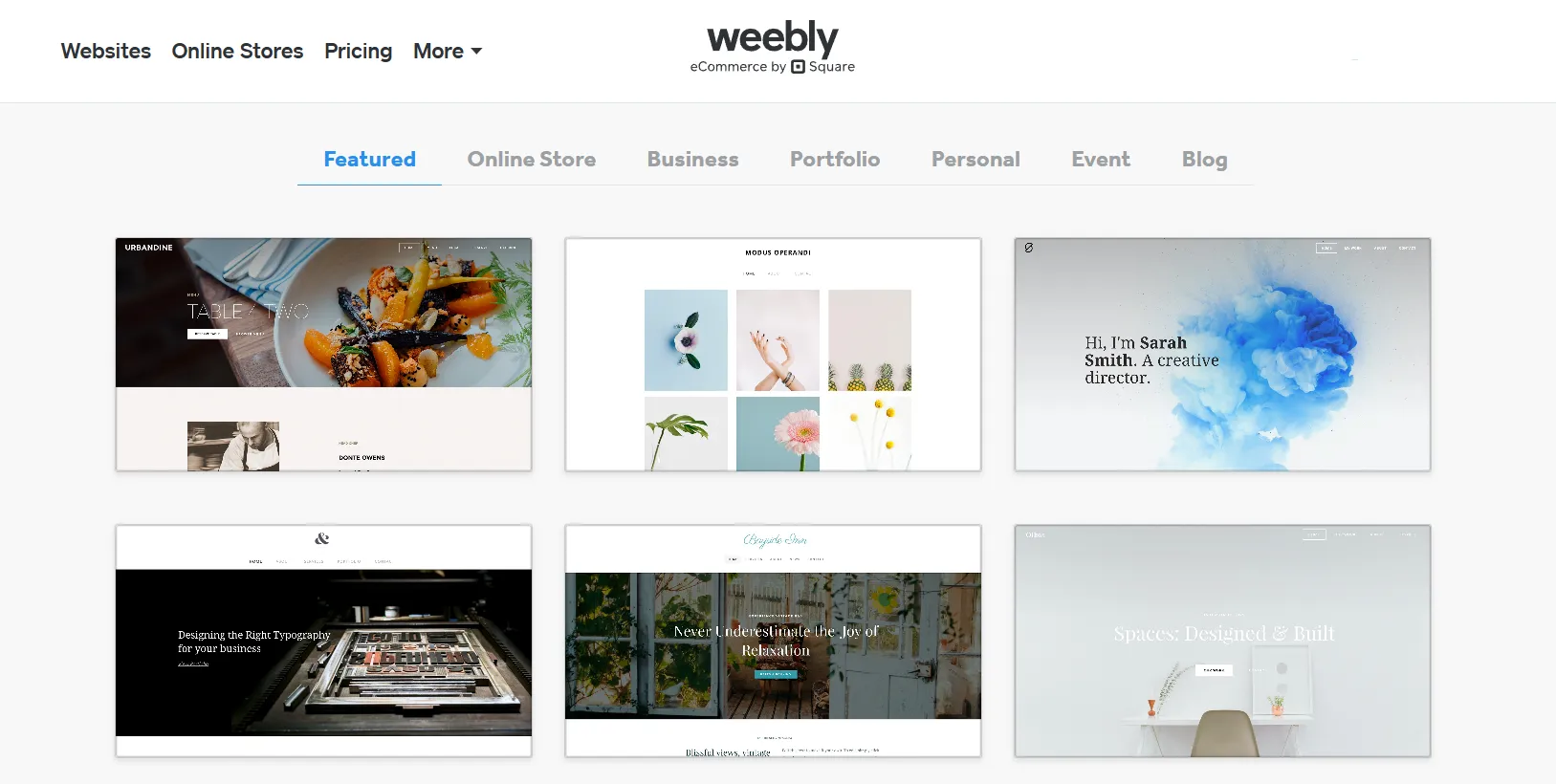
Customization happens through the drag-and-drop editor, where you can rearrange content and adjust colors, fonts, backgrounds, and page layouts. More experienced users can also edit the HTML and CSS or import a custom theme.

Another useful feature is that you can switch themes without losing your existing page content, although some formatting may still need to be reviewed afterward.
Moving to Square, its official collection currently includes 34 website themes, with 5 available on the Free plan. The themes are organized around commerce use cases such as retail, restaurants, services, and memberships, so most come with relevant pages and sections already in place.
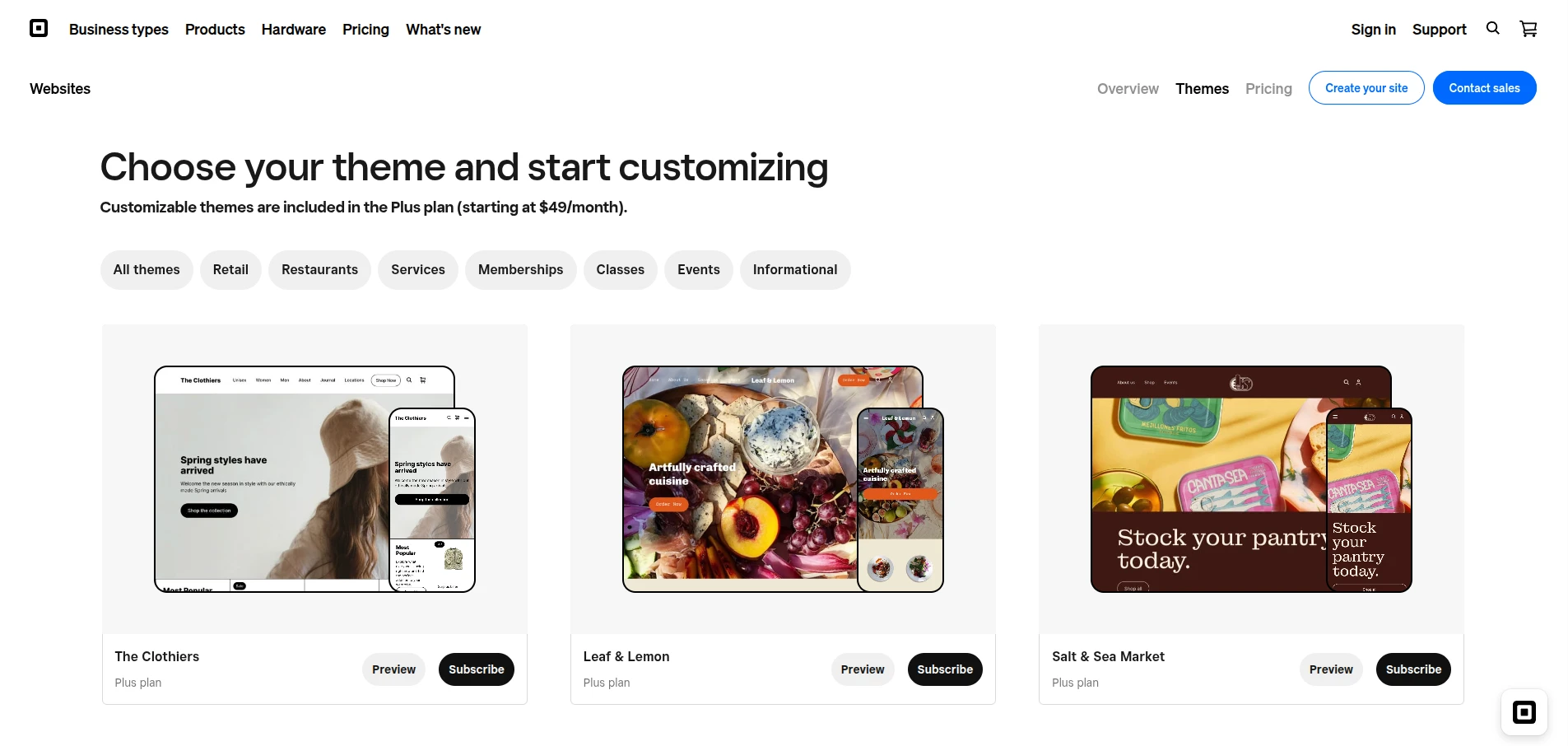
Rather than freely positioning every element, Square lets you customise the site through structured sections and preset styles. You can change colours, fonts, layouts, button styles, and image displays, as well as add features such as video, carousel banners, scrolling text, and mega menus.
This keeps the storefront consistent and mobile-friendly, but offers less control over individual element placement than Weebly.
Our take
Weebly provides more freedom for adjusting page layouts and code, while Square offers more modern, commerce-focused designs that are easier to keep consistent. Neither platform has a particularly large theme collection, so businesses with highly specific design requirements may find both options limiting.
4. eCommerce features
Both Weebly and Square cover the basics of online selling. The key difference is that Weebly manages these features mainly within the website, while Square Online connects them with Square POS and the rest of Square’s commerce ecosystem.
| Feature | Classic Weebly | Square Online |
| Product management | Supports unlimited items, product options, digital goods, badges, and bulk import or export | Uses the central Square item library, with products shared across the website, POS, and other Square channels |
| Inventory | Tracks stock for the online store | Synchronises inventory across online and physical sales, with separate tracking for multiple locations |
| Payments | Supports Square, Stripe, and PayPal, depending on the plan and location | Uses Square Payments across online and in-person transactions |
| Order management | Covers online orders, refunds, returns, confirmation emails, and shipment tracking | Brings online and POS orders into the Square Dashboard alongside customer and payment data |
| Fulfilment | Supports shipping and in-store pickup | Adds shipping, in-store and curbside pickup, local delivery, and location-specific fulfilment settings |
| Shipping and taxes | Includes configurable shipping rates, real-time shipping on eligible plans, and tax tools | Connects shipping, pickup, delivery, and tax settings with Square locations and item data |
| Discounts and retention | Offers coupons, gift cards, customer reviews, and abandoned cart emails, with some tools limited to higher plans | Supports coupons, Square Gift Cards, customer reviews, loyalty, and marketing tools across online and offline sales |
| Multichannel selling | Mainly focused on sales through the Weebly website | Connects with Square POS and can extend selling to channels such as Google, Facebook, and Instagram |
| Multiple locations | Better suited to one website and a relatively simple inventory setup | Designed to manage items, stock, orders, and fulfilment across several business locations |
| Best suited to | Small stores with straightforward online selling requirements | Businesses combining eCommerce with physical stores, restaurants, appointments, or other in-person operations |
Note: Feature availability can vary by plan and country, particularly for payment providers, real-time shipping, abandoned cart recovery, loyalty, and local delivery.
Our take
Weebly provides enough tools to run a small, standalone online store. Square Online goes further by connecting the storefront with POS, locations, inventory, customers, and fulfilment, making it more practical for businesses that sell through several channels.
5. Blogging, SEO and marketing
Weebly offers a more complete blogging system, with post scheduling, categories, comments, social sharing, and RSS feeds. Its marketing and SEO tools cover:
- Custom titles, meta descriptions, URLs, and image alt text
- XML sitemaps and 301 redirects
- Forms, pop-ups, email campaigns, and Instagram feeds
- Basic website and eCommerce analytics
Square Online uses the simpler Stories format, which suits business updates but lacks native comments and its own RSS feed. Paid users can use AI to rewrite post content. Its commerce-focused toolkit includes:
- Essential SEO settings, sitemaps, and redirects
- Email, SMS, loyalty, and abandoned cart campaigns
- Google Ads, Order with Google, Facebook, and Instagram
- Marketing data connected with online and in-person sales
Our take
Weebly is better for content-led websites, while Square Online is stronger for customer retention and commerce-focused marketing.
6. Apps and integrations
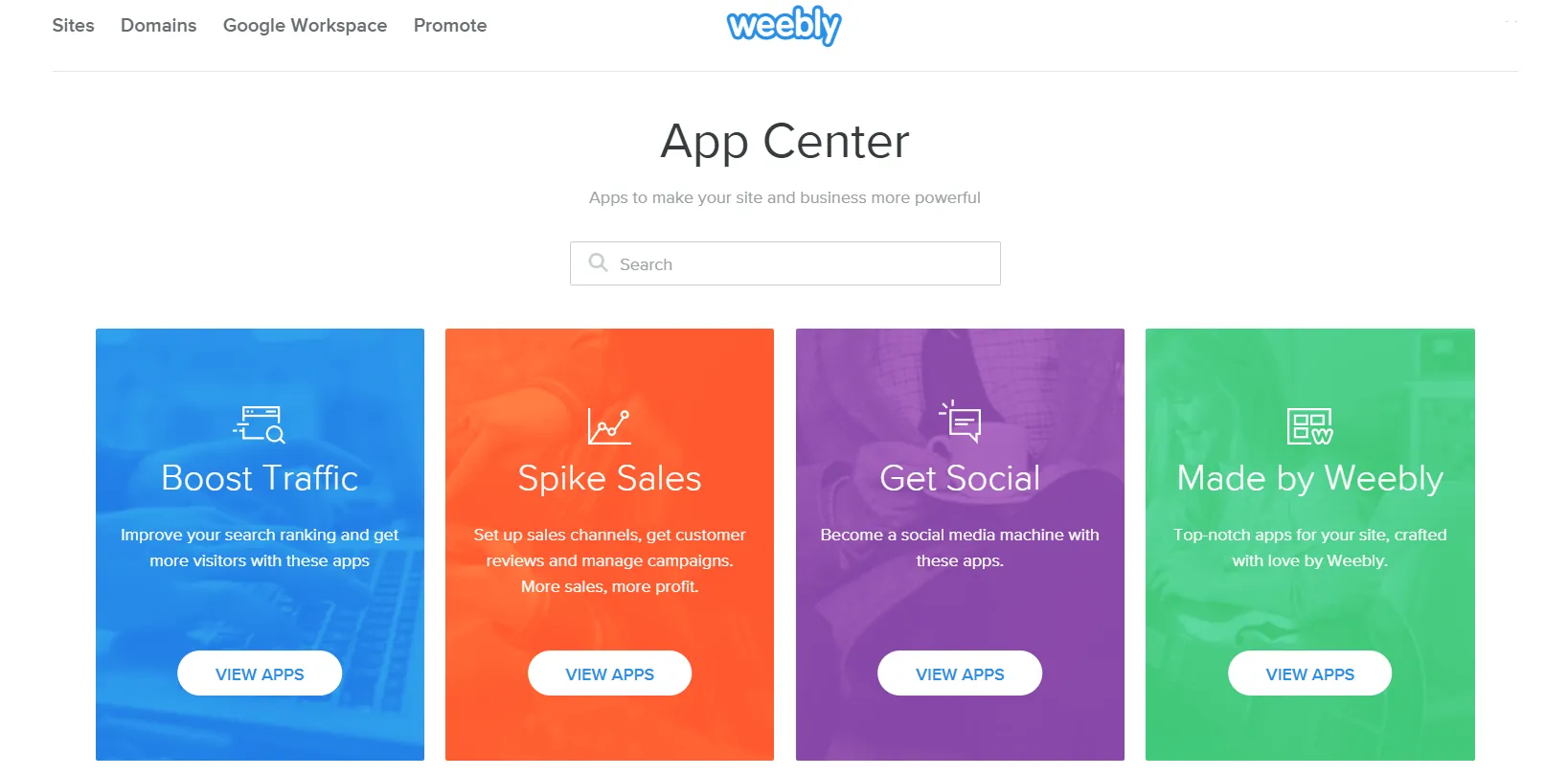
Weebly offers around 350 apps for marketing, shipping, bookings, forms, and other website functions. Most can be installed directly from the Weebly App Center in a few clicks.
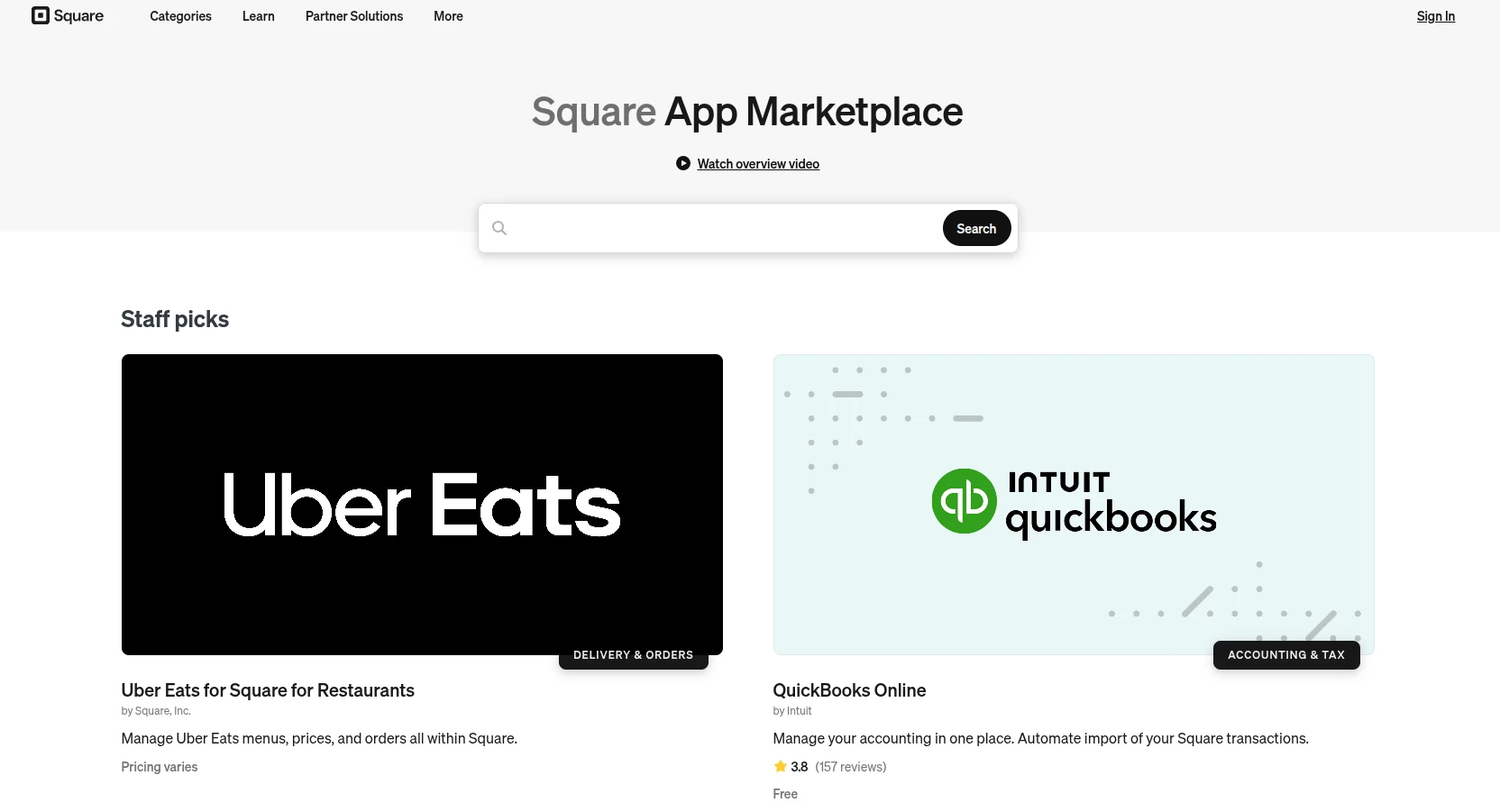
In comparison, the Square App Marketplace hosts 300+ apps and integrations, with a stronger focus on accounting, inventory, delivery, staff, and business operations. However, Weebly apps are not compatible with Square Online, so they must be replaced and configured again if you switch platforms.
Our take
Weebly is sufficient for extending a basic website, while Square Online connects more effectively with the tools needed to manage online and in-person sales.
7. Customer support
Weebly and Square provide self-service documentation and community resources, but access to direct assistance varies by plan and location. Weebly’s support options include email and live chat, with phone and priority support reserved for higher-tier plans.
Square offers a broader support system through its Support Center, live chat, Seller Community, and phone assistance. In the US, standard phone support is available from 6 a.m. to 6 p.m. PT, Monday through Friday, while Square Premium includes 24/7 phone support. Its support team can also address more than website issues, including payments, orders, POS hardware, transfers, and inventory.
Our take
Weebly provides adequate assistance for general website questions. Square is the stronger choice for merchants who need support across multiple sales and business-management tools.
How Do Weebly and Square Work Together?
Although Weebly and Square remain separate products, their connection allows merchants to combine a Weebly storefront with Square’s payment and inventory tools.
Accepting Square payments on Weebly
Square is available as a built-in payment processor for Weebly stores. Once connected, customers can pay by card through the Weebly checkout, while transactions are processed and managed through Square. This is particularly useful if you already accept Square payments at a physical location.
Synchronising products and inventory
You can import products from your Square Item Library into Weebly and keep inventory synchronised between online and in-person sales. When an item sells through either your Weebly store or Square POS, its stock count is updated across both systems, reducing the risk of overselling.
However, the connection primarily covers products, inventory, and payments. Your website pages, design settings, blog posts, and Weebly apps do not transfer to Square Online automatically.
Using a Square account to access Weebly
Because Square owns Weebly, many newer accounts use Square credentials to access the website dashboard. Square may also direct new users to its newer website builder, now labelled Websites in the Square Dashboard.
Legacy Weebly users may still sign in through Weebly and continue using the classic editor. Therefore, seeing a Weebly URL after logging in does not necessarily mean that Square Online has moved back to Weebly. It usually means your account or website was created under the older Weebly system.
How to Integrate Weebly and Square (Step-by-Step)
Follow these steps to connect Square Payments and sync your inventory with Weebly:
- Log in to Weebly and select your website.
- Go to Settings > Checkout > Payment Processors.
- Find Square, click Connect, and sign in to your Square account.
- Authorise the connection and complete any required business verification.
- Open Settings > Square Sync Settings, select your Square location, and import your items.
- Review the products, prices, and inventory, then place a test order to confirm the Square and Weebly integration works correctly.
Note: Menu names may vary slightly between legacy Weebly accounts and newer Square-managed dashboards.
Should You Choose Weebly or Square?
As the comparison above shows, Weebly and Square are built for different priorities. Your choice should ultimately depend on how you plan to build, sell, and manage your business.
Choose Weebly if you:
- Need a portfolio, blog, service website, or small online store.
- Prefer a simple drag-and-drop editor.
- Want more templates and stronger blogging features.
- Do not need advanced POS or inventory management.
Choose Square if you:
- Sell both online and at a physical location.
- Already use Square Payments or Square POS.
- Want online and in-person inventory to stay synchronised.
- Need built-in tools for pickup, local delivery, appointments, or restaurant ordering.
If you have outgrown either platform, LitExtension can help you move your store to a more suitable solution. Explore our migration services to transfer products, customers, orders, and other store data with expert support.
Let Our Experts Handle Your Store Migration!
With the All-in-One Migration Service, our experts take care of everything, ensuring a seamless and stress-free migration.

Weebly and Square: FAQs
Did Square buy Weebly?
Yes. Square acquired Weebly in 2018 for approximately $365 million. The acquisition connected Weebly’s website-building tools with Square’s payments and commerce ecosystem.
Is Weebly being discontinued?
Weebly has not announced a complete global shutdown. However, it is winding down services in 67 countries by September 20, 2026, while Square continues directing commerce users towards its newer website builder. Check Weebly’s availability in your country before starting a new website.
Can I use Square Payments on a Weebly website?
Yes. You can connect Square as a payment processor and accept online card payments through your Weebly checkout. Eligible stores can also synchronise products and inventory with Square POS.
Do I need a Square account to log in to Weebly?
Not always. Legacy users may still log in with their original Weebly credentials, while newer or migrated accounts use a Square account. The login method depends on when and how your account was created.
Can I migrate from Weebly or Square to Shopify?
Yes. Products, customers, orders, categories, and other supported data can be transferred from either platform to Shopify. LitExtension provides both Weebly to Shopify migration and Square to Shopify migration services if you want experts to handle the process.
Which is better for an online store, Weebly or Square?
Square Online is generally better for commerce, especially if you sell both online and in person or already use Square POS. Weebly remains suitable for a simple, content-focused website with basic selling features.
Final Verdict
As you can see, Weebly and Square are closely connected, but they serve different priorities:
- Weebly provides a straightforward drag-and-drop builder for simple websites, blogs, and smaller stores.
- Square focuses on commerce and works best when your online storefront needs to connect with payments, POS, inventory, fulfilment, and physical locations.
For stores that have outgrown both options, the next step is to evaluate a platform with the eCommerce features and flexibility you need. Once you have selected the destination, LitExtension can help move your essential store data while you focus on preparing the new storefront.
For more platform comparisons, migration guides, and practical eCommerce tips, check out our other eCommerce blog posts.

