The best eCommerce platform for digital products handles file delivery, taxes, and payments without making you stitch together five tools to do it. This guide covers 10 platforms, from full eCommerce stores to digital-first solutions, so you can pick the one that fits where you are now and where you’re heading.
In the sections below, we will dive into detailed platform breakdowns and clear criteria to help you decide which solution best matches your goals, budget, and technical comfort. So without further delay, let’s get started.
What Makes the Best eCommerce Platform for Digital Products?
Most comparison articles blend these two categories without warning. That creates confusion, you end up comparing Shopify to Gumroad as if they’re competing for the same job.
Full eCommerce platforms (Shopify, WooCommerce, Wix, Squarespace, Ecwid) are built for running a complete online store. They handle digital products, but usually through apps or native add-ons rather than as the core use case. You can choose one if you sell, or plan to sell, both digital and physical products, need a full branded website, or want to scale into a multi-channel business.
Digital-first platforms (Gumroad, Sellfy, Payhip, Podia, SureCart, SendOwl) are purpose-built for digital goods. They handle file delivery, licensing, VAT, and memberships natively and with less friction. Choose one if digital products are your only or primary revenue stream and you want to launch fast without managing hosting, themes, or plugins.
What to look for in an eCommerce platform for digital products?
- Secure file delivery and access control. The platform should automatically deliver download links after purchase, support download limits or expiry dates, and handle license key generation if you sell software.
- Transaction fees and total cost. Monthly fees are only half the picture. Factor in per-transaction fees, revenue share (Gumroad charges 10%), and the cost of any apps you need to unlock core features.
- VAT and global tax handling. Digital products are subject to VAT in the EU, the UK, and many other jurisdictions.
- Branding and storefront control. Digital-first platforms trade customization for speed. If brand presentation is important, and for anything priced above $20–30, it usually is, you need a platform that lets you control page design, checkout appearance, and post-purchase experience.
- Scalability. The platform that’s perfect at $500/month in revenue may become expensive or limiting at $10,000/month. Evaluate transaction fee structures at your projected volume, not just where you are today.
Now, let’s get into the details to select your own eCommerce platform for digital products!
Best eCommerce Platforms for Digital Products: A Quick Comparison
Platform | Best for | Starting price (monthly) | Transaction fee | VAT handling |
Scaling merchants, digital + physical | $39/mo | 0% with Shopify Payments; up to 2% without | Manual or app required | |
Creator storefronts, quick launch | $29/mo | 0% | Limited | |
Solo creators, direct audience sales | Free | 10% per sale | Yes (MoR) | |
WordPress stores, full ownership | Free plugin (hosting extra) | 0% | Via plugins | |
Budget-conscious creators, EU sellers | Free | 5% (free plan) | Yes (EU/UK VAT) | |
Course creators, membership businesses | $39/mo | 5% on Mover; 0% on Shaker | Limited | |
Design-led brands, services + digital | $25/mo (Basic) | 0% on Core+ | Manual | |
WordPress checkout optimization | Free (Launch plan) | 1.9% on Launch; 0% on Pro | Limited | |
Adding digital selling to existing sites | $29/mo (Venture) | 0% | Manual | |
Technical sellers, license management | $39/mo | 0% | Manual |
1. Sellfy: best for creators who want a ready-made storefront with zero setup
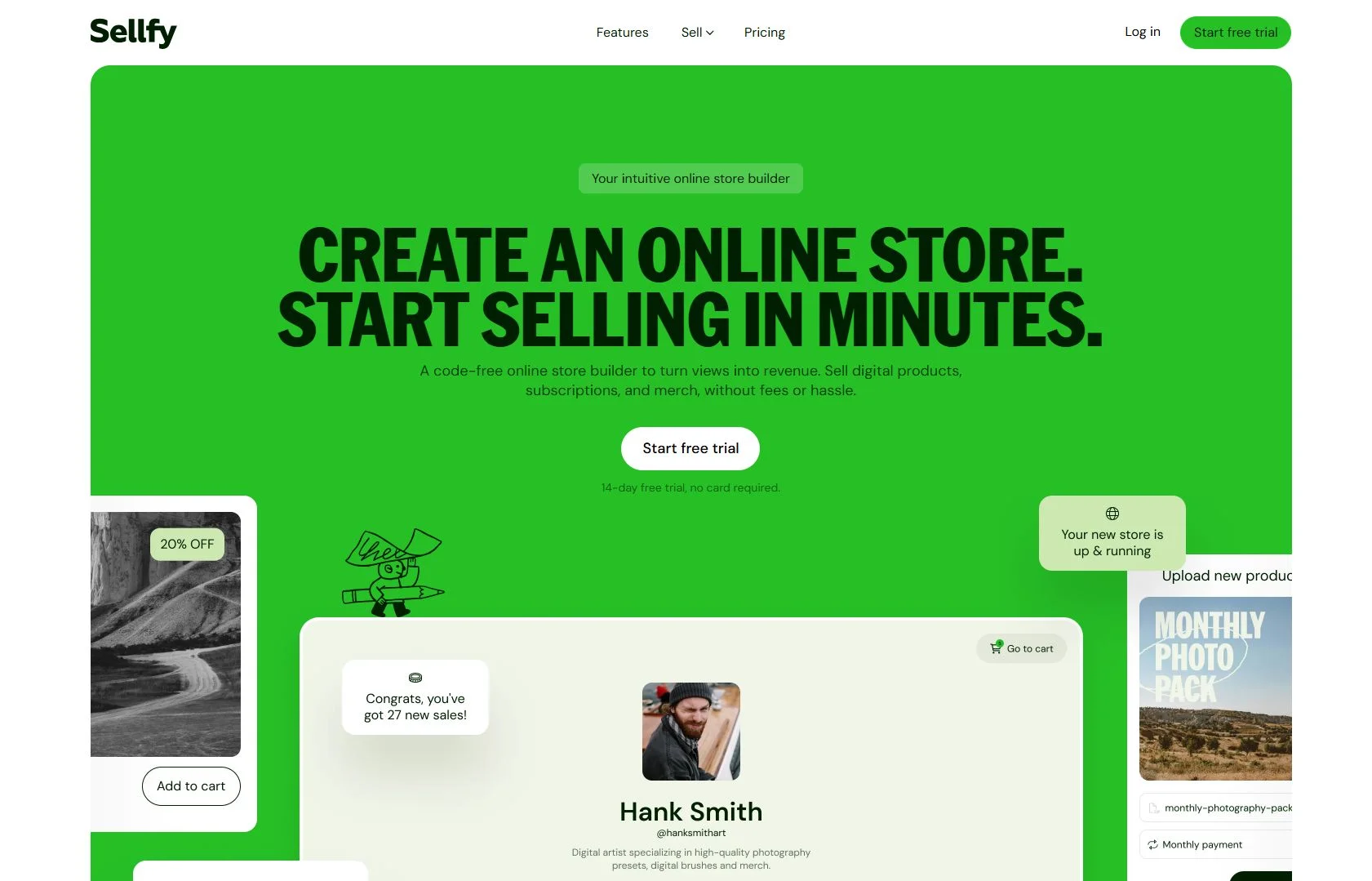
Sellfy is designed to get you selling within a day. You get a hosted storefront, automatic file delivery, subscription support, and basic email marketing, all without touching a CMS, installing plugins, or managing hosting. For creators who want to validate an idea or launch a side income without technical overhead, that speed has real value.
The tradeoff is the ceiling. Sellfy’s customization options are limited compared to a full website builder, and its integration ecosystem is small. If you eventually need complex funnels, membership tiers, or a deeply branded site experience, you’ll outgrow it. For a detailed breakdown of this platform, please check out our Sellfy review here.
Key features that Sellfy offers:
- Built-in digital file hosting with automatic download delivery
- Subscription and recurring payment support
- Embeddable buy buttons and product widgets for existing websites
- Coupon codes, upsells, and pay-what-you-want pricing
- Print-on-demand physical product support if you want to expand
Limitations to keep in mind:
- Design customization is more constrained than website builders
- Small app ecosystem limits advanced workflow automation
- No meaningful built-in VAT handling for international sales
Pricing: Starter $29/mo | Business $79/mo | Premium $159/mo (monthly billing). No free plan; 14-day free trial available.
Best for: Solo creators and small teams who want a fast, hosted launch for digital downloads, subscriptions, or simple storefronts, without managing technical infrastructure.
2. Gumroad: best for solo creators selling direct to an existing audience
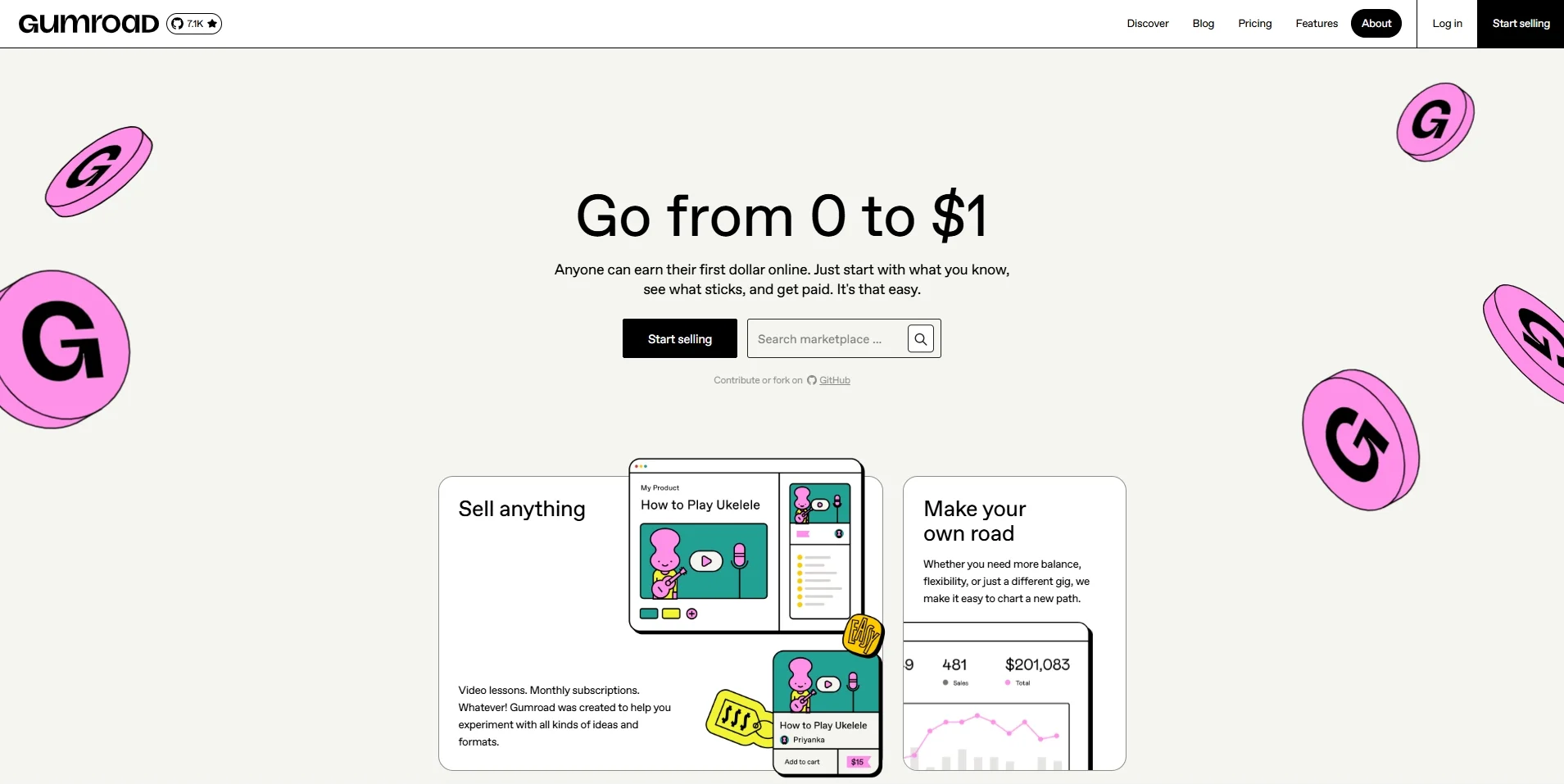
Gumroad’s pitch is the simplest in this list: upload a product, set a price, share a link, get paid. No monthly fee until you’re making money. That model makes it the lowest-risk entry point for first-time digital sellers, and its merchant-of-record status means Gumroad handles VAT and global sales tax on your behalf, which removes a compliance burden that trips up many new sellers.
The cost structure changes significantly at scale. Gumroad’s 10% flat fee is competitive at zero revenue but expensive once you’re doing consistent volume. At $5,000/month in sales, you’re paying $500/month in fees, more than Shopify’s Advanced plan. That’s the natural migration point, and it’s worth planning for before you’re in the middle of it.
Key features that Gumroad offers:
- Instant product publishing with hosted sales pages, no website required
- Support for downloads, streaming, license keys, and subscriptions
- Pay-what-you-want pricing and membership tiers
- VAT and global sales tax handled automatically (merchant of record)
- Discovery marketplace that can surface products to new buyers
Gumroad limitations to keep in mind:
- 10% transaction fee on all sales (plus an additional 30% cut on marketplace discoveries)
- Limited storefront branding, product pages look like Gumroad, not your brand
- Not suited for large catalogs, complex funnels, or high-volume sellers
Pricing: Free plan with 10% transaction fee. No monthly subscription option.
Best for: Solo creators, writers, designers, and developers with an existing audience who want to validate and sell digital products immediately, and who aren’t yet at volumes where the 10% fee becomes a meaningful cost.
3. WooCommerce: best for content-driven stores that need full ownership and flexibility
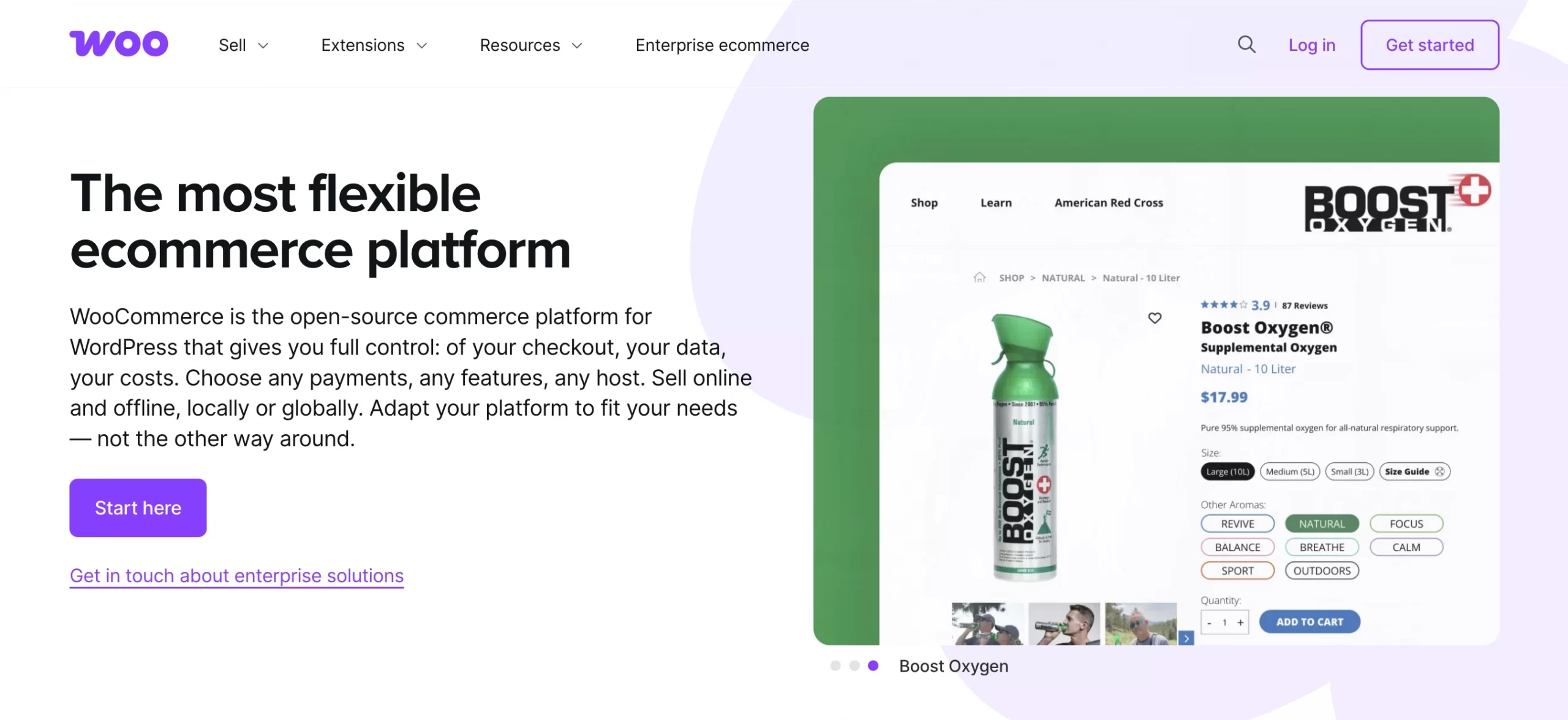
WooCommerce is a free WordPress plugin that turns a WordPress site into a full eCommerce store. It’s the right fit if SEO and content are core to your growth strategy; the WordPress + WooCommerce stack is the strongest combination available for organic traffic.
The ownership argument is real: your data, your code, your hosting. No platform can change fee structures or throttle your features. The tradeoff is maintenance, you’re responsible for hosting, security, and plugin management. A good managed WordPress host (Kinsta, WP Engine, Pressable) handles most of this, but it’s not zero effort.
Key features that WooCommerce offers:
- Native digital download support with configurable access rules and automatic delivery
- Extensive extension library for subscriptions, memberships, licensing, and course integrations
- Full control over design, checkout, and site structure
- No platform transaction fees, only payment processor fees (Stripe, PayPal)
- Deep SEO capabilities via the WordPress ecosystem (Yoast, RankMath)
WooCommerce limitations to keep in mind:
- Requires separate WordPress hosting, setup, and ongoing maintenance
- Performance, security, and reliability depend on your hosting and plugin choices
- Total cost of ownership is harder to predict than SaaS alternatives
Pricing: Plugin free. Budget $15–50/mo for managed WordPress hosting. WooCommerce Subscriptions costs $299/yr; most premium plugins are $50–200/yr each.
Best for: Sellers who want full ownership of their store and data, are comfortable with (or can hire for) WordPress management, and plan to use content marketing as a primary growth channel.
4. Squarespace: best for design-led brands selling digital products alongside services
Squarespace is for a specific type of seller: the photographer, designer, consultant, or agency who needs a portfolio-quality website that also sells digital goods. No other platform on this list matches its design defaults, templates are polished, the editor is fast, and results look professional without custom development.
The eCommerce feature set has improved, but it’s not a digital-products-first platform. For simple downloads alongside a service or portfolio site, it’s excellent. For a business where digital products are the primary revenue engine, the ceiling is low. Check out our in-depth Squarespace review here for more expert insights on this platform.

Key features that Squarespace offers:
- Native digital download support with automatic post-purchase delivery
- High‑quality, responsive Squarespace templates ideal for showcasing creative work, portfolios, and product pages
- Integrated email marketing, pop-ups, and promotional banners
- Blogging and content publishing are built in, strong for SEO-led growth
- Scheduling and appointment booking for service sellers
Squarespace limitation to keep in mind:
- eCommerce automation and digital-product-specific features are more limited than specialist platforms
- Payment gateway options are narrower than Shopify or WooCommerce (primarily Stripe and PayPal)
- Not ideal for large catalogs or complex digital product ecosystems
Squarespace pricing: Personal $23/mo | Business $33/mo | Commerce Basic $36/mo | Commerce Advanced $65/mo (monthly billing).
Best for: Design-conscious creators, photographers, consultants, and small agencies who want a beautiful all-in-one website and sell digital products as part, but not all, of their offering.
5. Shopify: best for scaling merchants selling digital and physical products
Shopify is the right choice if you’re building a serious digital product business that might expand into physical goods, merchandise, or subscriptions. Its core product was built for physical commerce, so digital delivery requires the free Digital Downloads app, or a third-party app like Sky Pilot or FetchApp for advanced needs. That’s a genuine setup step, not a dealbreaker, but worth knowing upfront.

Where Shopify earns its place at the top of this list: it gives you a complete, branded storefront, a massive app ecosystem (16,000+ apps), built-in marketing tools, and analytics that most creator-focused platforms simply don’t offer. If you’re selling high-ticket digital products, courses, premium templates, or software, having a professional storefront with abandoned cart recovery, upsells, and email flows matters for conversion.
Key features that Shopify offers:
- Automated digital file delivery via the Digital Downloads app (free) or advanced third-party apps
- Full storefront builder with 800+ themes, blog, and landing pages
- Built-in abandoned cart recovery, discount codes, and email marketing integrations
- Multichannel selling: Instagram, TikTok, Google, Amazon from one dashboard
- Shopify Payments eliminates third-party transaction fees entirely
Shopify limitations to keep in mind:
- Digital delivery is not native, requires app setup even for basic use cases
- VAT and global tax for digital goods requires configuration or a dedicated app
- Monthly costs rise quickly once you add apps for subscriptions, licensing, and email
Pricing: Basic $39/mo | Grow $105/mo | Advanced $399/mo (all monthly, no annual commitment). 0% transaction fee with Shopify Payments; up to 2% with a third-party gateway.
Best for: Established creators and merchants who want a scalable, fully branded storefront and plan to sell both digital and physical products, or who expect significant growth in volume or product lines.
6. Payhip: best for budget-conscious creators who want built-in tax handling
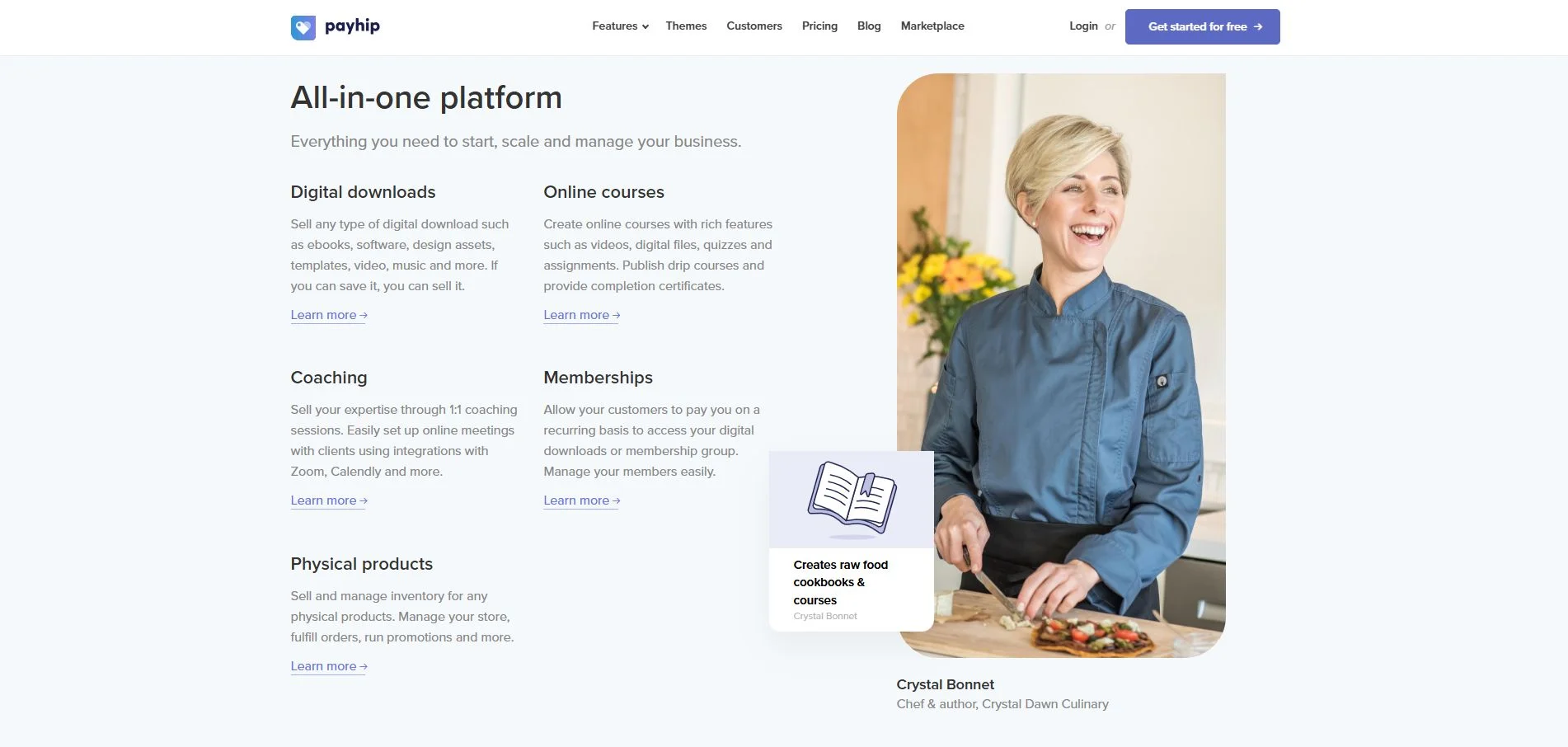
Payhip sits in a useful middle ground: it’s free to start (with a 5% transaction fee), handles EU and UK VAT automatically, and supports digital downloads, online courses, memberships, and coaching, all from one dashboard. For sellers who need international tax compliance sorted without a monthly fee commitment, it’s one of the most practical starting points on this list.
Key features to mark Payhip as best eCommerce platform for digital products:
- Native EU and UK VAT handling on digital goods, automatic, no manual setup
- Supports digital downloads, courses, memberships, and coaching products
- Flexible pricing tools: coupons, pay-what-you-want, product bundles
- Embeddable checkout for existing websites and landing pages
- Affiliate program support built in
Payhip limitations to keep in mind:
- Storefront design and layout customization are limited compared to website builders
- Smaller integration ecosystem, fewer native connections to email and CRM tools
- Course builder is functional but not as polished as Podia or Teachable
Pricing: Free (5% transaction fee) | Plus $29/mo (2% fee) | Pro $99/mo (0% fee). Monthly billing available on all paid plans
Best for: Solo creators and small teams who want a low-cost, tax-compliant way to sell digital downloads, courses, and memberships, particularly those selling to EU or UK customers.
7. SureCart: best for WordPress users who want modern checkout without plugin bloat
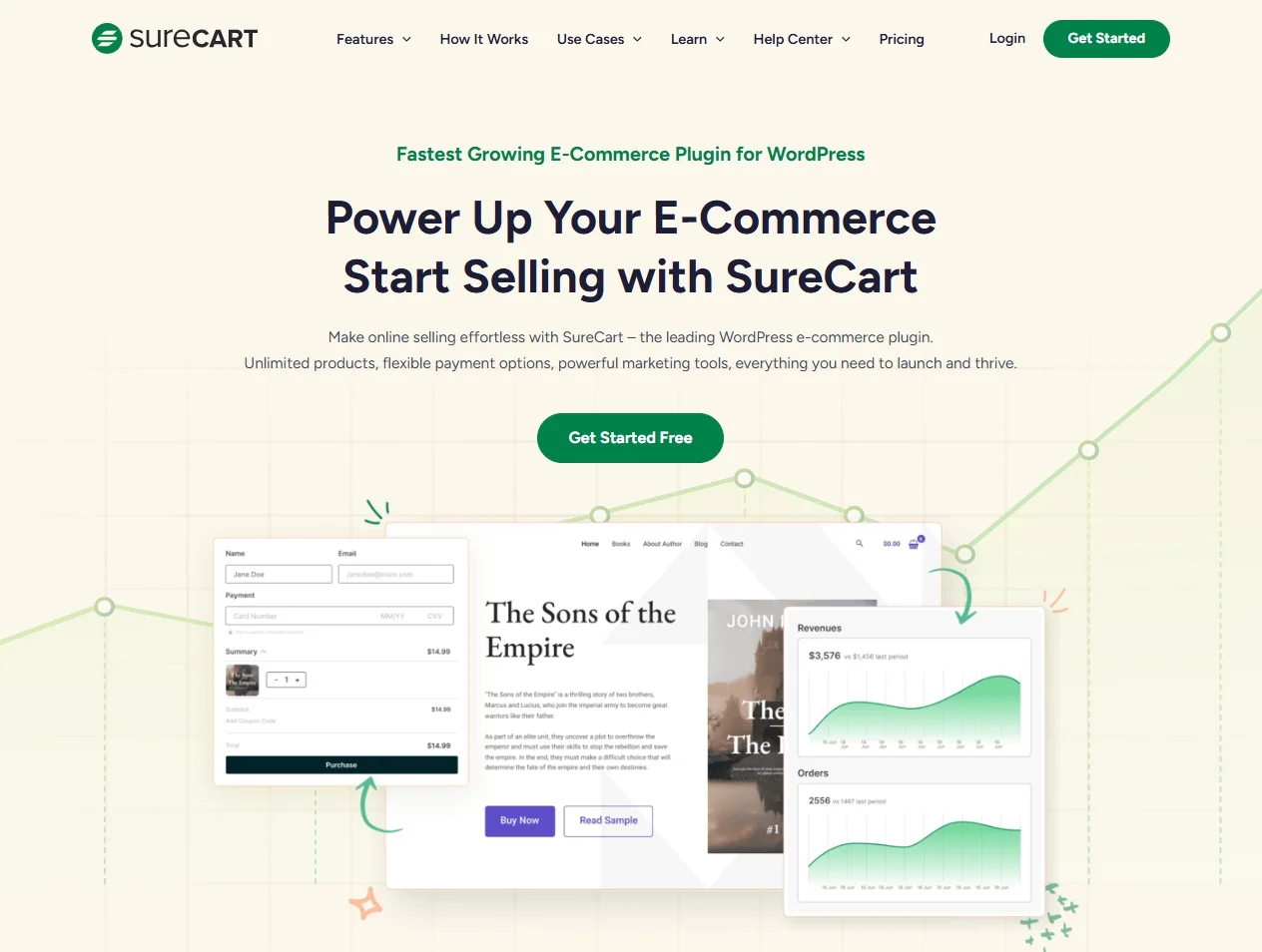
SureCart is a checkout-focused alternative to WooCommerce for WordPress sites. The checkout UX is noticeably more modern, subscription management is built in, and it processes payments through a cloud-based layer, keeping your WordPress install lighter.
It’s not standalone. You need a WordPress site and a page builder for the storefront. But if you already have a WordPress site and want a clean, conversion-focused checkout for digital products and memberships, it’s worth serious consideration.
Key features that SureCart offers:
- Cloud-based checkout pages that don’t add weight to your WordPress install
- Strong subscription, payment plan, and recurring billing capabilities
- License and access-based product support
- Automated receipts, customer account portals, and email notifications
- Works alongside popular page builders (Elementor, Bricks, Divi)
SureCart limitations to keep in mind:
- Requires an existing WordPress site, not a hosted standalone solution
- Ecosystem is newer and smaller than WooCommerce’s
- Some advanced features require the Pro plan
SureCart pricing: Launch plan free (1.9% transaction fee) | Pro plan $179/yr per store (0% transaction fee). No monthly billing option; annual or lifetime only.
Best for:
SureCart is the best eCommerce platform for digital products if you are WordPress users who want a clean, modern checkout and robust subscription capabilities for selling digital products, memberships, and other access‑based offers.
8. Podia: best for course creators and membership-based businesses
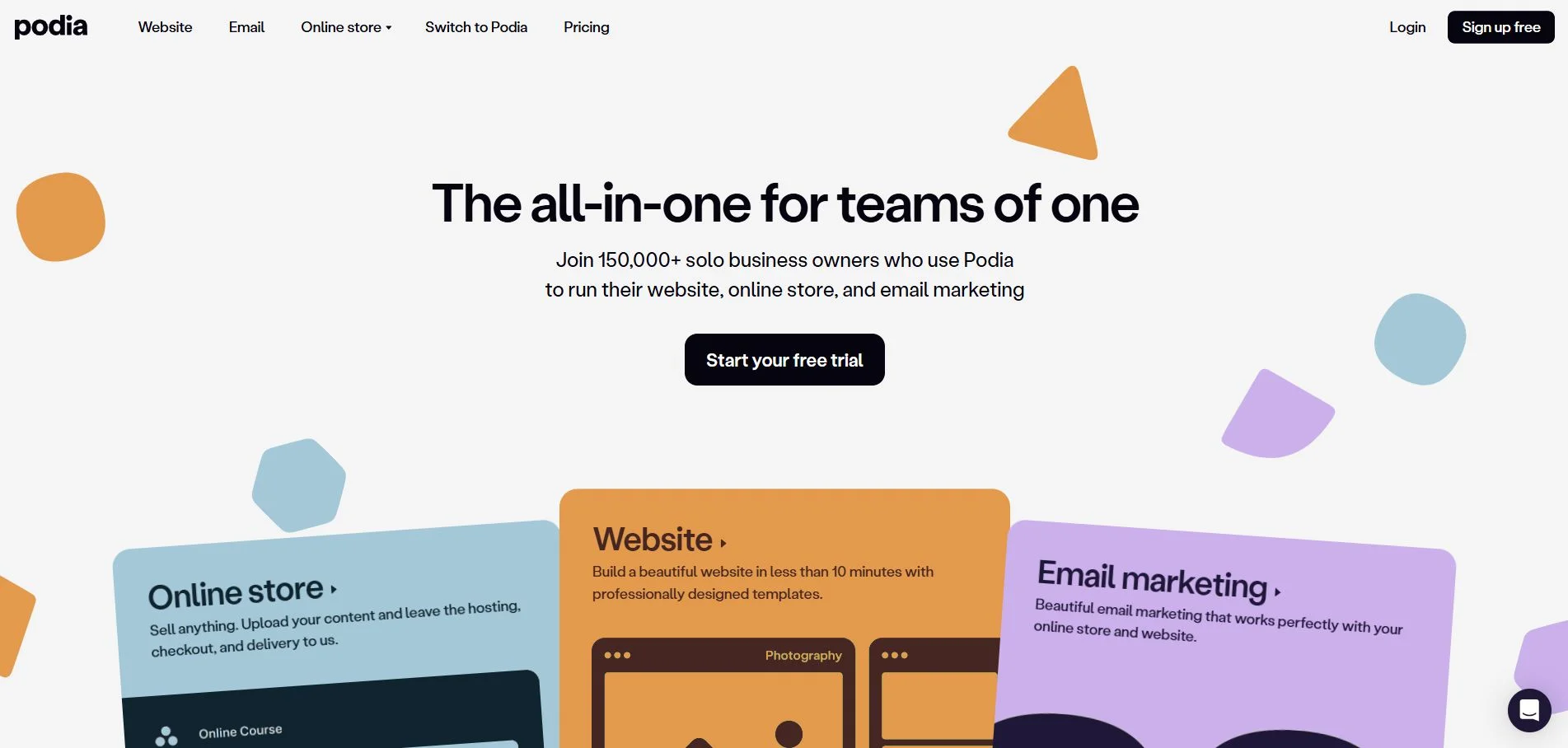
Podia is an all‑in‑one platform built specifically for creators who sell online courses, digital downloads, memberships, and communities from a single, unified hub. Instead of stitching together separate tools for hosting content, managing students, and taking payments, Podia gives you a streamlined dashboard where you can set up products, publish content, and communicate with your audience.
For many knowledge‑based businesses evaluating the best eCommerce platform for digital products, Podia is appealing because it combines storefront, course platform, and community space under one roof. Alongside online courses, AI study tools can help students and course creators organize course materials, create flashcards, and review important concepts more effectively.
Key features that Podia offers:
- Native support for online courses, digital downloads, webinars, and bundled offers.
- Strong support for subscriptions, payment plans, and recurring billing for digital products and memberships.
- Simple, hosted storefront and product pages, so you don’t need separate hosting or a complex site setup.
- Support for coupons, upsells, and payment plans to increase order value and conversions.
Podia limitations to keep in mind:
- Design and layout customization options are more limited than full website builders.
- Less suitable if you primarily sell physical products or need a very complex multi‑store setup.
Podia pricing: From $39 to $89 per month
Best for:
Podia is the best eCommerce platform for digital products if you are course creators, educators, and community‑driven businesses that want to manage digital products, memberships, and audience engagement from one integrated platform.
9. Ecwid: best for store owners who want to add digital selling to an existing site
Ecwid’s model is different from every other platform on this list: you embed a store widget into a site you already own. WordPress, Wix, and a custom HTML page, Ecwid slots in rather than replacing what you have. That’s its core value for creators and small businesses with an established web presence who want to add a checkout layer without a full rebuild.
Digital product support is present but basic. You won’t find course builders, license key management, or complex membership tiers. Ecwid is the right fit if digital downloads are one of several product types you offer, not the whole business.

Key features to mark Ecwid as best eCommerce platform for digital products:
- Embeddable store widgets compatible with most website platforms
- Automatic file delivery for digital product purchases
- Multichannel selling: Facebook, Instagram, Google Shopping from one dashboard
- Coupons, discounts, and basic email marketing integrations
Ecwid limitations to keep in mind:
- Digital-specific features (memberships, licenses, course delivery) are absent or very limited
- Storefront design is constrained by the embedding model
- Not the right choice if digital products are the primary or only revenue stream
Ecwid pricing: Free plan (limited) | Venture $29/mo | Business $49/mo | Unlimited $119/mo (monthly billing).
Best for: Website owners and small businesses with an existing site who want to add digital product selling without rebuilding their web presence, particularly if digital is one of multiple product types.
10. SendOwl: best for technical sellers who need robust file delivery and license management
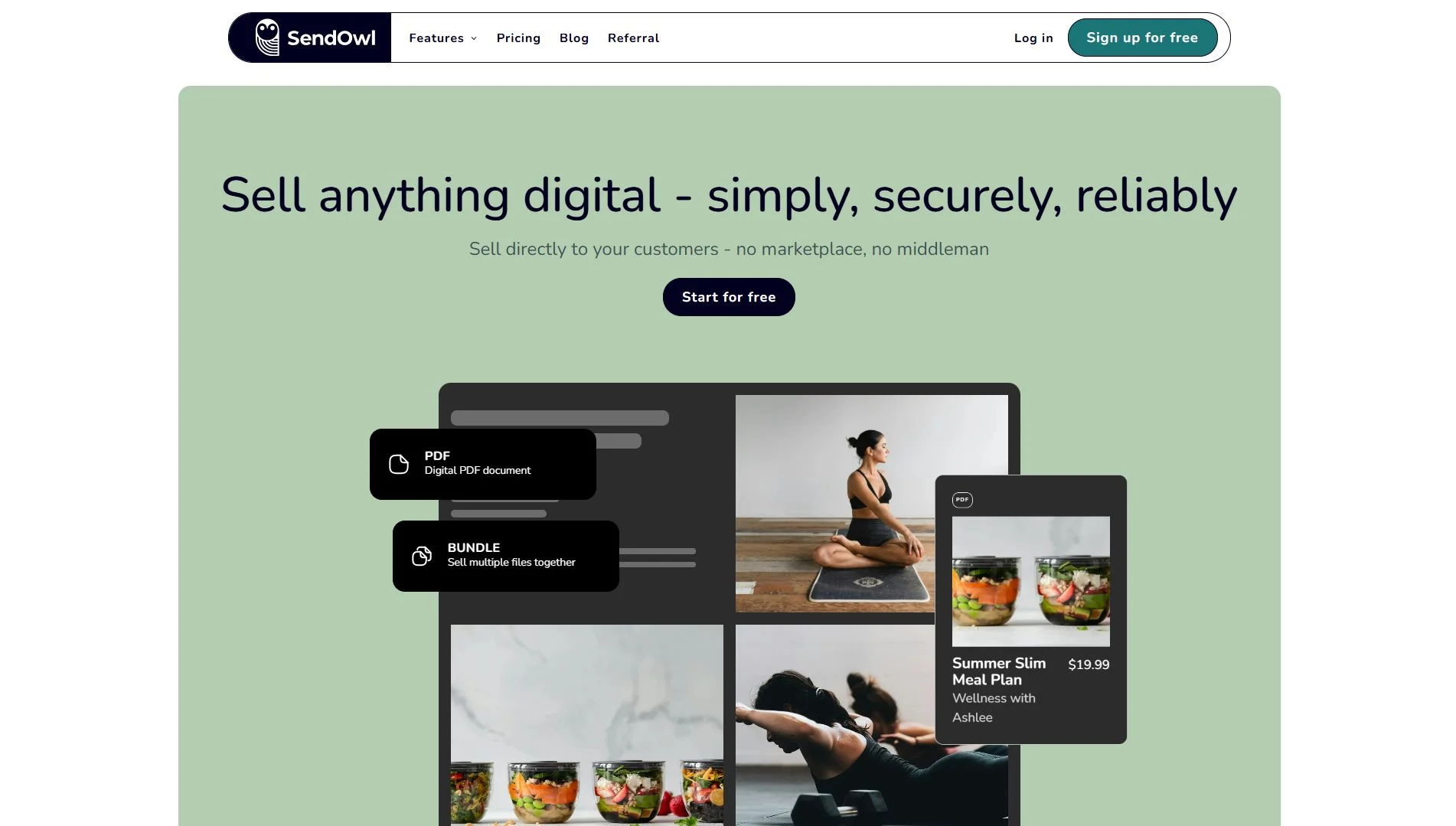
SendOwl focuses on the delivery and fulfillment layer rather than storefront building. While other platforms bundle checkout, design, marketing, and delivery into a single product, SendOwl excels at secure file delivery, PDF stamping, license key generation, and integration with existing tools like Zapier, WordPress, and custom sites.
It’s the right choice for software developers, digital agencies, and sellers who already have a website and marketing stack but just need reliable, configurable fulfillment infrastructure.
Key features that SendOwl offers:
- Secure download links with expiry dates, download limits, and IP restrictions
- PDF stamping (personalizes PDFs with buyer name/email to deter piracy)
- License key generation and delivery for software products
- Subscription and payment plan support
- Zapier and API integrations for custom workflows
SendOwl limitations to keep in mind:
- Interface and setup can feel more technical compared to beginner‑oriented creator platforms.
- The platform may be overkill for very simple digital product catalogs or first‑time sellers who just need a basic storefront.
SendOwl pricing: Launch $39/mo | Grow $87/mo | Scale $159/mo (monthly billing). All plans include every feature; plan tier is determined by annual revenue volume.
Best for: Best for: Developers, agencies, and technical sellers who need reliable, configurable file delivery and license management, and already have a website to handle the storefront.
How To Choose the Right eCommerce Platform for Your Situation
1. You’re just starting out with one or two products
Start with Gumroad (free, zero friction) or Payhip (free plan, EU/UK VAT handled). Both let you validate whether people will buy before you invest in a monthly subscription. When you hit consistent sales volume, typically when the transaction fees exceed $29–39/mo, upgrade to a paid plan or migrate to a platform with more control.
2. You’re selling at volume and need full storefront control
Shopify or WooCommerce. Shopify if you want a managed SaaS experience with predictable costs and minimal maintenance. WooCommerce if you’re content-led, want full data ownership, and are comfortable managing a WordPress stack. At significant volume ($10k+/month GMV), the 0% transaction fee from Shopify Payments starts to matter more than the monthly subscription cost.
3. You sell digital and physical products together
Shopify is the clearest answer. WooCommerce handles both well but requires more plugin overhead. Avoid digital-first platforms (Gumroad, Sellfy, Payhip) for mixed catalogs, their physical product support is limited or bolted on.
4. You need VAT and global tax handled automatically
Gumroad and Payhip are the two platforms that act as merchant of record or provide native EU/UK VAT handling without additional tools. If you’re on Shopify or WooCommerce, you’ll need a tax app (TaxJar, Quaderno, or Avalara) to achieve the same result, budget accordingly.
Best eCommerce Platform for Digital Products – FAQs
What is the best free platform to sell digital products?
Gumroad and Payhip both offer free plans. Gumroad charges 10% per transaction; Payhip charges 5%. For most early-stage sellers, Payhip's lower fee and built-in EU/UK VAT handling make it the stronger default. Gumroad's marketplace discovery is an advantage if you don't yet have an existing audience.
Does Shopify support digital downloads natively?
Shopify supports digital downloads through its free Digital Downloads app, available in the Shopify App Store. The app handles automated delivery, download limits, and file updates. For more advanced needs, PDF stamping, license keys, streaming delivery, and third-party apps such as Sky Pilot or FetchApp offer additional functionality.
Which platform has the lowest fees for digital products?
It depends on your volume. Under $500/mo, Gumroad's free plan is manageable. Once you're doing consistent sales, platforms with a flat monthly fee and 0% transaction fees (Payhip Pro at $99/mo, Shopify Basic at $39/mo with Shopify Payments) work out significantly cheaper. Run the math at your actual projected volume.
What's the difference between Gumroad and Sellfy?
Both are digital-first platforms, but serve different needs. Gumroad is free to start (10% fee), acts as the merchant of record for taxes, and has a discovery marketplace. Sellfy charges a flat monthly fee (from $29/mo) with 0% transaction fees, offers more storefront customization, and includes print-on-demand. Gumroad suits early validation; Sellfy suits creators who want a branded storefront and predictable costs.
Is WooCommerce good for digital products?
Yes, it has strong native digital download support and a mature extension ecosystem for subscriptions, memberships, and license keys. The main consideration is maintenance: WooCommerce requires WordPress hosting, plugin configuration, and ongoing site management. If you're comfortable with that, it's one of the most capable and cost-effective options for a content-driven digital product business.
Final Words
The best eCommerce platform for digital products depends on what you’re selling, who you’re selling to, and where you expect to be in 18 months. For most creators starting out, Payhip or Gumroad removes all friction from launch. For sellers building a full branded business, Shopify or WooCommerce scales without forcing a painful migration later.
Every platform on this list has a ceiling – Gumroad’s 10% fee, Sellfy’s limited ecosystem, Squarespace’s thin eCommerce automation. Choosing a platform that matches both where you are now and where you’re realistically heading means you won’t have to rebuild from scratch in two years.
If you like this article, please don’t forget to check out other articles on our LitExtension Blogs and Resources for more expert tips and insights on eCommerce platforms.