
A fast and secure checkout is vital to your Magento store's success. If the payment process is slow or complicated, shoppers will abandon their carts. The right solution protects customer data, builds trust, and keeps your sales flowing smoothly.
Compare the 10 best Magento payment gateways below, ranked by user experience, key features, and transaction fees:
- PayPal;
- Stripe;
- Amazon Payment;
- Braintree;
- Authorize.net;
- 2Checkout;
- Square;
- WorldPay;
- Dwolla;
- Elavon.
Let's get in!
Top 10 Magento Payment Gateways in 2026
PayPal and Stripe remain the two best gateways. PayPal holds 45% of the global payment gateway market (Straits Research), while Stripe is the second-largest processor, with a ~17–29% share (Red Stag Fulfillment). Together, they control around 65–75% of online payment processing.
Other Magento payments gateways worth considering include Amazon Pay, Braintree, Square, and more, as you can see in the table below:
Payment Gateway | Rating on G2 | Key Features | Best For |
PayPal | 4.4/5 | - Support various payment methods | Best for easy checkouts |
Stripe | 4.3/5 | - Provide a wide range of fraud prevention tools - Offers detailed reporting and analytics dashboards to track transactions and revenue streams | Best for customization |
Amazon Payment | 4.5/5 | - Provide single-click purchase, removing friction and lengthy form-filling | Best for faster checkout |
Braintree | 4.0/5 | - Support a wide range of payment methods | Best for multiple payment methods |
Authorize.net | 4.2/5 | - Offers a comprehensive suite of fraud detection tools | Best for fraud protection |
2Checkout | 4.0/5 | - Support multiple payment methods in over 200 countries and territories - Employ powerful fraud detection tools and risk management systems | Best for international payments |
Square | 4.5/5 | - Manage both online and in-person payments in one single platform - Provide a centralized dashboard to track and manage inventory from different locations - Create loyalty programs, manage customer data, and launch targeted email campaigns | Best for omnichannel payments |
WorldPay | 4.5/5 | - Access to a vast network of banks and acquirers worldwide - Process transactions in 120+ currencies - Tailor the checkout process to match your brand and website design | Best for multi-currency processing |
Dwolla | 4.3/5 | - Faciliate efficient and cost-effective processing of bank-to-bank transfers within the US - Customize the payment experience to match your brand identity with its white-label API - Automate and streamline large-scale payouts to multiple recipients | Best for ACH payments |
Elavon | 4.2/5 | - Accept payments seamlessly across various channels - Provides a robust suite of fraud prevention tools, including customizable fraud rules, velocity checks, and address verification | Best for payment flexibility |
1. PayPal – Best for easy checkouts
PayPal rating: 4.4/5 (from 2.664 users on G2)
Without a doubt, PayPal is the top-tier payment acquirer for eCommerce. Currently, this payment option is employed by over 13.2 million online businesses, according to statistics by BuiltWith. Therefore, it is certainly a major competitor in the payment gateway market for Magento.
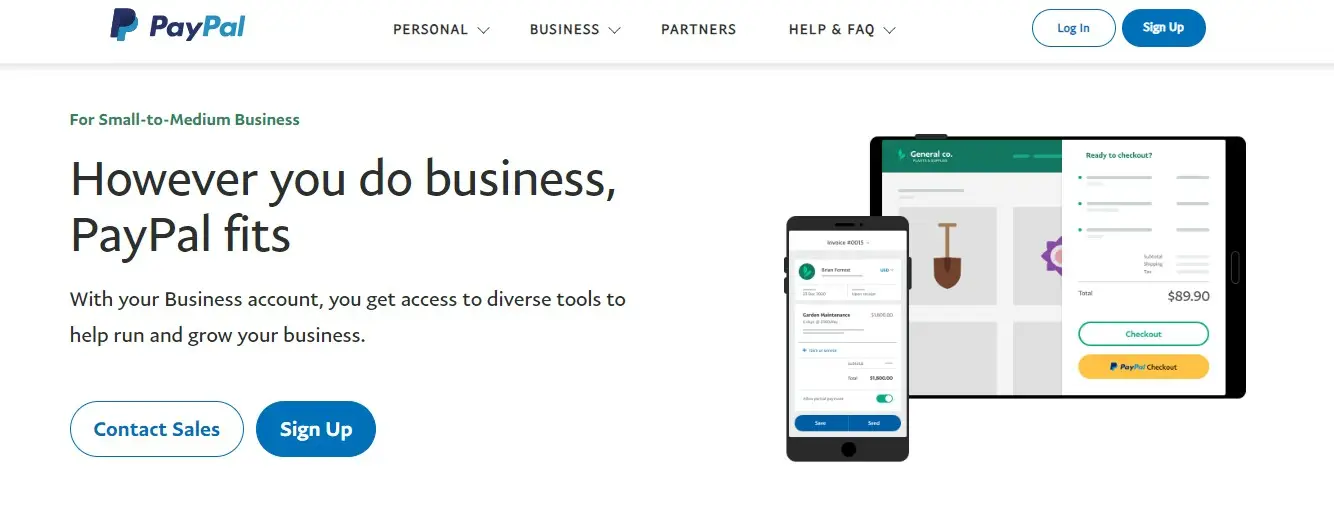
Fee: typically 2.9% + $0.30 per transaction for domestic payments within the U.S., although fees can reach 3.49% + $0.49 depending on the specific service used.
For international transactions, fees can be as high as 5%. PayPal does not impose any setup or monthly fees, making it a cost-effective payment solution for online merchants.
Key features:
- Supports various payment methods, including major credit cards, debit cards, PayPal balance, and PayPal Credit.
- Offers buyer protection and seller protection programs to minimize risks for both parties involved in transactions.
- Provides tools for recurring billing, making it suitable for subscription-based businesses.
- Facilitates international transactions, supporting multiple currencies and cross-border payments.
- Offers a dedicated Magento extension for streamlined integration with your online store.
PayPal pros & cons
Pros | Cons |
|
|
2. Stripe – Best for customization
Stripe rating: 4.2/5 (from 427 users on G2)
Being launched in Australia in 2011, Stripe now gains a deserving position in the payment gateway market. Stripe has a great reputation thanks to its scalability and customizability. This payment gateway supports more than 100 currencies in more than 100 different countries around the world.
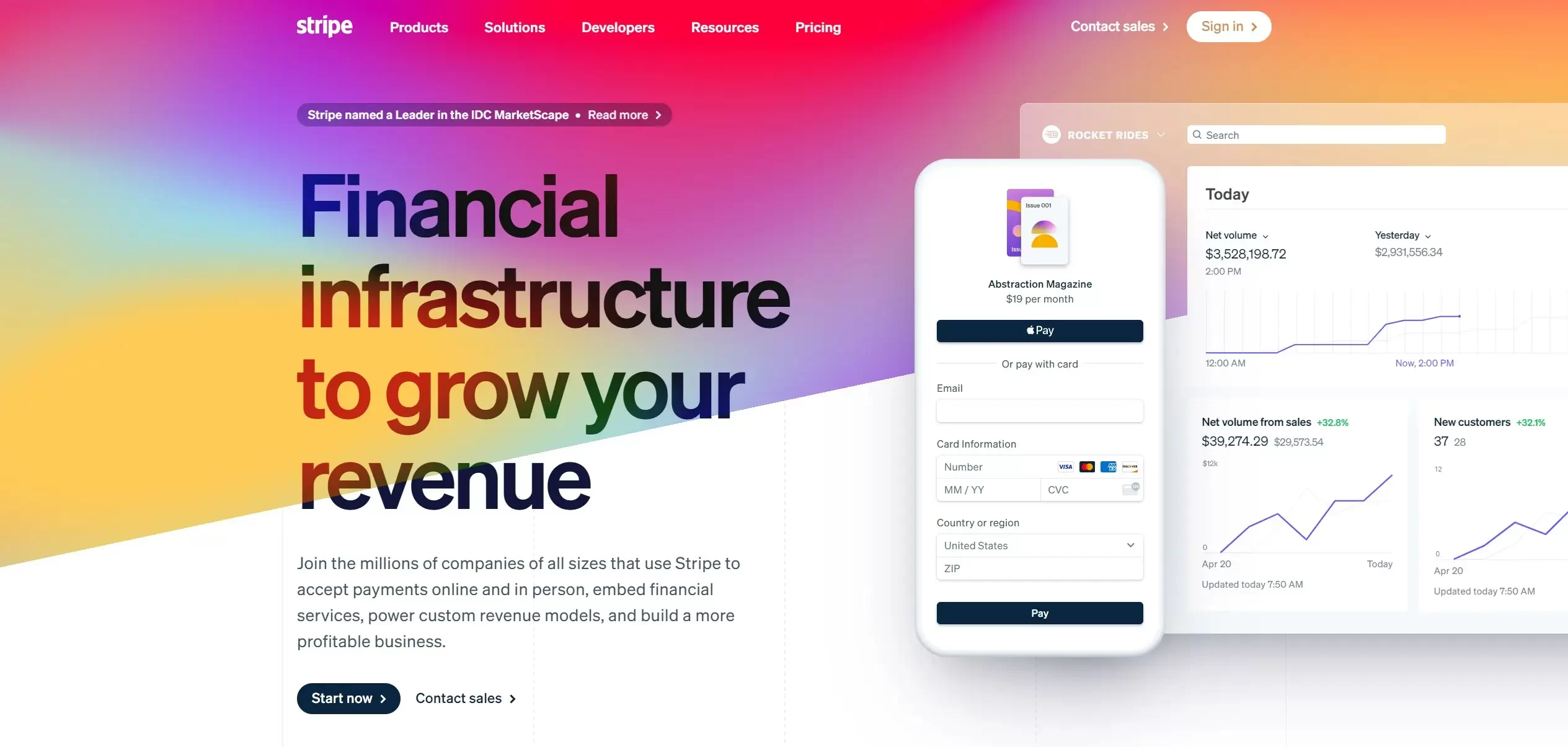
Fee: 2.9% + $0.30 per transaction (with no monthly fee or setup fee).
Key features:
- Stripe offers extensive API documentation and libraries for deep integration with Magento.
- It provides a wide range of fraud prevention tools, including machine learning-based fraud detection.
- Merchants can leverage Stripe's recurring billing and subscription management features for various business models.
- The platform supports a global customer base, accepting payments from a multitude of countries.
- Stripe offers detailed reporting and analytics dashboards to track transactions and revenue streams.
Stripe pros and cons
Pros | Cons |
|
|
3. Amazon Payment – Best for faster checkout
Amazon rating: 4.5/5 (from 575 users on G2)
Amazon Pay offers Magento merchants a powerful way to simplify the checkout process by leveraging the trusted reputation and existing customer base of Amazon. By integrating Amazon Pay, you allow millions of Amazon users to seamlessly make purchases on your Magento store using their existing Amazon account information, potentially boosting conversions and reducing cart abandonment.
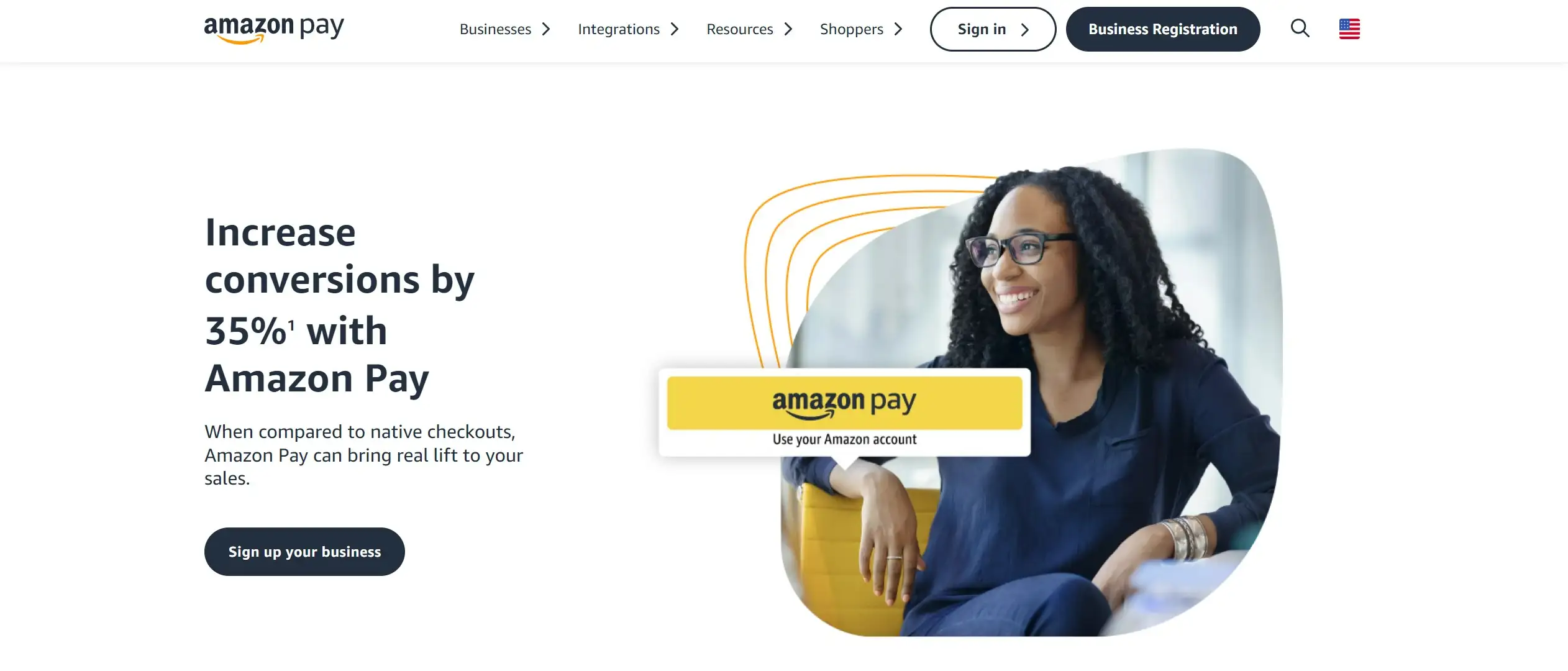
Fee: 2.9% + $0.30 (for domestic transactions) | 3.9% (for international transactions).
Features:
- Customers can complete purchases with a single click, reducing friction and cart abandonment.
- Merchants can use existing Amazon accounts for faster checkout and reduced form filling.
- Sellers benefit from Amazon's robust fraud detection and prevention systems.
- This payment gateway accepts payments in various currencies, expanding your reach to international customers.
Amazon Payment pros and cons
Pros | Cons |
|
|
4. Braintree – Best for multiple payment methods
Braintree rating: 3.4/5 (from 90 users on G2)
Born in Chicago in 2007, Braintree is also a well-known payment gateway that is suitable for businesses of all sizes. This payment gateway specializes in supporting mobile and web payments for eCommerce websites. As it serves as an all-in-one Paypal service, Braintree is definitely a wise choice for Magento store owners.
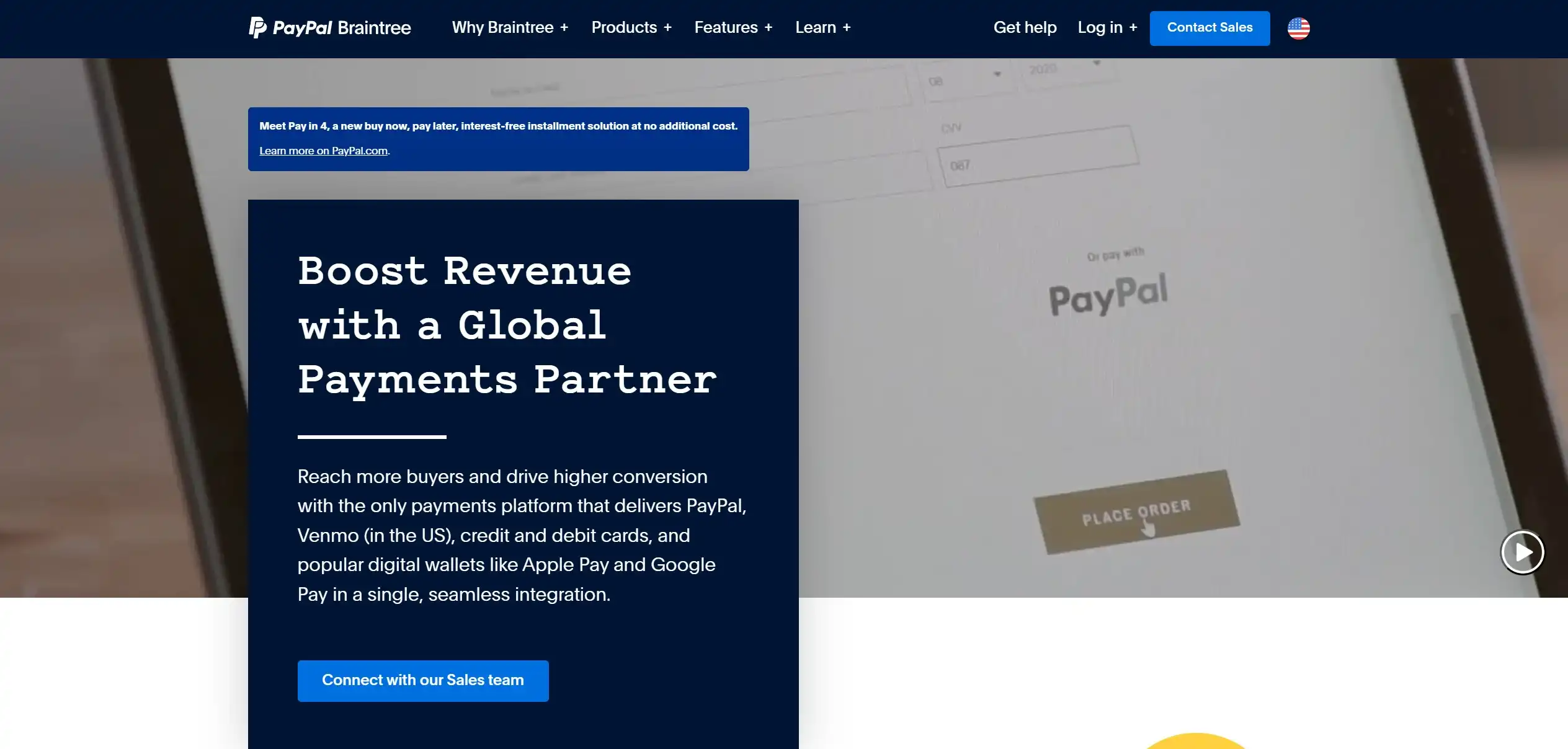
Fee: 2.59% + $.49 per transaction for standard debit and credit card transactions.
Additional fees apply for Venmo transactions (3.49% + $0.49) and ACH Direct Debit (0.75% capped at $5). There are no monthly fees for standard payment processing, but a $49 monthly fee applies if using Braintree as a gateway with an external merchant account. A $15 fee is charged for each chargeback incident.
Key features:
- Braintree supports a wide range of payment methods, including credit cards, debit cards, PayPal, Apple Pay, Google Pay, and Venmo.
- Advanced fraud detection tools and risk management features help minimize fraudulent transactions.
- Merchants can easily set up recurring billing for subscriptions and memberships.
- PCI DSS Level 1 compliant, ensuring the highest level of data security.
- A well-documented and robust API allows seamless integration with Magento and custom solutions.
Braintree pros and cons
Pros | Cons |
|
|
5. Authorize.net – Best for fraud protection
Authorize rating: 4.2/5 (from 209 users on G2)
Founded in 1996, Authorize.net is trusted by more than 430.000 merchants, making it one of the best payment gateways for Magento. This Magento payment method is especially suitable for small or medium online stores.
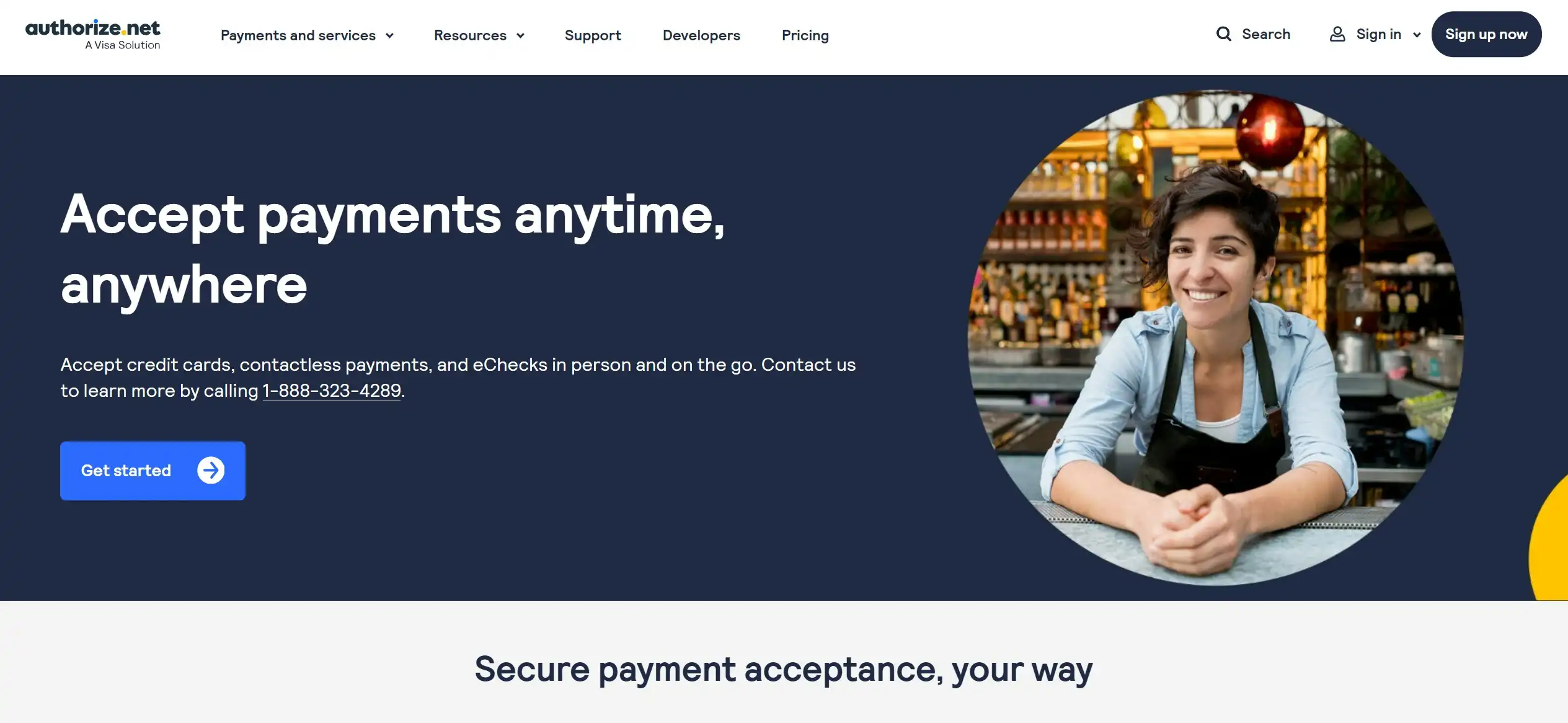
Fee: $25 monthly fee + 2.9% + $0.30 per transaction (if selecting Authorize.net as an All-in-One payment gateway) | $0.10 per transaction + a daily batch fee of $0.10 (if using a merchant account).
Key features:
- Authorize.net offers a comprehensive suite of fraud detection tools, including Address Verification Service (AVS), Card Code Verification (CVV2), and sophisticated risk scoring algorithms.
- This platform provides dedicated account managers for high-volume merchants, offering personalized support and guidance.
- Authorize.net supports transactions in multiple currencies, making it suitable for international businesses.
- It comes with comprehensive SDKs (software development kit) and developer resources for seamless integration with Magento.
Authorize.net pros and cons
Pros | Cons |
|
|
6. 2Checkout – Best for international payments
2Checkout rating: 3.9/5 (from 193 users on G2)
Another out-of-the-box payment gateway for Magento is 2Checkout, with over 50.000 merchants all over the world. The cost per transaction will vary, depending on the location of your business. Besides, if your eCommerce store processes more than 50.000 USD/month, you will get a high-volume discount.

Fee: $10.99 monthly service fee + 3.99% + $0.45 per transaction.
Key features:
- 2Checkout supports multiple payment methods in over 200 countries and territories, accepting payments in multiple currencies.
- The checkout process is available in multiple languages, catering to a diverse customer base.
- 2Checkout employs powerful fraud detection tools and risk management systems to minimize fraudulent transactions.
- Merchants can easily manage recurring billing for subscriptions and memberships with 2Checkout's robust subscription management tools.
2Checkout pros and cons
Pros | Cons |
|
|
7. Square – Best for omnichannel payments
Square rating: 4.5/5 (from 168 users on G2)
Square is a popular Magento payment gateway. It can meet the demand of merchants seeking a user-friendly payment solution that seamlessly bridges online and offline sales. With transparent, flat-rate pricing and a straightforward setup, Square is particularly appealing to small businesses and those seeking a hassle-free payment experience.

Fee: 2.9% + $0.30 (for standard processing rate) | 3.5% + $0.15 (for subscription processing rate) per transaction (with no monthly fee).
Key features:
- Square provides a single platform to manage both online and in-person payments, streamlining your operations.
- This platform operates on a transparent pricing structure with a flat rate per transaction, eliminating surprises and hidden fees.
- Square allows you to easily track and manage inventory across both your online store and physical location(s) from a centralized dashboard.
- Merchants can utilize Square's built-in marketing tools to engage customers, create loyalty programs, manage customer data, and launch targeted email campaigns.
Square pros and cons
Pros | Cons |
|
|
8. WorldPay – Best for multi-currency processing
WorldPay rating: 3/5 (from 42 users on G2)
Over 400.000 merchants in over 40 countries worldwide are using WorldPay as their payment gateway. WorldPay is an outstanding payment gateway suitable for businesses of all sizes and types. This payment gateway supports more than 120 currencies.
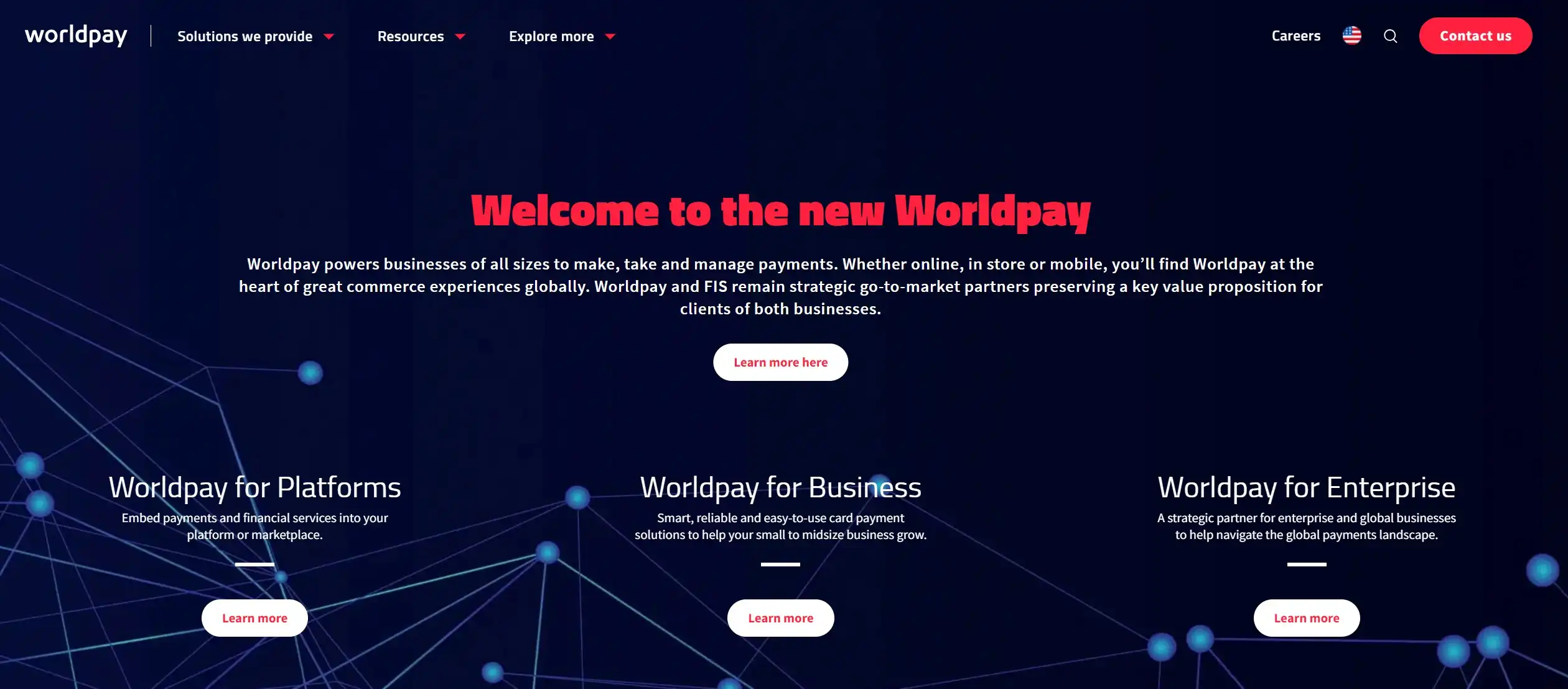
Fee: from 19 GBP (for the Gateway Standard) | from 45 GBP (for the Gateway Advanced) per month.
For PCI compliance, WorldPay provides support through its SaferPayments program, but additional fees may apply depending on the specific services used.
Key features:
- Worldpay provides access to a vast network of banks and acquirers worldwide, enabling you to accept payments from customers in multiple currencies and regions.
- This solution processes transactions in over 120 currencies, minimizing currency conversion fees for both you and your customers.
- Worldpay offers a range of sophisticated fraud detection and prevention tools to safeguard your business against fraudulent activities and minimize chargebacks.
- Merchants can tailor the checkout process to match your brand and website design, improving user experience and conversion rates.
WorldPay pros and cons
Pros | Cons |
|
|
9. Dwolla – Best for ACH payments
Dwolla rating: 4.3/5 (from 35 users on G2)
Dwolla stands out as a specialized payment gateway focusing on ACH (Automated Clearing House) transactions within the United States. It's an ideal choice for Magento merchants processing recurring payments, B2B transactions, or high-volume, low-value payments seeking to minimize processing fees.
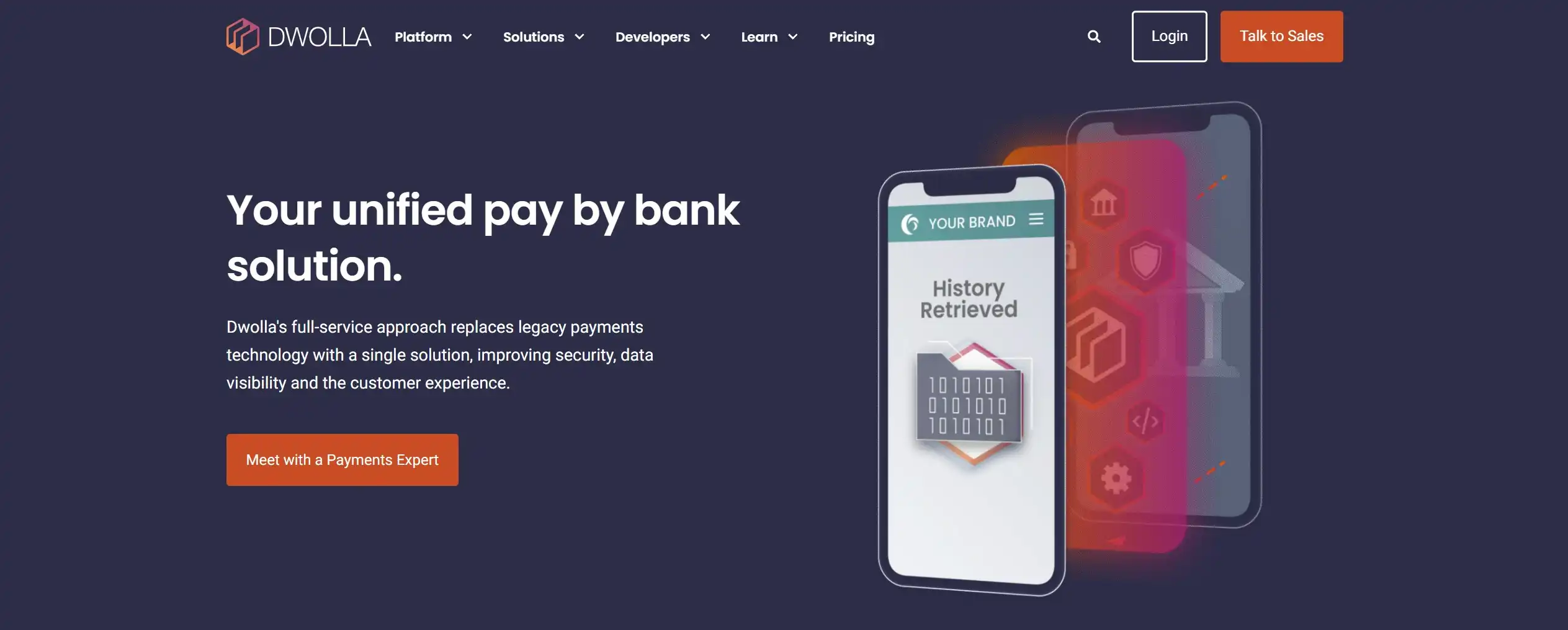
Fee: 0.5% per transaction with a minimum of 5¢ and a maximum of $5 per transaction.
Key features:
- Dwolla focuses solely on ACH payments, allowing for efficient and cost-effective processing of bank-to-bank transfers within the US.
- You can seamlessly integrate Dwolla into your Magento store and customize the payment experience to match your brand identity with its white-label API.
- This platform can automate and streamline large-scale payouts to multiple recipients, making it suitable for businesses managing payroll, affiliate commissions, or vendor payments.
- Dwolla prioritizes security with features like two-factor authentication, encryption, and compliance with industry standards, ensuring the safe handling of sensitive financial data.
Dwolla pros and cons
Pros | Cons |
|
|
10. Elavon – Best for payment flexibility
Elavon rating: 4.2/5 (from 48 users on G2)
Elavon, a leading global payment processor, offers a comprehensive suite of payment solutions tailored to businesses of all sizes and industries. They are known for their flexible integration options, commitment to security, and range of value-added services that go beyond transaction processing.
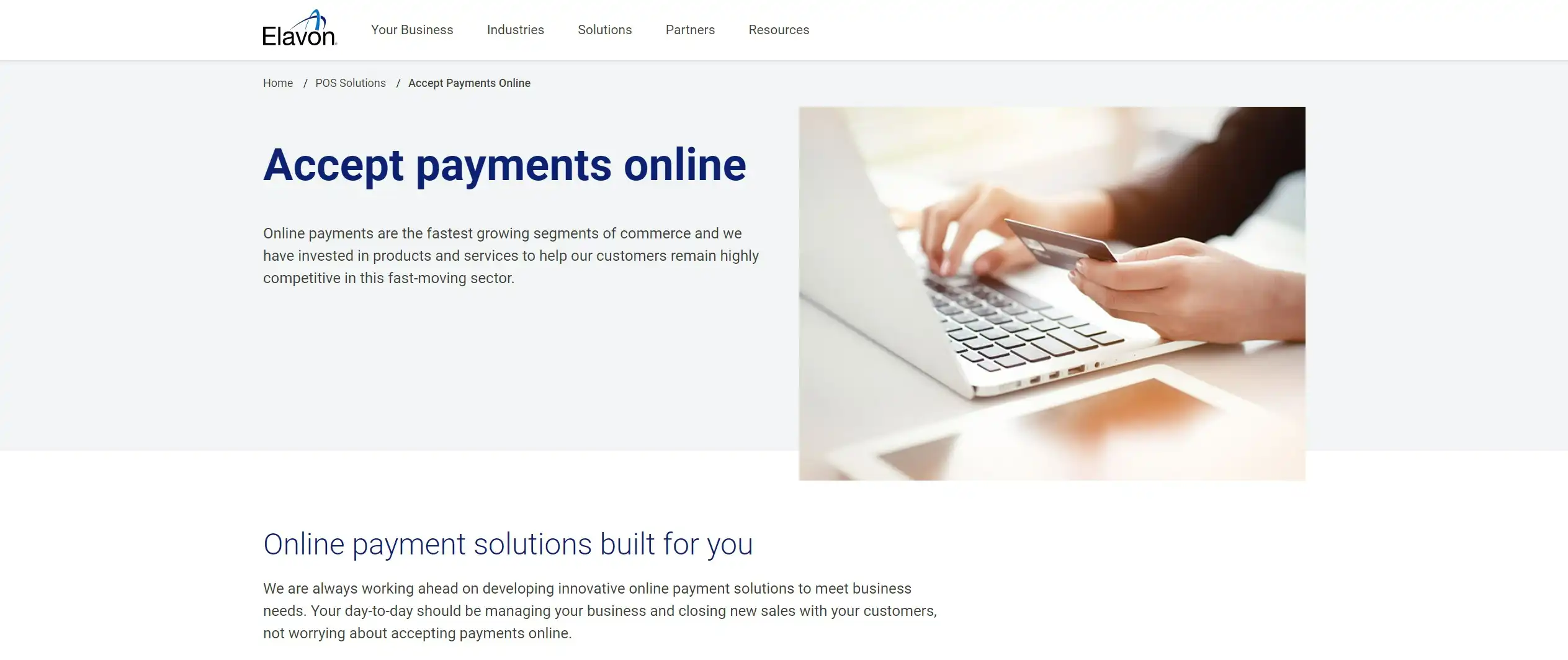
Fee: Up to 3% per transaction, depending on the chosen services and account type.
Key features:
- Elavon allows you to choose from a variety of integration methods, including direct integration, hosted payment pages, and pre-built integrations with popular eCommerce platforms.
- With Elavon, you can accept payments seamlessly across various channels, including online, mobile, in-store, and mail/phone orders, providing a consistent and convenient experience for your customers.
- Elavon provides a robust suite of fraud prevention tools, including customizable fraud rules, velocity checks, and address verification, to help you mitigate risk and safeguard your business against fraudulent transactions.
- This platform allows for securely storing sensitive customer data with tokenization and end-to-end encryption, reducing your PCI DSS compliance burden and enhancing the security of your transactions.
Evalon pros and cons
Pros | Cons |
|
|
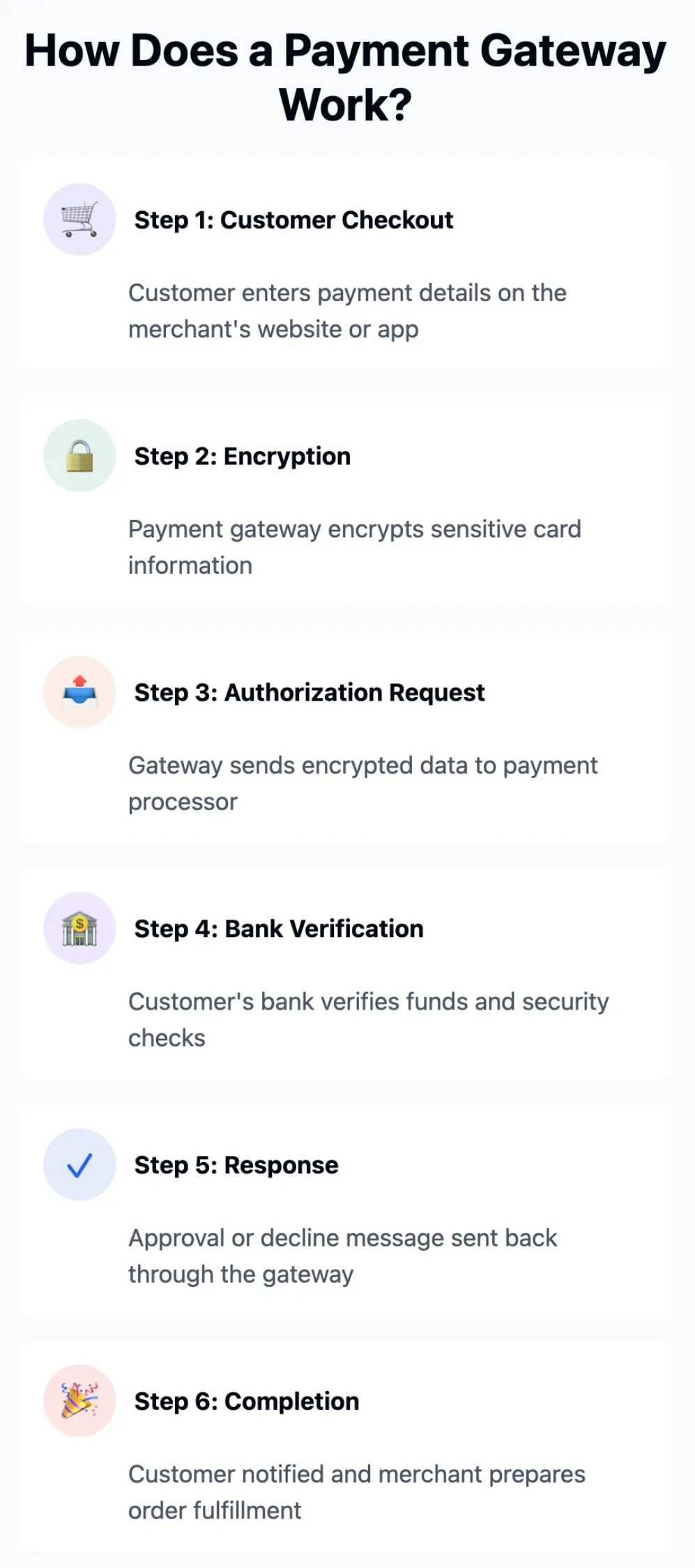
How Does Payment Gateway Work?
An ideal checkout flow is a smooth, frictionless experience, ensuring customers can complete their transactions with minimal effort.
A payment gateway is a service that authorizes and processes payments for online businesses. It encrypts sensitive information, ensuring secure transactions between customers and merchants. The payment gateway acts as an intermediary between the online store, the customer, and the payment processor, verifying transaction details before approving or declining payments.
Criteria to Choose the Best Magento Payment Gateways
1. Competitive transaction fees
One of the most important factors to consider is the transaction fees charged by each gateway. These fees can vary widely, so it's important to compare them carefully.
Therefore, my advice is to look for a gateway that offers competitive rates and transparent pricing. Ideally, you should easily find information about their fee structure on their website, including details on any monthly expenses, setup costs, or additional charges for different transaction types (like international payments or recurring billing).
2. Diversed supported payment methods
According to Statista, payment method preferences vary significantly across regions:
- Asia-Pacific: Mobile wallets dominate, comprising nearly 70% of eCommerce payments.
- Latin America and Middle East & Africa (MEA): Mobile wallets represent about 20% of eCommerce payments in each region.
Alternative payment methods, including Buy Now, Pay Later (BNPL) services and cryptocurrencies, are expected to grow faster than traditional card payments between 2022 and 2027.
When choosing payment gateways for your Magento online store, think about your target audience and their preferred payment methods. Make sure the gateway you choose supports a wide range of options, including major credit cards (Visa, Mastercard, American Express), digital wallets (PayPal, Apple Pay, Google Pay), and potentially alternative payment methods popular in your region.
3. Robust security features
Security should be a top priority when choosing a payment gateway. Look for a provider that is PCI DSS compliant and offers robust fraud prevention tools, such as address verification (AVS) and card security code (CVV) checks. Secure encryption protocols and tokenization technology can add extra layers of protection for sensitive customer data.
4. Seamless Magento integration
From my observation, a seamless integration with your Magento store is important for a smooth checkout experience. Choose a gateway that offers a dedicated Magento extension or plugin for easy installation and configuration. Therefore, don't forget to check for compatibility with your specific Magento version and any third-party extensions you might be using.
5. Reliable customer support
Technical issues can arise at any time, so it's crucial to have reliable customer support available. Look for a payment gateway that offers responsive and knowledgeable support through multiple channels like phone, email, or live chat. To do so, you can read reviews from other Magento merchants to have some insights into the quality of support provided.
6. Valuable additional features
Beyond the basics, some gateways offer additional features that can be beneficial for your business. These might include recurring billing functionality for subscription services, multi-currency support for international sales, or fraud management tools to minimize risks. Consider which features would be most valuable to your operations.
How to Integrate Magento Payment Gateway?
To integrate a payment gateway into Magento, you must first select a compatible payment extension, then install the module and configure your API credentials in the Magento Admin. Then, after testing transactions in sandbox mode, switch the gateway to live mode.
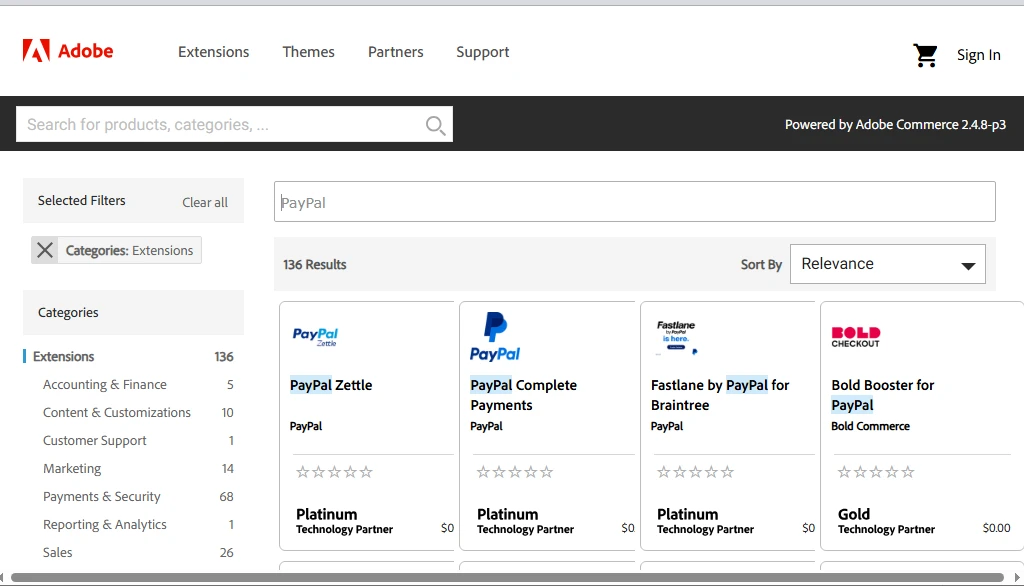
Step 1: Select and download a compatible payment extension
First, go to the Magento Marketplace to choose a payment gateway. Then, download the extension package – or prepare to install it through Composer if the provider supports that method.
Step 2. Install the payment gateway module
As we just mentioned, there are two common installation methods:
Installing via Composer:
This approach is recommended for most Magento stores since it allows for easier updates and dependency management. Simply run the command composer require <vendor/module>, then execute php bin/magento setup:upgrade to apply the changes.
Installing manually:
Alternatively, you can upload the module files to the app/code directory of your Magento installation. Once the files are uploaded, run the Magento upgrade command to register the module within your system.
Step 3. Configure API keys in Magento Admin
Once the extension is installed, you need to connect Magento with your payment provider by entering the required API credentials.
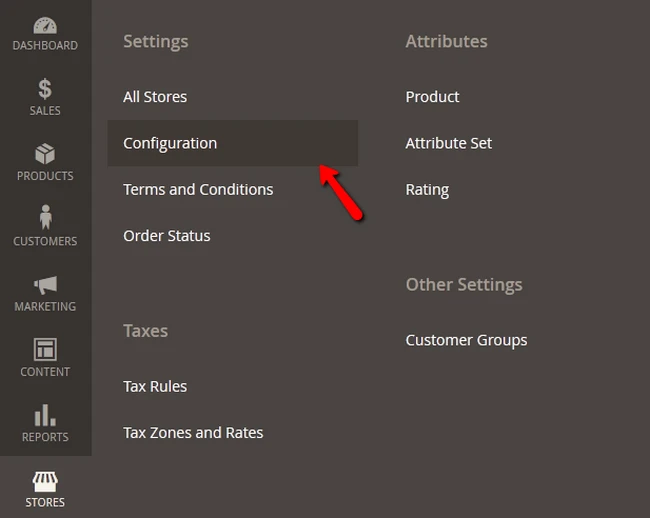
Log in to your Magento Admin panel and navigate to Stores → Configuration → Sales → Payment Methods. From there, locate the newly installed payment gateway and open its configuration settings.
Most providers will require you to enter credentials such as a Secret Key and Publishable Key (or similar authentication tokens). These keys are generated inside your payment provider’s merchant dashboard and allow Magento to securely communicate with the payment gateway.
Step 4: Test and activate the Magento payments gateways
Lastly, before accepting real customer payments, it is important to test the integration. Most payment gateways provide a Sandbox Mode or Test Mode without charging actual money, so make sure you enable this mode in the settings and perform several test purchases on your store.
After confirming that the payment process works smoothly, turn off the sandbox mode and proceed to move your gateway into Live Mode. That's it!
Magento Payment Gateway – FAQs
What is Magento payment?
Magento Payment refers to the various payment processing options available within the Magento eCommerce platform. It includes built-in payment solutions, third-party payment gateway integrations, and custom payment method configurations to facilitate secure transactions for online stores.
Which payment gateway is best for Magento?
The best payment gateway for Magento depends on your business needs. Popular options include PayPal, Stripe, Authorize.net, and Braintree due to their reliability, security, and ease of integration with Magento stores.
How do I set up payment methods in Magento?
To set up payment methods in Magento:
- Navigate to Stores > Configuration in the Magento admin panel.
- Under Sales, select Payment Methods.
- Choose a preferred payment gateway and configure the settings.
- Enter the required API credentials provided by the payment processor.
- Save the configuration and conduct test transactions to ensure functionality.
Is Magento a POS system?
Magento is primarily an eCommerce platform, but it can integrate with POS (Point of Sale) systems through extensions and third-party integrations.
Conclusion
At the end of the day, it is worth reaffirming that choosing a proper Magento (Adobe Commerce) payment gateway for your stores to reside on is essential in today’s digital age with a booming eCommerce industry. It enables you to deliver frictionless customer journeys that will help you venture further into the increasingly demanding eCommerce world.
There exists an abundance of Magento payment gateway extensions in the market, each with its own pros and cons. Try as many options as possible to experience and find the optimal one for your Magento stores!
Don't forget to visit our Magento blog section and join our eCommerce Community to gain more insights and connect with other eCommerce fellows!


