
GoDaddy is one of the most well-known names in the website and domain services space, but that doesn’t mean it’s the right fit for everyone. Many users start with this platform because of its strong brand recognition; however, they eventually search for GoDaddy alternatives when they face rising costs, limited features, or slow performance.
In this guide, we’ll explore the best GoDaddy alternatives for your consideration, including:
Platform | Pricing | Strength over GoDaddy | Best for |
$12.99 to $18.99 per month | - All-in-one package: hosting + eCommerce - AI-driven website builder - Good performance-to-price (P2P) ratio | Budget-conscious store owners | |
Consistently low flat rates | - Transparent renewal pricing with no hidden fees - Free permanent WHOIS privacy protection - Advanced domain marketplace tools | Budget-conscious domain buyers | |
$27 to $92 per month | - Free domain, SSL, and email in one plan - Localized business tools - Affordable for long-term projects | Small to mid-sized local businesses | |
$11.99 to $24.99 per month | - Beginner-friendly dashboard - Free CDN & SSL - Better performance and customer support | WordPress site owners | |
$10.99 to $29.69 per month | - Transparent pricing with no hidden fees- 99.9% uptime guarantee | Budget hosting with flexibility | |
$10.99 to $25.99 per month | - Free WHOIS privacy & SSL | Beginners & long-term hosting users | |
$17.99 to $44.99 per month | - Speed-optimized servers (especially for WordPress) | Growing websites & agencies | |
$29 to $2,300+ per month | - Built-in eCommerce features without needing extra apps - Fast and secure checkout - High scalability with reliable infrastructure | Businesses focused on online sales | |
Custom based on your settings | - Full flexibility with WordPress infrastructure - Wide collection of theme and plugin ecosystem | Sellers who want full control over data | |
$17 to $159 per month | - Drag-and-drop site builder with no coding | Creators and small business | |
$16 to $99 per month | - Clean, mobile-optimized design templates | Brands with strong visual identity |
If you’re considering a switch, we hope this article will help you make an informed decision based on your goals and priorities. Let’s get started!
Store Migration Made Easy With LitExtension!
LitExtension offers great migration solutions that help you transfer your data from the current eCommerce platform to a new one accurately, painlessly with utmost security.

Why Are People Leaving GoDaddy?
GoDaddy is one of the most recognized names in the hosting industry, especially for beginners who want a quick way to get a website online. Its wide range of services – from domains to hosting and website builders – makes it a convenient starting point. However, as your needs become more specific, certain limitations start to surface.
Instead of looking at generic drawbacks, it’s easier to understand why users switch by identifying which group you fall into:
For hosting users
Among users who rely on GoDaddy for hosting, a few common issues tend to emerge over time:
- Pricing becomes less attractive after the first term: While entry prices can be as low as ~$3/month, renewals often double or even triple, reaching ~$10–$15/month. This makes GoDaddy less cost-effective over time.
- Upsells make the experience feel cluttered: Essential features like backups, email, or security are frequently positioned as add-ons, so it takes more effort to get a complete setup.
- Performance does not always match newer providers: In real-world usage, speed and uptime can feel less competitive compared to alternatives that focus more heavily on performance optimization.
For online store owners
For those running or planning to run an online store, the limitations become more apparent:
- Built-in eCommerce features are relatively basic: Compared to other platforms, the online store functionality feels limited, especially as your catalog or requirements grow.
- The app ecosystem is quite limited: There are fewer integrations and extensions available, making it harder to expand your store’s capabilities.
- Scaling becomes challenging over time: As your business grows, the platform does not offer the same level of flexibility or scalability as more eCommerce-focused solutions.
In short, GoDaddy works well as a starting point, but many users outgrow it once they need better value, stronger performance, or more room to scale.
Best Web Hosting Alternatives to GoDaddy
For users who find GoDaddy limiting in terms of pricing or performance, there are several hosting providers that deliver better value. Here are some of the most reliable GoDaddy alternatives to explore.
1. Hostinger – Best for beginners and budget‑conscious users
- Rating: 4.4/5 (G2)
- Pricing: $12.99 to $18.99/month for a 12-month term
- Money-back guarantee: 30-day | Cancel anytime
- Websites: From 25
- Hosting types: Shared web hosting, cloud hosting, VPS hosting, and email hosting
Hostinger is a popular global hosting provider serving over 8 million users across more than 170 countries. Hostinger now goes beyond web hosting with an all-in-one website and eCommerce builder. It works well as a GoDaddy alternative for those who value simplicity, performance, and clear pricing.
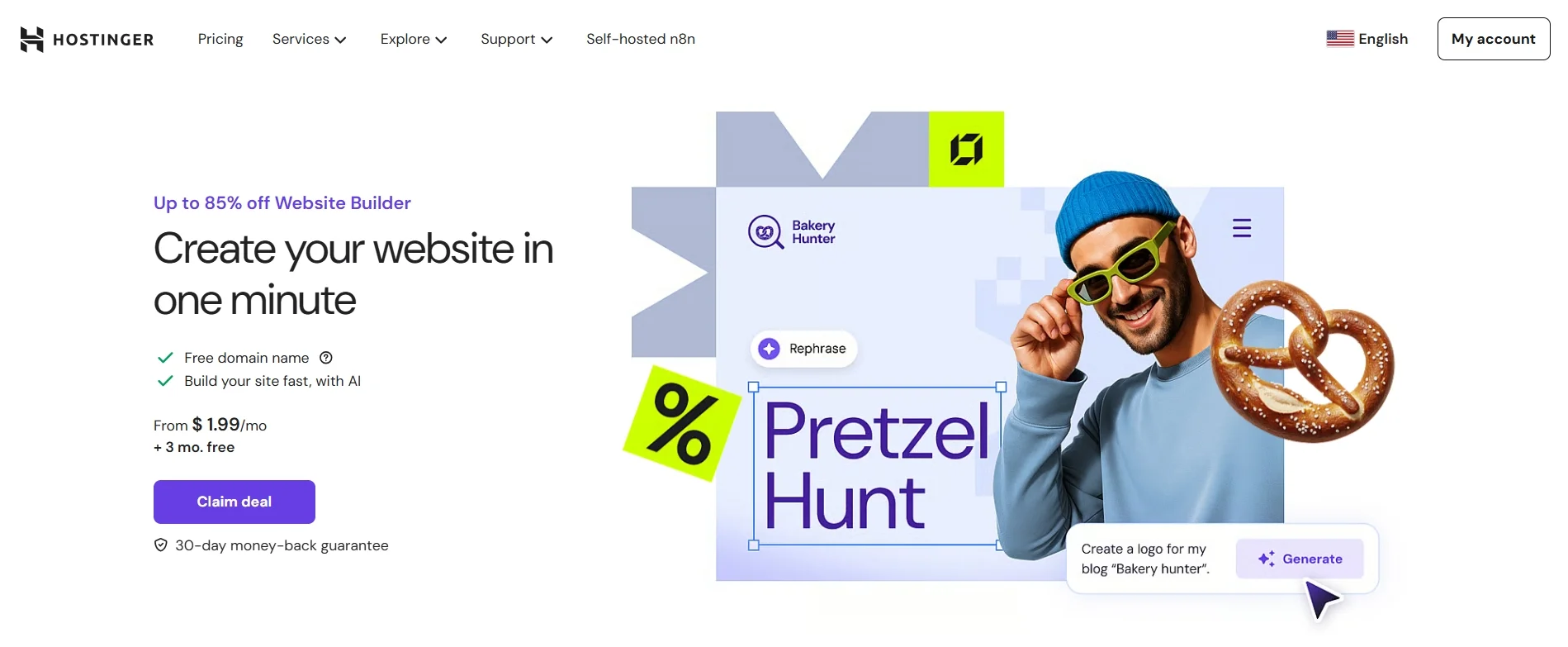
One clear difference shows up in pricing and what you get for it. Hostinger’s entry plans often cost much less while supporting 25 websites, where GoDaddy typically limits you to 1. At similar price points, Hostinger also tends to include more SSD storage, more email accounts, and long-term SSL coverage.
Key features:
- AI‑powered website builder included on all shared and cloud plans at no extra cost.
- Drag‑and‑drop builder with built‑in SEO tools, blogging, analytics, and eCommerce features.
- Extra AI tools: AI Builder, AI Writer, and AI Logo Maker.
- Professional email accounts are included in shared plans.
- Beginner‑friendly hPanel, plus advanced tools (SSH, Git, WP‑CLI, PHP version control) for developers.
Now, let’s look at this platform’s strengths and limitations for your consideration.
Pros | Cons |
- Affordable pricing with good feature set across all plans - Free SSL, domain, and email included in most hosting bundles - User-friendly dashboard and quick onboarding process - Fast website loading thanks to LiteSpeed servers | - No free plan available for testing before purchase - Limited eCommerce depth and scalability, mainly for small stores - Fewer integrations compared to platforms like Shopify or Wix - Missing advanced marketing tools (like automation or CRM) |
2. Dynadot – Best for budget-friendly domain registrations
- Rating: 3.5/5 (G2)
- Pricing: Consistently low flat rates | Free WHOIS privacy protection
- Money-back guarantee: 5-day grace period | Cancel anytime
- Websites: Free 1-page website builder included
- Hosting types: Domain registration, VPS hosting, and website builder plans
Dynadot is a highly reliable, ICANN-accredited platform designed to make securing your brand’s online identity simple, safe, and affordable. As one of the most transparent GoDaddy alternatives, Dynadot eliminates the typical bait-and-switch pricing model by offering low domain name registration rates that match your renewal costs.
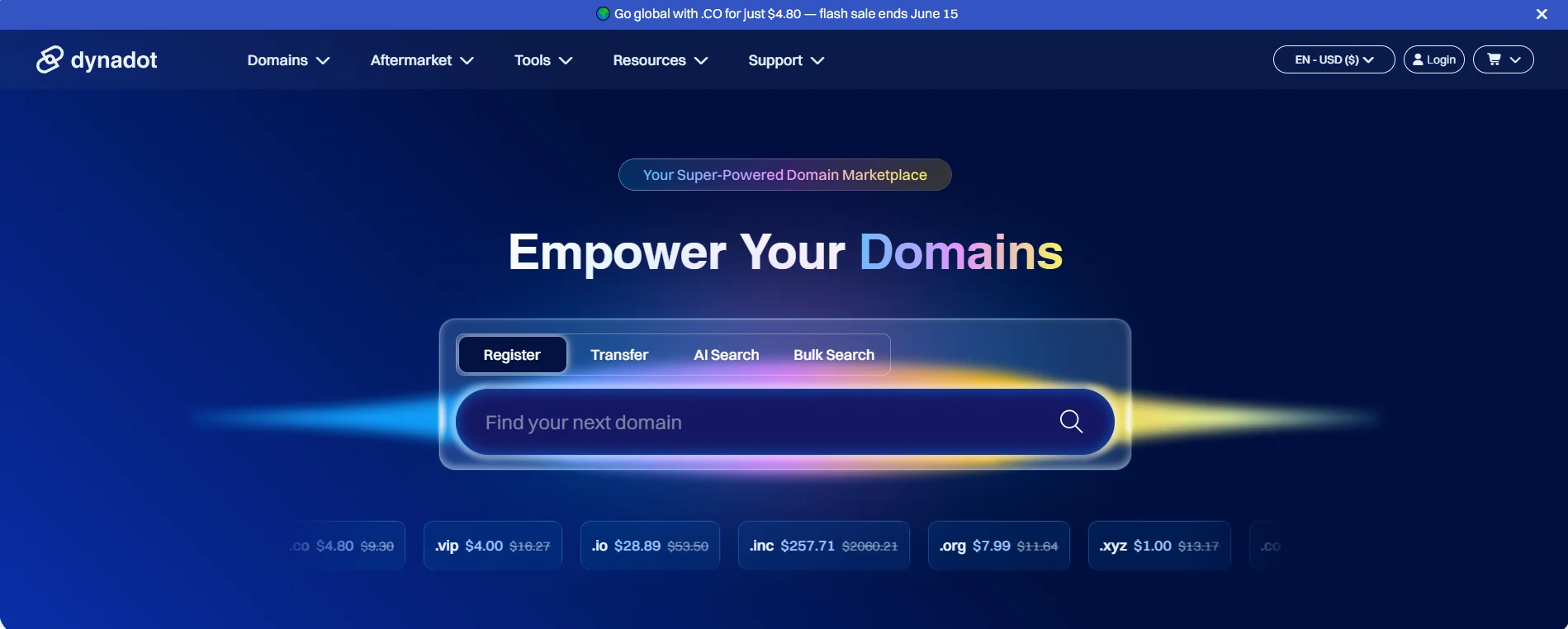
The strength of Dynadot lies in its domain management features. You get access to advanced security protections and built-in design tools without the aggressive upselling loops common on larger registrar platforms.
Key features:
- Consistently flat renewal pricing with zero hidden fees or surprise upcharges.
- Free domain privacy protection (WHOIS protection) is included permanently.
- Built-in one-page website builder to set up a coming-soon landing page instantly.
- Top-tier security tools, including two-factor authentication (2FA) and account locking.
- Advanced domain marketplace for auctions, backorders, and direct user-to-user domain sales.
Here’s how Dynadot performs overall as a platform, especially for cost-conscious users and domain investors.
Pros | Cons |
- Free WHOIS privacy protection forever - No aggressive upsells or shifting renewal fees - Clean, modern, and ad-free user dashboard - Robust security features to prevent domain hijacking | - Web hosting options are relatively basic compared to dedicated hosts - Advanced marketplace interface can have a slight learning curve for beginners - Not ideal for high-volume e-commerce stores requiring deep app integrations |
3. IONOS – Best for small businesses and growing sites
- Rating: 3.5/5 (G2)
- Pricing: $27 to $92/month for a one-year term
- Money-back guarantee: 30-day | Cancel anytime
- Websites: From 1
- Hosting types: Shared web, business, WordPress, VPS, cloud servers, and dedicated/root servers.
IONOS is a long-standing European hosting and website service provider trusted by millions of users, especially in Europe and North America. As one of the most affordable GoDaddy alternatives, IONOS offers beginner-friendly store builders, bundled services, and strong uptime guarantees.
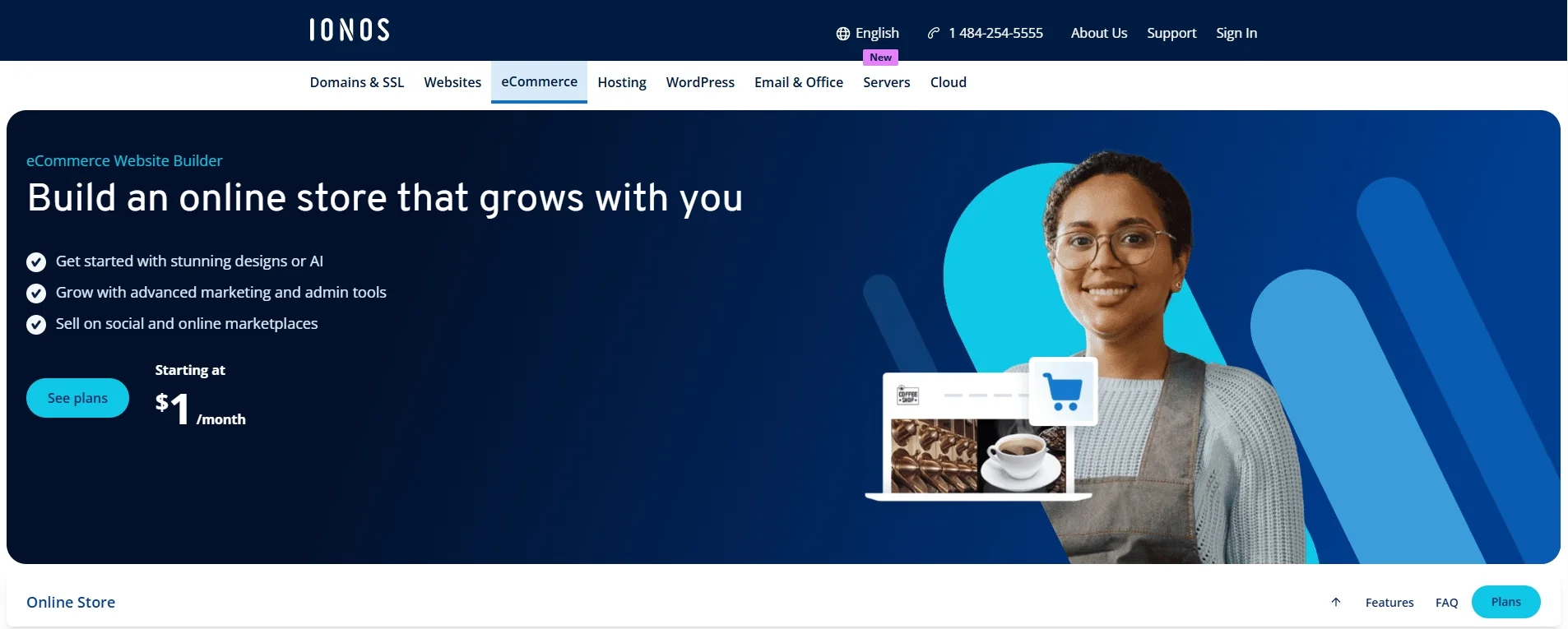
The strength of IONOS lies in its scalability. You get access to multiple hosting types, along with infrastructure options like load balancers and cloud resources. Moving from basic hosting to advanced setups stays simple and uninterrupted.
Key features:
- Lowest starting prices in the market, often with $1/month intro deals.
- Automatic daily backups with short‑term restore options.
- Professional email accounts bundled with hosting (several addresses per plan).
- Strong security stack: malware scans, firewall, geo‑redundant storage for higher resilience
- Custom control panel with SSH, FTP/SFTP, Git, and support for multiple scripting languages.
Here’s how IONOS performs overall as a platform, especially for cost-conscious users and smaller projects.
Pros | Cons |
- Low introductory pricing - Domain, SSL, and email are included in all subscription plan - Localized support in multiple languages - Good uptime and server reliability | - Basic store builder lacks depth for scaling - Interface can feel outdated compared to modern builders - Limited customization and design flexibility - Not ideal for international or high-volume online stores |
4. Bluehost – Best for WordPress‑focused creators
- Rating: 3.4/5 (G2)
- Pricing: $11.99 to $24.99/month for a one-year term.
- Money-back guarantee: 30 day | Cancel anytime
- Websites: From 10
- Hosting types: Shared, WordPress, WooCommerce, VPS, and dedicated server.
With more than 1.5 million users globally, Bluehost has built a strong presence as a reliable hosting provider. Its scale and track record continue to attract both new site owners and growing businesses.
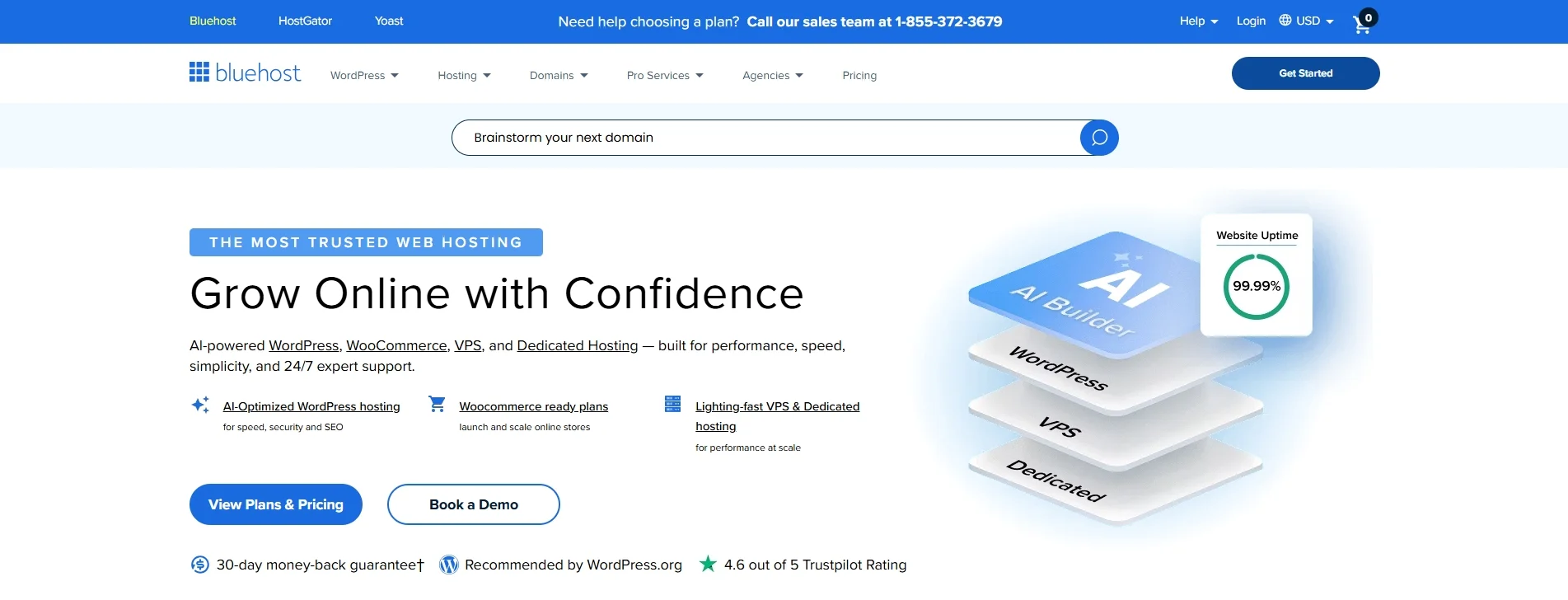
Among GoDaddy alternatives, Bluehost stands out with a stronger WordPress and WooCommerce focus. Its dedicated WooCommerce plans come with pre-installed WooCommerce, store-ready themes, and marketing credits. Thus, it is easier for you to launch a small store on WordPress compared to a generic GoDaddy shared plan.
Key features:
- Free domain name for the first year on most hosting plans.
- Free SSL certificates for all sites, plus domain privacy/WHOIS protection included on many WordPress plans.
- WonderSuite AI tools (WonderBlocks builder, AI content assistant, SEO assistant, smart templates) to speed up site creation and optimization.
- Daily backups with easy restore (via CodeGuard and Jetpack on many plans).
- Staging environments and developer‑friendly tools (SSH, Git, cPanel) for safer edits and advanced workflows.
Let’s take a closer look at what Bluehost does well and where it may fall short.
Pros | Cons |
- Low introductory prices and often heavy discounts on the first term - Guided WordPress installation and tailored WordPress tools on all plans. - Solid performance and uptime for small–medium traffic sites - Robust security tools, including malware and DDoS protections | - Heavy or complex sites may still need VPS/dedicated hosting - performance can drop if you outgrow shared resources and don’t upgrade - Best suited to WordPress and similar PHP apps, not ideal for very custom or unusual tech stacks |
5. HostGator – Best for first‑time site owners
- Rating: 3.6/5 (G2)
- Pricing: $10.99 to $29.69/month for a 36-month term
- Money-back guarantee: 30-day | Cancel anytime
- Websites: From 10
- Hosting types: Shared, WordPress, cloud, VPS, dedicated servers, and reseller hosting.
HostGator has been in the hosting industry for over two decades and powers millions of websites worldwide. Among GoDaddy alternatives, it stands out for offering more flexibility at the entry level, with plans that can host multiple sites and include staging environments in many cases. This makes it a practical option for users managing several projects, especially compared to GoDaddy’s stricter limitations.
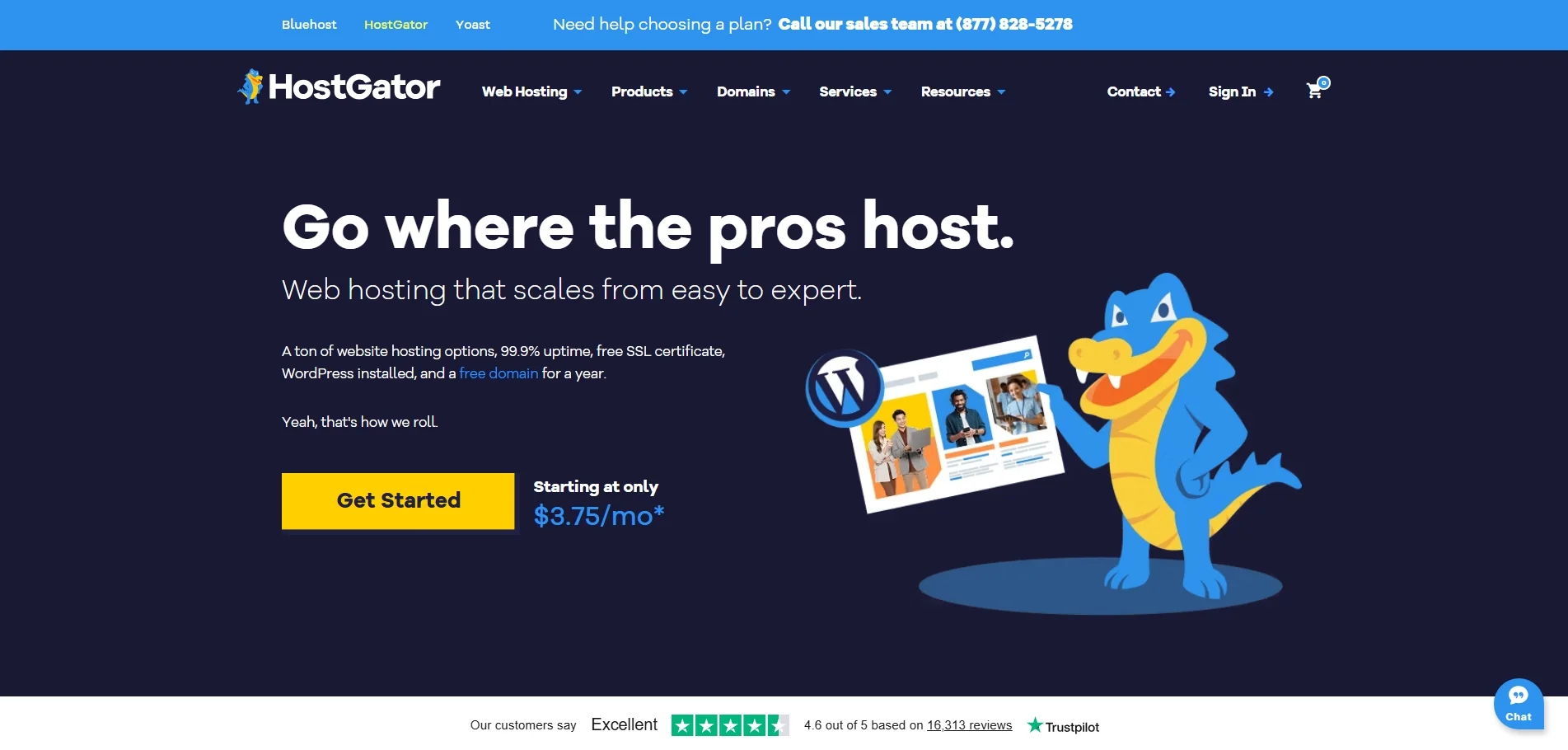
HostGator also makes it easier to grow over time without having to switch providers. Free site migration, unmetered bandwidth, and simple upgrade paths to VPS or dedicated hosting create a smooth scaling experience.
Key features:
- Unmetered bandwidth and generous SSD storage across shared tiers (e.g., 10–100 GB SSD, ideal up to ~400K visits/month).
- Free domain (for at least the first year on qualifying plans)
- Free SSL certificates, email hosting, and often free website migration.
- One‑click WordPress install and managed WordPress updates on shared/WordPress plans.
Here’s how HostGator stacks up in terms of strengths and weaknesses.
Pros | Cons |
- Competitive introductory pricing with frequent discounts - One‑click WordPress installs, automatic updates on WordPress plans - Good handling of moderate traffic spikes for small‑to‑medium sites - Wide portfolio: shared, WordPress, reseller, VPS, and dedicated hosting | - Full cPanel with several options can feel overwhelming to first‑time users - Performance can be inconsistent on shared plans at peak times - Advanced security, daily automated backups, and monitoring often costs extra as add-on services |
6. DreamHost – Best for creators and small businesses
- Rating: 4/5 (G2)
- Pricing: $10.99 to $25.99/month for a 1-year contract
- Money-back guarantee: 97-day | Cancel within this period
- Websites: From 25
- Hosting types: Shared web hosting, cloud hosting, VPS hosting, and email hosting
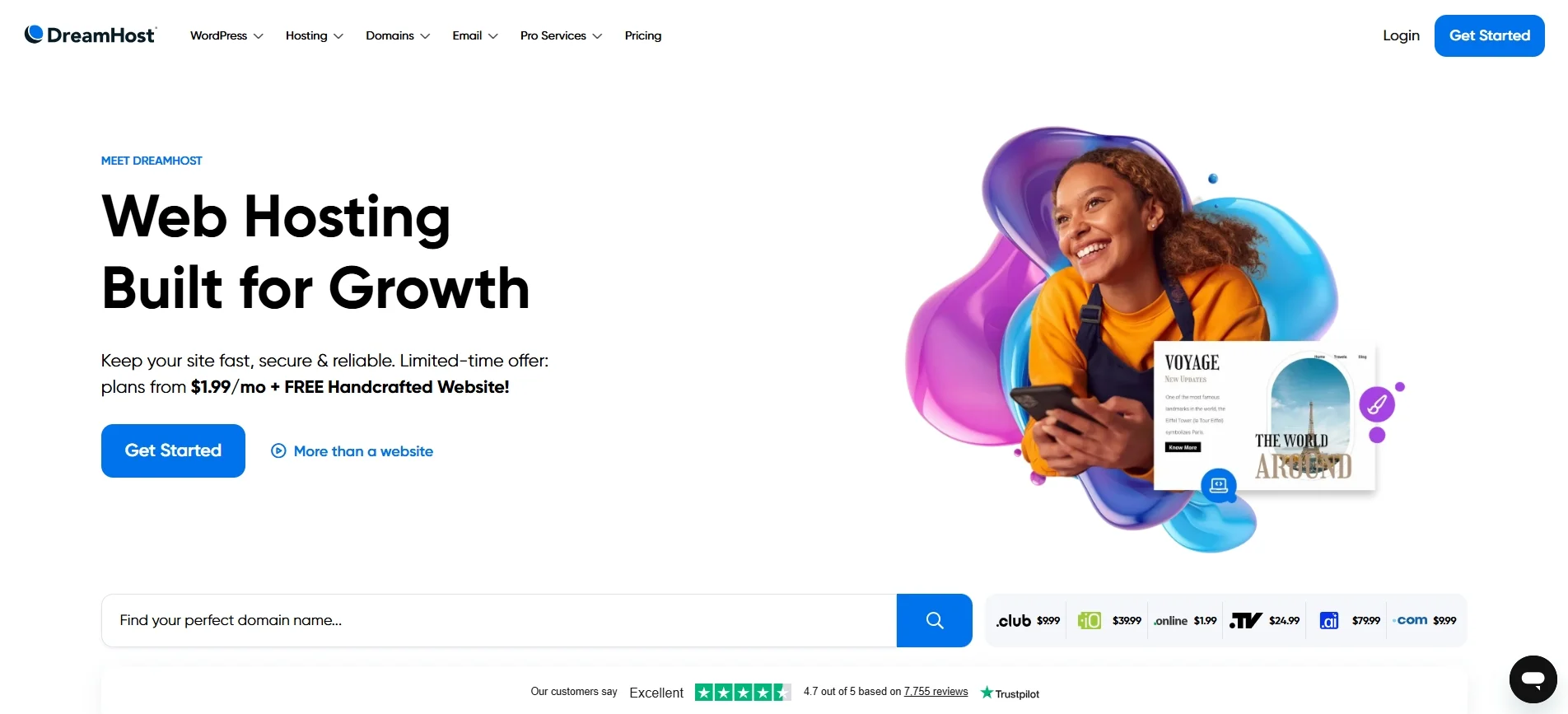
DreamHost is a well-established hosting provider that powers over 1.5 million websites and is officially recommended by WordPress. When you compare it to other GoDaddy alternatives, you will notice that DreamHost includes more by default. There is free SSL with no expiration, a free domain on many plans, and unlimited traffic even at the lowest tier. As a result, you avoid the extra add-on costs that often come with GoDaddy.
Key features:
- Custom, beginner‑friendly control panel instead of standard cPanel.
- Free WHOIS privacy on domains, free SSL, and unlimited bandwidth/data transfers on different plans.
- Officially recommended by WordPress.org, with dedicated DreamPress managed WordPress plans.
- New AI tools bundled: AI website builder, content builder, business advisor, and planner.
Here’s a deeper look at DreamHost’s overall pros and cons.
Pros | Cons |
- Competitive entry pricing with clearly disclosed renewals - Free domain with WHOIS privacy on many plans, free SSL certificates, and unlimited bandwidth/data transfers - Clean custom control panel with integrated analytics, security, CDN, and WordPress tools - DreamPress plan adds automatic backups, caching, staging, CDN, and expert migrations specifically for WordPress | - Some essential features (like email marketing) are locked behind paid wall - No standard cPanel may confuse users using cPanel hosts. - Raw page‑load speed can be slower than top‑tier performance hosts - Global server locations are limited (primarily US and one EU option) |
7. SiteGround – Best for performance‑focused WordPress users
- Rating: 4.2/5 (G2)
- Pricing: $17.99 to $44.99/month for a 1-year contract
- Money-back guarantee: 30 day | Cancel anytime
- Websites: Up to 100
- Hosting types: Shared web, managed WordPress, managed WooCommerce, cloud, and reseller/agency hosting.
SiteGround positions itself at the premium end of the hosting market, with a strong focus on performance and reliability. If you are exploring GoDaddy alternatives, you will likely notice that SiteGround leans more toward long-term stability than lowest-cost entry plans.

Under the hood, SiteGround uses Google Cloud infrastructure and advanced server-side optimization to deliver strong performance. As a result, you can expect faster loading speeds and more stable performance than what GoDaddy typically offers.
Key features:
- Powerful 3‑layer caching via the SiteGround Optimizer plugin.
- Custom Site Tools control panel that’s more modern and beginner‑friendly than cPanel, while still offering advanced options.
- Officially recommended by WordPress, with one‑click installs, smart auto‑updates, staging, and performance tuning built in.
- Free email hosting with unlimited mailboxes on most plans (GoDaddy often limits or charges extra).
Before choosing SiteGround, let’s take a look at how it performs in terms of pros and cons.
Pros | Cons |
- Very fast hosting using Google Cloud, Ultrafast PHP, SSD storage, and free CDN - Deep WordPress focus with SG Optimizer plugin, staging, and easy migration - Free SSL, email tool, CDN, daily backups, and strong security included on all plans - Strong security features (custom security plugin, proactive monitoring, firewall rules) | - Subscription plans are higher than many budget hosts - Advanced tools are only available for higher-tier plans - No traditional cPanel, so there is a learning curve for users migrating from cPanel hosts. |
Best GoDaddy Alternatives for eCommerce
In this section, we focus on the best eCommerce platforms that outperform GoDaddy in key areas such as ease of use, scalability, design, and integrations. Each alternative below suits a different type of business, so you can compare them based on your selling goals, technical comfort level, and long-term plans.
1. Shopify – Best for scalable eCommerce businesses
- Rating: 4.4/5 (G2)
- Pricing: $29 to $2,300+/month if billed annually
- Free domain: ❌
- Free SSL: ✅
- Support: 24/7 live chat, email and phone support
According to BuiltWith, Shopify powers 6.9 million businesses in over 175 countries and is one of the most popular eCommerce platforms globally. With its powerful built-in features, expansive app ecosystem, and highly scalable infrastructure, Shopify stands out as a strong alternative for anyone serious about growing their online store.
If you want to learn more about this platform, please don’t forget to check out our in-depth Shopify review and Shopify features to discover everything you need to know.

Key features:
- Unlimited products and strong inventory management (variants, multi‑location stock, low‑stock alerts, bulk edits)
- Built‑in payments (Shopify Payments), support for many gateways, multi‑currency, subscriptions, and fraud analysis.
- Multi‑channel selling across online store, POS, social (Facebook, Instagram), and marketplaces.
- Thousands of apps and themes allow for deep customization and scaling as your business grows.
- Secure, hosted infrastructure with SSL, PCI‑compliant checkout, and automatic updates.
Before deciding, let’s explore what Shopify does well and where it may fall short for certain users.
Pros | Cons |
- Rich eCommerce toolkit (inventory, variants, discounts, abandoned cart, apps) - Advanced marketing and SEO capabilities via apps and built‑in tools - Optimized checkout and fast site speed - Growing AI toolkit (Shopify Magic) for product copy, emails, and store setup | - Monthly costs can add up, especially with apps integration - High transaction fees unless you use Shopify Payments - Custom design requires good knowledge of Shopify Liquid |
If Shopify feels like the right direction, the next step is moving your store without disrupting your current setup. That’s where LitExtension can help with a smooth, secure GoDaddy to Shopify migration.
Let Our Experts Handle Your Store Migration!
With the All-in-One Migration Service, our experts take care of everything, ensuring a seamless and stress-free migration from GoDaddy to Shopify.
2. WooCommerce – Best for flexible WordPress-based stores
- Rating: 4.4/5 (G2)
- Pricing: Free to install, but the overall store costs depend on your choices of hosting, themes, and paid plugins
- Free domain: ❌
- Free SSL: ❌
- Support: Ticket-based support, no direct live chat or phone
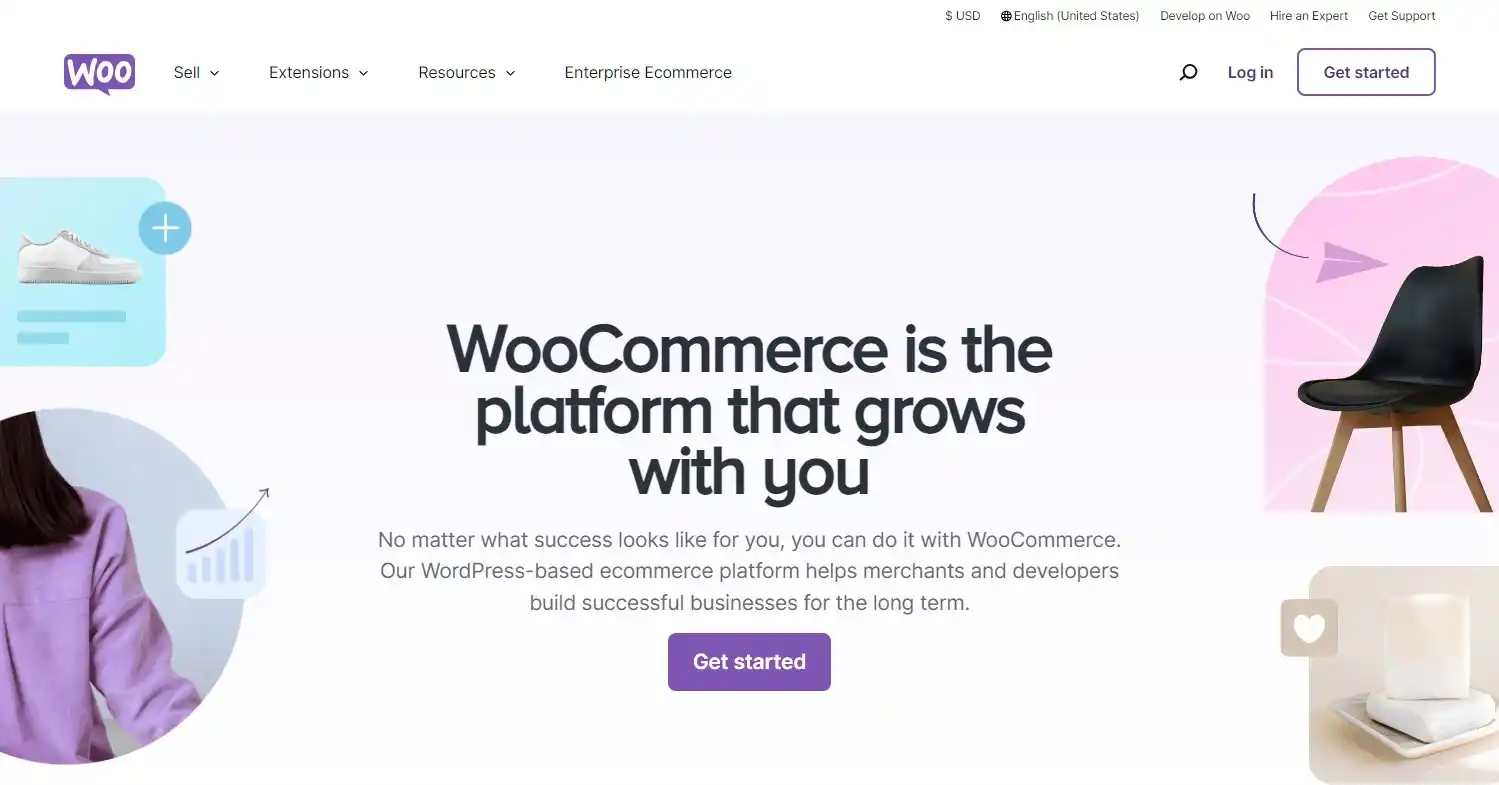
WooCommerce is an open-source eCommerce plugin built for WordPress, powering a significant portion of online stores worldwide. It stands out among the top GoDaddy alternatives thanks to its high level of customization, plugin flexibility, and full ownership of store data, ideal for users who want to build a tailored eCommerce experience from the ground up.
Want to explore more? Check out our in-depth WooCommerce review and detailed breakdown of WooCommerce features to see if it’s the ideal option for your business.
Key features:
- Sell almost anything: physical products, digital downloads, services, subscriptions, memberships, bookings, and bundles.
- Advanced product and catalog management with unlimited products, variations, attributes, categories, and tags.
- Strong SEO and content marketing advantages by leveraging WordPress
- Massive ecosystem of themes and extensions to expand your store’s features without platform restrictions.
Now, let’s take a closer look at the WooCommerce advantages and its potential challenges before deciding.
Pros | Cons |
- Free to use with open-source flexibility - Full control over design, data, and store features - Strong SEO and blogging capabilities - Seamless integration with WordPress | - Requires separate hosting and technical setup before launch - Premium plugins may increase total cost of ownership - Store performance and loading speed depends on hosting quality - Ongoing updates and maintenance required |
3. Wix – Best for beginners building simple websites
- Rating: 4.2/5 (G2)
- Pricing: $17 to $159 per month for an annual subscription
- Free domain: ✅
- Free SSL: Free for 1 year on paid plans
- Support: 24/7 live chat, callback phone support
Within the landscape of GoDaddy alternatives for eCommerce, Wix stands out for its balance between ease of use and creative control. Instead of locking you into fixed structures, it gives you a true drag-and-drop builder, so you can design your storefront more freely while still keeping the setup simple. As a result, you get more flexibility in how your store looks without adding complexity.

At the same time, Wix goes beyond basic selling features by offering a wide range of built-in business tools. From marketing and automation to bookings and content management, everything sits in one place.
Key features:
- Powerful AI tools (AI Website Builder, Harmony/Aria, AI text and image tools, AI marketing and automations) to generate and optimize sites.
- App Market and Velo by Wix for advanced functionality, custom code, database‑driven content, and API integrations.
- Built‑in business tools: ecommerce, bookings, subscriptions, memberships, events, and POS support.
- Secure, fully hosted cloud infrastructure with automatic updates, backups, and performance optimization.
Before choosing Wix, let’s review how the platform performs overall and where it might fall short.
Pros | Cons |
- Very easy to use with no advanced technical skills required - Large collection of modern, customizable website templates - Built‑in tools for email marketing, SEO, and payments - All‑in‑one platform with hosting included | - Limited flexibility for advanced customization - Less scalable for large or complex stores - Unable to switch templates after chosing - Advanced features require higher-tier plans |
4. Squarespace – Best for design-focused content sites
- Rating: 4.5/5 (G2)
- Pricing: $25 to $139 per month if billed yearly
- Free domain: ✅
- Free SSL: Free for 1 year on annual plans
- Support: 24/7 email support, live chat, no phone support
Squarespace is widely known for its polished templates and consistent design system. With built‑in eCommerce features, hosting, and content tools, the platform has become one of the more design‑centric GoDaddy alternatives for users who want a professional‑looking store without managing technical details.

Key features:
- High‑end templates and Fluid drag‑and‑drop editor (Fluid Engine) for pixel‑precise, mobile‑responsive designs.
- Strong content and brand tools: blogging, portfolios, video sections, image library (Unsplash), custom fonts, and support for custom CSS.
- Integrated marketing and analytics: email campaigns, lead capture, social integrations, real‑time analytics, and basic multi‑channel selling.
- Built‑in ecommerce: products, digital goods, subscriptions, memberships, discounts, taxes, shipping, and secure checkout.
Before deciding, it’s useful to look at Squarespace’s overall strengths and limitations as listed below.
Pros | Cons |
- High‑quality, mobile‑first templates - All‑in‑one platform with hosting included - Built‑in blogging, SEO, and email tools - Easy to set up and use with no advanced technical skill required | - Limited flexibility for complex store logic - Smaller app and integration ecosystem than Shopify and WooCommerce - Less suitable for large or fast‑scaling stores - Customization beyond templates is quite limited and restricted |
How to Choose the Right GoDaddy Alternative
After going through all the GoDaddy alternatives above, making a decision is not always straightforward. Each option serves a different purpose, so to clarify, we have mapped them below by specific need.
- If you just want cheaper hosting: Hostinger, Dynadot, or IONOS offer better value, with more resources at lower price points.
- If your focus is WordPress: Bluehost or SiteGround provides a more optimized and reliable WordPress environment.
- If you need a simple online store: Wix or Squarespace lets you launch quickly with built-in tools and no technical hassle.
- If you plan to scale eCommerce seriously: Shopify or WooCommerce gives you the flexibility and ecosystem for long-term growth.
In the end, the right platform is less about which one has more features and more about which one aligns with your current needs and future direction.
GoDaddy Alternatives – FAQs
Why is GoDaddy so expensive?
GoDaddy’s pricing often looks attractive at first, but the total cost increases over time. Renewal rates are usually much higher than the initial price, and many essential features – such as backups, email, or advanced security – are sold as add-ons. As a result, you may end up paying more compared to providers that include these features by default.
What is the best alternative to GoDaddy?
There is no single “best” alternative – it depends on your needs:
- Hostinger or IONOS for affordable hosting with better value
- Bluehost or SiteGround for a more optimized WordPress experience
- Shopify, WooCommerce, Wix, or Squarespace for building and scaling an online store
Is there a cheaper option than GoDaddy?
Yes, several providers offer lower pricing with more included features. Hostinger and IONOS, for example, typically provide cheaper plans with more resources and fewer add-on costs. This makes them more cost-effective options, especially for long-term use.
Final Verdict
GoDaddy may be a convenient starting point, but it often falls short when it comes to pricing transparency, performance, and long-term flexibility. Whether you’re looking to launch a personal website, grow an online store, or switch to a more reliable hosting provider, there are many GoDaddy alternatives that offer better value, smoother user experiences, and tools designed for real business growth.
From all-in-one platforms like Shopify and Wix to performance-focused hosts like SiteGround and Bluehost, the right alternative depends on your goals, budget, and technical comfort level. Use the criteria we’ve shared to guide your choice and don’t settle for a platform that holds you back.
Want to dive deeper into platform comparisons, migration tips, and eCommerce tools? Check out our Resources and LitExtension Blog
for expert insights, platform reviews, and actionable guides to help you build and grow your online business.

